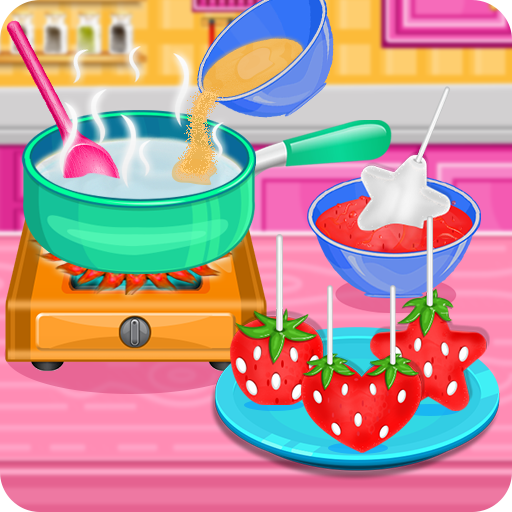
Strawberry Pops- Cooking Games for PC
GameiFun - Educational games
Unduh Strawberry Pops- Cooking Games di PC Dengan Emulator GameLoop
Strawberry Pops- Cooking Games di PC
Strawberry Pops- Cooking Games, berasal dari pengembang GameiFun - Educational games, berjalan di sistem Android di masa lalu.
Sekarang, Anda dapat memainkan Strawberry Pops- Cooking Games di PC dengan GameLoop dengan lancar.
Unduh di perpustakaan GameLoop atau hasil pencarian. Tidak ada lagi memperhatikan baterai atau panggilan frustasi pada waktu yang salah lagi.
Nikmati saja Strawberry Pops- Cooking Games PC di layar besar secara gratis!
Strawberry Pops- Cooking Games Pengantar
Make them even tastier as candy pops in this fun cooking game
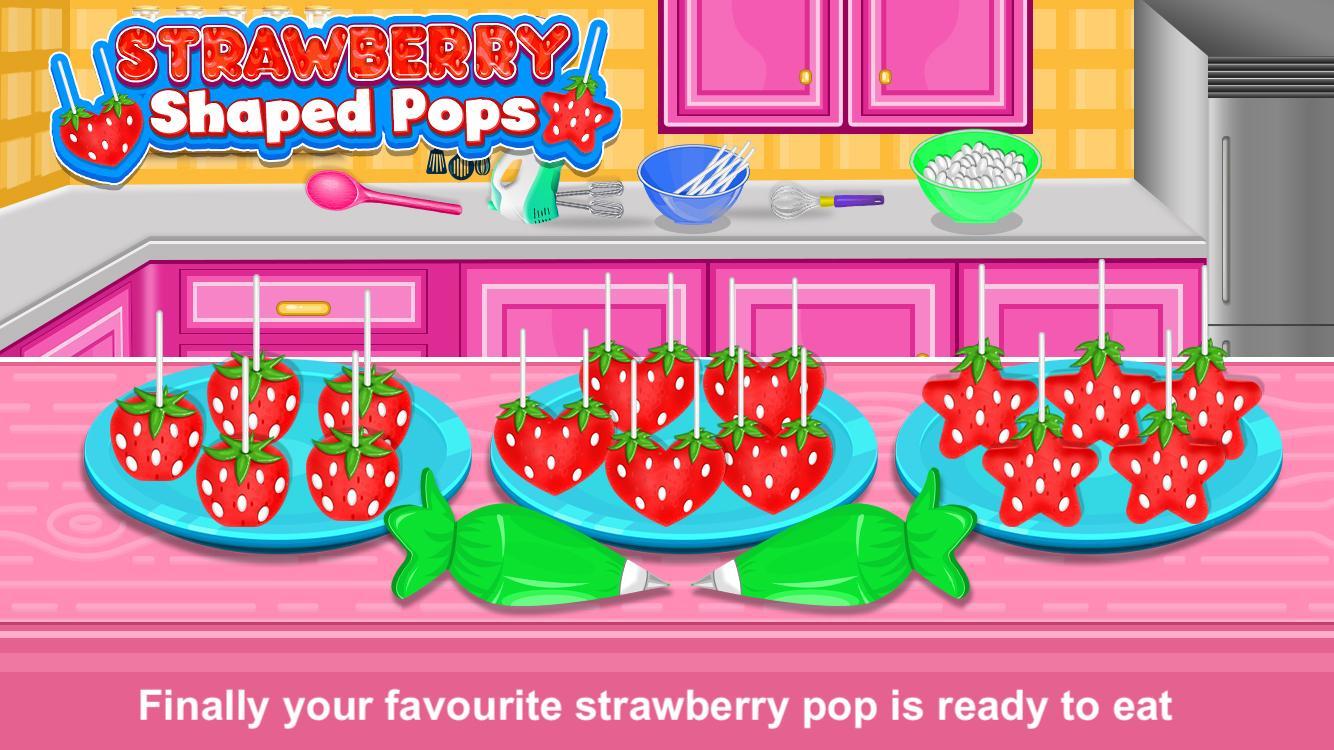
Different types of shaped pop like heart, start and square
How to make strawberry shaped pops:
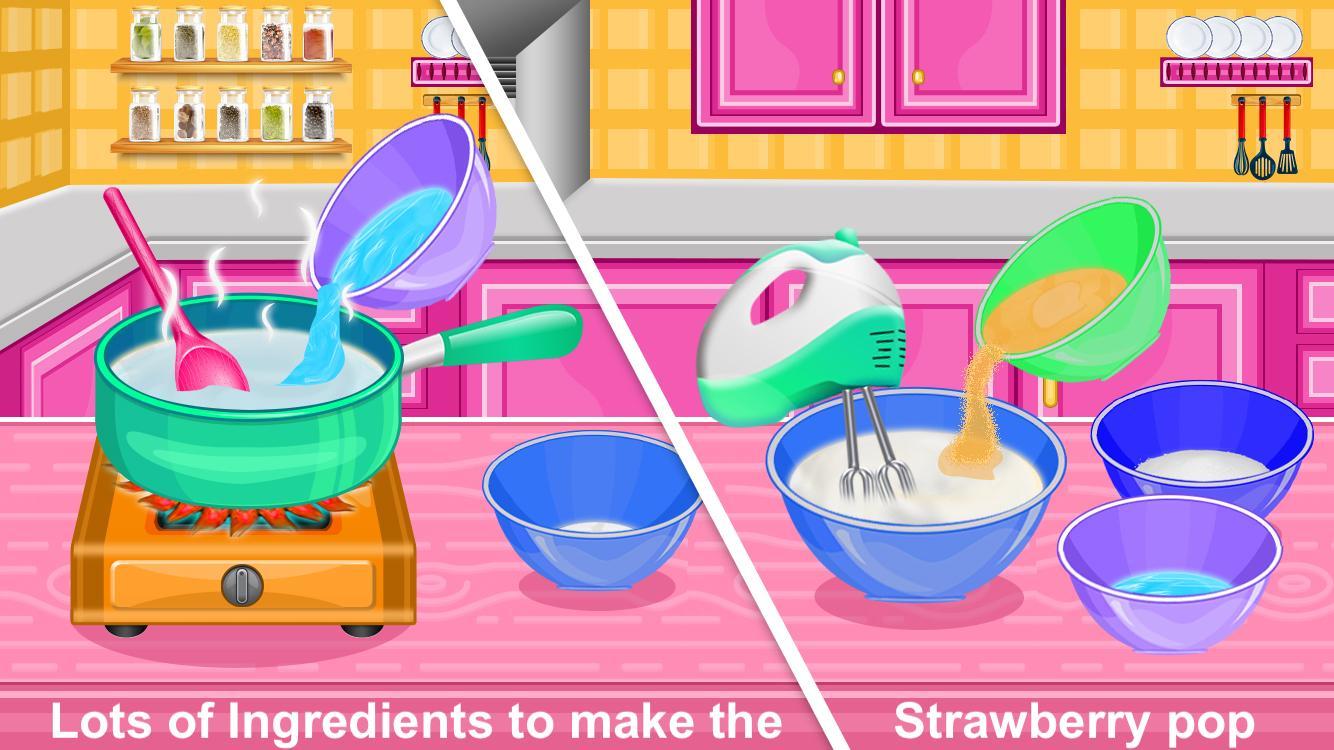
Add water to the pan
Add gelatine to the pan
Use spoon to mix the contents
Pur the mixture to the bowl
Add granulated sugar, corn syrup and water to the bowl and mix it
Add egg to the bowl
Add vanilla to the bowl
Use knife to cut the marshmallows in small pieces
Insert pop sticks into the marshmallows
Dip the pops into the melted red bowl
Decorate the pop and eat it
Do you love cooking? Download Now and Have a lot of fun!
Pratinjau
Tag
KasualInformasi
Pengembang
GameiFun - Educational games
Versi Terbaru
2.0.2
Terakhir Diperbarui
2025-08-18
Kategori
Kasual
Tersedia di
Google Play
Menampilkan lebih banyak
Cara memainkan Strawberry Pops- Cooking Games dengan GameLoop di PC
1. Download GameLoop dari situs resminya, lalu jalankan file exe untuk menginstal GameLoop.
2. Buka GameLoop dan cari “Strawberry Pops- Cooking Games”, temukan Strawberry Pops- Cooking Games di hasil pencarian dan klik “Install”.
3. Nikmati bermain Strawberry Pops- Cooking Games di GameLoop.
Minimum requirements
OS
Windows 8.1 64-bit or Windows 10 64-bit
GPU
GTX 1050
CPU
i3-8300
Memory
8GB RAM
Storage
1GB available space
Recommended requirements
OS
Windows 8.1 64-bit or Windows 10 64-bit
GPU
GTX 1050
CPU
i3-9320
Memory
16GB RAM
Storage
1GB available space