
Suraksha for PC
Tata Steel
Unduh Suraksha di PC Dengan Emulator GameLoop
Suraksha di PC
Suraksha, berasal dari pengembang Tata Steel, berjalan di sistem Android di masa lalu.
Sekarang, Anda dapat memainkan Suraksha di PC dengan GameLoop dengan lancar.
Unduh di perpustakaan GameLoop atau hasil pencarian. Tidak ada lagi memperhatikan baterai atau panggilan frustasi pada waktu yang salah lagi.
Nikmati saja Suraksha PC di layar besar secara gratis!
Suraksha Pengantar
TSL`s E&P division is the core capacity augmentation arm of the steel giant. It is accountable for executing large capex projects. It aspires to be numero uno among its peers in efficiently managing mega projects.
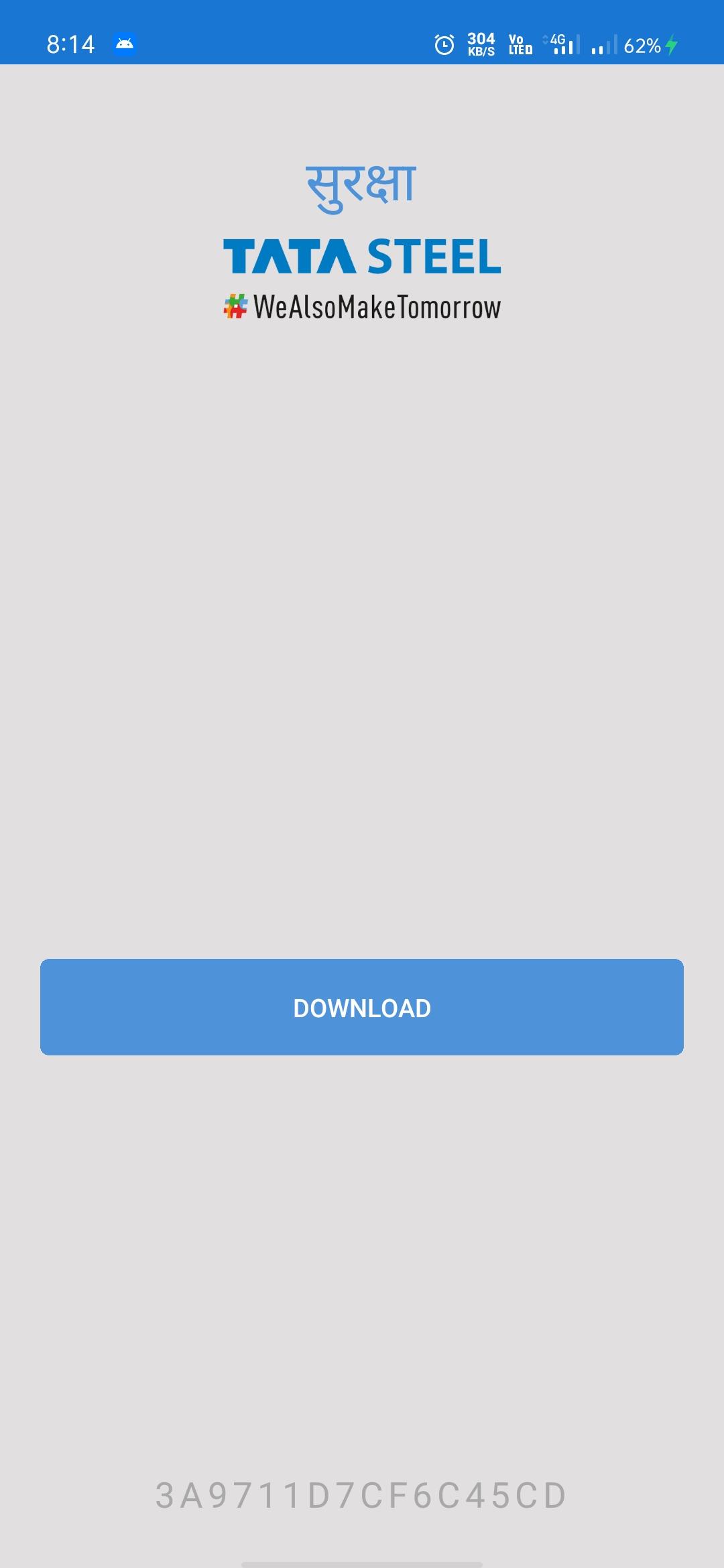
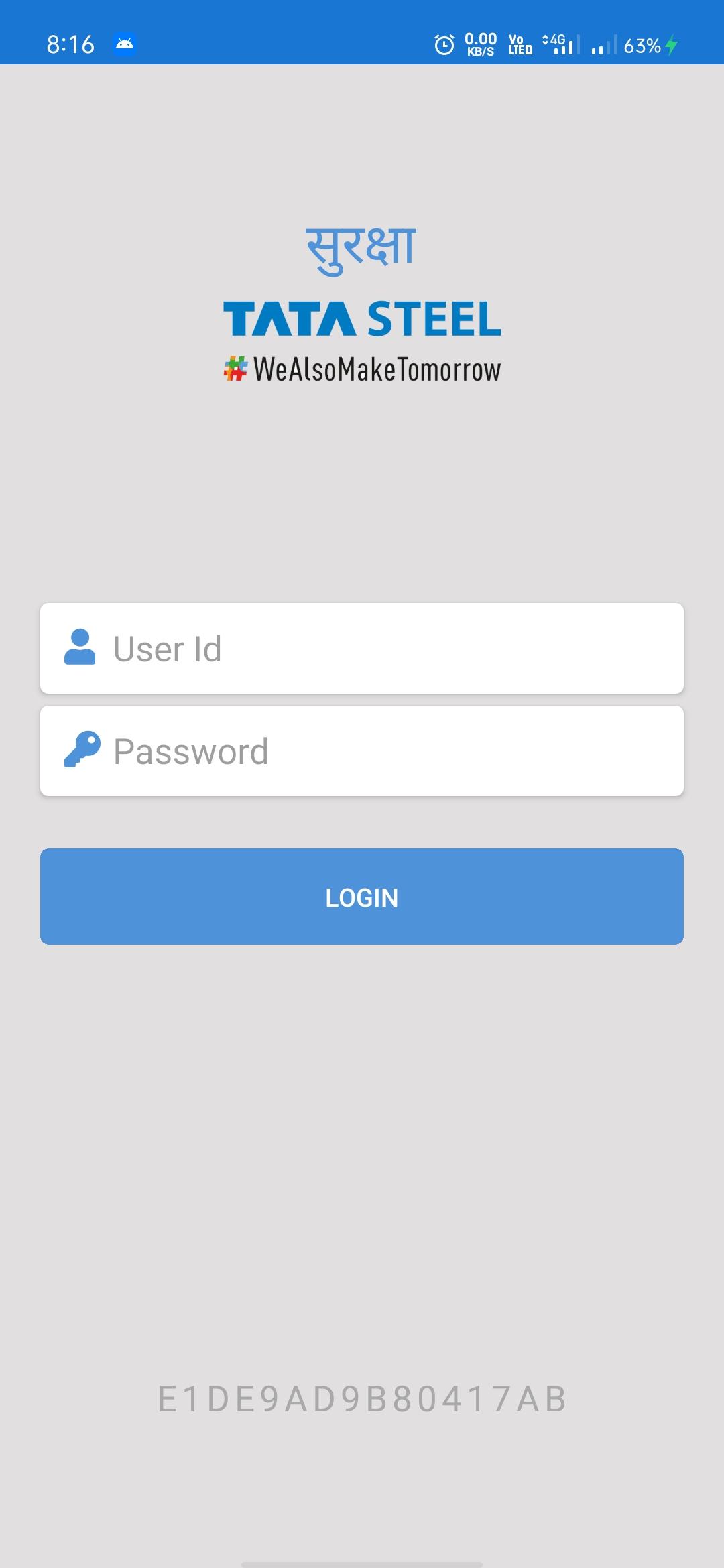
Tata Steel has proactively devised a system to capture travel history and work place presence of all its employees and contract workers. This android app helps in early screening of people at its entry gates for detection of their risk profiles probabilities.
This assist in restoring confidence in the working populace inside TSL plant that there is enough safeguards in place at Tata. So that they can diligently work without an iota of fear. This app helps security staff and vendors` administration staff to easily verify the profile status of their workers and take necessary actions. Using this app any device with NFC reader and good quality camera can scan HF Mifare RFID cards and QR codes effortlessly. Scanned information is then processed and relevant audio-visual alerts are generated to guide for suitable intervention.
Pratinjau
Tag
BisnisInformasi
Pengembang
Tata Steel
Versi Terbaru
2.0.0
Terakhir Diperbarui
2020-10-08
Kategori
Bisnis
Tersedia di
Google Play
Menampilkan lebih banyak
Cara memainkan Suraksha dengan GameLoop di PC
1. Download GameLoop dari situs resminya, lalu jalankan file exe untuk menginstal GameLoop.
2. Buka GameLoop dan cari “Suraksha”, temukan Suraksha di hasil pencarian dan klik “Install”.
3. Nikmati bermain Suraksha di GameLoop.
Minimum requirements
OS
Windows 8.1 64-bit or Windows 10 64-bit
GPU
GTX 1050
CPU
i3-8300
Memory
8GB RAM
Storage
1GB available space
Recommended requirements
OS
Windows 8.1 64-bit or Windows 10 64-bit
GPU
GTX 1050
CPU
i3-9320
Memory
16GB RAM
Storage
1GB available space