NUUO iViewer for PC
NUUO Inc.
Unduh NUUO iViewer di PC Dengan Emulator GameLoop
NUUO iViewer di PC
NUUO iViewer, berasal dari pengembang NUUO Inc., berjalan di sistem Android di masa lalu.
Sekarang, Anda dapat memainkan NUUO iViewer di PC dengan GameLoop dengan lancar.
Unduh di perpustakaan GameLoop atau hasil pencarian. Tidak ada lagi memperhatikan baterai atau panggilan frustasi pada waktu yang salah lagi.
Nikmati saja NUUO iViewer PC di layar besar secara gratis!
NUUO iViewer Pengantar
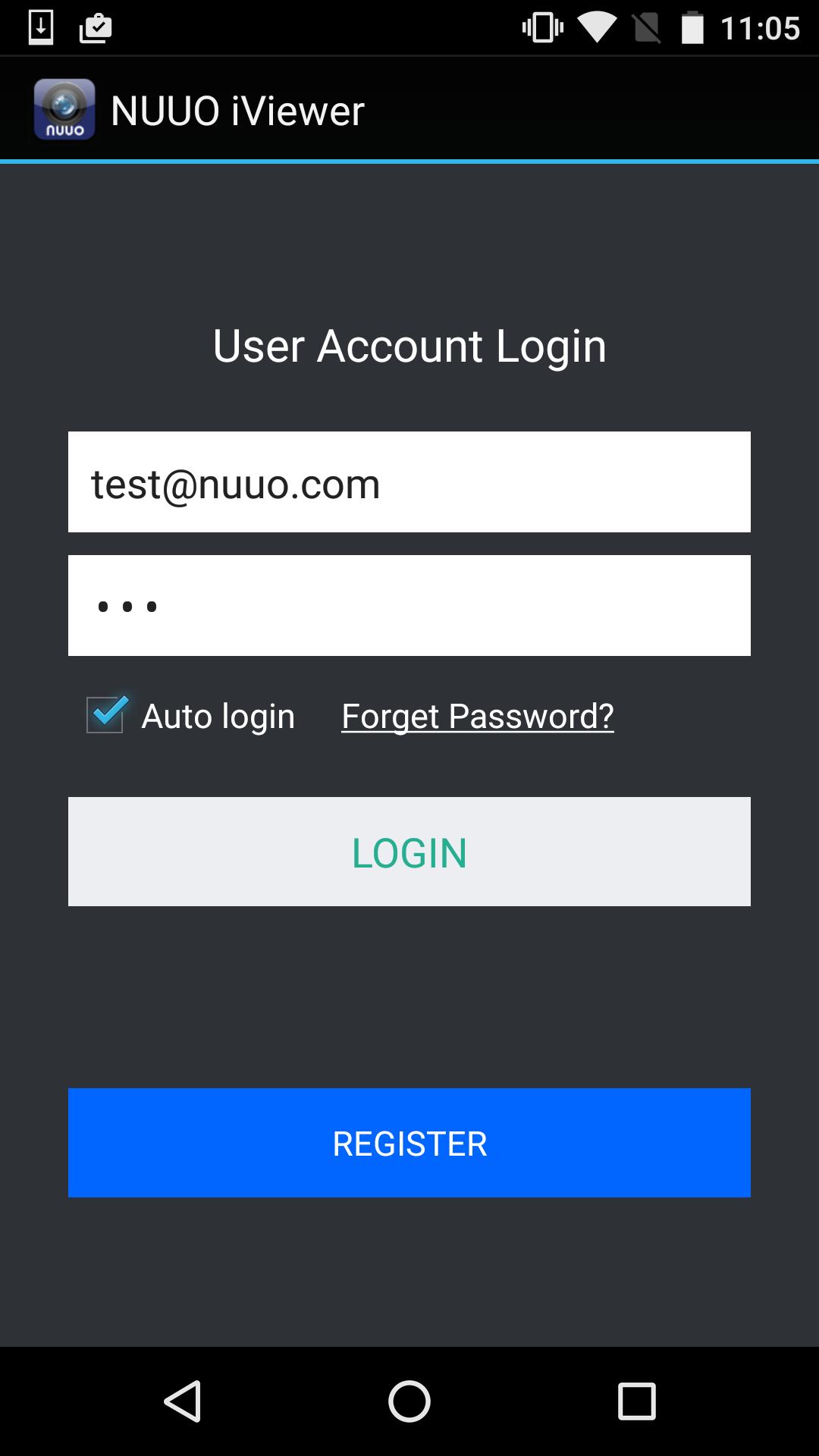
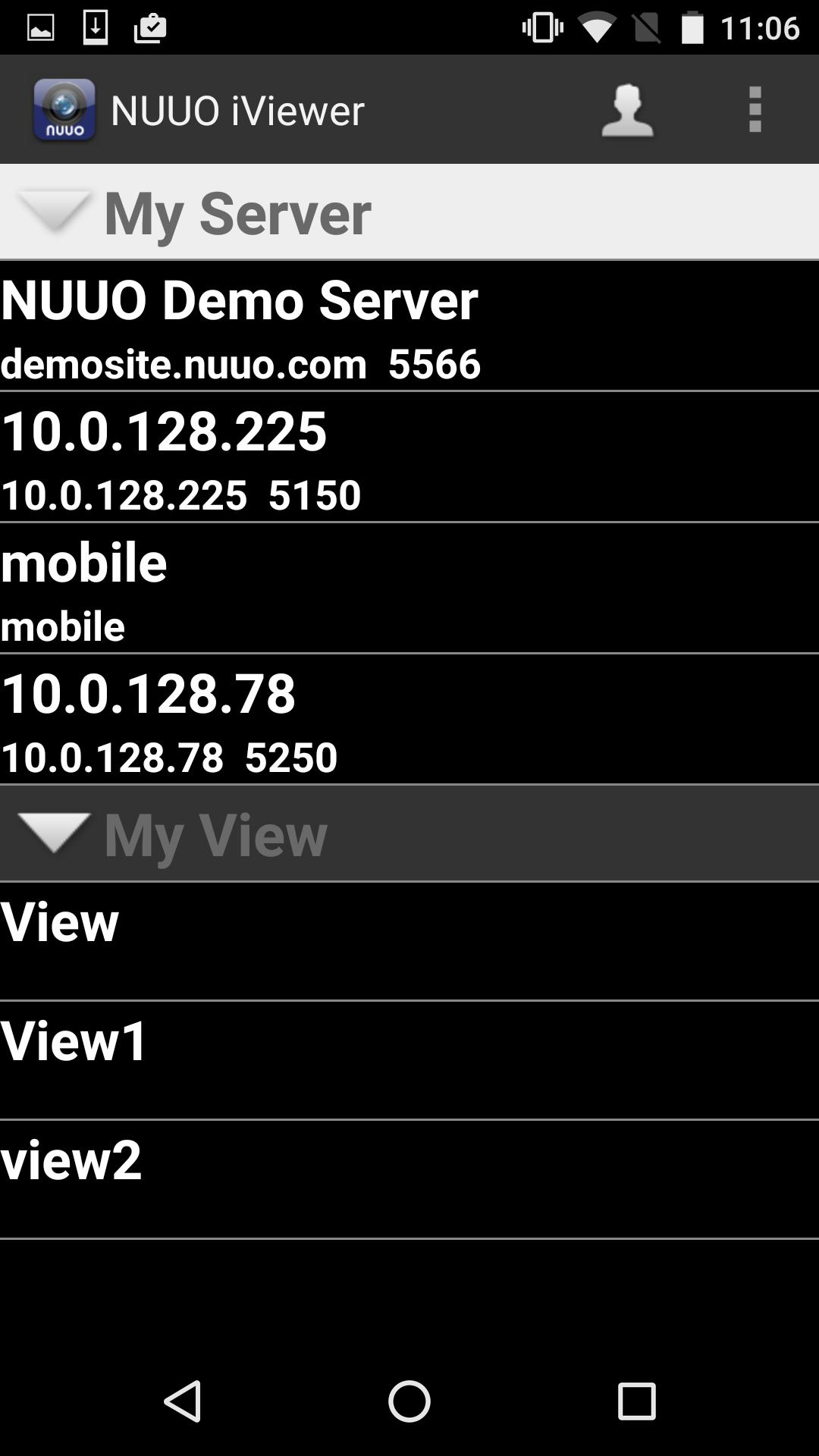
NUUO iViewer is a free app specially built for Android power devices that allows you to remotely monitor live video from security cameras through NUUO Surveillance systems. Users can view multiple cameras simultaneously by 3G or WiFi. It also supports snapshots and physical / digital PTZ control.
Features on NUUO iViewer:
1. Up to 64 channels of live view display
2. Can setup multiple servers (Single server connection)
3. Support Snapshots
4. Support Physical / Digital PTZ control (Depends on camera)
5. Preset point support (Depends on camera)
6. Digital Input/Output support
7. Support Megapixel resolution
8. Support Playback
9. Support Push Notification (Available with NVRmini2, NVRSolo & Mainconsole)
10. Support ezNUUO (P2P) (Available with NVRsolo)
11. Favorite view for all NUUO recording servers
12. New Event List Button (Available with NVRmini2, NVRSolo & Mainconsole)
13. Support Audio
14. Support Demo Site
15. Support Talk (New Feature in v4.1.0; Only with NVRmini2, NVRsolo & Mainconsole)
16. Support QR code (New Feature in v4.3.0, Only with NVRSolo)
Supported Systems
- Android v4.0
- Android v4.1
- Android v4.2
- Android v4.3
- Android v4.4
- Android v5.0
Supported NUUO products & software version:
-NVR(IP+)/Hybrid NDVR/ DVR: v3.5.0 or above version (Push Notification is available with v4.1)
-NVRmini2: v1.0 or above version (Push Notification is available with v1.6)
-TitanNVR: v1.0 or above version
-NVRsolo: v1.0
-Crystal: v2.0 or above version
Supported Video codec:
-MJPEG
-MPEG4
-H.264
Known issues:
-iViewer may receive the event push notification from the previous NUUO recording server if the user delete the iViewer and install the iViewer again within 30 days
-User has to log in iViewer again to get the latest information, including camera information, user privilege and new digital output devices.
Pratinjau
Informasi
Pengembang
NUUO Inc.
Versi Terbaru
4.8.19
Terakhir Diperbarui
2019-06-12
Kategori
Bisnis
Tersedia di
Google Play
Menampilkan lebih banyak
Cara memainkan NUUO iViewer dengan GameLoop di PC
1. Download GameLoop dari situs resminya, lalu jalankan file exe untuk menginstal GameLoop.
2. Buka GameLoop dan cari “NUUO iViewer”, temukan NUUO iViewer di hasil pencarian dan klik “Install”.
3. Nikmati bermain NUUO iViewer di GameLoop.
Minimum requirements
OS
Windows 8.1 64-bit or Windows 10 64-bit
GPU
GTX 1050
CPU
i3-8300
Memory
8GB RAM
Storage
1GB available space
Recommended requirements
OS
Windows 8.1 64-bit or Windows 10 64-bit
GPU
GTX 1050
CPU
i3-9320
Memory
16GB RAM
Storage
1GB available space