
Cell Power Lesotho for PC
Expertron (Pty) Ltd
Unduh Cell Power Lesotho di PC Dengan Emulator GameLoop
Cell Power Lesotho di PC
Cell Power Lesotho, berasal dari pengembang Expertron (Pty) Ltd, berjalan di sistem Android di masa lalu.
Sekarang, Anda dapat memainkan Cell Power Lesotho di PC dengan GameLoop dengan lancar.
Unduh di perpustakaan GameLoop atau hasil pencarian. Tidak ada lagi memperhatikan baterai atau panggilan frustasi pada waktu yang salah lagi.
Nikmati saja Cell Power Lesotho PC di layar besar secara gratis!
Cell Power Lesotho Pengantar
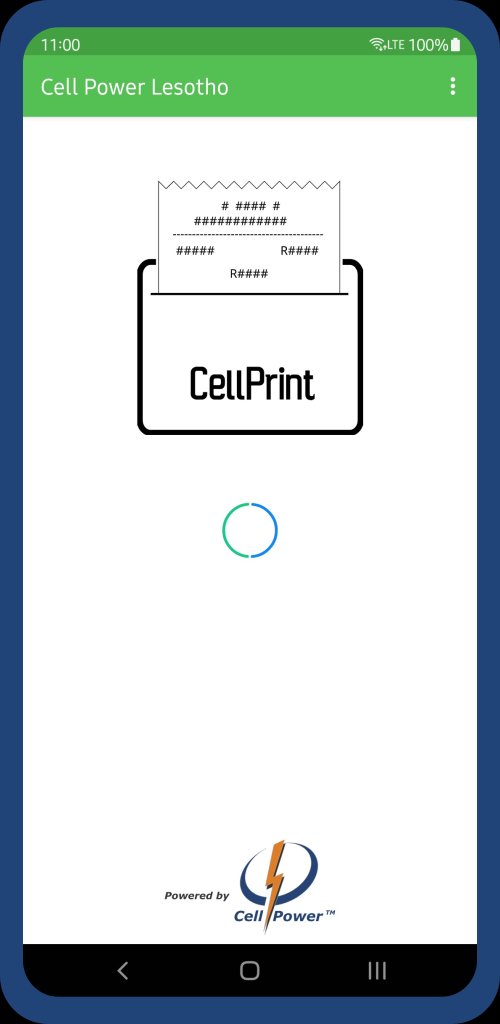
Aplikasi penjual dan pencetakan Cell Power Lesotho POS dapat digunakan untuk mengakses antarmuka penjual Cell Power dan untuk mencetak voucher menggunakan printer bluetooth atau USB.
Periksa Ketersediaan Pencetakan Bluetooth dengan mengetuk tiga titik di kanan atas dan ketuk "Pilih Printer". Pilih printer yang ingin Anda gunakan dari daftar yang ditampilkan.
* Jika tidak ada printer yang ditampilkan, periksa daftar perangkat Bluetooth yang Dipasangkan.
Secara default, Aplikasi akan mencoba mendeteksi secara otomatis dan memilih Bluetooth dan USB Printer.
Pratinjau

Tag
BisnisInformasi
Pengembang
Expertron (Pty) Ltd
Versi Terbaru
1.1.4
Terakhir Diperbarui
2025-08-15
Kategori
Bisnis
Tersedia di
Google Play
Menampilkan lebih banyak
Cara memainkan Cell Power Lesotho dengan GameLoop di PC
1. Download GameLoop dari situs resminya, lalu jalankan file exe untuk menginstal GameLoop.
2. Buka GameLoop dan cari “Cell Power Lesotho”, temukan Cell Power Lesotho di hasil pencarian dan klik “Install”.
3. Nikmati bermain Cell Power Lesotho di GameLoop.
Minimum requirements
OS
Windows 8.1 64-bit or Windows 10 64-bit
GPU
GTX 1050
CPU
i3-8300
Memory
8GB RAM
Storage
1GB available space
Recommended requirements
OS
Windows 8.1 64-bit or Windows 10 64-bit
GPU
GTX 1050
CPU
i3-9320
Memory
16GB RAM
Storage
1GB available space