
Webpack 4.43 Docs for PC
NextLabs.cc
Unduh Webpack 4.43 Docs di PC Dengan Emulator GameLoop
Webpack 4.43 Docs di PC
Webpack 4.43 Docs, berasal dari pengembang NextLabs.cc, berjalan di sistem Android di masa lalu.
Sekarang, Anda dapat memainkan Webpack 4.43 Docs di PC dengan GameLoop dengan lancar.
Unduh di perpustakaan GameLoop atau hasil pencarian. Tidak ada lagi memperhatikan baterai atau panggilan frustasi pada waktu yang salah lagi.
Nikmati saja Webpack 4.43 Docs PC di layar besar secara gratis!
Webpack 4.43 Docs Pengantar
Webpack is an open-source JavaScript module bundler. It is made primarily for JavaScript, but it can transform front-end assets like HTML, CSS, and images if the corresponding loaders are included. webpack takes modules with dependencies and generates static assets representing those modules.
Webpack takes the dependencies and generates a dependency graph allowing web developers to use a modular approach for their web application development purposes. It can be used from the command line, or can be configured using a config file which is named webpack.config.js. This file is used to define rules, plugins, etc., for a project. (Webpack is highly extensible via rules which allow developers to write custom tasks that they want to perform when bundling files together.)
Node.js is required for using Webpack.
webpack provides code on demand using the moniker code splitting. The Technical Committee 39 for ECMAScript is working on standardization of a function that loads additional code: "proposal-dynamic-import".
Table of content:
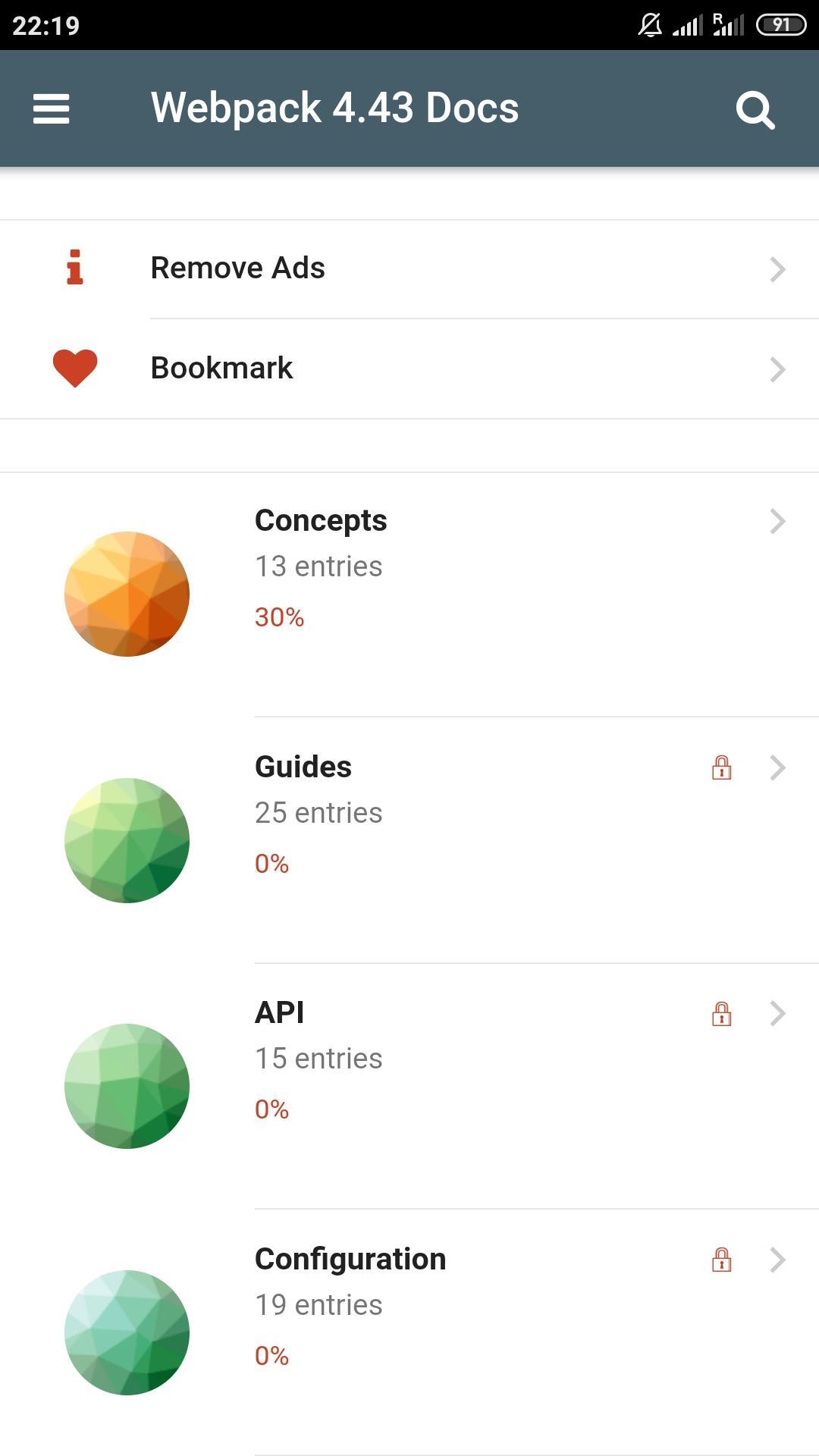
Concepts
Guides
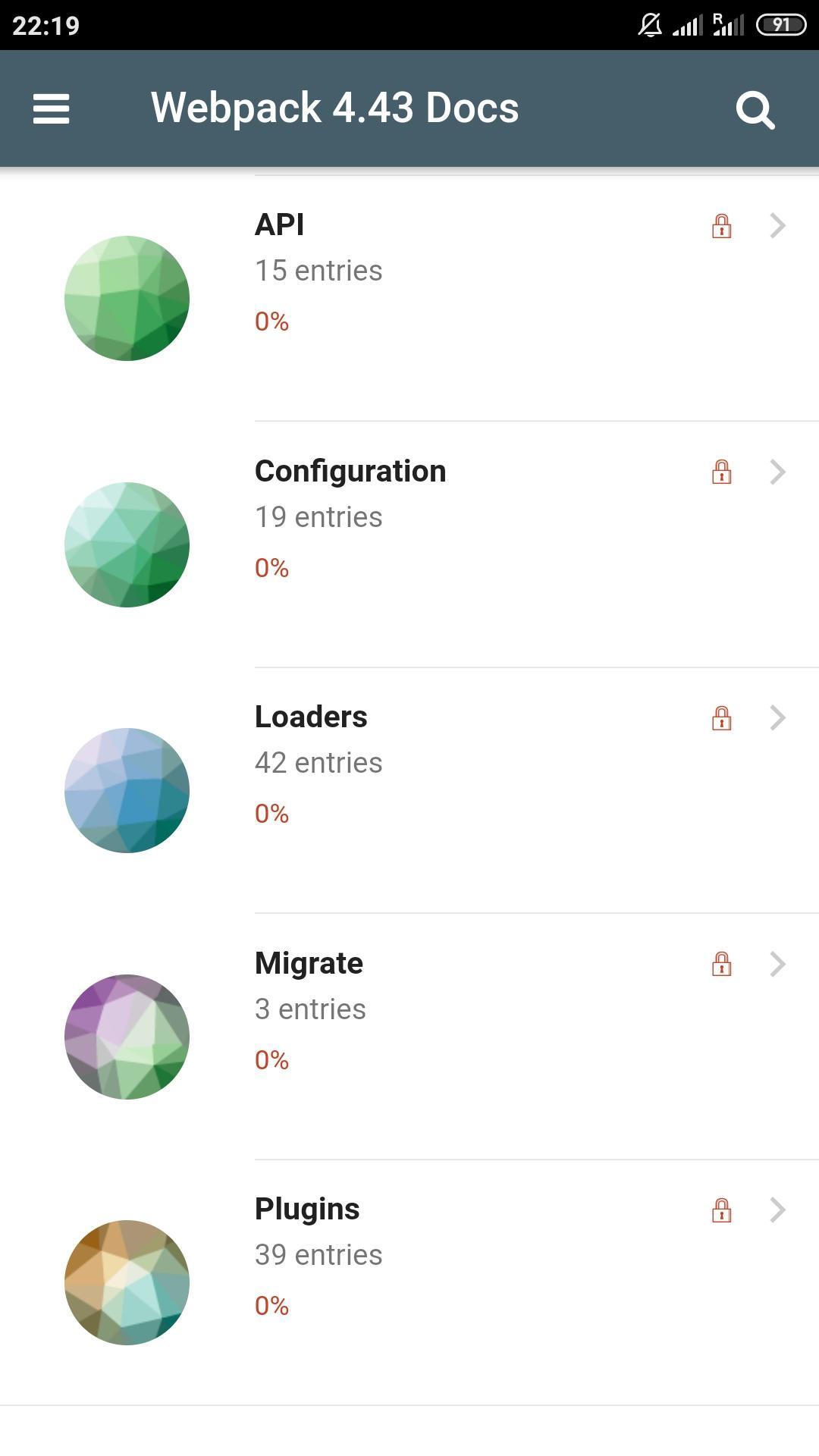
API
Configuration
Loaders
Migrate
Plugins
Pratinjau
Tag
Books-&Informasi
Pengembang
NextLabs.cc
Versi Terbaru
1.0.0
Terakhir Diperbarui
2020-06-15
Kategori
Books-reference
Tersedia di
Google Play
Menampilkan lebih banyak
Cara memainkan Webpack 4.43 Docs dengan GameLoop di PC
1. Download GameLoop dari situs resminya, lalu jalankan file exe untuk menginstal GameLoop.
2. Buka GameLoop dan cari “Webpack 4.43 Docs”, temukan Webpack 4.43 Docs di hasil pencarian dan klik “Install”.
3. Nikmati bermain Webpack 4.43 Docs di GameLoop.
Minimum requirements
OS
Windows 8.1 64-bit or Windows 10 64-bit
GPU
GTX 1050
CPU
i3-8300
Memory
8GB RAM
Storage
1GB available space
Recommended requirements
OS
Windows 8.1 64-bit or Windows 10 64-bit
GPU
GTX 1050
CPU
i3-9320
Memory
16GB RAM
Storage
1GB available space