How to measure blood pressure for PC
YarkovaApp Corp.
Unduh How to measure blood pressure di PC Dengan Emulator GameLoop
How to measure blood pressure di PC
How to measure blood pressure, berasal dari pengembang YarkovaApp Corp., berjalan di sistem Android di masa lalu.
Sekarang, Anda dapat memainkan How to measure blood pressure di PC dengan GameLoop dengan lancar.
Unduh di perpustakaan GameLoop atau hasil pencarian. Tidak ada lagi memperhatikan baterai atau panggilan frustasi pada waktu yang salah lagi.
Nikmati saja How to measure blood pressure PC di layar besar secara gratis!
How to measure blood pressure Pengantar
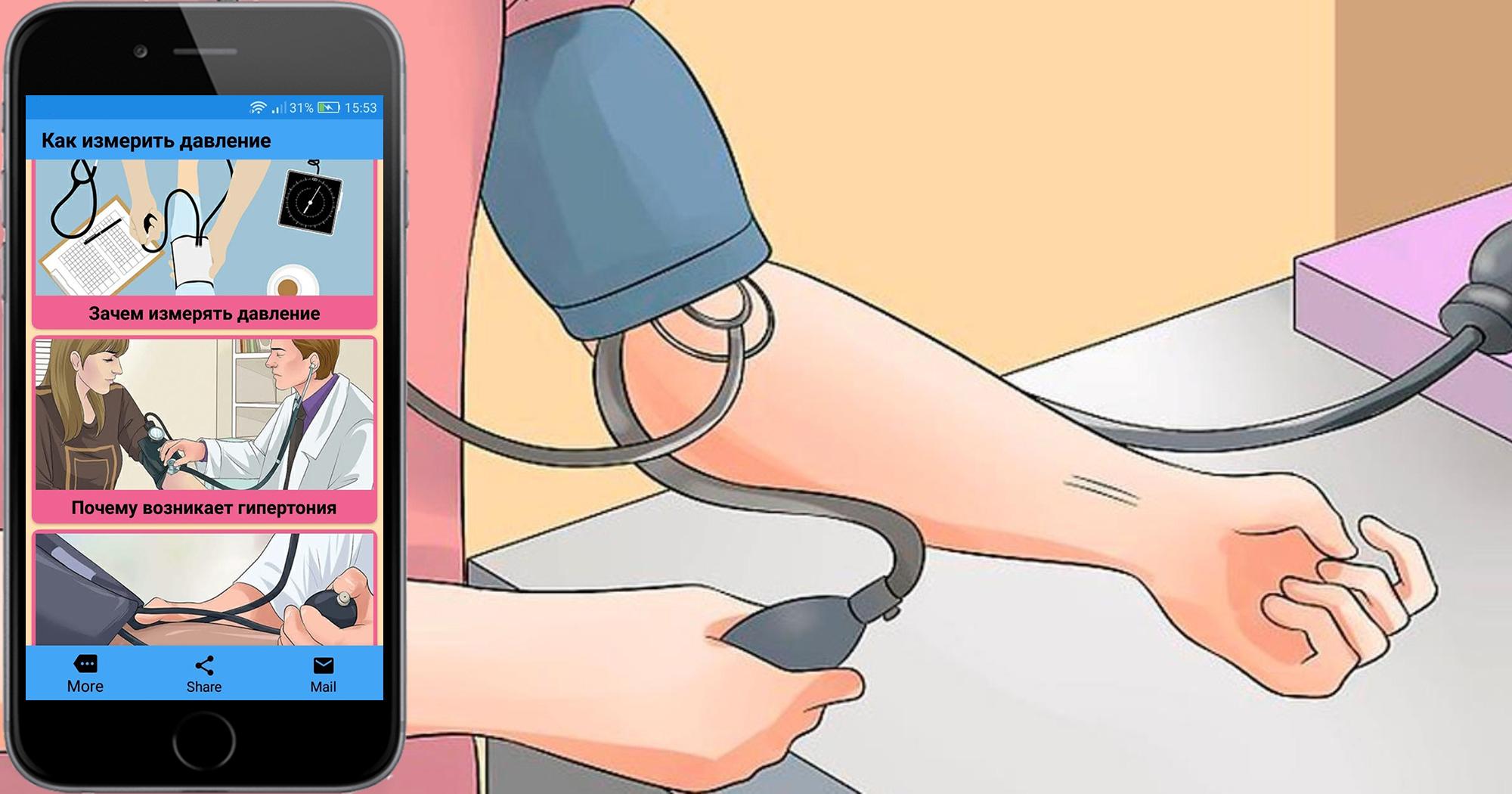
Blood pressure is an indicator that characterizes the activity of the cardiovascular system. You can determine blood pressure using a tonometer. This application contains information on how to measure blood pressure because changes occur due to the influence of various factors and significant fluctuations can be precursors of the disease. Now there are many types and features of tonometers. The application will help you figure out which tanometer is more convenient, on which hand to take measurements, measurement methods, how to take measurements on a mechanical and automatic tonometer. This application does not have the technical capability to measure blood pressure and it does not measure blood pressure. We hope our application will be useful to you.
Pratinjau

Tag
Books-&Informasi
Pengembang
YarkovaApp Corp.
Versi Terbaru
1.0
Terakhir Diperbarui
2022-09-02
Kategori
Books-reference
Tersedia di
Google Play
Menampilkan lebih banyak
Cara memainkan How to measure blood pressure dengan GameLoop di PC
1. Download GameLoop dari situs resminya, lalu jalankan file exe untuk menginstal GameLoop.
2. Buka GameLoop dan cari “How to measure blood pressure”, temukan How to measure blood pressure di hasil pencarian dan klik “Install”.
3. Nikmati bermain How to measure blood pressure di GameLoop.
Minimum requirements
OS
Windows 8.1 64-bit or Windows 10 64-bit
GPU
GTX 1050
CPU
i3-8300
Memory
8GB RAM
Storage
1GB available space
Recommended requirements
OS
Windows 8.1 64-bit or Windows 10 64-bit
GPU
GTX 1050
CPU
i3-9320
Memory
16GB RAM
Storage
1GB available space