
Capcut - Video Editor 2020 Tips for PC
DevsProApps
Unduh Capcut - Video Editor 2020 Tips di PC Dengan Emulator GameLoop
Capcut - Video Editor 2020 Tips di PC
Capcut - Video Editor 2020 Tips, berasal dari pengembang DevsProApps, berjalan di sistem Android di masa lalu.
Sekarang, Anda dapat memainkan Capcut - Video Editor 2020 Tips di PC dengan GameLoop dengan lancar.
Unduh di perpustakaan GameLoop atau hasil pencarian. Tidak ada lagi memperhatikan baterai atau panggilan frustasi pada waktu yang salah lagi.
Nikmati saja Capcut - Video Editor 2020 Tips PC di layar besar secara gratis!
Capcut - Video Editor 2020 Tips Pengantar
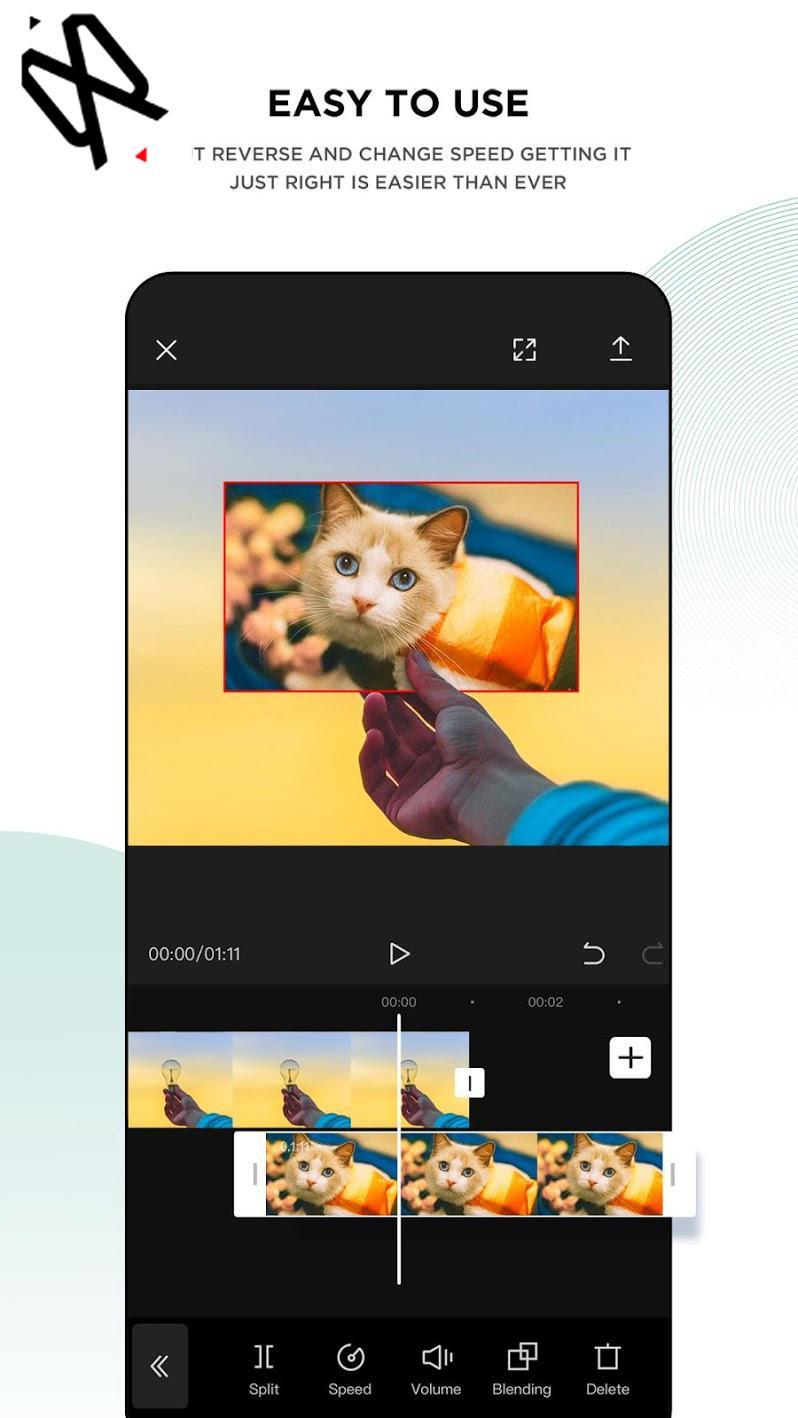
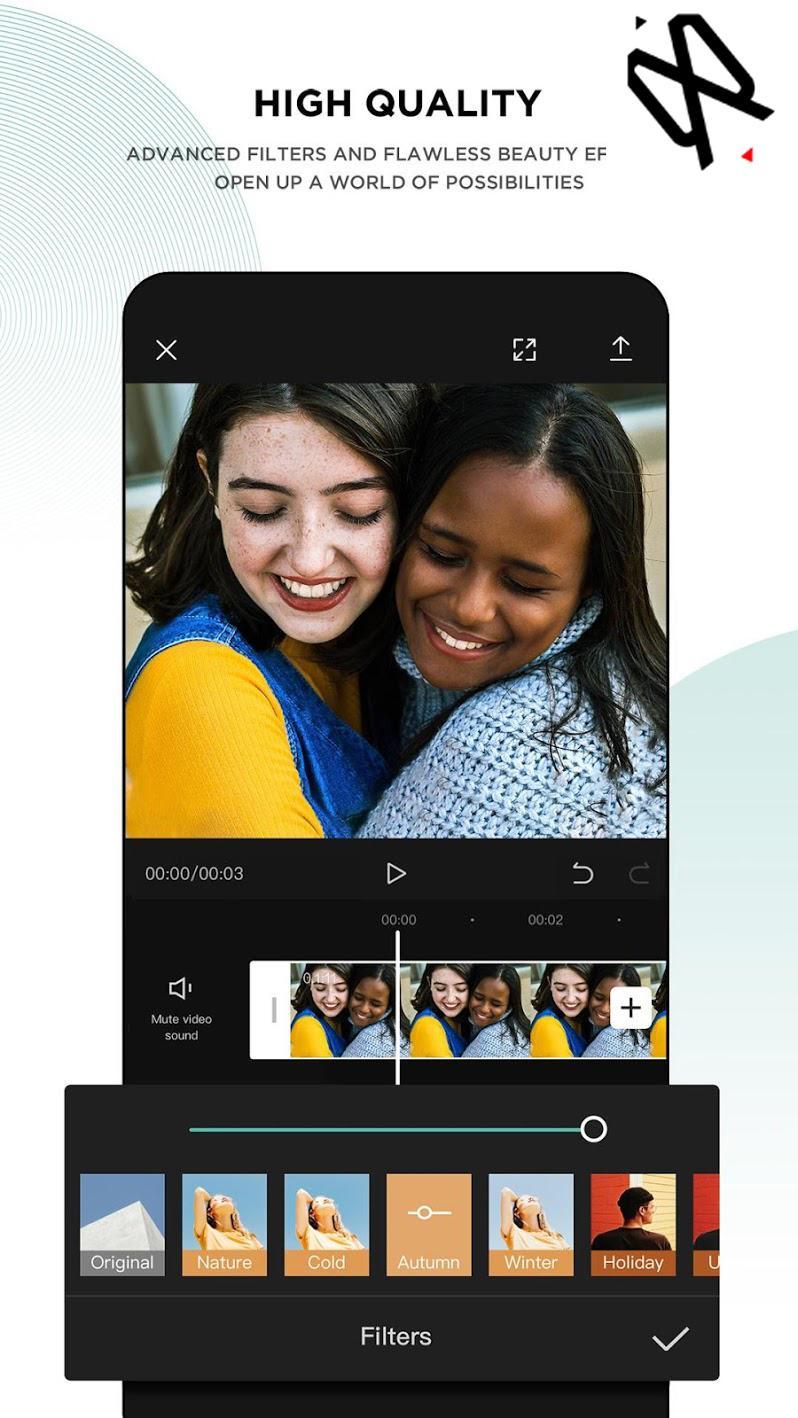
You can find in our app how how to edit your videos using CapCut or Viamaker.
CapCut is a free all in one video editing that helps you create incredible videos for 100% free.
* What is CapCut or Viamaker?
* How to use features and functions (Text, voice, images, Music, stickers, effects and more)
* Export and Sizes.
Video Adjust
* Contrast, saturation, brightness, tone and so much more! Whether you are a professional video editor or just a beginner interested in video editing, it’s user-friendly enough for you to create your amazing clips.
Video Merger & Video Joiner
* Merge video clips into one video, add video to video or add audio to videos. It is a free TikTok video editor and video maker for YouTube, also the professional video cutter and video joiner, helps compress and combine videos without losing quality.
The app is easy to use. and helps you to create videos for TikTok and other social media with high quality.
ATTENTION: This app complies with the united states copyrights act for fair use. If you see any copyrights violation that does not follow our fair usage guidelines, Please contact us directly.
NOTE: This is an unofficial Tips and Guide for video editing.
Pratinjau
Informasi
Pengembang
DevsProApps
Versi Terbaru
1.1
Terakhir Diperbarui
2020-09-08
Kategori
Books-reference
Tersedia di
Google Play
Menampilkan lebih banyak
Cara memainkan Capcut - Video Editor 2020 Tips dengan GameLoop di PC
1. Download GameLoop dari situs resminya, lalu jalankan file exe untuk menginstal GameLoop.
2. Buka GameLoop dan cari “Capcut - Video Editor 2020 Tips”, temukan Capcut - Video Editor 2020 Tips di hasil pencarian dan klik “Install”.
3. Nikmati bermain Capcut - Video Editor 2020 Tips di GameLoop.
Minimum requirements
OS
Windows 8.1 64-bit or Windows 10 64-bit
GPU
GTX 1050
CPU
i3-8300
Memory
8GB RAM
Storage
1GB available space
Recommended requirements
OS
Windows 8.1 64-bit or Windows 10 64-bit
GPU
GTX 1050
CPU
i3-9320
Memory
16GB RAM
Storage
1GB available space