WiFi Chess for PC
KSOLVES
Unduh WiFi Chess di PC Dengan Emulator GameLoop
WiFi Chess di PC
WiFi Chess, berasal dari pengembang KSOLVES, berjalan di sistem Android di masa lalu.
Sekarang, Anda dapat memainkan WiFi Chess di PC dengan GameLoop dengan lancar.
Unduh di perpustakaan GameLoop atau hasil pencarian. Tidak ada lagi memperhatikan baterai atau panggilan frustasi pada waktu yang salah lagi.
Nikmati saja WiFi Chess PC di layar besar secara gratis!
WiFi Chess Pengantar
Get tired of apps which cost you loss of internet data then this app is for you.This app connects two friends to each other for playing chess without using internet. Only user have to do is turn on device’s WIFI and app will show the list of users available nearby although users can accept or decline the request to play with.
-> Now you can play chess on two different devices without any loss of your internet data.
-> One tap and connect with nearby friend through wifi / hotspot.
-> No matter your device has internet connection or not, play with your friends offline.
-> Forgot about compatibility issue, this app is compatible with both Android and iOS devices.
This Game interface allows you :
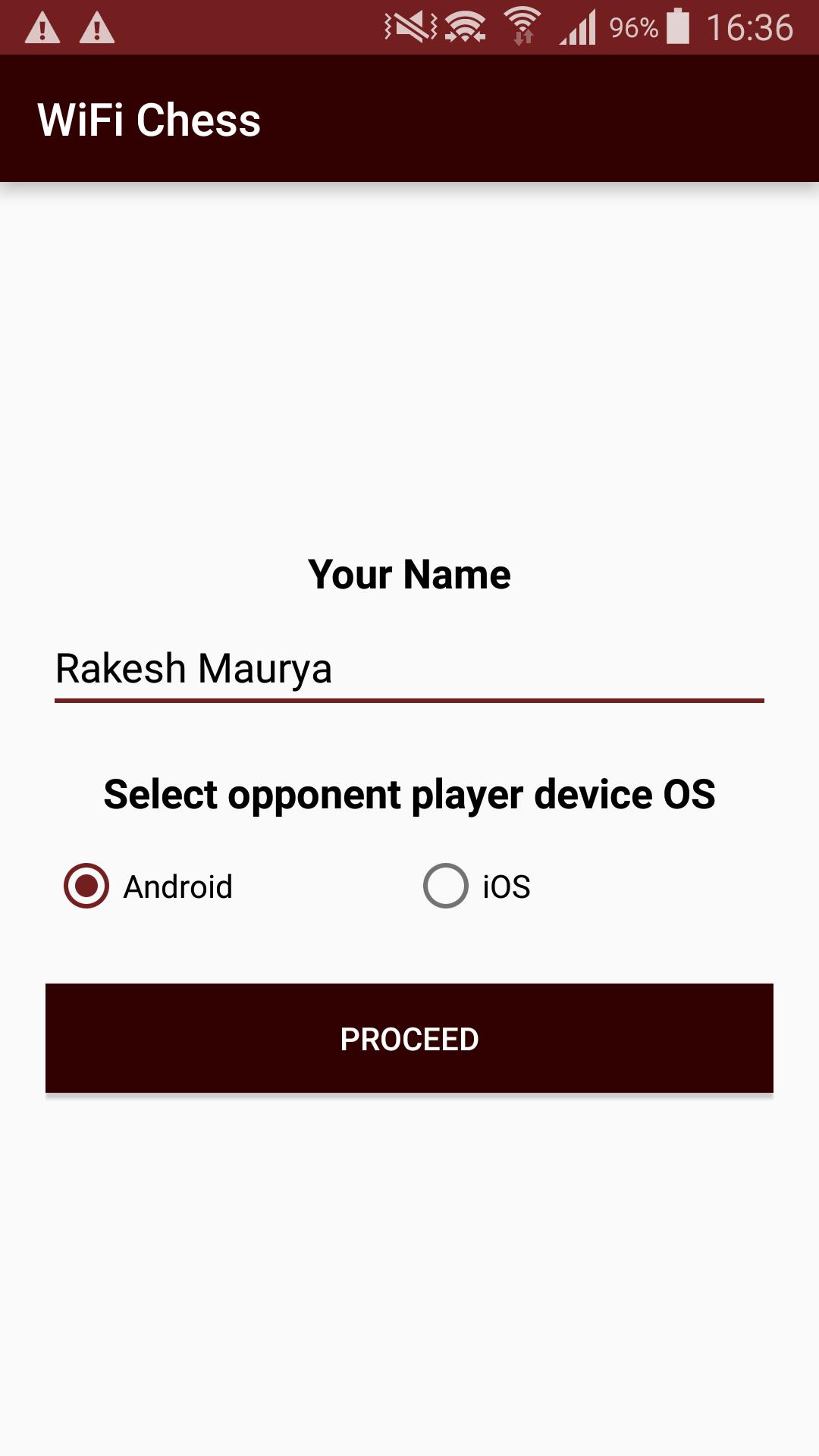
-> To play game with available friends around you
-> To choose mobile interfaces between Android and iOS.
-> To send request to stranger for invitation to play.
-> Accept / decline stranger to play with
See captured pieces for both users.
Pratinjau
Informasi
Pengembang
KSOLVES
Versi Terbaru
1.9
Terakhir Diperbarui
2019-09-16
Kategori
Papan
Tersedia di
Google Play
Menampilkan lebih banyak
Cara memainkan WiFi Chess dengan GameLoop di PC
1. Download GameLoop dari situs resminya, lalu jalankan file exe untuk menginstal GameLoop.
2. Buka GameLoop dan cari “WiFi Chess”, temukan WiFi Chess di hasil pencarian dan klik “Install”.
3. Nikmati bermain WiFi Chess di GameLoop.
Minimum requirements
OS
Windows 8.1 64-bit or Windows 10 64-bit
GPU
GTX 1050
CPU
i3-8300
Memory
8GB RAM
Storage
1GB available space
Recommended requirements
OS
Windows 8.1 64-bit or Windows 10 64-bit
GPU
GTX 1050
CPU
i3-9320
Memory
16GB RAM
Storage
1GB available space