Gravity Synth Music Visualizer for PC
StillThisName
Unduh Gravity Synth Music Visualizer di PC Dengan Emulator GameLoop
Gravity Synth Music Visualizer di PC
Gravity Synth Music Visualizer, berasal dari pengembang StillThisName, berjalan di sistem Android di masa lalu.
Sekarang, Anda dapat memainkan Gravity Synth Music Visualizer di PC dengan GameLoop dengan lancar.
Unduh di perpustakaan GameLoop atau hasil pencarian. Tidak ada lagi memperhatikan baterai atau panggilan frustasi pada waktu yang salah lagi.
Nikmati saja Gravity Synth Music Visualizer PC di layar besar secara gratis!
Gravity Synth Music Visualizer Pengantar
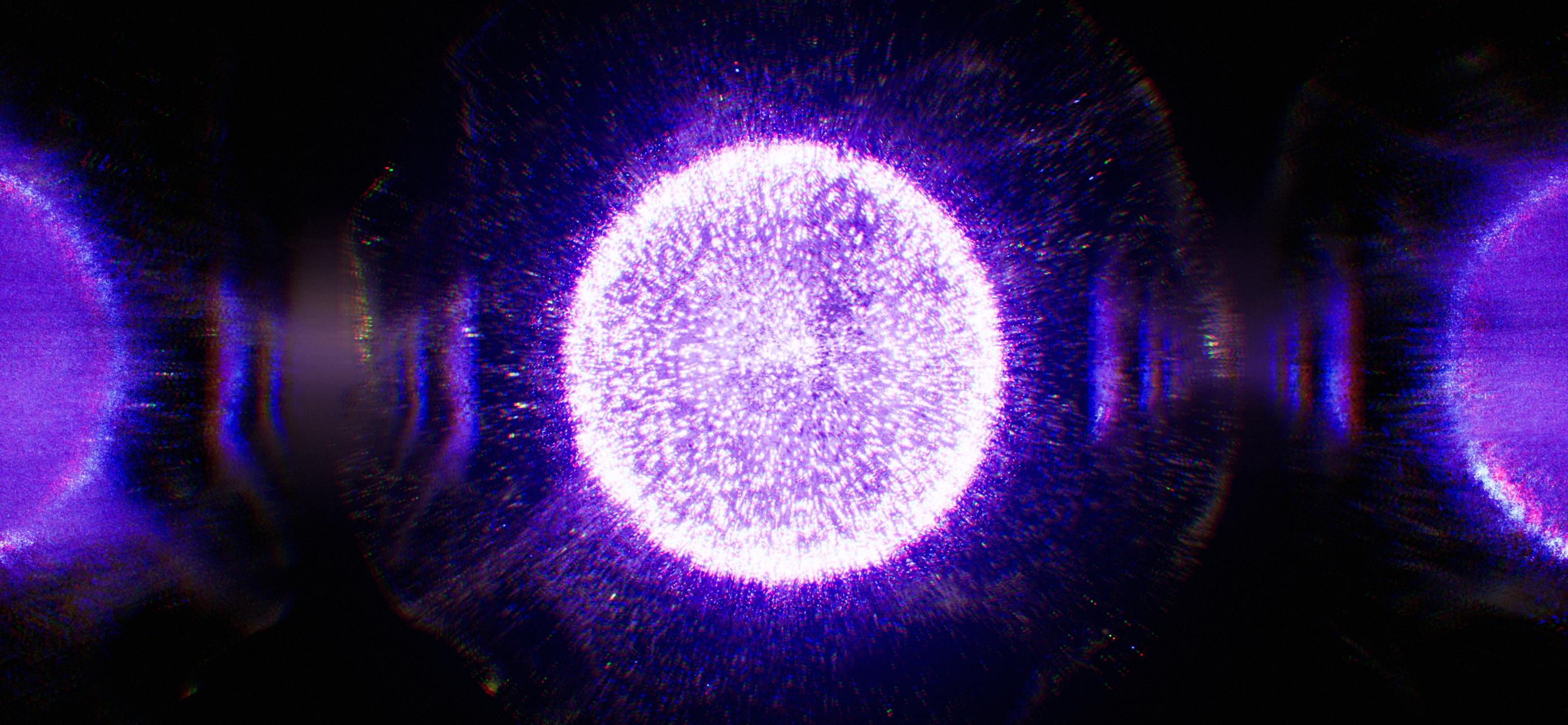
Gravity Synth Audio-Reactive Visualizer is a mobile version of Gravity Visualizer for Mac and PC.
It is an audio-reactive visualization synth based on an advanced real-time 3D visualizing system in which you can create your styles, play them randomly and share them with friends. You can add friends, chat, send private messages, create groups and share your experience right in the program.
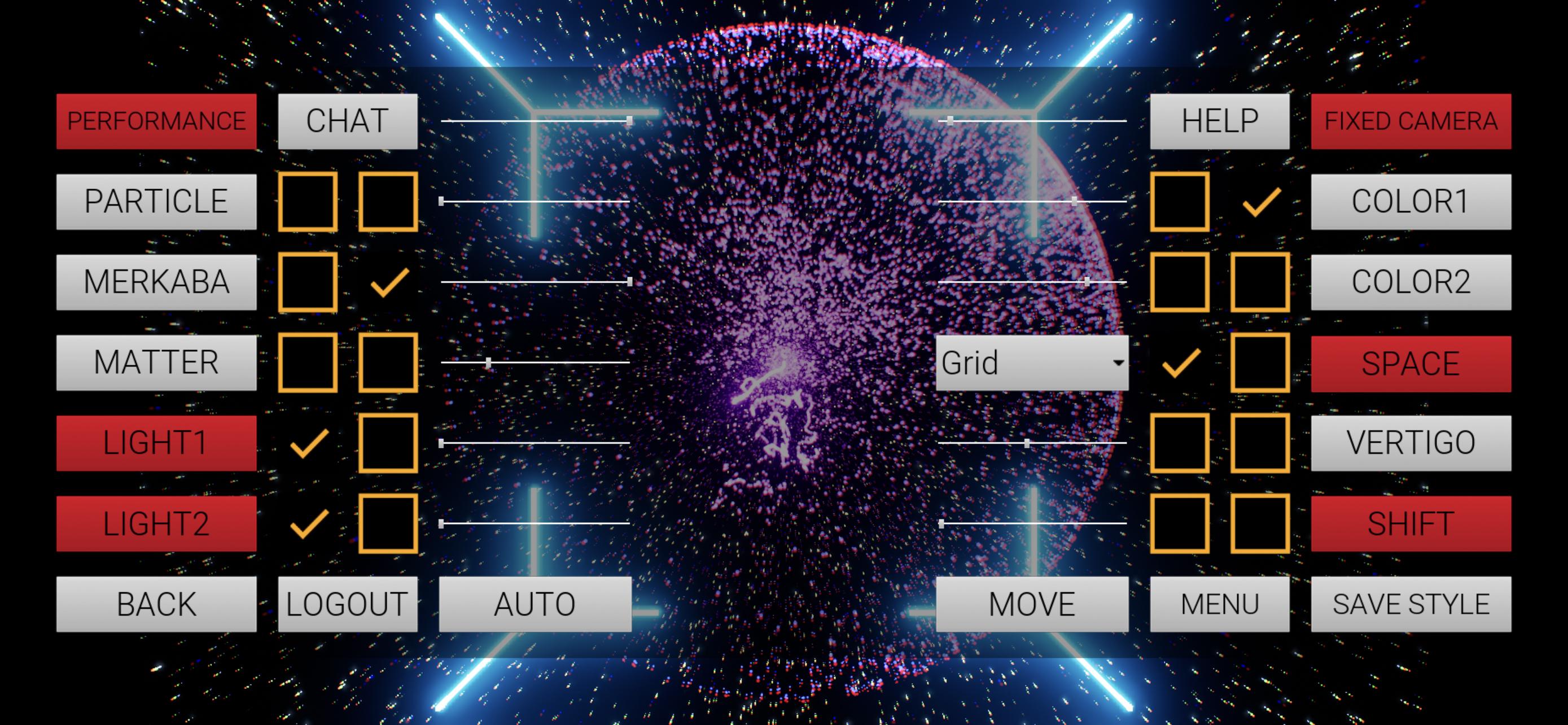
As soon as you start, tap the screen for the menu.
Mobile and desktop versions are fully compatible. Create your unique style by choosing available options on your iPhone, and as soon as you click the SAVE STYLE button, it becomes available as an option on your desktop.
Difference between mobile and desktop versions.
The mobile interface is slightly different in appearance, available instruments and options. For example, the mobile version lacks the TIMELINE functionality, LIVESTREAM URL input box, and it has some operating restrictions.
For now, you cannot switch to your desired music/audio track on a mobile device since this is an early prototype.
Avoid using all available particle sources simultaneously since it may affect performance and significantly reduce your mobile device battery life.
Gravity uses remote servers to store all the information such as styles, messages and settings. That’s why sometimes you can expect some lags while going through previously saved styles, pressing the automation button, switching groups inside chat etc. Please be patient, wait and repeat your manipulations after a small gap of time again.
Crashes may occur.
Since the mobile version is an early prototype and its features are mostly experimental, crashes may occur. Please be patient if you have this kind of experience. In this case, feedback is highly appreciated.
Do not randomly click on everything that you see. Learn carefully, read the manual, approach it step-by-step. This is an unusual software. Explore it wisely to get the most out of it.
Do not hesitate to shout your opinion. We are more than glad to hear and process it.
Enjoy Gravity!
Pratinjau
Tag
Art-&Informasi
Pengembang
StillThisName
Versi Terbaru
0.33
Terakhir Diperbarui
2021-12-02
Kategori
Art-design
Tersedia di
Google Play
Menampilkan lebih banyak
Cara memainkan Gravity Synth Music Visualizer dengan GameLoop di PC
1. Download GameLoop dari situs resminya, lalu jalankan file exe untuk menginstal GameLoop.
2. Buka GameLoop dan cari “Gravity Synth Music Visualizer”, temukan Gravity Synth Music Visualizer di hasil pencarian dan klik “Install”.
3. Nikmati bermain Gravity Synth Music Visualizer di GameLoop.
Minimum requirements
OS
Windows 8.1 64-bit or Windows 10 64-bit
GPU
GTX 1050
CPU
i3-8300
Memory
8GB RAM
Storage
1GB available space
Recommended requirements
OS
Windows 8.1 64-bit or Windows 10 64-bit
GPU
GTX 1050
CPU
i3-9320
Memory
16GB RAM
Storage
1GB available space