
Tapping Dash Arcade Clicker for PC
Icestone
Unduh Tapping Dash Arcade Clicker di PC Dengan Emulator GameLoop
Tapping Dash Arcade Clicker di PC
Tapping Dash Arcade Clicker, berasal dari pengembang Icestone, berjalan di sistem Android di masa lalu.
Sekarang, Anda dapat memainkan Tapping Dash Arcade Clicker di PC dengan GameLoop dengan lancar.
Unduh di perpustakaan GameLoop atau hasil pencarian. Tidak ada lagi memperhatikan baterai atau panggilan frustasi pada waktu yang salah lagi.
Nikmati saja Tapping Dash Arcade Clicker PC di layar besar secara gratis!
Tapping Dash Arcade Clicker Pengantar
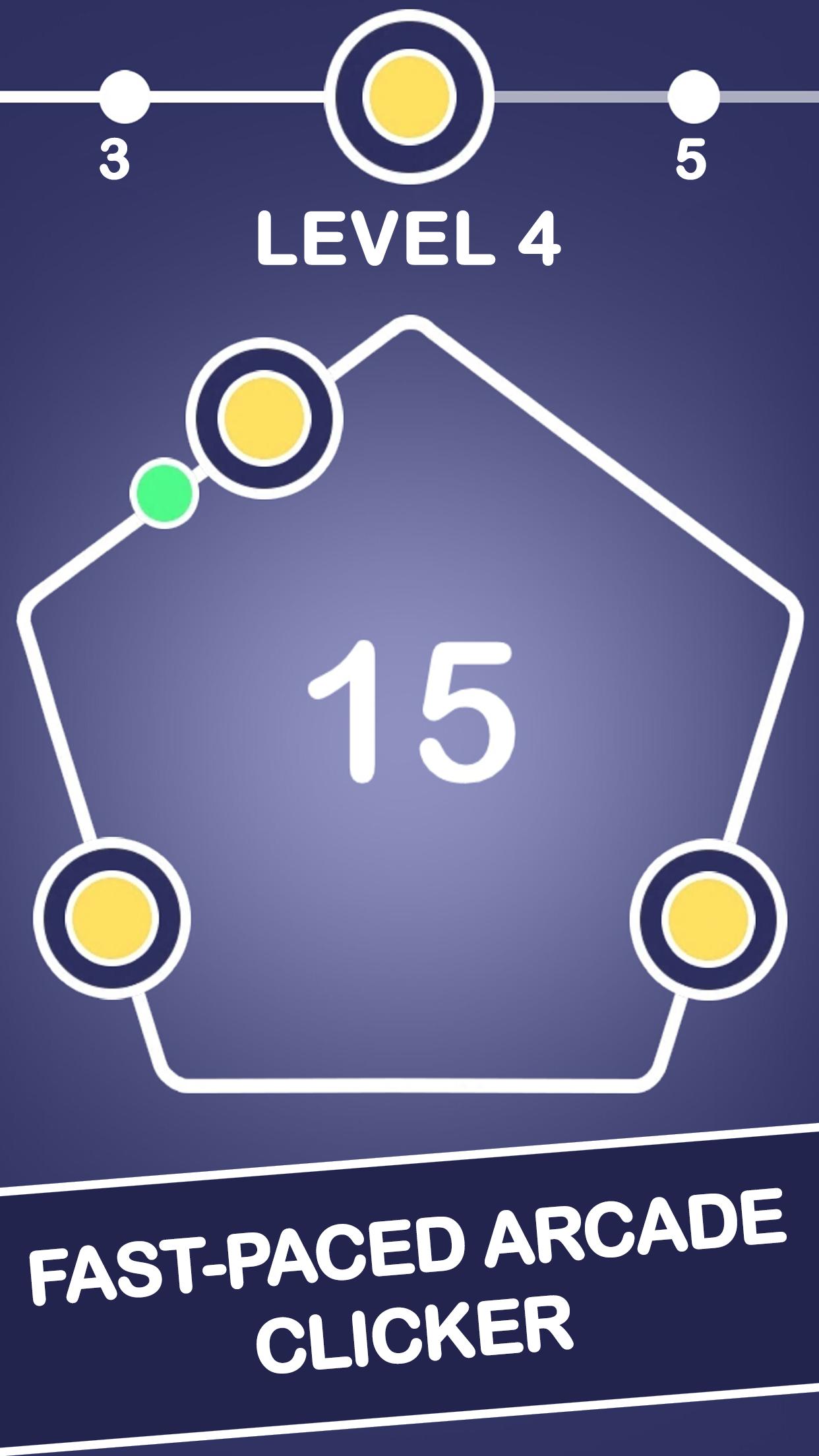
Get ready for a crazy tap tap dash! Idle games are fun, but this free clicker will become your favorite speed tapping game. Tap the dot, earn money and upgrade.
Features:
∞ Fast-paced 2D tapping game
∞ Smooth minimalistic design
∞ Time killer with countless levels
∞ Fun clicker to play offline and online
∞ Free arcade that challenges your reaction
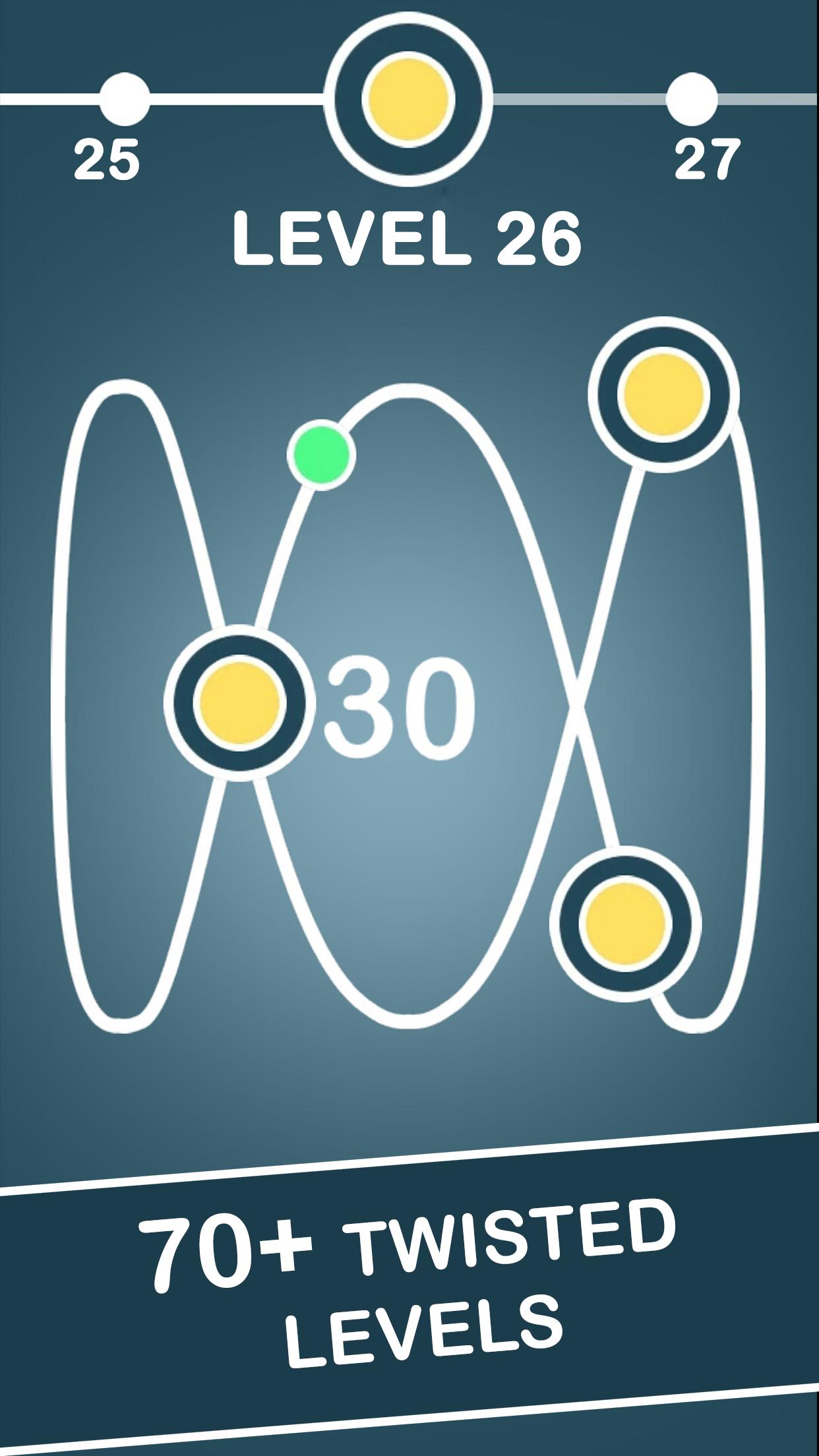
Tap it fast in an addicting arcade clicking game. Tap the glowing dot as it races along the infinity loop and other impossible figures. Hearts, diamonds, triangles, squares... Discover yet more geometric patterns as you unlock all new levels of this cool clicker game. The number inside the infinity shapes indicates how many targets you have to hit to advance. This free online tapping game is indeed challenging!
However this clicking arcade is the game you may play off-line. Moreover, you may even earn money while you are away. While you strive to become a tapping tycoon, use spend the coins earned to upgrade. For instance, enhance your hit power to pass levels easier. Become the one of those taptap heroes to squeeze through! This free clicker promises to become the best tapping game for android 2018. So, start your tapping adventure now!
Pratinjau
Tag
KasualInformasi
Pengembang
Icestone
Versi Terbaru
1.1.5
Terakhir Diperbarui
2018-08-23
Kategori
Arkade
Tersedia di
Google Play
Menampilkan lebih banyak
Cara memainkan Tapping Dash Arcade Clicker dengan GameLoop di PC
1. Download GameLoop dari situs resminya, lalu jalankan file exe untuk menginstal GameLoop.
2. Buka GameLoop dan cari “Tapping Dash Arcade Clicker”, temukan Tapping Dash Arcade Clicker di hasil pencarian dan klik “Install”.
3. Nikmati bermain Tapping Dash Arcade Clicker di GameLoop.
Minimum requirements
OS
Windows 8.1 64-bit or Windows 10 64-bit
GPU
GTX 1050
CPU
i3-8300
Memory
8GB RAM
Storage
1GB available space
Recommended requirements
OS
Windows 8.1 64-bit or Windows 10 64-bit
GPU
GTX 1050
CPU
i3-9320
Memory
16GB RAM
Storage
1GB available space