PJ Stickman Masks Moonlight for PC
OnBord Official
Unduh PJ Stickman Masks Moonlight di PC Dengan Emulator GameLoop
PJ Stickman Masks Moonlight di PC
PJ Stickman Masks Moonlight, berasal dari pengembang OnBord Official, berjalan di sistem Android di masa lalu.
Sekarang, Anda dapat memainkan PJ Stickman Masks Moonlight di PC dengan GameLoop dengan lancar.
Unduh di perpustakaan GameLoop atau hasil pencarian. Tidak ada lagi memperhatikan baterai atau panggilan frustasi pada waktu yang salah lagi.
Nikmati saja PJ Stickman Masks Moonlight PC di layar besar secara gratis!
PJ Stickman Masks Moonlight Pengantar
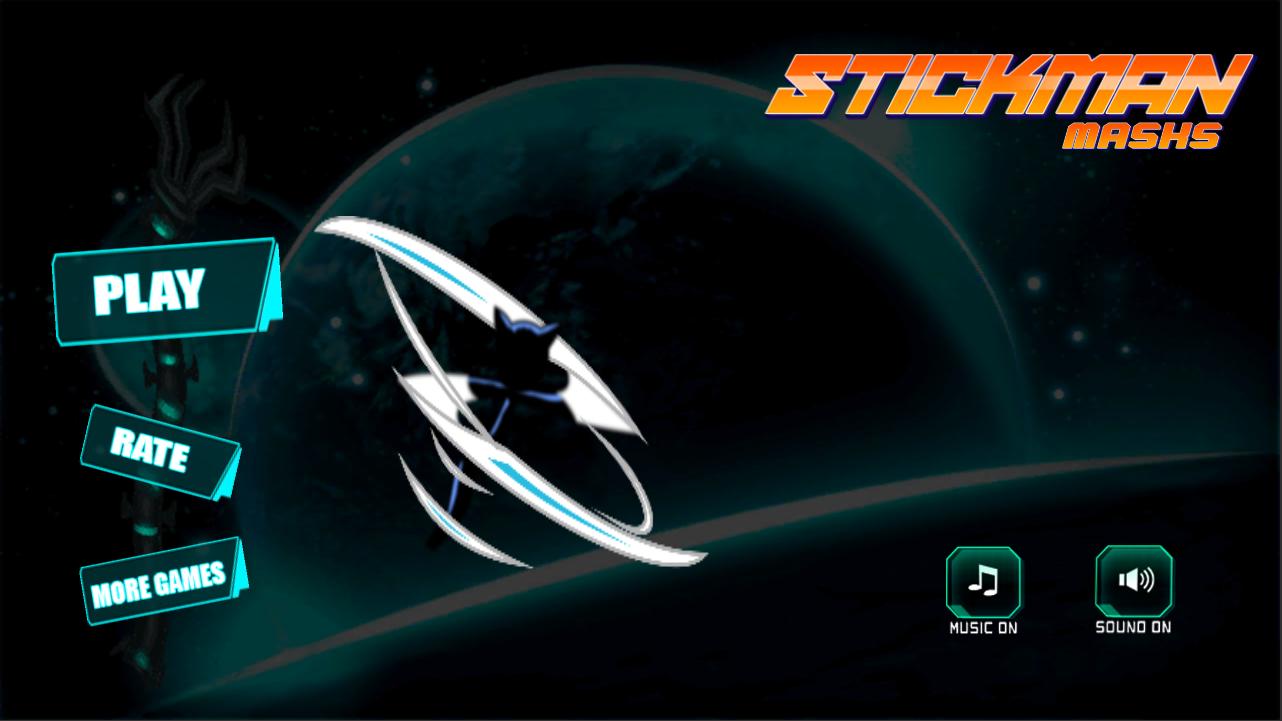
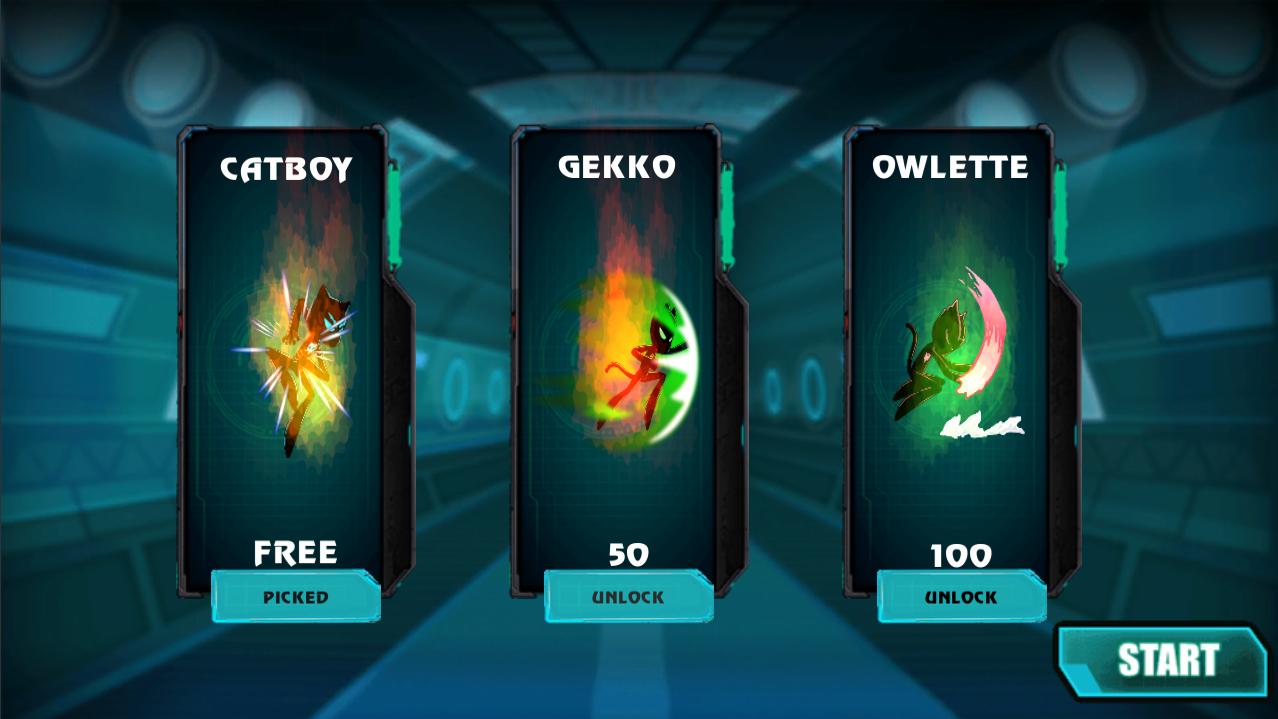
PJ Stickman Masks Moonlight real fun and addicting adventure game for anyone and any age, this game is very simple yet challenging, there's dozen of level you can play, with super cute music will make you not boring, beat the level and boss you will unlock new world
PJ Stickman Masks MoonlightGames Series Features:
- Incredible 2D graphics You'll think they're real fights!
- Differents xenodrome scenarios to fight.
- Quick Fight Mode For skilled fighters & alien fights for children, adults and kids toys!
- Incredible combos. You'll be the best in this fighting game
How to play the game pj temple masks moonlight alien shooter fighting vs monsters and aliens
Use the Left and Right buttons to move your superhero from one side to another, and the Up arrow buttons to jump over obstacles.
Pratinjau
Tag
PetualanganInformasi
Pengembang
OnBord Official
Versi Terbaru
3.4.0
Terakhir Diperbarui
2023-09-10
Kategori
Petualangan
Tersedia di
Google Play
Menampilkan lebih banyak
Cara memainkan PJ Stickman Masks Moonlight dengan GameLoop di PC
1. Download GameLoop dari situs resminya, lalu jalankan file exe untuk menginstal GameLoop.
2. Buka GameLoop dan cari “PJ Stickman Masks Moonlight”, temukan PJ Stickman Masks Moonlight di hasil pencarian dan klik “Install”.
3. Nikmati bermain PJ Stickman Masks Moonlight di GameLoop.
Minimum requirements
OS
Windows 8.1 64-bit or Windows 10 64-bit
GPU
GTX 1050
CPU
i3-8300
Memory
8GB RAM
Storage
1GB available space
Recommended requirements
OS
Windows 8.1 64-bit or Windows 10 64-bit
GPU
GTX 1050
CPU
i3-9320
Memory
16GB RAM
Storage
1GB available space