Sting for PC
Gale North
Unduh Sting di PC Dengan Emulator GameLoop
Sting di PC
Sting, berasal dari pengembang Gale North, berjalan di sistem Android di masa lalu.
Sekarang, Anda dapat memainkan Sting di PC dengan GameLoop dengan lancar.
Unduh di perpustakaan GameLoop atau hasil pencarian. Tidak ada lagi memperhatikan baterai atau panggilan frustasi pada waktu yang salah lagi.
Nikmati saja Sting PC di layar besar secara gratis!
Sting Pengantar
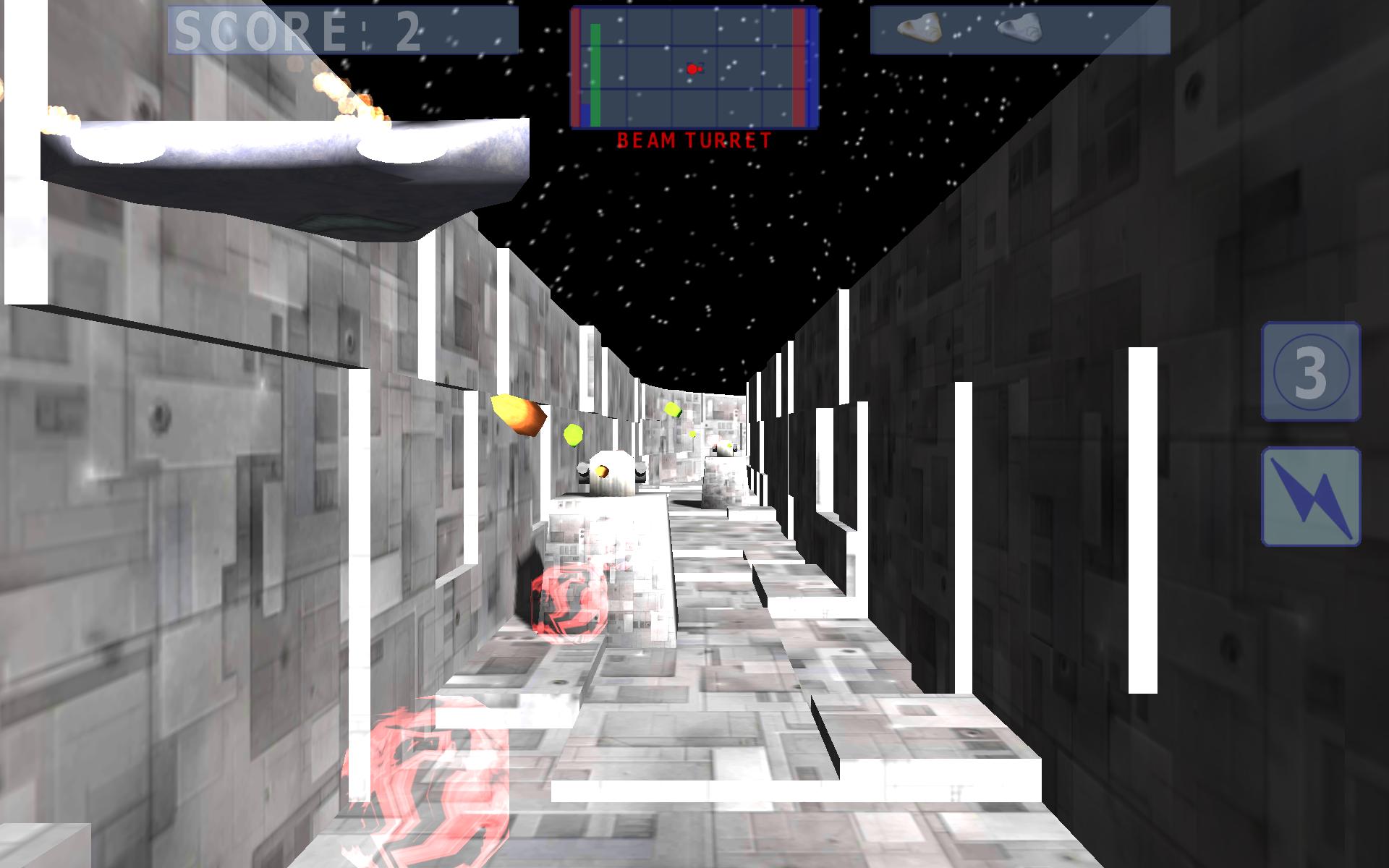
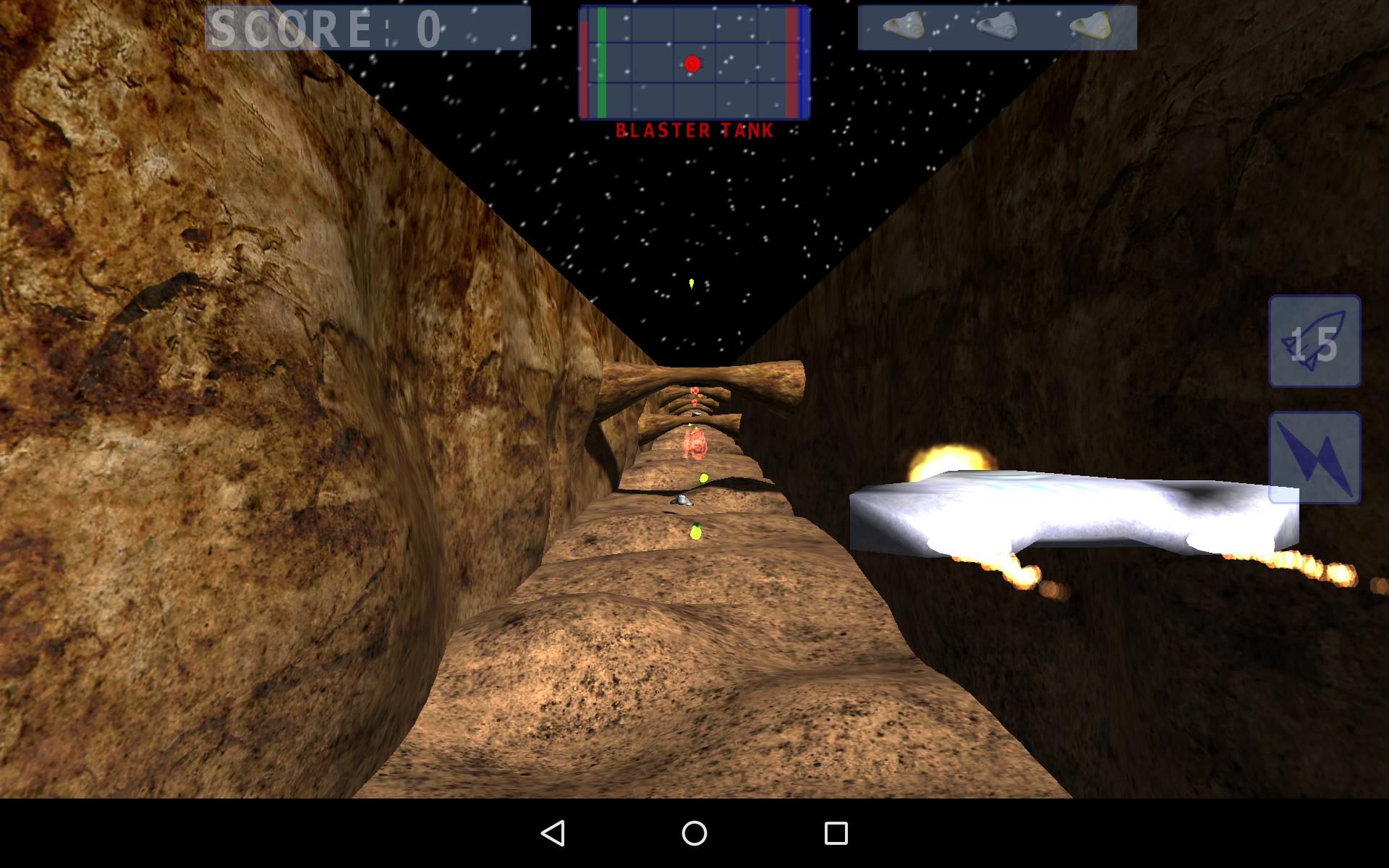
Navigate your fighter through gigantic space hulks to deliver that fatal sting.
This is a fast paced action game that requires quite a bit of concentration.
To play:
* Swipe left/right/up/down to position your fighter.
* Fire your primary and secondary weapons as needed using the on-screen buttons.
* Keep and eye on your health, energy and shield levels.
* Oh - and remember to turn left after destabilizing a reactor core to exit the space hulk before it explodes.
Technical Info:
Because it is fast paced the game requires steady, high FPS to be playable. Be sure not to have a lot of background apps running while playing. In the settings menu there are two items that can be used to balance visual fidelity and performance:
* Native resolution
* Dynamic shadows
On a small (up to 8 inches) high DPI screen there is no reason to render at native resolution so it can safely be unchecked to save battery.
Pratinjau
Informasi
Pengembang
Gale North
Versi Terbaru
1.2.4
Terakhir Diperbarui
2016-01-17
Kategori
Aksi
Tersedia di
Google Play
Menampilkan lebih banyak
Cara memainkan Sting dengan GameLoop di PC
1. Download GameLoop dari situs resminya, lalu jalankan file exe untuk menginstal GameLoop.
2. Buka GameLoop dan cari “Sting”, temukan Sting di hasil pencarian dan klik “Install”.
3. Nikmati bermain Sting di GameLoop.
Minimum requirements
OS
Windows 8.1 64-bit or Windows 10 64-bit
GPU
GTX 1050
CPU
i3-8300
Memory
8GB RAM
Storage
1GB available space
Recommended requirements
OS
Windows 8.1 64-bit or Windows 10 64-bit
GPU
GTX 1050
CPU
i3-9320
Memory
16GB RAM
Storage
1GB available space