Legends Royale for PC
Ludos Game
Unduh Legends Royale di PC Dengan Emulator GameLoop
Legends Royale di PC
Legends Royale, berasal dari pengembang Ludos Game, berjalan di sistem Android di masa lalu.
Sekarang, Anda dapat memainkan Legends Royale di PC dengan GameLoop dengan lancar.
Unduh di perpustakaan GameLoop atau hasil pencarian. Tidak ada lagi memperhatikan baterai atau panggilan frustasi pada waktu yang salah lagi.
Nikmati saja Legends Royale PC di layar besar secara gratis!
Legends Royale Pengantar
Welcome to the Legends Royale game!
Multiplayer first-person shooter game.
Fast gameplay, a lot of action, a lot of prizes and unlimited fun!
Load up your loadout and start fighting with other players.
You can fight with your team on Warline, play deathmatch mode, enjoy defend mode or join unlimited jump to die mode.
Your weapon is designed by real weapon references and the bullet physic is calculated from a real-world bullet mechanics.
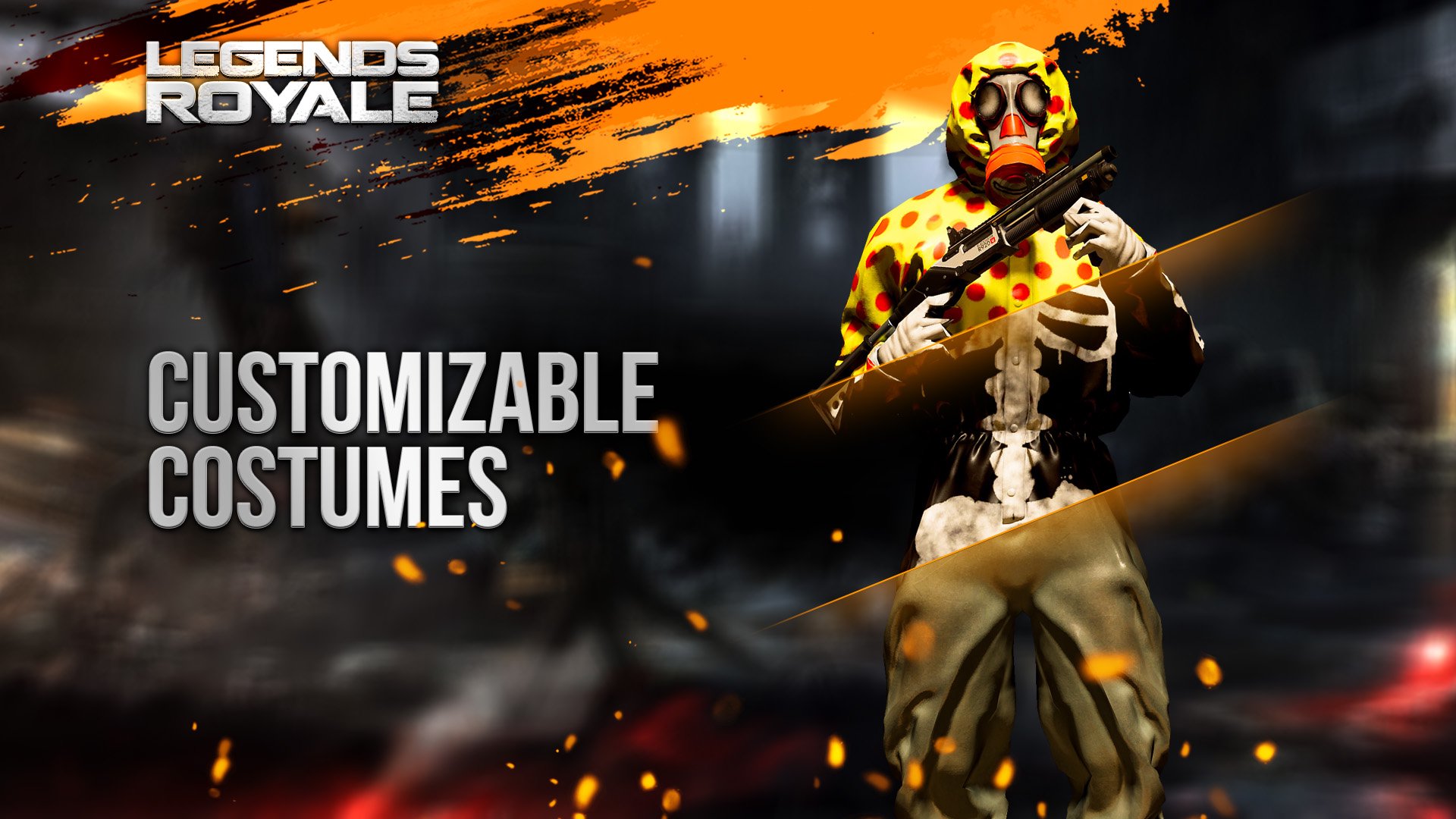
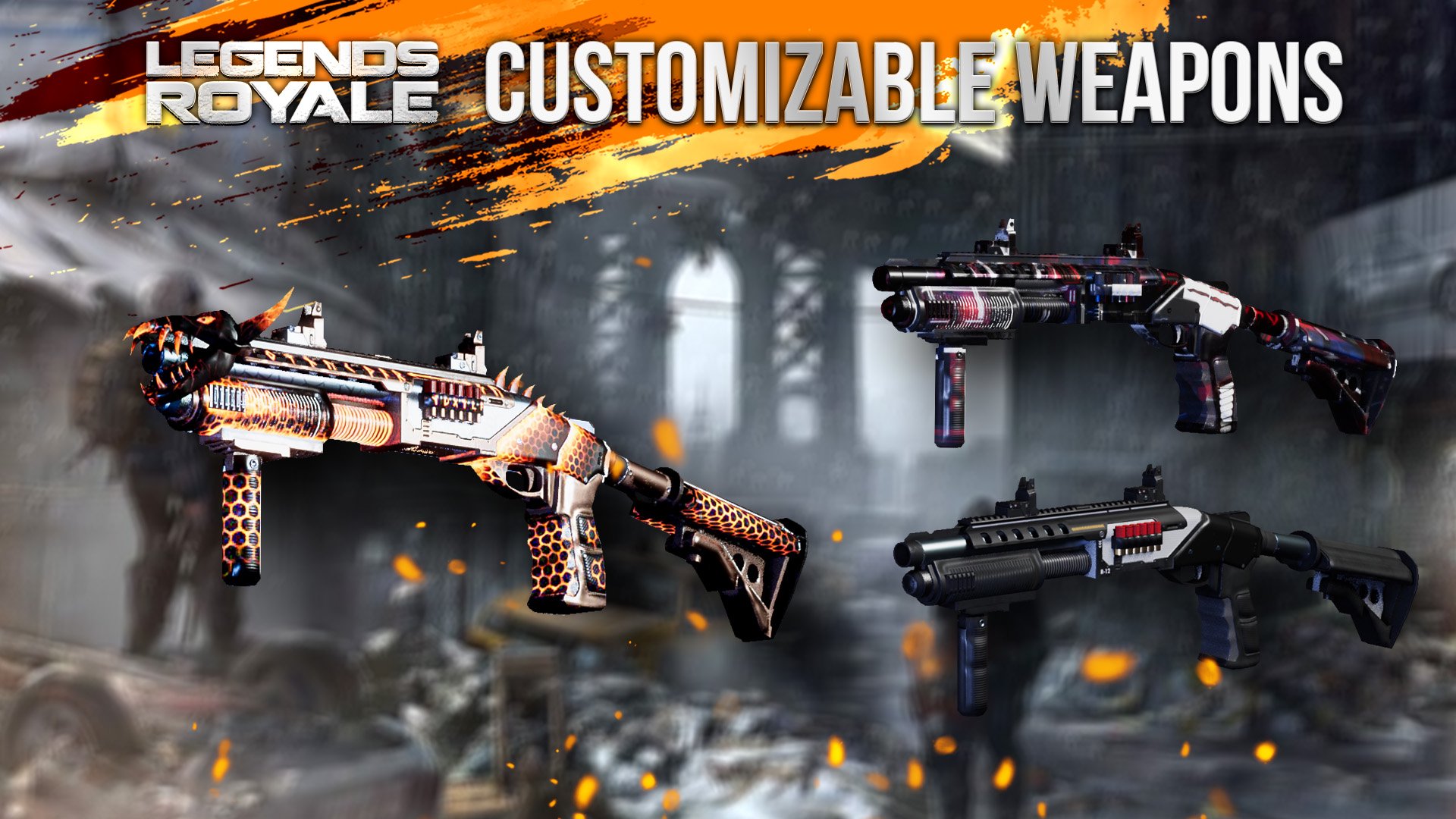
You can discover 5 different battle zone, 3 different modes and unlimited customizations. You can create your own loadout or you can join weapon rush mode.
Come to the battleground, and dominate your opponents now!
Battlezone waiting for you!
Pratinjau
Tag
AksiInformasi
Pengembang
Ludos Game
Versi Terbaru
0.1212202001
Terakhir Diperbarui
2020-12-19
Kategori
Aksi
Tersedia di
Google Play
Menampilkan lebih banyak
Cara memainkan Legends Royale dengan GameLoop di PC
1. Download GameLoop dari situs resminya, lalu jalankan file exe untuk menginstal GameLoop.
2. Buka GameLoop dan cari “Legends Royale”, temukan Legends Royale di hasil pencarian dan klik “Install”.
3. Nikmati bermain Legends Royale di GameLoop.
Minimum requirements
OS
Windows 8.1 64-bit or Windows 10 64-bit
GPU
GTX 1050
CPU
i3-8300
Memory
8GB RAM
Storage
1GB available space
Recommended requirements
OS
Windows 8.1 64-bit or Windows 10 64-bit
GPU
GTX 1050
CPU
i3-9320
Memory
16GB RAM
Storage
1GB available space