
Word Quest Game 電腦版
LittleBigPlay - Word, Educational & Puzzle Games
用GameLoop模拟器在電腦上玩Word Quest Game
Word Quest Game 電腦版
來自發行商 LittleBigPlay - Word, Educational & Puzzle Games 的 Word Quest Game 能夠在安卓系統上運行。
現在,您可以在電腦上使用 GameLoop 模擬器流暢地玩 Word Quest Game。
在 GameLoop 遊戲庫或搜索結果中下載。 不需要再暢玩遊戲時盯著電池電量或被令人懊惱的來電打斷。
只需在電腦大屏幕上免費下載暢玩Word Quest Game 電腦版!
Word Quest Game 簡介
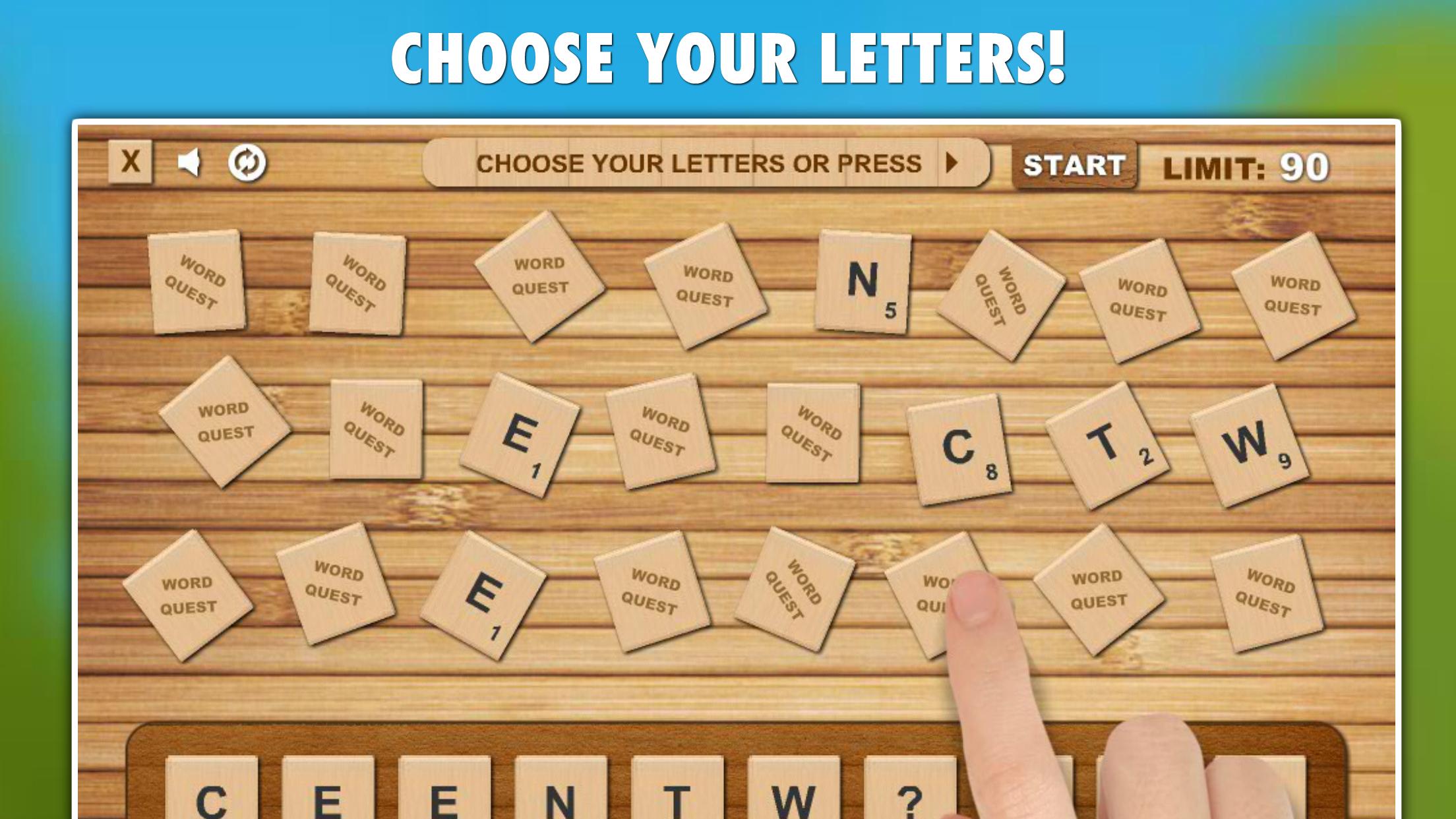
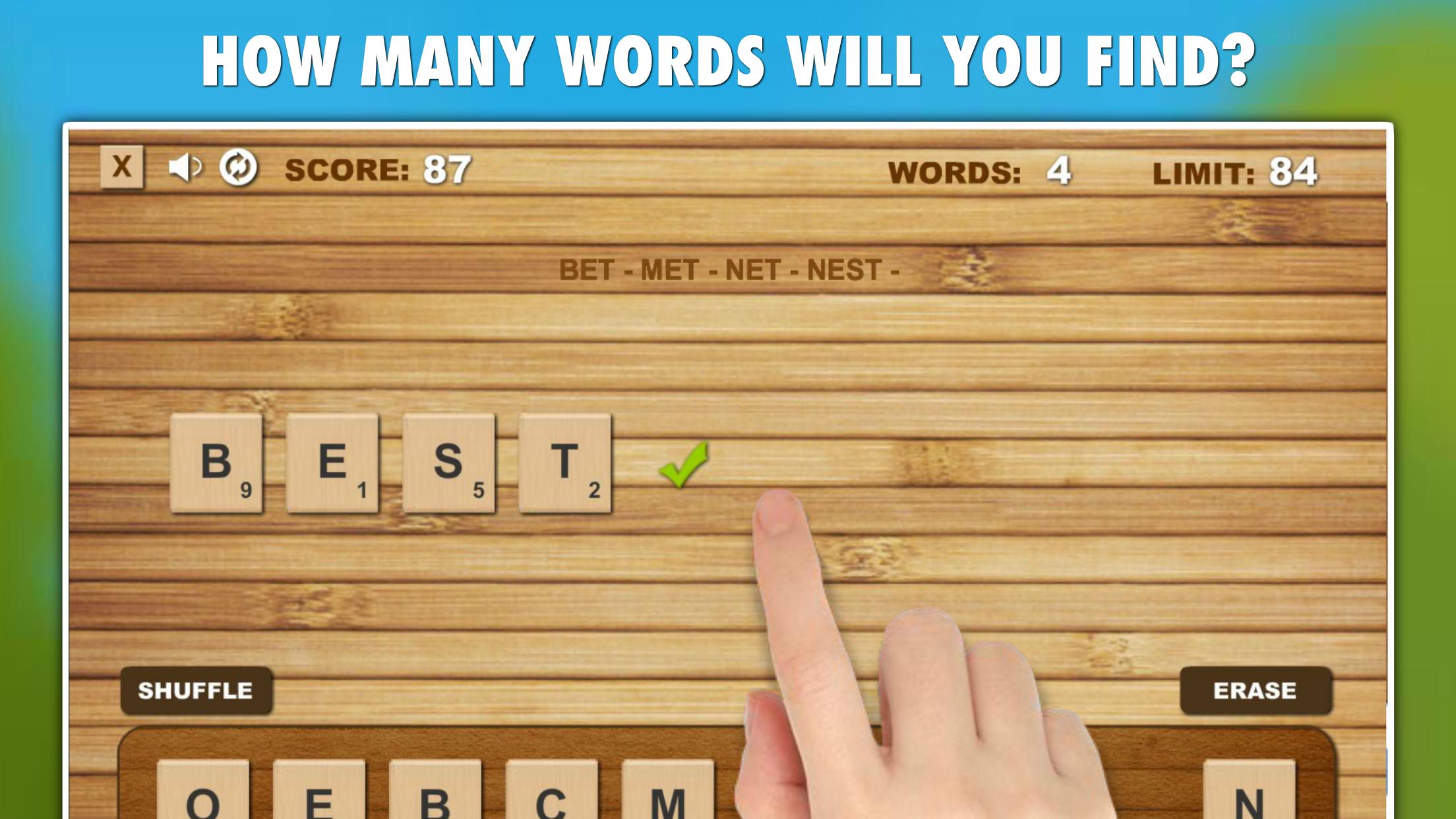
Word Quest: Your quick word search adventure! Choose your letters or let fate decide, then create words against the clock or in relaxed mode. Compete globally, improve your typing and spelling skills, and enjoy offline play.
Key Features:
• Two engaging game modes: Challenge and Relax, catering to different play styles and preferences.
• Global TOP20 leaderboards for competitive scoring and comparison.
• Skill-enhancing gameplay that improves English spelling and typing proficiency.
• Each game presents a unique and varied challenge, ensuring endless replayability.
• A comprehensive English vocabulary database encompassing over 500,000 words.
• Social sharing options, allowing you to share your scores and achievements with friends and family.
• Offline accessibility, enabling play without internet or Wi-Fi.
Game Modes:
• Challenge: A time-limited mode where each created word extends the time limit, rewarding longer words with more time.
• Relax: An untimed mode that allows for leisurely word finding without any pressure.
Discover the thrill of word creation with Word Quest!
預覽
標籤
文字訊息
開發商
LittleBigPlay - Word, Educational & Puzzle Games
最新版本
8.1
更新時間
2025-01-14
類別
文字
同時可用
Google Play
更多
如何在電腦上用 GameLoop 玩 Word Quest Game
1. 從官網下載GameLoop,然後運行exe文件安裝GameLoop
2. 打開GameLoop,搜索“Word Quest Game”,在搜索結果中找到Word Quest Game,點擊“安裝”
3. 享受在 GameLoop 上玩 Word Quest Game 的樂趣
Minimum requirements
OS
Windows 8.1 64-bit or Windows 10 64-bit
GPU
GTX 1050
CPU
i3-8300
Memory
8GB RAM
Storage
1GB available space
Recommended requirements
OS
Windows 8.1 64-bit or Windows 10 64-bit
GPU
GTX 1050
CPU
i3-9320
Memory
16GB RAM
Storage
1GB available space