
Word Search 電腦版
Rottz Games
用GameLoop模拟器在電腦上玩Word Search
Word Search 電腦版
來自發行商 Rottz Games 的 Word Search 能夠在安卓系統上運行。
現在,您可以在電腦上使用 GameLoop 模擬器流暢地玩 Word Search。
在 GameLoop 遊戲庫或搜索結果中下載。 不需要再暢玩遊戲時盯著電池電量或被令人懊惱的來電打斷。
只需在電腦大屏幕上免費下載暢玩Word Search 電腦版!
Word Search 簡介
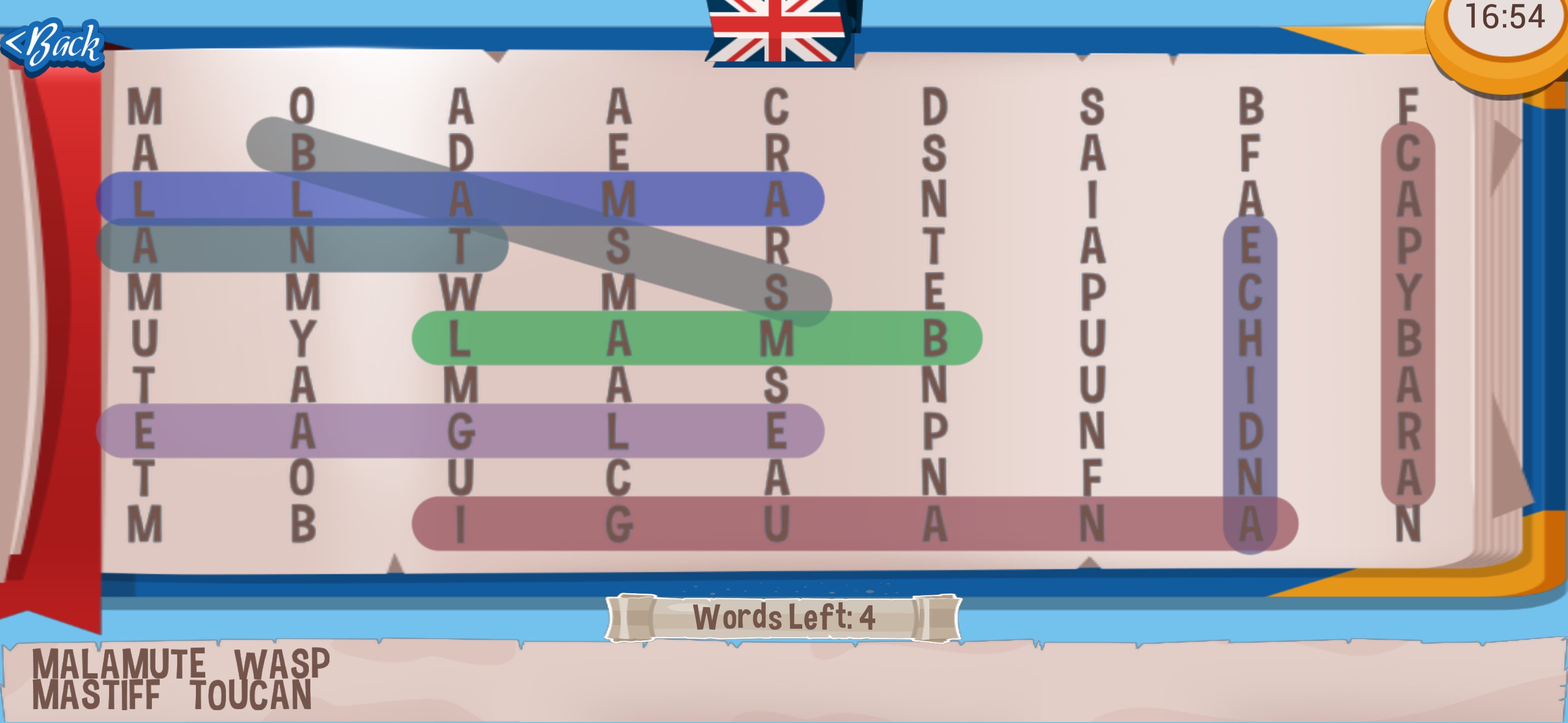
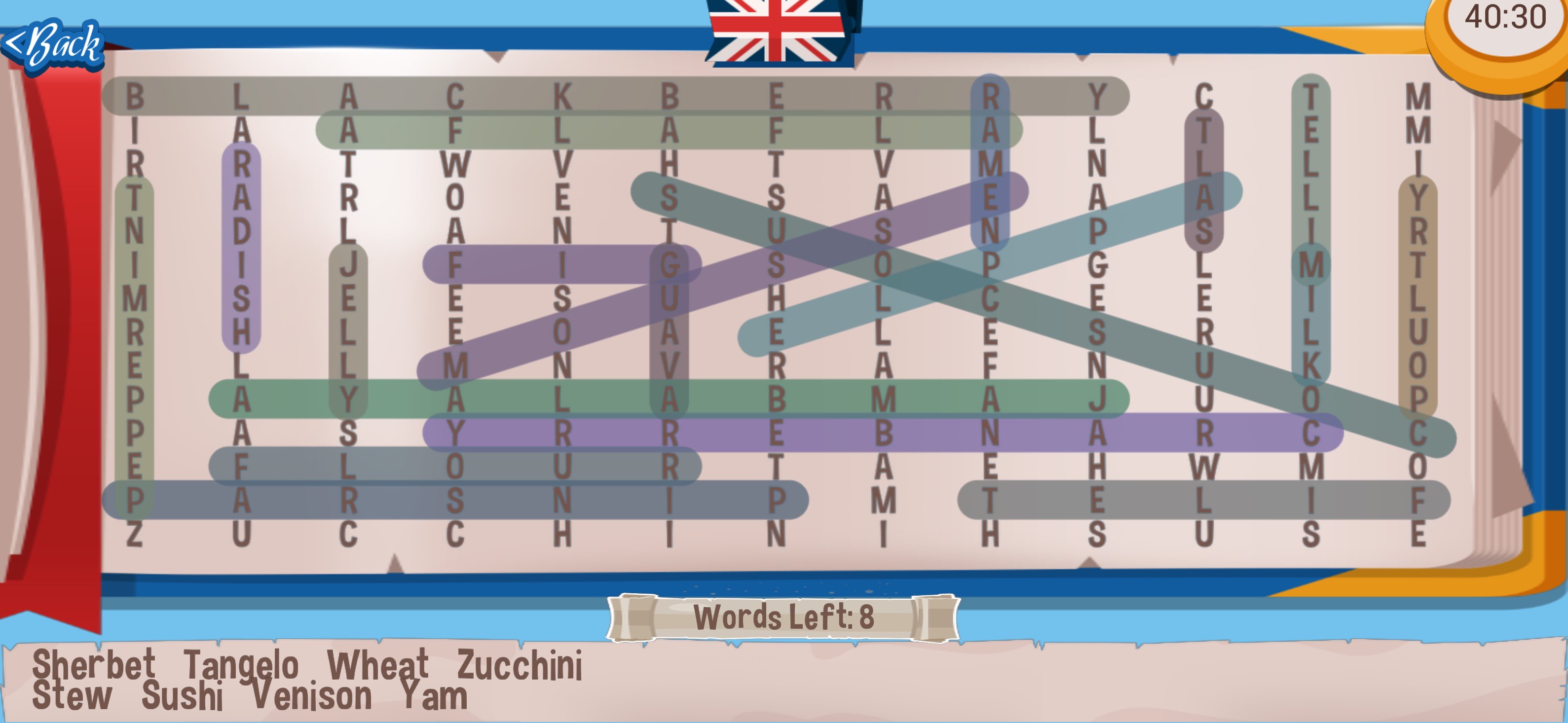
⭐ Word Search — Classic Puzzle Game
Find hidden words in letter grids across four difficulty levels — from a breezy 9×9 Easy grid all the way to a massive 20×20 Insane board with 400 letters. Think you can find every word in under an hour?
🏆 Available since 2015 — 10+ years of regular updates, new boards, and new languages.
✨ Why you'll love it:
📚 Hundreds of free puzzles — new boards added regularly, there's always a fresh challenge waiting
🌍 15 languages — play in English, Spanish, Portuguese, Russian, French, German, Italian, Dutch, Polish, Czech, Greek, Indonesian, Romanian, Swedish, and Vietnamese
🎯 Four difficulty levels — Easy, Medium, Hard, and Insane for every skill level
💻 Play on any screen — fully supports landscape mode and Chromebooks, so it feels great on phones, tablets, and laptops alike
✉️ Contact us at word.and@rottzgames.com
🔎 Find 'em all!
預覽
標籤
搜索休閒單人遊戲抽象的單機遊戲訊息
開發商
Rottz Games
最新版本
2.3.5G
更新時間
2026-05-27
類別
文字
同時可用
Google Play
更多
如何在電腦上用 GameLoop 玩 Word Search
1. 從官網下載GameLoop,然後運行exe文件安裝GameLoop
2. 打開GameLoop,搜索“Word Search”,在搜索結果中找到Word Search,點擊“安裝”
3. 享受在 GameLoop 上玩 Word Search 的樂趣
Minimum requirements
OS
Windows 8.1 64-bit or Windows 10 64-bit
GPU
GTX 1050
CPU
i3-8300
Memory
8GB RAM
Storage
1GB available space
Recommended requirements
OS
Windows 8.1 64-bit or Windows 10 64-bit
GPU
GTX 1050
CPU
i3-9320
Memory
16GB RAM
Storage
1GB available space