
TikT Video Player all Format 電腦版
Image Crop n Wallpaper Changer
用GameLoop模拟器在電腦上玩TikT Video Player all Format
TikT Video Player all Format 電腦版
來自發行商 Image Crop n Wallpaper Changer 的 TikT Video Player all Format 能夠在安卓系統上運行。
現在,您可以在電腦上使用 GameLoop 模擬器流暢地玩 TikT Video Player all Format。
在 GameLoop 遊戲庫或搜索結果中下載。 不需要再暢玩遊戲時盯著電池電量或被令人懊惱的來電打斷。
只需在電腦大屏幕上免費下載暢玩TikT Video Player all Format 電腦版!
TikT Video Player all Format 簡介
📱 HD Video Player all Format is a feature-rich and intuitive Android app that brings the ultimate media playback experience to your device. With its powerful capabilities, sleek design, and seamless performance, it offers you a comprehensive solution for managing and enjoying your videos like never before. Whether you're a casual viewer or a dedicated cinephile, Video Player has got you covered. 🎉
Key Features:
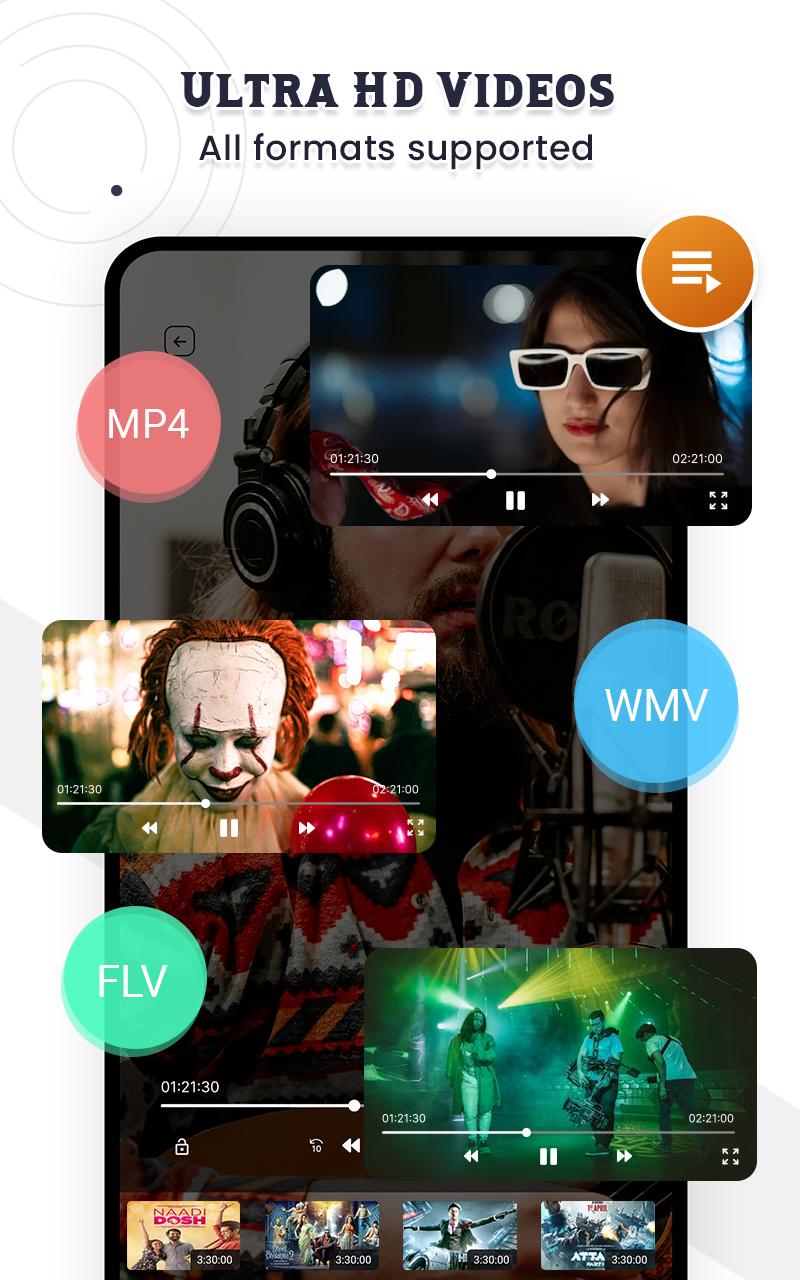
📼 Wide Format Support: Video Player for android supports a wide range of video formats, including popular ones like MP4, AVI, MKV, MOV, and more. No need to worry about compatibility issues; your videos will play smoothly and flawlessly.
⏩ Smooth Playback: The app utilizes advanced decoding technology to ensure smooth playback, even for high-definition videos. Whether you're watching locally stored videos or streaming online content, Video Player delivers a lag-free experience.
🚀 Hardware Acceleration: Video Player app takes full advantage of your device's hardware capabilities, including hardware acceleration, to provide optimal video decoding and playback. This results in improved performance, reduced battery consumption, and an overall enhanced viewing experience.
🔤 Subtitle Support: Enjoy videos from different languages or with hard-to-understand accents with Video Player's comprehensive subtitle support. It enables you to easily load and synchronize subtitle files, adjust font size, style, and color, and even search for subtitles online.
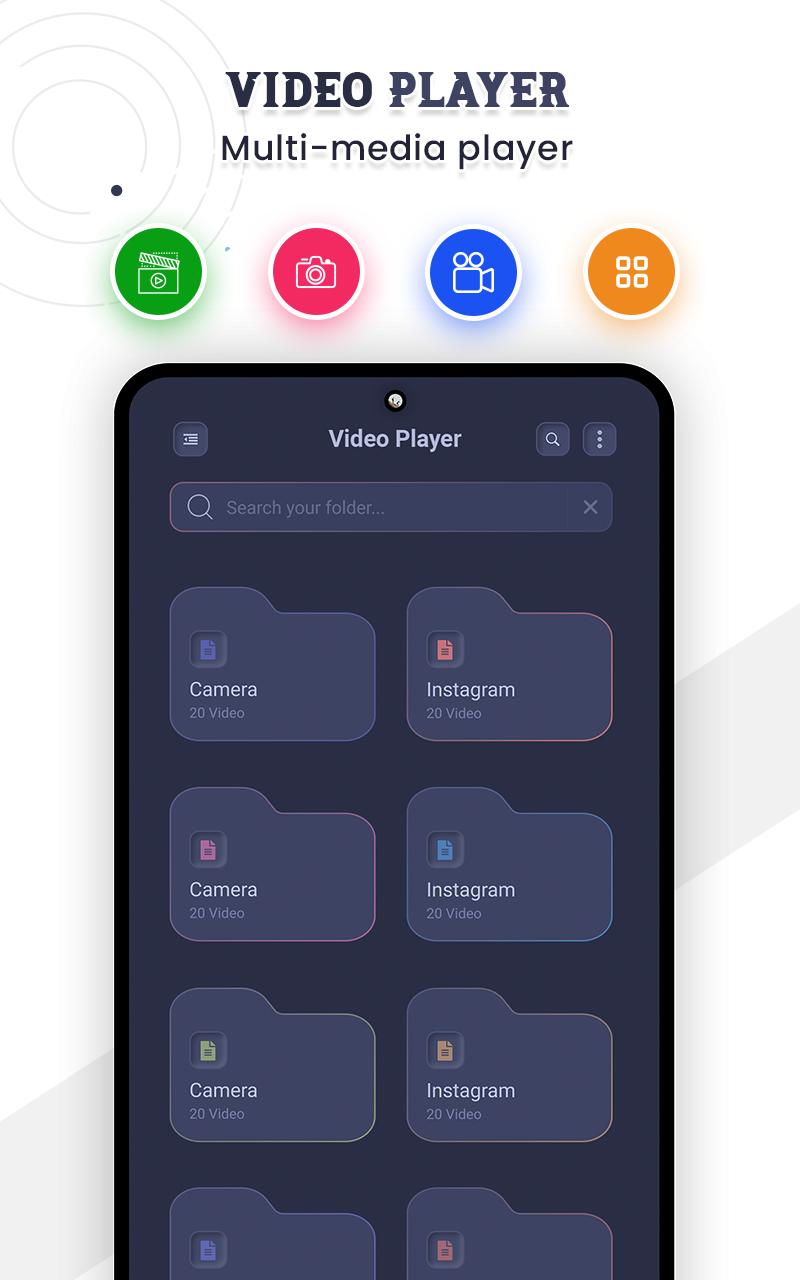
🖐️ Intuitive User Interface: HD Video Player boasts a clean and user-friendly interface, ensuring effortless navigation and control. The intuitive gesture controls allow you to adjust brightness, volume, and playback progress with simple swipes and taps.
📂 Playlist Management: Create personalized playlists to organize your videos based on themes, genres, or any other criteria. With just a few taps, you can easily add, remove, and rearrange videos in your playlist for a customized viewing experience.
📺 Picture-in-Picture (PiP) Mode: Multitask like a pro with Video Player's Picture-in-Picture mode. This feature enables you to continue watching your favorite videos in a resizable floating window while using other apps or browsing the web.
🌐 Network Streaming: Enjoy the convenience of streaming videos directly from popular online platforms such as YouTube, Vimeo, and Dailymotion. Video Player seamlessly integrates with these platforms, providing a unified and hassle-free streaming experience.
📲 Video Casting: Video Player supports casting to compatible devices, allowing you to effortlessly stream your videos on larger screens, such as smart TVs or Chromecast-enabled devices. Sit back, relax, and enjoy your videos on the big screen with just a tap.
🔒 Privacy and Security: Video Player all Format respects your privacy and ensures the safety of your personal data. It does not collect any sensitive information or require unnecessary permissions. Your videos and viewing habits remain private and secure.
Whether you're watching 🎥 movies, 📺 TV shows, 🎞️ personal videos, or online content, Video Player offers a complete multimedia solution that brings your entertainment to life. Download the app today and embark on a seamless video playback journey like never before!
Note: Some features mentioned may require specific device capabilities or premium upgrades for full access. 💯
預覽
標籤
Video-Players訊息
開發商
Image Crop n Wallpaper Changer
最新版本
5.0
更新時間
2023-12-08
類別
Video-players-editors
同時可用
Google Play
更多
如何在電腦上用 GameLoop 玩 TikT Video Player all Format
1. 從官網下載GameLoop,然後運行exe文件安裝GameLoop
2. 打開GameLoop,搜索“TikT Video Player all Format”,在搜索結果中找到TikT Video Player all Format,點擊“安裝”
3. 享受在 GameLoop 上玩 TikT Video Player all Format 的樂趣
Minimum requirements
OS
Windows 8.1 64-bit or Windows 10 64-bit
GPU
GTX 1050
CPU
i3-8300
Memory
8GB RAM
Storage
1GB available space
Recommended requirements
OS
Windows 8.1 64-bit or Windows 10 64-bit
GPU
GTX 1050
CPU
i3-9320
Memory
16GB RAM
Storage
1GB available space