
Video Frame Rate Changer (FPS) 電腦版
Baj Empire
用GameLoop模拟器在電腦上玩Video Frame Rate Changer (FPS)
Video Frame Rate Changer (FPS) 電腦版
來自發行商 Baj Empire 的 Video Frame Rate Changer (FPS) 能夠在安卓系統上運行。
現在,您可以在電腦上使用 GameLoop 模擬器流暢地玩 Video Frame Rate Changer (FPS)。
在 GameLoop 遊戲庫或搜索結果中下載。 不需要再暢玩遊戲時盯著電池電量或被令人懊惱的來電打斷。
只需在電腦大屏幕上免費下載暢玩Video Frame Rate Changer (FPS) 電腦版!
Video Frame Rate Changer (FPS) 簡介
Video frame rate is the number of individual frames or images that are displayed per second in a video. It is an important factor that can affect the overall quality and smoothness of a video. If the frame rate is too low, the video may appear choppy or jerky, while a higher frame rate can produce a more fluid and lifelike video experience.
There are many reasons why you may want to increase or decrease frame rate of a video. For example, you may want to adjust the frame rate to match the native frame rate of your display device or to make the video compatible with a specific platform or application. Alternatively, you may want to change the frame rate to achieve a specific visual effect, such as slow motion or time-lapse.
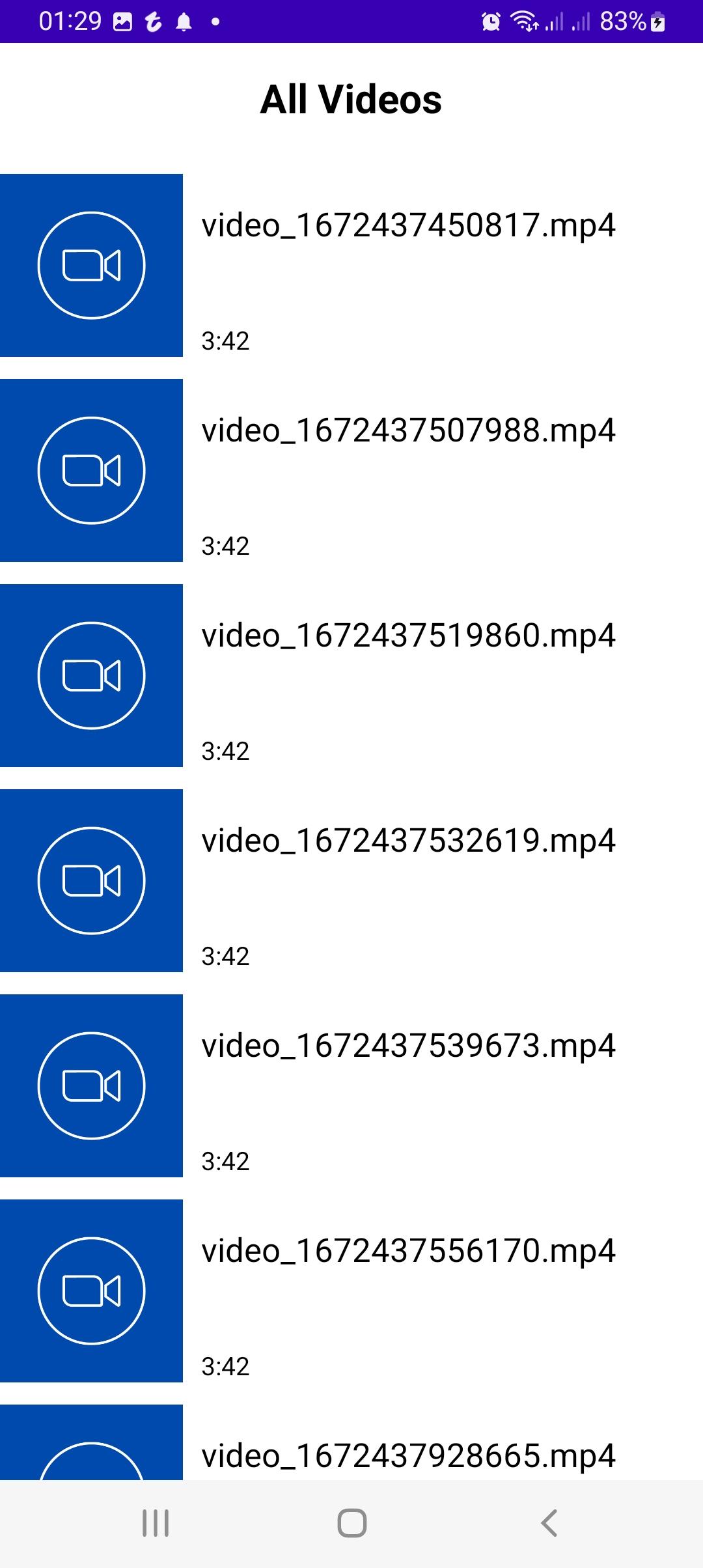
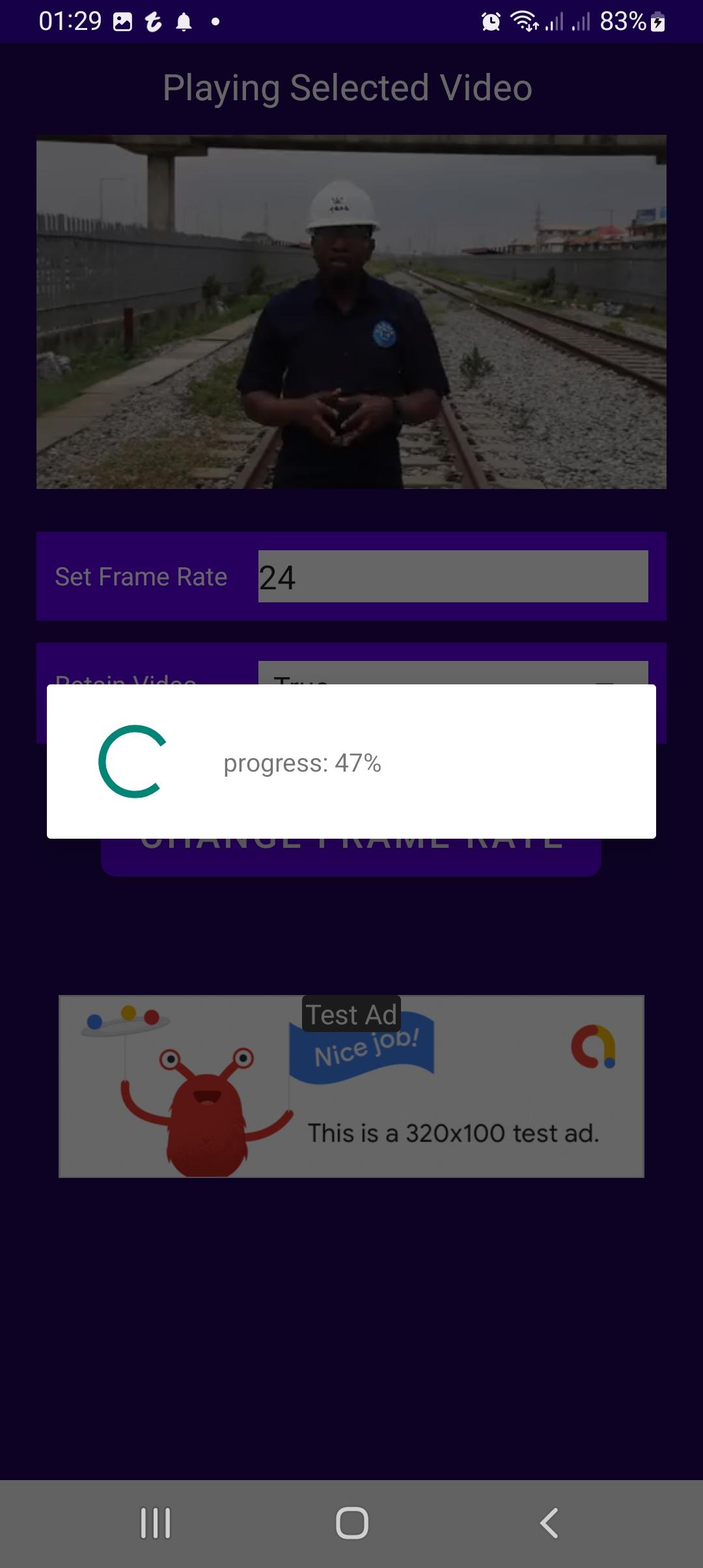
This video frame rate changer app can help you easily adjust the frame rate of your videos without the need for specialized software or technical expertise. Our app has a simple and user-friendly interface. All you need to do is to select the video file you want to modify and choose the desired frame rate.
You can also choose to either drop frames or duplicate frames when changing the frame rate of any video.
預覽
標籤
Video-Players訊息
開發商
Baj Empire
最新版本
1.0
更新時間
2022-12-30
類別
Video-players-editors
同時可用
Google Play
更多
如何在電腦上用 GameLoop 玩 Video Frame Rate Changer (FPS)
1. 從官網下載GameLoop,然後運行exe文件安裝GameLoop
2. 打開GameLoop,搜索“Video Frame Rate Changer (FPS)”,在搜索結果中找到Video Frame Rate Changer (FPS),點擊“安裝”
3. 享受在 GameLoop 上玩 Video Frame Rate Changer (FPS) 的樂趣
Minimum requirements
OS
Windows 8.1 64-bit or Windows 10 64-bit
GPU
GTX 1050
CPU
i3-8300
Memory
8GB RAM
Storage
1GB available space
Recommended requirements
OS
Windows 8.1 64-bit or Windows 10 64-bit
GPU
GTX 1050
CPU
i3-9320
Memory
16GB RAM
Storage
1GB available space