
Video Editor, Maker -VideoCook 電腦版
InShot Inc.
用GameLoop模拟器在電腦上玩Video Editor, Maker -VideoCook
Video Editor, Maker -VideoCook 電腦版
來自發行商 InShot Inc. 的 Video Editor, Maker -VideoCook 能夠在安卓系統上運行。
現在,您可以在電腦上使用 GameLoop 模擬器流暢地玩 Video Editor, Maker -VideoCook。
在 GameLoop 遊戲庫或搜索結果中下載。 不需要再暢玩遊戲時盯著電池電量或被令人懊惱的來電打斷。
只需在電腦大屏幕上免費下載暢玩Video Editor, Maker -VideoCook 電腦版!
Video Editor, Maker -VideoCook 簡介
VideoCook is a powerful, easy-to-use video editor and video maker that offers a wide range of features, including music, filters, glitch effects, transitions, captions, and more. Whether you’re a beginner or a creator, VideoCook lets you transform everyday moments into viral content for TikTok, YouTube, Instagram, WhatsApp, and Facebook — all with no watermark, no ads, and completely free.
From trimming clips to removing backgrounds, VideoCook gives you all the tools you need to record, edit, and share your creative vision seamlessly.
🪄 ONE-TAP AI TOOLS
* AI Body Effects: Instantly enhance images and videos with AI presets
* Auto Captions: Let AI generate captions automatically
* Background Removal: Remove backgrounds in one tap
* Smart Tracking: Sync text and stickers with moving objects
* Smooth Slow-Mo: AI-powered slow-motion for smooth effects
🎥 BASIC VIDEO EDITING
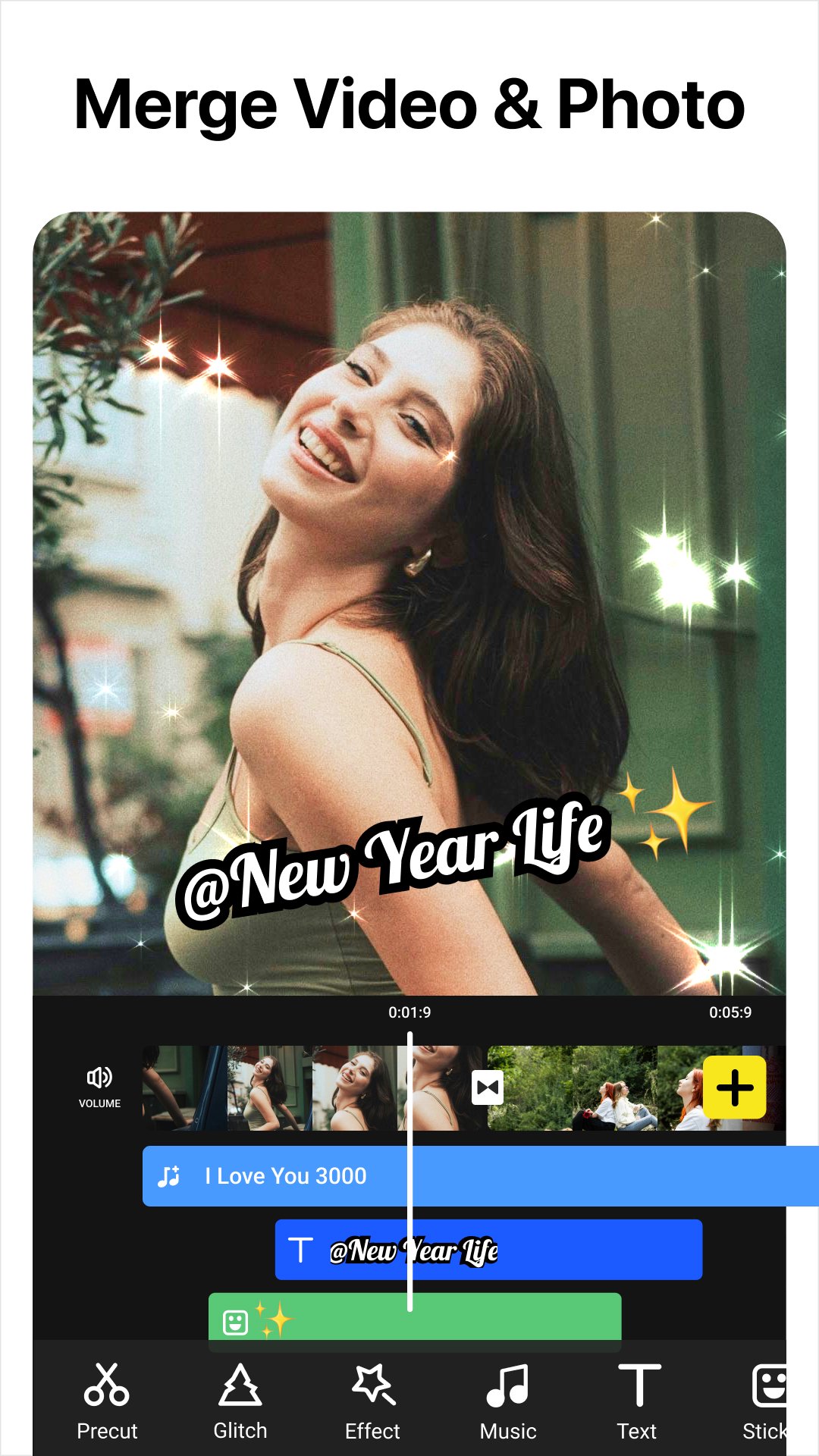
* Trim, cut, and merge videos with high precision
* Adjust speed (0.2x to 100x) for smooth slow motion or time-lapse
* Crop or resize to fit any aspect ratio (1:1, 9:16, 16:9, etc.)
* Reverse, rotate, and flip clips
* Create slideshows or stop motion videos
* Record videos with iconic glitch, VHS, and face effects via Glitch Cam.
🧠 ADVANCED VIDEO EDITOR
* Add keyframe animations to text, stickers, and video layers
* Picture-in-Picture (PIP) support for multi-layer edits and video collages
* Chroma key to remove backgrounds and create green screen effects
* Mask and blend modes for creative overlays
* Color picker to match your visual style perfectly
🎶 MUSIC, SOUND & VOICE
* Add built-in or custom music to your videos
* Extract audio from video clips
* Add voiceovers with fade-in/out and volume control
* Use sound effects for vlogs, memes, and more
✨ FILTERS, EFFECTS & GLITCH
* 100+ filters and trending glitch effects: VHS, RGB, X-ray, Retro, etc.
* Smooth video transitions: blur, zoom, fade, slide, etc.
* Customize video brightness, contrast, saturation, and more
📝 TEXT, STICKERS & MEMES
* Add text with 1000+ fonts and animated styles
* Subtitle your vlogs with auto-caption support
* Decorate with animated stickers, emojis, and trending GIFs
* Create memes and overlays with your own images
🔁 SOCIAL MEDIA EXPORT & SHARING
* Export videos in HD, up to 4K 60fps
* No watermark, no ads – just your content
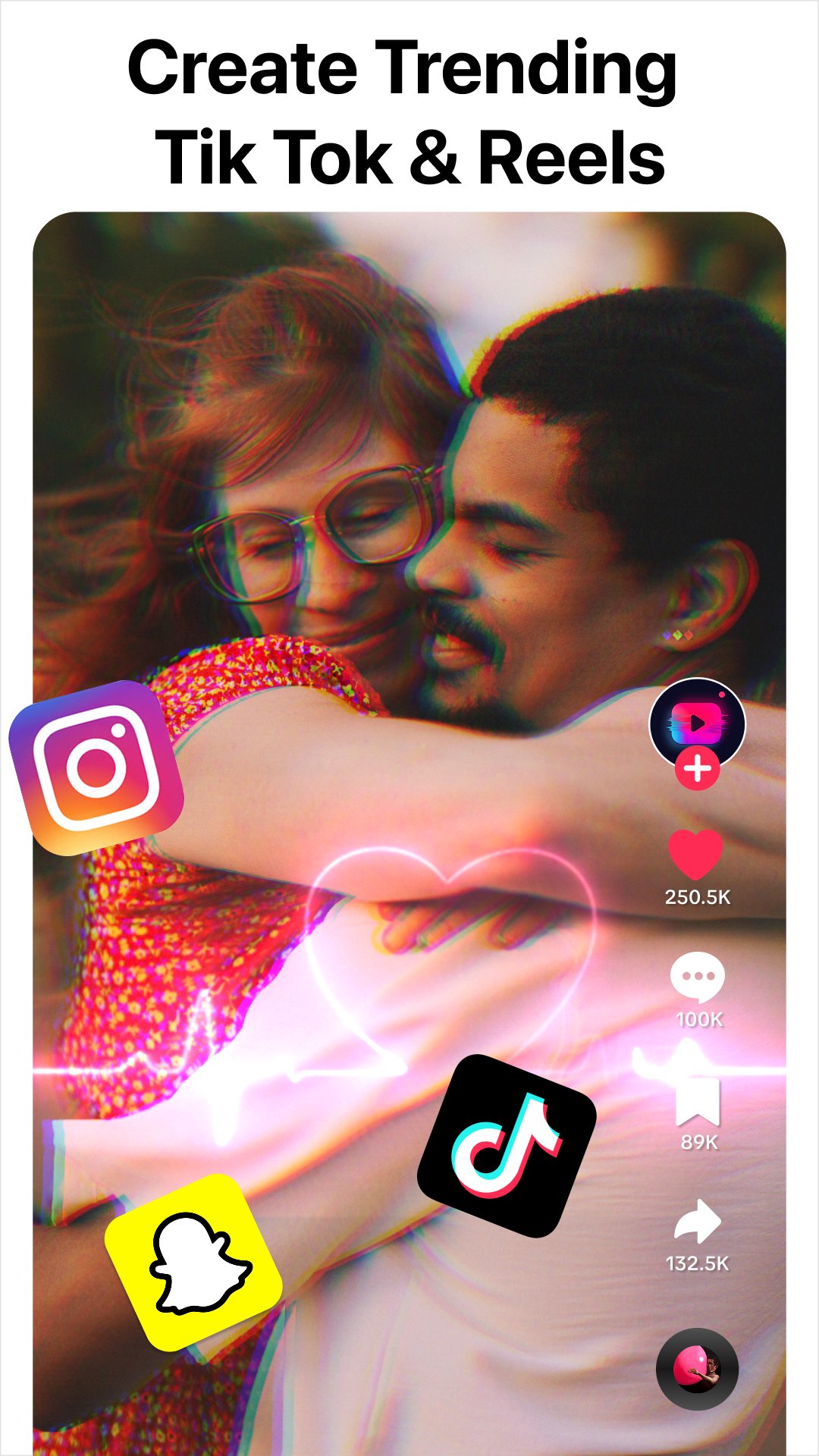
* Share directly to TikTok, YouTube Shorts, Instagram Reels, WhatsApp & more
📸 MORE THAN A VIDEO EDITOR
Create eye-catching TikTok covers & social posts with powerful AI photo tools.
* AI Photo Enhancer: Turn blurry photos into HD & refine facial details
* AI Background Remover: Cut out subjects & export clean PNGs
🎉 WHY CHOOSE VIDEOCOOK?
Whether you're a casual user or aspiring content creator, VideoCook gives you all the tools you need to edit like a pro — glitch effects, music sync, auto captions, slow motion, collages, and more — without paying a dime.
Create viral clips in minutes. Download VideoCook now – free and watermark-free.
💌 Questions? Contact us
videocook@inshot.com
預覽
標籤
Video-Players訊息
開發商
InShot Inc.
最新版本
3.023.19
更新時間
2026-09-16
類別
Video-players-editors
同時可用
Google Play
更多
如何在電腦上用 GameLoop 玩 Video Editor, Maker -VideoCook
1. 從官網下載GameLoop,然後運行exe文件安裝GameLoop
2. 打開GameLoop,搜索“Video Editor, Maker -VideoCook”,在搜索結果中找到Video Editor, Maker -VideoCook,點擊“安裝”
3. 享受在 GameLoop 上玩 Video Editor, Maker -VideoCook 的樂趣
Minimum requirements
OS
Windows 8.1 64-bit or Windows 10 64-bit
GPU
GTX 1050
CPU
i3-8300
Memory
8GB RAM
Storage
1GB available space
Recommended requirements
OS
Windows 8.1 64-bit or Windows 10 64-bit
GPU
GTX 1050
CPU
i3-9320
Memory
16GB RAM
Storage
1GB available space