
Change Video & Audio Format 電腦版
Desa Technology
用GameLoop模拟器在電腦上玩Change Video & Audio Format
Change Video & Audio Format 電腦版
來自發行商 Desa Technology 的 Change Video & Audio Format 能夠在安卓系統上運行。
現在,您可以在電腦上使用 GameLoop 模擬器流暢地玩 Change Video & Audio Format。
在 GameLoop 遊戲庫或搜索結果中下載。 不需要再暢玩遊戲時盯著電池電量或被令人懊惱的來電打斷。
只需在電腦大屏幕上免費下載暢玩Change Video & Audio Format 電腦版!
Change Video & Audio Format 簡介
Media Converter is a powerful tool for converting video, audio and image formats. Instantly convert your movies, music and images in the fastest way and completely free. Save media files in any format for any device or platform.
In addition to the basic functions of changing file formats, Media Converter also has advanced conversion tools between media files such as converting video to audio, converting video to image, converting audio to video, converting image to video, and more.
During the process of changing video and audio formats, you can also use video and audio editing tools such as changing video resolution, reducing video size, changing audio quality, etc.
Video Format Converter
- Convert video in any format to any format.
- Convert video in any format to MP4 format.
- Convert video to audio.
- Extract audio from video.
- Convert video to GIF animation.
- Convert video to JPG image.
- Extract any frame from video.
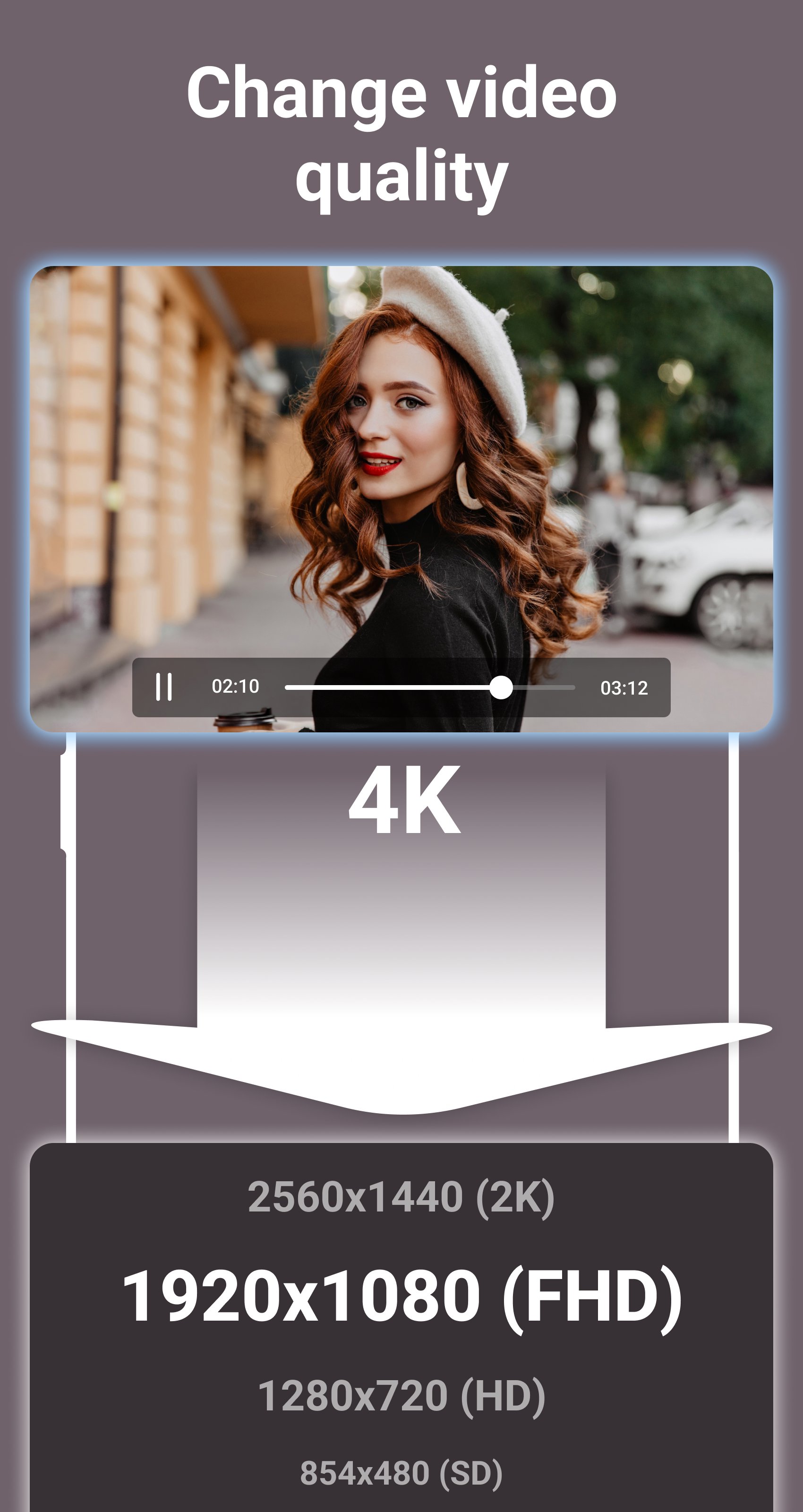
- Choose custom resolution for output video.
- Compress video to 2K, Full HD, HD, SD resolutions.
- Reduce video file size.
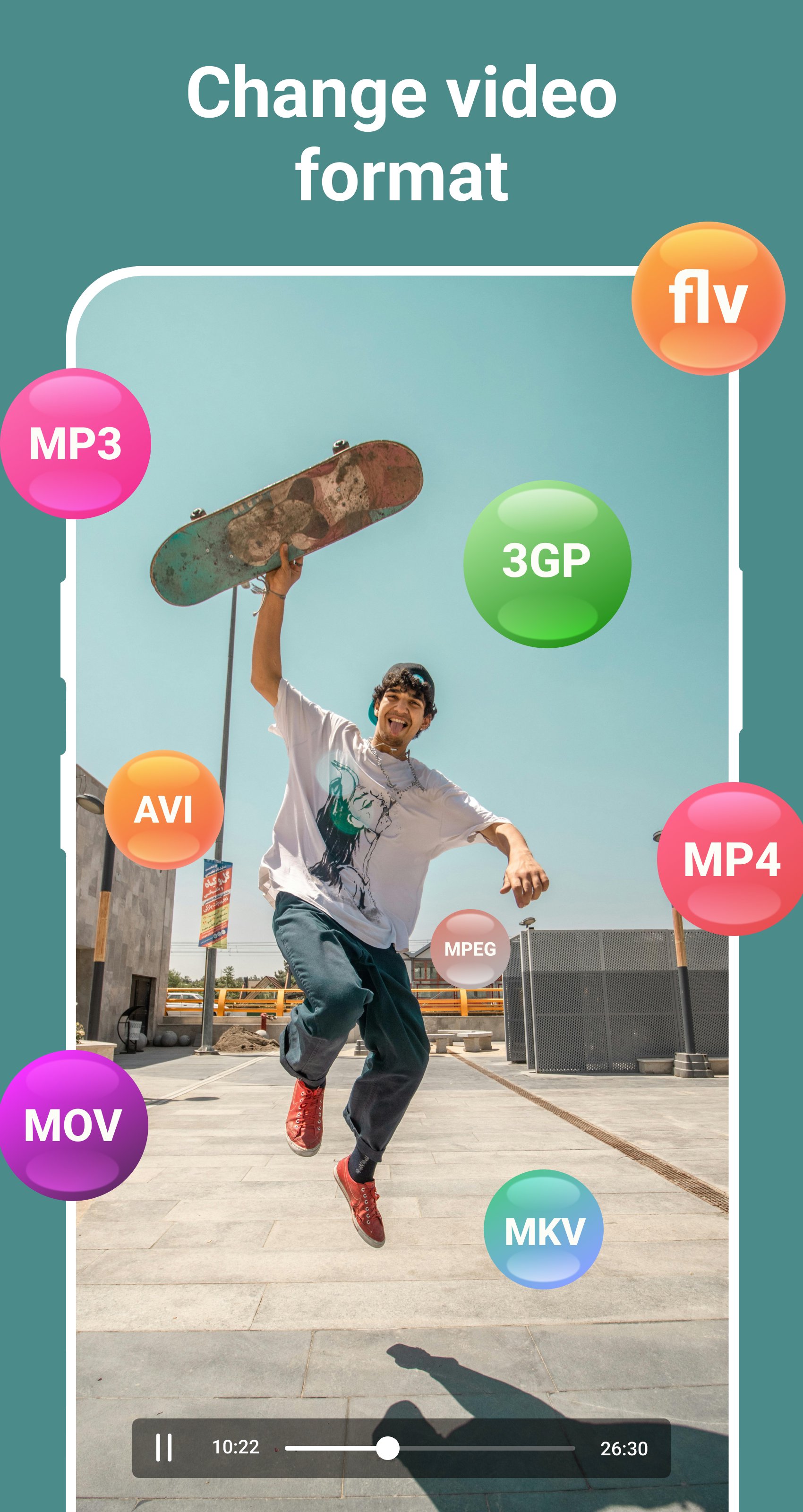
- Support all popular video formats, such as: MP4, MPEG, WEBM, WMV, MOV, MKV, FLV, AVI, 3GP, etc.
Audio and Music Format Converter
- Convert audio and music in any format to any format.
- Convert audio in any format to MP3 format.
- Convert audio to video.
- Choose custom bitrate for output audio.
- Compress audio to 320kbps, 256kbps, 192kbps, 128kbps, 96kbps, 64kbps, 32kbps qualities.
- Reduce audio file size.
- Support all popular audio formats, such as: MP3, OGG, WAV, WMA, M4B, M4A, FLAC, AMR, ALAC, AAC, etc.
Image Format Converter
- Convert images in any format to JPG format.
- Convert images in any format to PNG format.
- Convert GIF animations to video.
- Convert GIF animations to JPG images.
- Extract any frame from GIF animation.
- Reduce image file size.
- Support all popular image formats, such as: JPG, JPEG, PNG, RAW, TIFF, WEBP, XCF, ICO, HEIF, GIF, BMP, etc.
Do you like this app? Please leave your reviews and suggestions, it will help us to improve this app in the next versions! Thank you!
預覽
標籤
Video-Players訊息
開發商
Desa Technology
最新版本
2.1
更新時間
2025-09-25
類別
Video-players-editors
同時可用
Google Play
更多
如何在電腦上用 GameLoop 玩 Change Video & Audio Format
1. 從官網下載GameLoop,然後運行exe文件安裝GameLoop
2. 打開GameLoop,搜索“Change Video & Audio Format”,在搜索結果中找到Change Video & Audio Format,點擊“安裝”
3. 享受在 GameLoop 上玩 Change Video & Audio Format 的樂趣
Minimum requirements
OS
Windows 8.1 64-bit or Windows 10 64-bit
GPU
GTX 1050
CPU
i3-8300
Memory
8GB RAM
Storage
1GB available space
Recommended requirements
OS
Windows 8.1 64-bit or Windows 10 64-bit
GPU
GTX 1050
CPU
i3-9320
Memory
16GB RAM
Storage
1GB available space