
Screen Recorder - iRec 電腦版
Banix Studio
用GameLoop模拟器在電腦上玩Screen Recorder - iRec
Screen Recorder - iRec 電腦版
來自發行商 Banix Studio 的 Screen Recorder - iRec 能夠在安卓系統上運行。
現在,您可以在電腦上使用 GameLoop 模擬器流暢地玩 Screen Recorder - iRec。
在 GameLoop 遊戲庫或搜索結果中下載。 不需要再暢玩遊戲時盯著電池電量或被令人懊惱的來電打斷。
只需在電腦大屏幕上免費下載暢玩Screen Recorder - iRec 電腦版!
Screen Recorder - iRec 簡介
📹 iRec Screen Recorder HD makes it faster and easier than ever to record your screen, record your apps, and record video game play. You can even turn on the camera and microphone and cast right from your phone.
👉 Join the many happy people who have already downloaded Screen Recorder HD. It really is the easiest way to screen record.
👉 Powerful screen recording:
- You can easily hide the recording window for the frameless video while recording or capturing the screen and change the aspect ratio to widescreen, vertical, or square.
- Custom floating window: replace the default floating button with any feature you like.
- Simple interface, easy to record games while playing, record video calls or live shows, capture screenshots, rec screen, and edit images.
- Auto orientation: provide both portrait and landscape recording. Also provide 1080p Resolution, 12.0Mbps Quality, 60 FPS, and HD mode.
iRec Screen Recorder is a stable recorder that provides HD video with clear sound. It’s also an all-in-one video editor and photo editor that enable you to trim video, and edit images.
🎙 Record internal audio:
- Record internal audio, this screen recorder supports recording internal sound.
- It's a stable screen video recorder for you to record video, record the tutorials, and capture the screen.
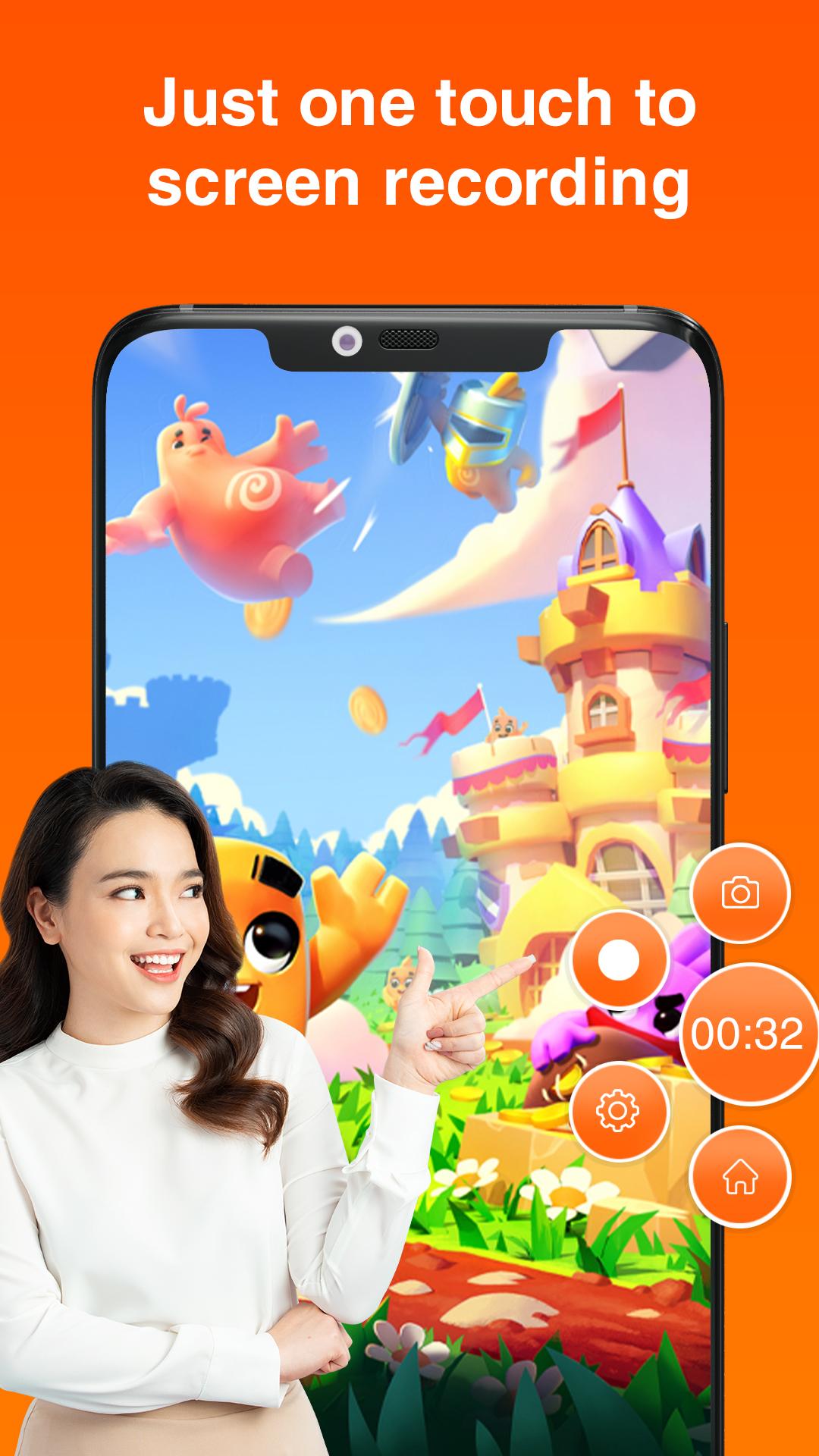
- It only takes one touch to start recording on your phone with sound, and one single tap to pause/resume at any time.
👉 Export HD videos
- This video capture provides high-quality and customized settings and supports HD video, both portrait, and landscape video orientation.
- With this screen recorder, you can change the video settings at will to meet your needs and record clear video.
- Powerful video editor: compress video without losing quality.
📼 Professional Video Editing:
- GIF Recorder: Tap to record gifs, and convert video to gifs. Easy-to-use gif editor, create and edit animated gifs.
- Cute stickers: with funny stickers and GIFs, you can make a popular video with simple steps.
- Fully licensed music: You can download music online or add local songs from your device. You can also use voice-over, record your own voice, and use sound effects such as cartoon characters/robots to make your video popular.
預覽

標籤
Video-Players訊息
開發商
Banix Studio
最新版本
1.7
更新時間
2023-10-11
類別
Video-players-editors
同時可用
Google Play
更多
如何在電腦上用 GameLoop 玩 Screen Recorder - iRec
1. 從官網下載GameLoop,然後運行exe文件安裝GameLoop
2. 打開GameLoop,搜索“Screen Recorder - iRec”,在搜索結果中找到Screen Recorder - iRec,點擊“安裝”
3. 享受在 GameLoop 上玩 Screen Recorder - iRec 的樂趣
Minimum requirements
OS
Windows 8.1 64-bit or Windows 10 64-bit
GPU
GTX 1050
CPU
i3-8300
Memory
8GB RAM
Storage
1GB available space
Recommended requirements
OS
Windows 8.1 64-bit or Windows 10 64-bit
GPU
GTX 1050
CPU
i3-9320
Memory
16GB RAM
Storage
1GB available space