
OTGViewer 電腦版
Android in Spain
用GameLoop模拟器在電腦上玩OTGViewer
OTGViewer 電腦版
來自發行商 Android in Spain 的 OTGViewer 能夠在安卓系統上運行。
現在,您可以在電腦上使用 GameLoop 模擬器流暢地玩 OTGViewer。
在 GameLoop 遊戲庫或搜索結果中下載。 不需要再暢玩遊戲時盯著電池電量或被令人懊惱的來電打斷。
只需在電腦大屏幕上免費下載暢玩OTGViewer 電腦版!
OTGViewer 簡介
With OTGViewer you can:
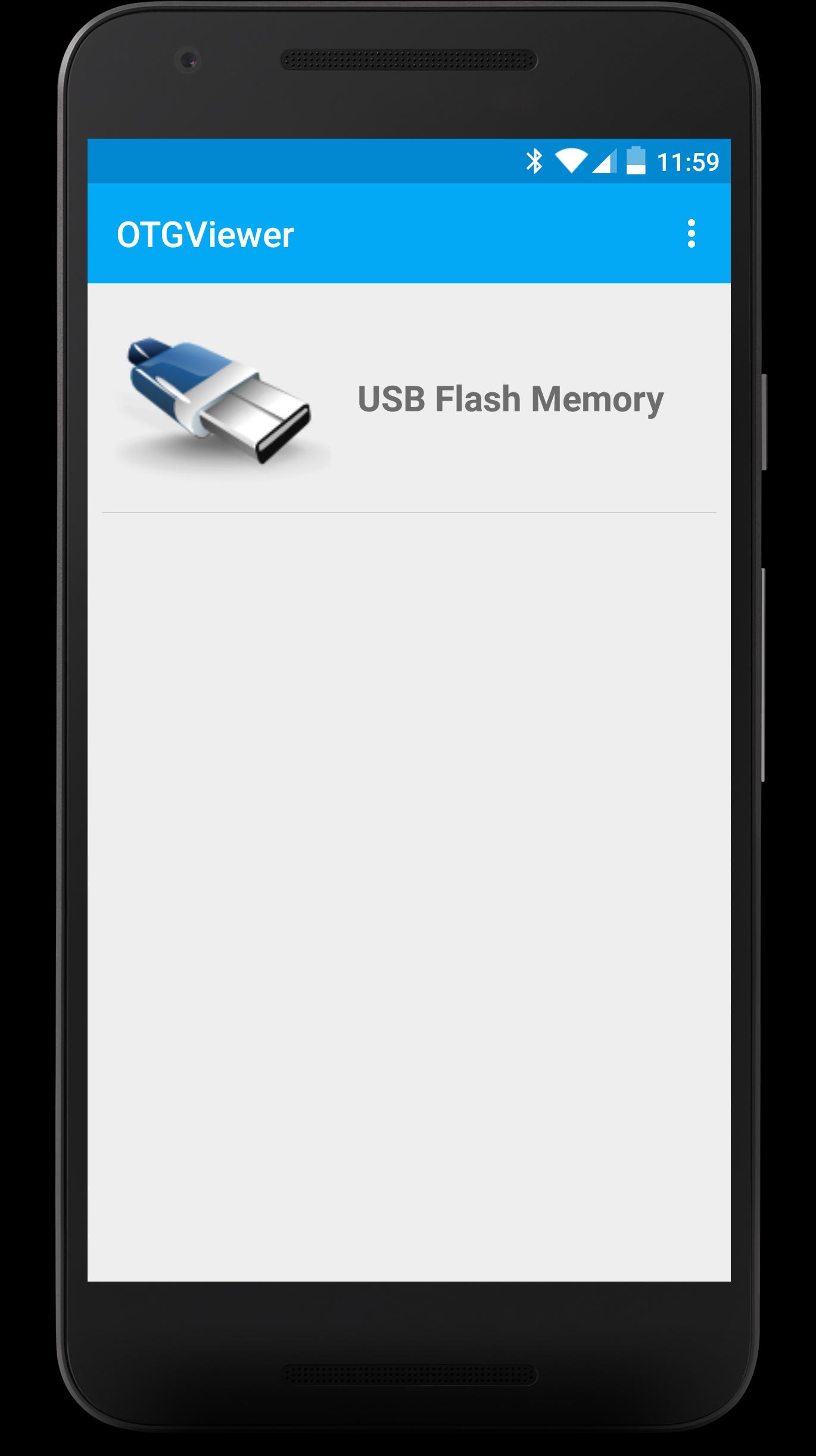
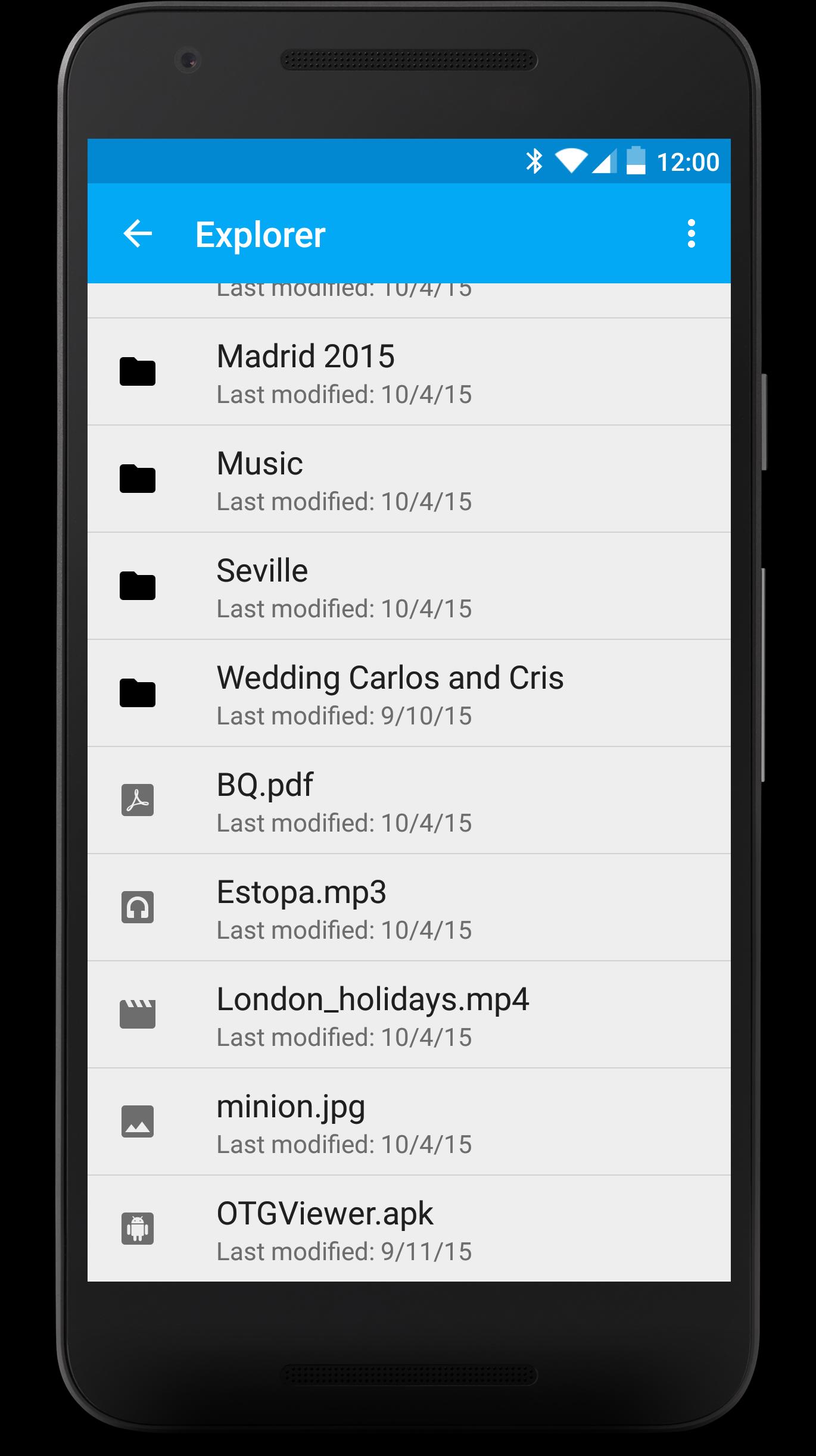
- Browse all the contents from your USB (FAT32). You won't have to worry about anything, each file will be opened with the best app for it.
- Enjoy watching your photos with the embedded photo viewer included in OTGViewer. Thanks to the used algorithms, you won't have to wait for the next photo.
- Slides mode: enjoy the best experience watching photos with your family or friends. You won't have to pass them manually; they will do automatically and the transition speed can be easily regulated with swipe gestures (up or down, respectively).
- Android TV support + remote controllers (Nexus Player, for example). Make the most from your Android TV!
Please, note: we use our own libraries. Therefore, your device doesn't need root nor modified kernels. Only USB OTG support is required.
We really hope you like OTGViewer. We look forward your comments/suggestions in order to improve it. Thank you!
預覽
標籤
Video-Players訊息
開發商
Android in Spain
最新版本
1.1
更新時間
2018-01-04
類別
Video-players-editors
同時可用
Google Play
更多
如何在電腦上用 GameLoop 玩 OTGViewer
1. 從官網下載GameLoop,然後運行exe文件安裝GameLoop
2. 打開GameLoop,搜索“OTGViewer”,在搜索結果中找到OTGViewer,點擊“安裝”
3. 享受在 GameLoop 上玩 OTGViewer 的樂趣
Minimum requirements
OS
Windows 8.1 64-bit or Windows 10 64-bit
GPU
GTX 1050
CPU
i3-8300
Memory
8GB RAM
Storage
1GB available space
Recommended requirements
OS
Windows 8.1 64-bit or Windows 10 64-bit
GPU
GTX 1050
CPU
i3-9320
Memory
16GB RAM
Storage
1GB available space