
VM Master - Video Status Maker 電腦版
Hashtags Developer
用GameLoop模拟器在電腦上玩VM Master - Video Status Maker
VM Master - Video Status Maker 電腦版
來自發行商 Hashtags Developer 的 VM Master - Video Status Maker 能夠在安卓系統上運行。
現在,您可以在電腦上使用 GameLoop 模擬器流暢地玩 VM Master - Video Status Maker。
在 GameLoop 遊戲庫或搜索結果中下載。 不需要再暢玩遊戲時盯著電池電量或被令人懊惱的來電打斷。
只需在電腦大屏幕上免費下載暢玩VM Master - Video Status Maker 電腦版!
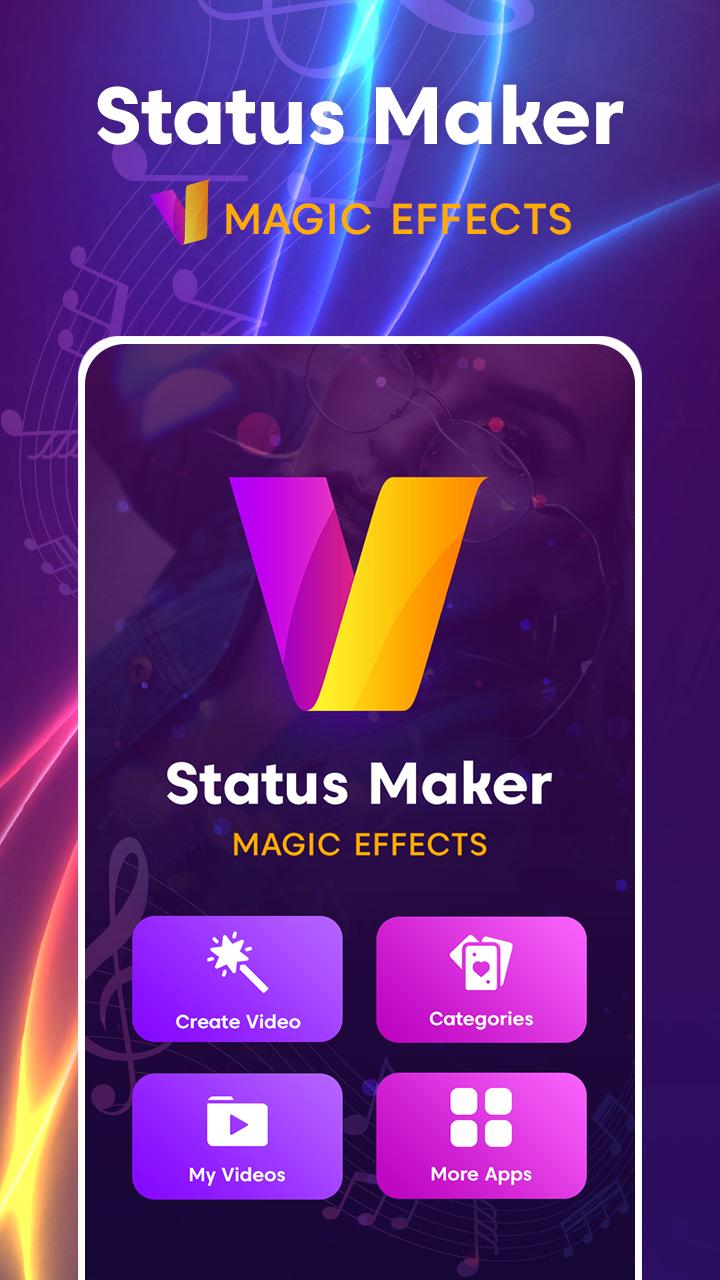
VM Master - Video Status Maker 簡介
You don't need to be an expert to create animated short video clips in no time.
The best thing take about MV master is its user-friendly interface so you can just drag and drop your images.
FEATURES
=============
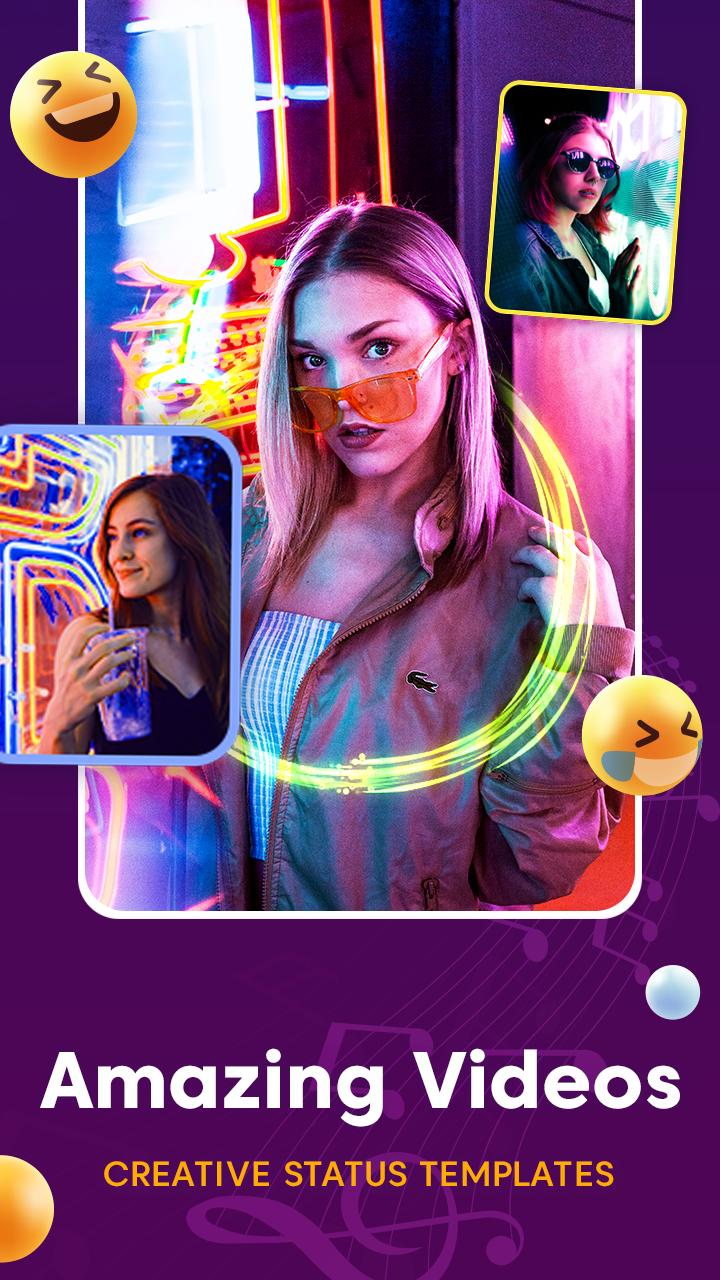
🎥 Choose 30 Image of amazing video templates!
🎥 Magical, anniversary, birthday, lyrical and festival special videos!
🎥 Add your own images!
🎥 Preview and Export videos!
🎥 Easy to Save and Share icons!
🎥 Add your Special music in background..
HOW TO USE?
=============
🎥 Browse Images and select the one you like!
🎥 Select your favorite images!
🎥 Click on EXPORT
🎥 You are done!
MV Master Video Maker - Photo Video Editor lets you create, edit and share amazing music videos, slideshows and stories with your photos, videos and free licensed music. Add filters, text, music and create personalized videos from your pictures
Photo Video Maker with Music - Video Editor and Movie Maker App Available.
Professional video editing tools
Photo Video Maker with Music & video editor provides the best tools for you to easily create video from your photos and music to create a slideshow video extremely easy
MV Master: Create Amazing Videos & Status
> MV - Master app mix with photo collage maker,photo editor,all photo frames,trending frames,scrapbook and more options waiting for u.
> Here we have 500+ video special effects.
> Best FREE MV - Master -MV bit master - MV Bit Editor and Video Maker with all features,trim & cut out video, blur background and no crop, add music and video effects!
Turn your photos into videos
MV Master lyrical video editing allows users to add song lyrics on that picture to make it more unique, similar to a video.
預覽
標籤
Video-Players訊息
開發商
Hashtags Developer
最新版本
1.5
更新時間
2023-04-09
類別
Video-players-editors
同時可用
Google Play
更多
如何在電腦上用 GameLoop 玩 VM Master - Video Status Maker
1. 從官網下載GameLoop,然後運行exe文件安裝GameLoop
2. 打開GameLoop,搜索“VM Master - Video Status Maker”,在搜索結果中找到VM Master - Video Status Maker,點擊“安裝”
3. 享受在 GameLoop 上玩 VM Master - Video Status Maker 的樂趣
Minimum requirements
OS
Windows 8.1 64-bit or Windows 10 64-bit
GPU
GTX 1050
CPU
i3-8300
Memory
8GB RAM
Storage
1GB available space
Recommended requirements
OS
Windows 8.1 64-bit or Windows 10 64-bit
GPU
GTX 1050
CPU
i3-9320
Memory
16GB RAM
Storage
1GB available space