
Movie Edit Touch - Video App 電腦版
MAGIX
用GameLoop模拟器在電腦上玩Movie Edit Touch - Video App
Movie Edit Touch - Video App 電腦版
來自發行商 MAGIX 的 Movie Edit Touch - Video App 能夠在安卓系統上運行。
現在,您可以在電腦上使用 GameLoop 模擬器流暢地玩 Movie Edit Touch - Video App。
在 GameLoop 遊戲庫或搜索結果中下載。 不需要再暢玩遊戲時盯著電池電量或被令人懊惱的來電打斷。
只需在電腦大屏幕上免費下載暢玩Movie Edit Touch - Video App 電腦版!
Movie Edit Touch - Video App 簡介
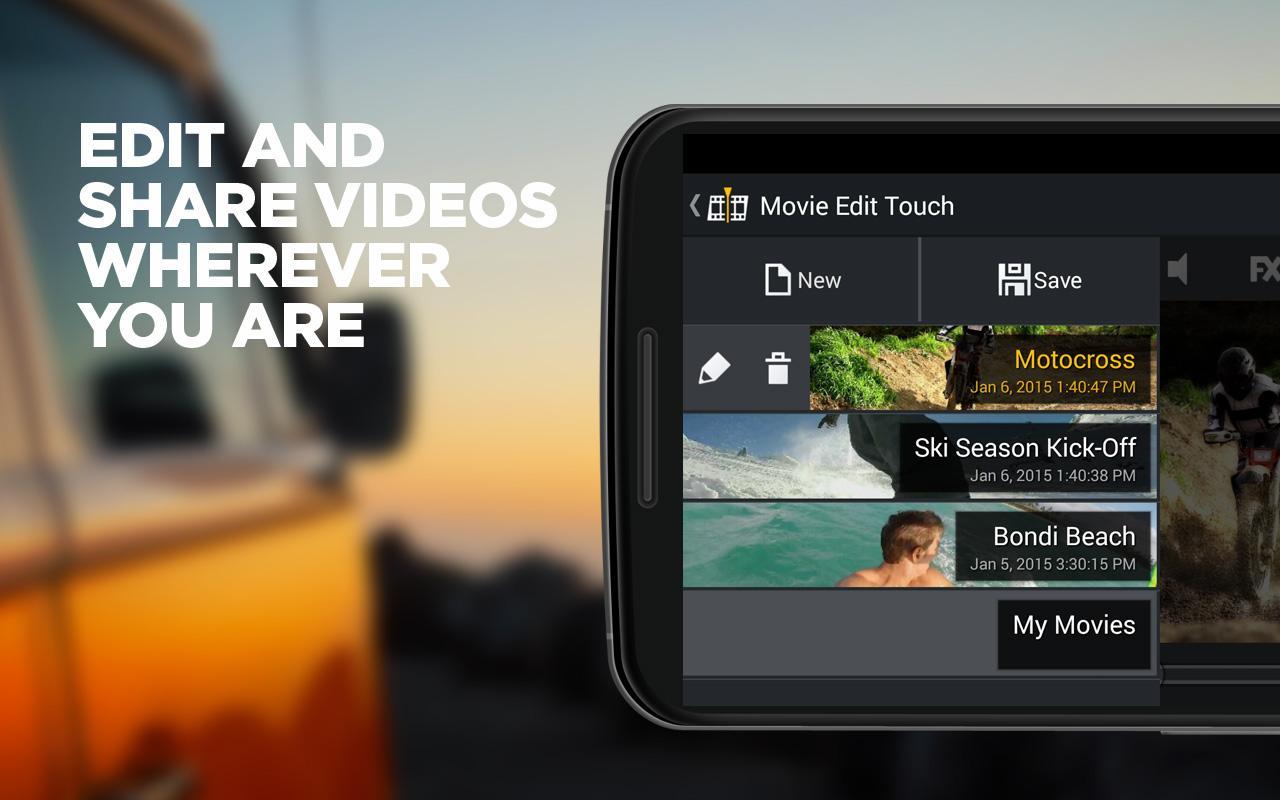
The free Movie Edit Touch app transforms your Android smartphone or tablet into a mobile film studio!
Whether you're on the beach, on the go with friends and at a family party: Movie Edit Touch lets you edit videos right on the spot. Capture the best moments with your Android device or simply import finished video recordings! Use the video editor to quickly remove unwanted scenes, cut and arrange video clips and add your favorite songs! The video editor can also be used to manually or automatically correct brightness, contrast and colors in less-than-perfect recordings.
The video app can be expanded at any time with additional Premium features such as quick image optimization, cinema-quality effects and HD-quality video export. If you want to further perfect your video, you can continue editing it on your home PC using the extensive and powerful program MAGIX Movie Edit Pro. Last but not least, you can easily share your finished video with others. There are several options for doing this: You can send the video via email or share it on social networks, e.g. video platforms such as YouTube. So what are you waiting for? Lights, camera, action - with MAGIX Movie Edit Touch
The perfect video app from MAGIX for Android.
App Features:
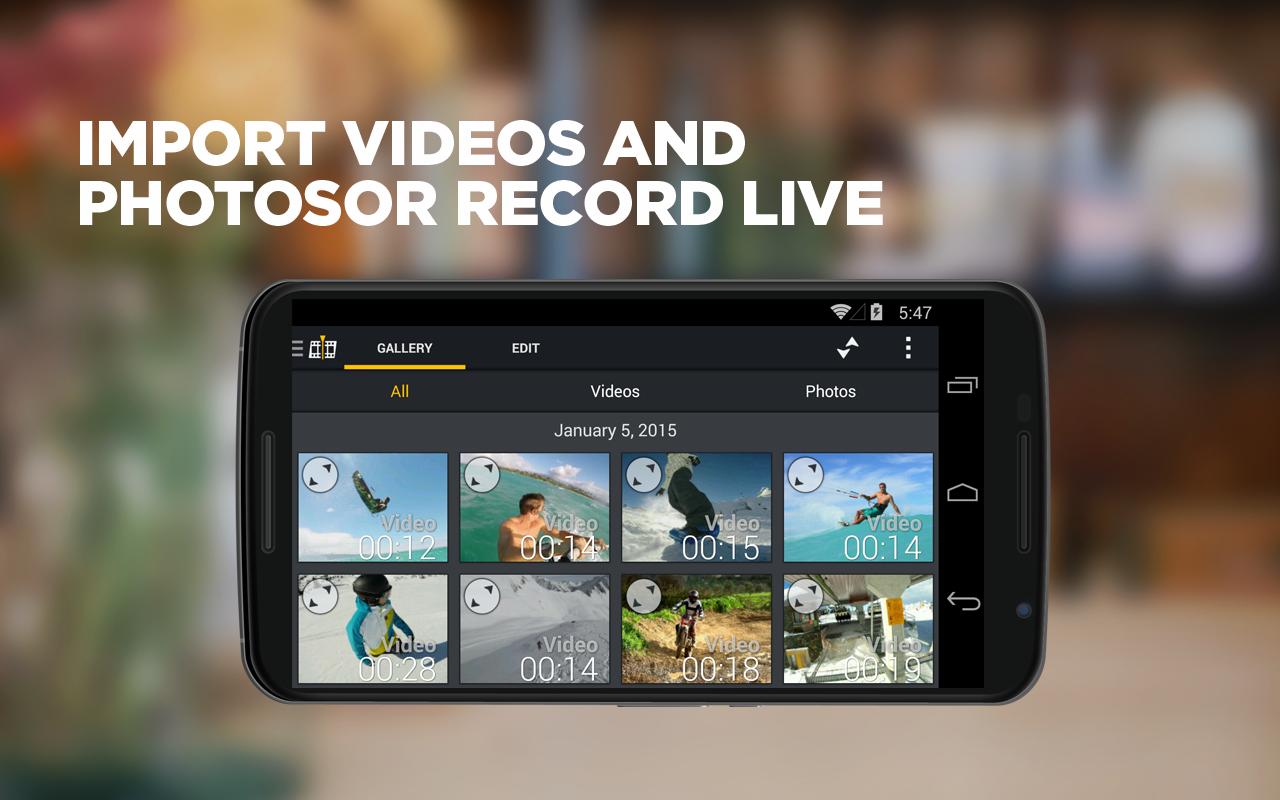
• Easy import: Directly import video clips and images, e.g. from your GoPro's SD card
• Fitting background music: Simply add background music to your movie and set the volume with the volume control
• Video editor: Quickly arrange and edit video clips
• Trim videos: Shorten video clips
• Intuitive video design: Use the various transition effects to create scene transitions
• Video playback: View results directly in full screen mode
• Export and share: Save your video projects, send them via email, store them online, or share them on social networks and video platforms such as YouTube
• Video output: In standard resolution
• Perfect your videos: Continue editing projects at home on your PC*
ADDITIONAL PREMIUM FEATURES
Want to get even more out of your videos? Movie Edit Touch can be expanded with additional premium features at any time. You can purchase these in the app with the touch of a finger - mobile video editing has never been so easy!
• Quick image optimization
• Add cinematic effects
• Create titles and text
• Tons of additional transition effects
• Video export in HD quality (720p/1080p)
**********************************************
In addition to first-class video apps MAGIX also develops professional video software for PCs.Check out the MAGIX Fastcut GoPro software now http://www.magix.com/us/fastcut/detail/. Thanks to professional editing and sound templates, action cam footage (e.g. from GoPro) can be transformed into professional action movies in just a few minutes.
Don't forget to check out MAGIX Video easy, Movie Edit Pro and Video Pro X.
**********************************************
We're happy to receive any feedback to help make Movie Edit Touch even better.If you have any ideas, requests or criticism, get in touch with our support at: movieedittouch.android@magix.net
*with the desktop version of MAGIX Movie Edit Pro (starting with version 2013)
預覽
訊息
開發商
MAGIX
最新版本
1.0.6.150
更新時間
2015-04-12
類別
Video-players-editors
同時可用
Google Play
更多
如何在電腦上用 GameLoop 玩 Movie Edit Touch - Video App
1. 從官網下載GameLoop,然後運行exe文件安裝GameLoop
2. 打開GameLoop,搜索“Movie Edit Touch - Video App”,在搜索結果中找到Movie Edit Touch - Video App,點擊“安裝”
3. 享受在 GameLoop 上玩 Movie Edit Touch - Video App 的樂趣
Minimum requirements
OS
Windows 8.1 64-bit or Windows 10 64-bit
GPU
GTX 1050
CPU
i3-8300
Memory
8GB RAM
Storage
1GB available space
Recommended requirements
OS
Windows 8.1 64-bit or Windows 10 64-bit
GPU
GTX 1050
CPU
i3-9320
Memory
16GB RAM
Storage
1GB available space