
Lark Video Player: HD Video 電腦版
Lark Player Studio - Video, MP4 & Music Player
用GameLoop模拟器在電腦上玩Lark Video Player: HD Video
Lark Video Player: HD Video 電腦版
來自發行商 Lark Player Studio - Video, MP4 & Music Player 的 Lark Video Player: HD Video 能夠在安卓系統上運行。
現在,您可以在電腦上使用 GameLoop 模擬器流暢地玩 Lark Video Player: HD Video。
在 GameLoop 遊戲庫或搜索結果中下載。 不需要再暢玩遊戲時盯著電池電量或被令人懊惱的來電打斷。
只需在電腦大屏幕上免費下載暢玩Lark Video Player: HD Video 電腦版!
Lark Video Player: HD Video 簡介
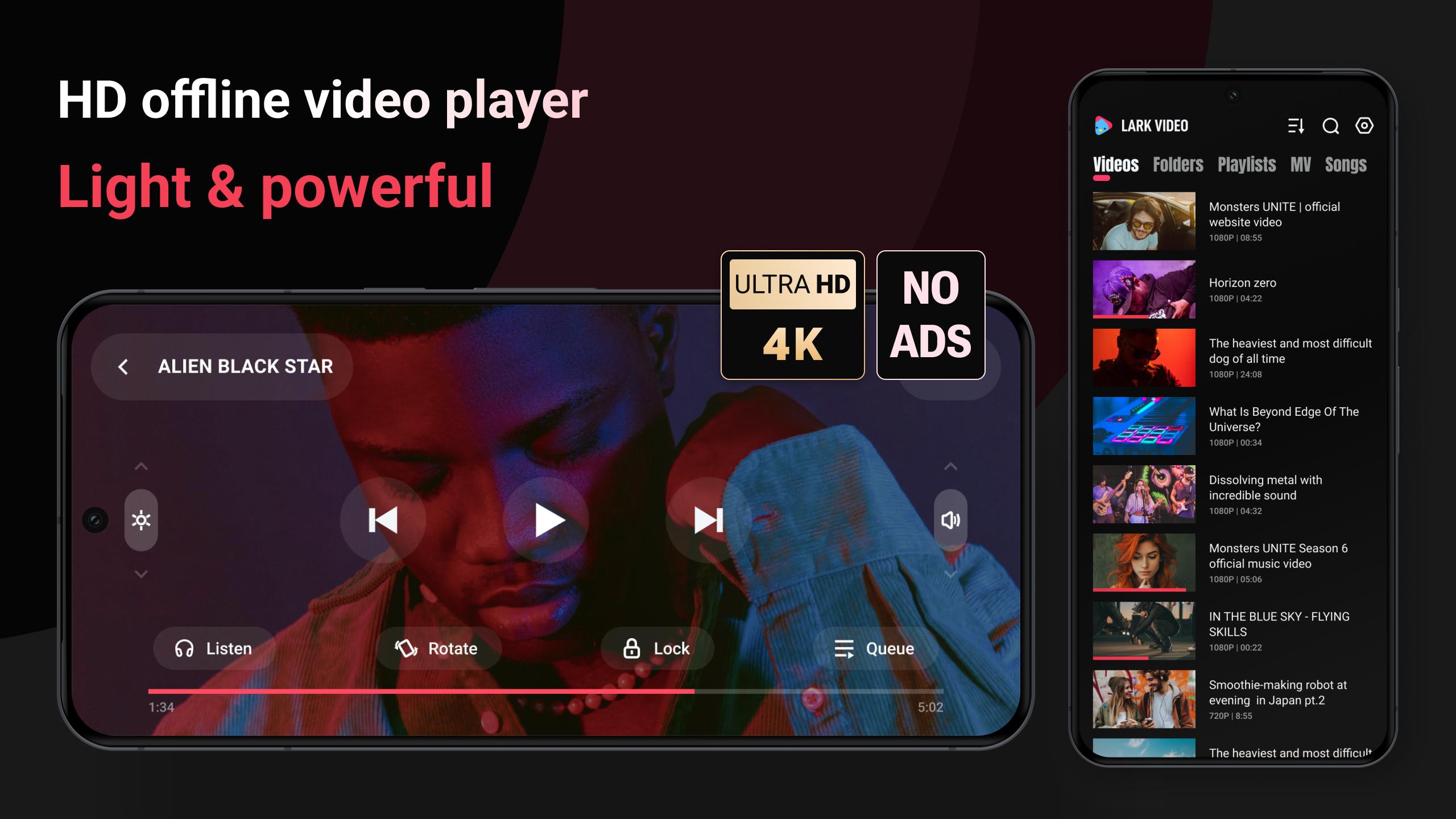
🌟 A light & powerful offline video player, with full HD video & major formats supported.
🌟 You can play offline video in a video pop-up, also to play video as MP3.
🌟 It loads video subtitles, and also work as a powerful media file manager.
Key features:
💿 HD, ultra HD video
HD video, Full HD video, Ultra HD video all run smoothly, experience the ultimate in offline video playback with Lark Video Player.
🎥 All formats
It's compatible with major formats, including mkv, mp4, m4v, mov, 3gp, 3gp2, mpg2, ts, webm etc.
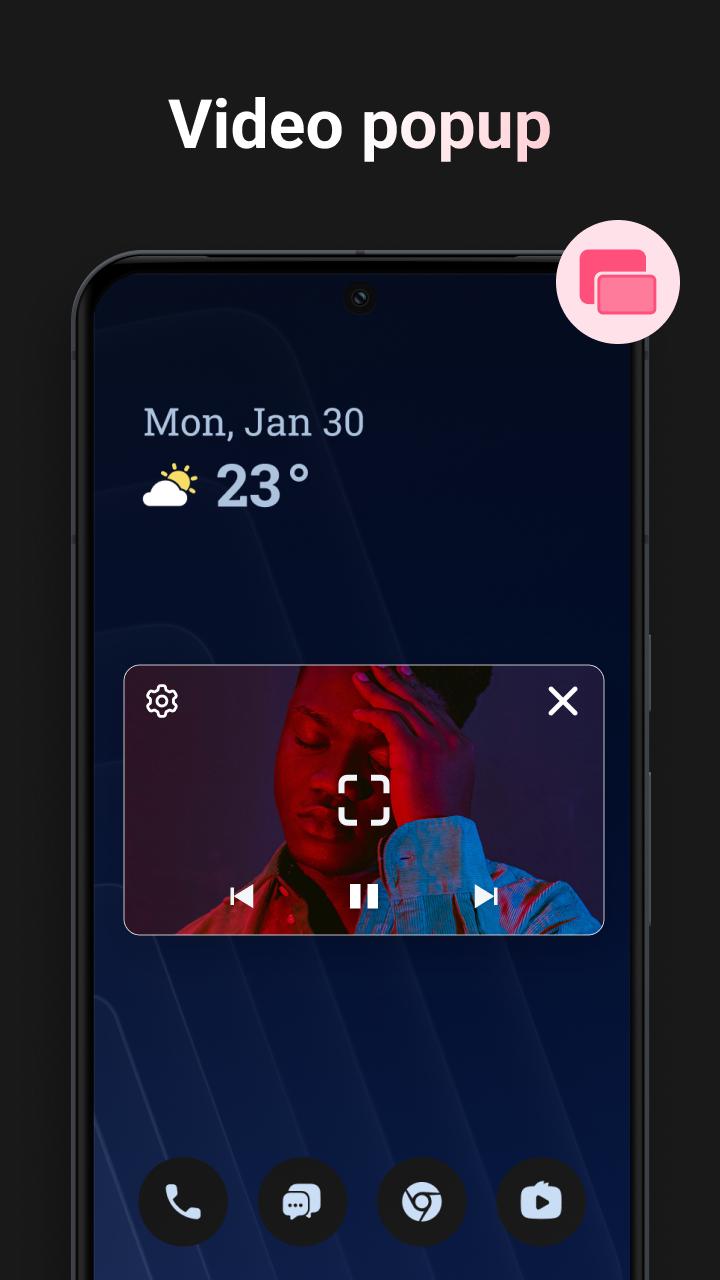
📲 Video popup
Tired of interruptions while watching videos? Lark Video Player covers video popup feature. Enjoy stable floating video playback even while multitasking or using other apps on your device.
🔒Keep videos in the private folder
Hide your videos in a private folder to protect your privacy, set password for the private folder.
🎧 Play offline video as MP3
When you're occupied, you can listen to the video by playing video as audio in the background.
📁 Manage media files
Organizing video files has never been easier. The HD video player allows you to search, manage your video files & other media files effortlessly, with auto sorting by folders and by categories.
👆🏻 Gestures & one click to control
Adjust progress, brightness, video volume, speed, auto-rotate, items to be played, etc with gestures or one click.
🕶️ Light & stylish video player
Play your videos with this lightweight and stylish offline video player, takes less space in your device.
🎵 offline player for HQ music
Manage and listen to offline music files, with cool sound effect. The offline player make it one-stop for music & video play when there is no network.
It's a feature-packed, high-quality offline video player for Android. Start to play video, experience the smooth & clean HD video playback with this offline video player now.
If any suggestions please contact with Lark Video Player dev team in 'Setting' - 'Feedback'.
預覽
標籤
Video-Players訊息
開發商
Lark Player Studio - Video, MP4 & Music Player
最新版本
1.19.7
更新時間
2025-01-06
類別
Video-players-editors
同時可用
Google Play
更多
如何在電腦上用 GameLoop 玩 Lark Video Player: HD Video
1. 從官網下載GameLoop,然後運行exe文件安裝GameLoop
2. 打開GameLoop,搜索“Lark Video Player: HD Video”,在搜索結果中找到Lark Video Player: HD Video,點擊“安裝”
3. 享受在 GameLoop 上玩 Lark Video Player: HD Video 的樂趣
Minimum requirements
OS
Windows 8.1 64-bit or Windows 10 64-bit
GPU
GTX 1050
CPU
i3-8300
Memory
8GB RAM
Storage
1GB available space
Recommended requirements
OS
Windows 8.1 64-bit or Windows 10 64-bit
GPU
GTX 1050
CPU
i3-9320
Memory
16GB RAM
Storage
1GB available space