iRecorder -Video Game Recorder 電腦版
XDeev Studio
用GameLoop模拟器在電腦上玩iRecorder -Video Game Recorder
iRecorder -Video Game Recorder 電腦版
來自發行商 XDeev Studio 的 iRecorder -Video Game Recorder 能夠在安卓系統上運行。
現在,您可以在電腦上使用 GameLoop 模擬器流暢地玩 iRecorder -Video Game Recorder。
在 GameLoop 遊戲庫或搜索結果中下載。 不需要再暢玩遊戲時盯著電池電量或被令人懊惱的來電打斷。
只需在電腦大屏幕上免費下載暢玩iRecorder -Video Game Recorder 電腦版!
iRecorder -Video Game Recorder 簡介
Want to record screen, live videos, gameplay, or tutorial easily and quickly?
Looking for an easy screen record tool to record?
Find simple tools to edit the video after recording?
Then this screen recorder &video recorder app is definitely what you want!
iRecorder - HD Screen & Video Game Recorder is a screen recording and screen capture tool that helps you record screen and record videos in an easy way. Just with a tap, You can easily record screen, record games you are playing, record videos which cannot be downloaded, record live show & live streams. It is totally 100% free and in HD quality (up to 2K)
iRecorder is a free, stable, and high-quality screen recorder that helps you record clear screen videos.
Special Features:
- All screen record support: gameplay, videos, live stream, or tutorials.
- Record with audio: Option to choose whether the audio recording to be done or not
- Record video in High Quality: 2K, 1080p, 16Mbps, 60FPS.
- Post-production tools: Trim the length of the video easily.
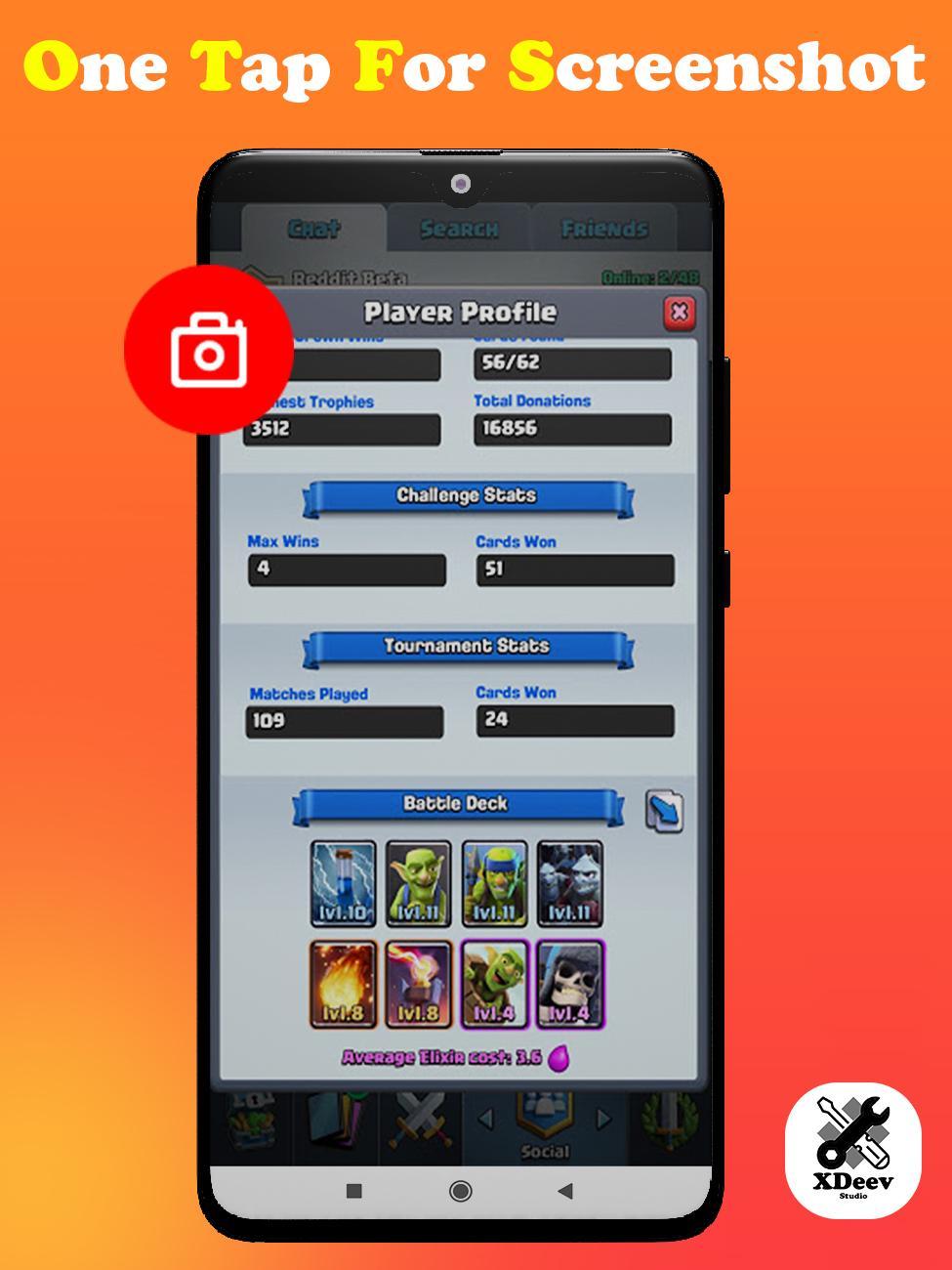
- Easy to capture screen: Record my videos with just one tap.
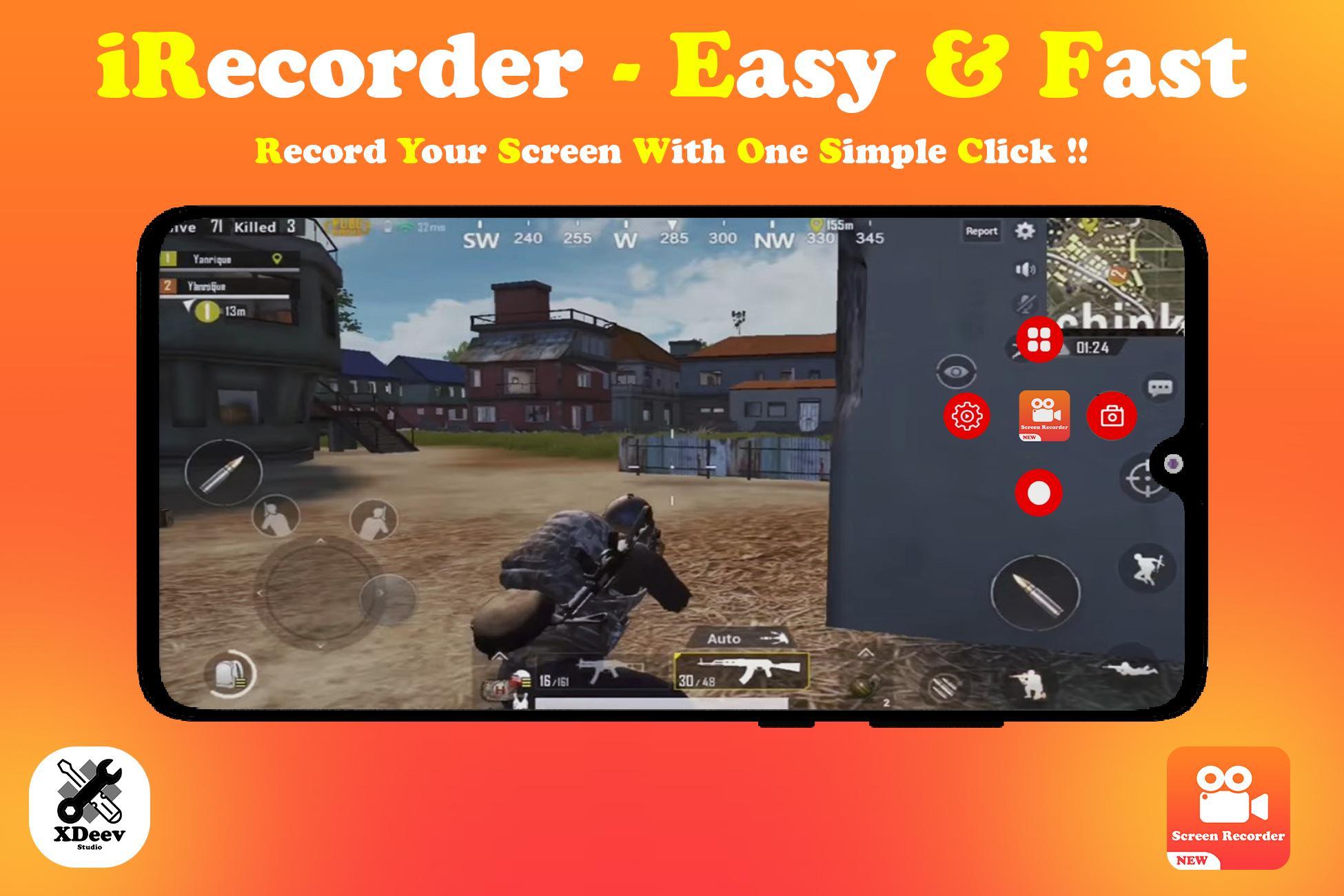
- Floating Control Panel: One touch to control and snap the exact moment easily.
- Countdown timer: Let your well prepare for the record.
- Built-in video player: Playback recorded videos smoothly.
- Totally free, NO watermark, NO root needed, NO time limit.
HD Video Recorder and Muti Resolution Recording Support
Record screen and videos in high quality up to 2K, 1080p, 16Mbps, 60FPS. You can adjust the recording resolutions in 2K, 1080P, 720P, 480P, 360P, 240P. (It depends on the highest resolution of your phone's screen)
Screen Recorder with Audio
Want to record gameplay or a video tutorial with audio? This powerful screen recorder with audio is your best choice. It records your voice fluidly and Clearly.
Screen Recorder with Face Cam and Draw Tool
Using the front camera helps you capture your own video and the screen recording at the same time. Draw text on screen while recording. This is the best way of recording the tutorials of any app. This feature is helpful for app developers to record the video to explain the usage of their applications.
Stable Game Recorder and No Time Limited
Record wonderful moments while playing games. No interruption in gameplay and no limitation for the recording time.
Record with Floating Panel and Notification Bar
The floating recording control panel helps record screens and videos very easy. No need to switch between apps.
screen record with No Watermark and Free
Keep your recorded videos clear and no annoying watermark. Totally free to remove the watermark.
Easy Sharing for screen record
Easy to share recorded videos, game playing and live shows with your friends or other social media. Share your videos or screenshots to YouTube, Facebook, Instagram or Twitter.
Simple and Useful Video Editor
After recording screen, you can edit your videos with these editing functions:
- Trim: Keep the fragments you want most.
- Speed: Change the playback speed of the video to become more fun.
- Merge: Combine multiple videos into one video.
- Convert to MP3: Easily turn recorded video into pure music files.
- Add music to video: Remove the original sound and replace it with vivid music.
- Compress video: Turn large files into smaller files for easier sharing.
Notes:
- iRecorder - Screen Recorder & Video Recorder is a tool for video recording and screen recording with non-commercial use.
- We respect the copyright of the owners. So DO NOT record illegal videos or other live shows without the owners’ permission.
- This app is not associated with any social media and media platforms.
If this video screen capture app is helpful for you, please rate us 🌟🌟🌟🌟🌟
If you need to support, please email us via xdeev.studio@gmail.com
Thanks very much for using iRecorder - Screen Recorder & Video Recorder and have a nice day!
預覽
標籤
Video-Players訊息
開發商
XDeev Studio
最新版本
1.6
更新時間
2021-04-28
類別
Video-players-editors
同時可用
Google Play
更多
如何在電腦上用 GameLoop 玩 iRecorder -Video Game Recorder
1. 從官網下載GameLoop,然後運行exe文件安裝GameLoop
2. 打開GameLoop,搜索“iRecorder -Video Game Recorder”,在搜索結果中找到iRecorder -Video Game Recorder,點擊“安裝”
3. 享受在 GameLoop 上玩 iRecorder -Video Game Recorder 的樂趣
Minimum requirements
OS
Windows 8.1 64-bit or Windows 10 64-bit
GPU
GTX 1050
CPU
i3-8300
Memory
8GB RAM
Storage
1GB available space
Recommended requirements
OS
Windows 8.1 64-bit or Windows 10 64-bit
GPU
GTX 1050
CPU
i3-9320
Memory
16GB RAM
Storage
1GB available space