DU Rec - Screen Recorder 電腦版
Sc Studio.
用GameLoop模拟器在電腦上玩DU Rec - Screen Recorder
DU Rec - Screen Recorder 電腦版
來自發行商 Sc Studio. 的 DU Rec - Screen Recorder 能夠在安卓系統上運行。
現在,您可以在電腦上使用 GameLoop 模擬器流暢地玩 DU Rec - Screen Recorder。
在 GameLoop 遊戲庫或搜索結果中下載。 不需要再暢玩遊戲時盯著電池電量或被令人懊惱的來電打斷。
只需在電腦大屏幕上免費下載暢玩DU Rec - Screen Recorder 電腦版!
DU Rec - Screen Recorder 簡介
DU Rec - Screen Recorder Max Quality is an app that lets you record a video of whatever is happening in your Android’s screen
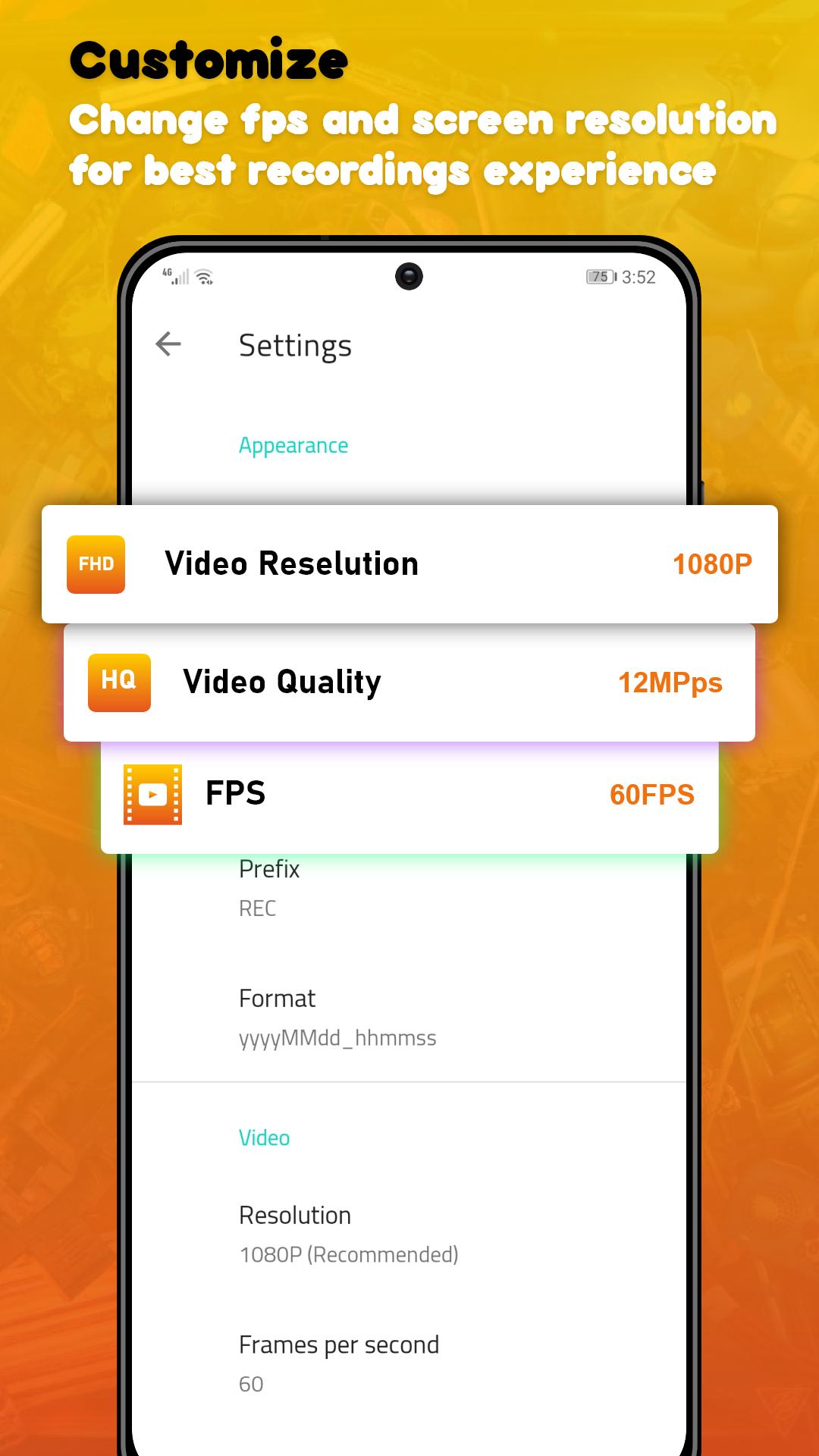
In the app’s settings you can adjust the video’s quality options such as the number of frames per second (up to 60 FPS) the video output (up to 1080p), and the quality of the video (up to 24Mbps). Also, you don’t need to root in order to record.
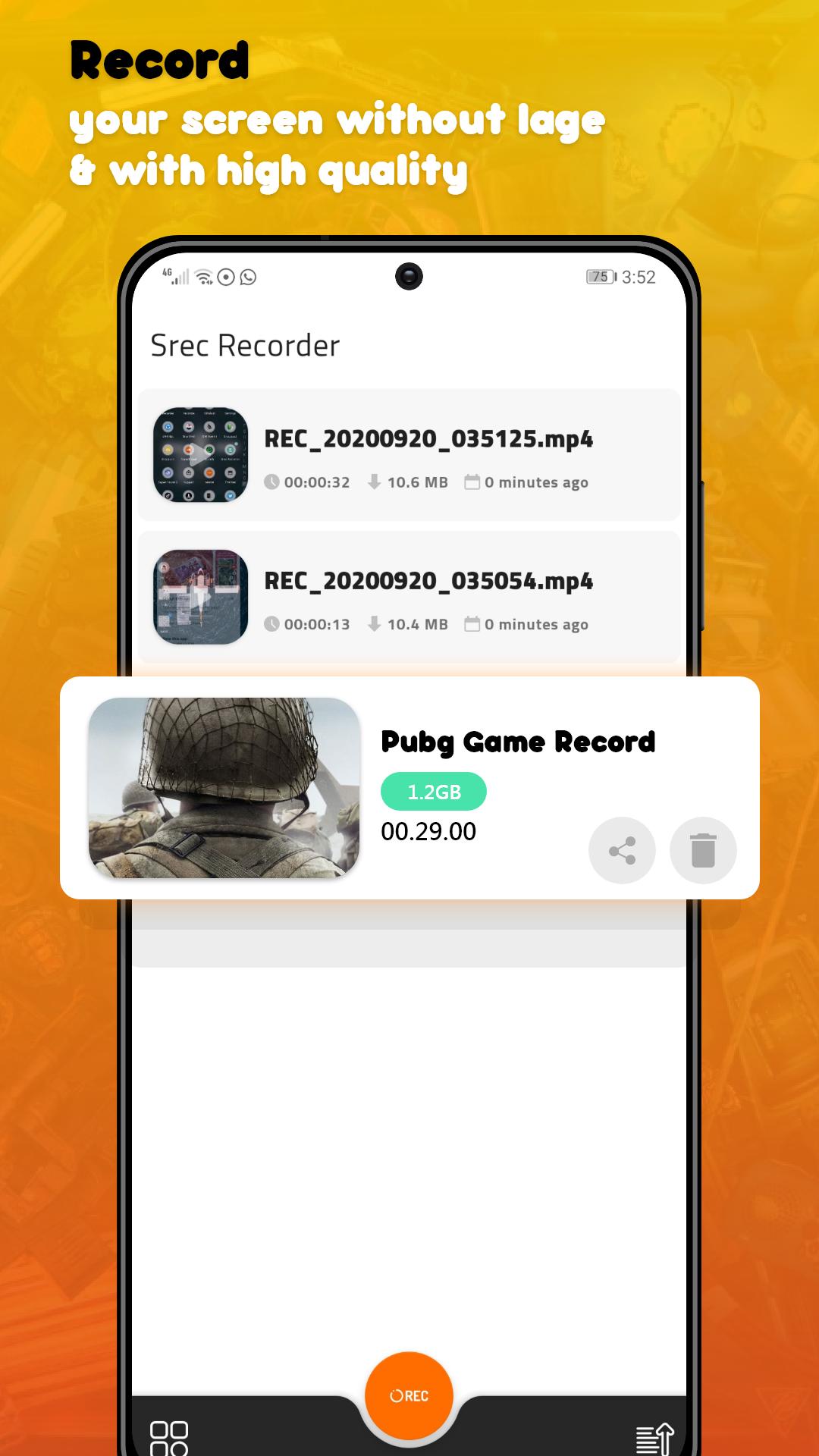
Once you’ve adjusted all the options and recorded your video. When you’re done, all that’s left to do is to save the video in your smartphone’s memory or share it directly over any social network.
DU Rec - Screen Recorder Max Quality is a powerful video recording tool that lets you register everything and anything that you can do in your smartphones’ screen. All those features in only less 3MB
★ Screen Recording
DU Rec - Screen Recorder Max Quality provides stable and fluid screen recording. With this screen recorder, you can easily record popular mobile game videos; you can record video calls with family and friends; you can also record popular programs on live apps like Periscope and Bigo Live! DU Rec - Screen Recorder Max Quality is designed with the following free features:
* Many resolutions, frame rates, and bit rates available; support for HD video
* Pause/resume screen recording
* Enable front camera (facecam)
* Alternative storage location: Internal storage / SD card
If you have any comments or suggestions on DU Rec - Screen Recorder Max Quality, please contact us at devcenter2019@gmail.com. We appreciate your feedback!!
預覽
標籤
Video-Players訊息
開發商
Sc Studio.
最新版本
1.50.10
更新時間
2021-12-06
類別
Video-players-editors
同時可用
Google Play
更多
如何在電腦上用 GameLoop 玩 DU Rec - Screen Recorder
1. 從官網下載GameLoop,然後運行exe文件安裝GameLoop
2. 打開GameLoop,搜索“DU Rec - Screen Recorder”,在搜索結果中找到DU Rec - Screen Recorder,點擊“安裝”
3. 享受在 GameLoop 上玩 DU Rec - Screen Recorder 的樂趣
Minimum requirements
OS
Windows 8.1 64-bit or Windows 10 64-bit
GPU
GTX 1050
CPU
i3-8300
Memory
8GB RAM
Storage
1GB available space
Recommended requirements
OS
Windows 8.1 64-bit or Windows 10 64-bit
GPU
GTX 1050
CPU
i3-9320
Memory
16GB RAM
Storage
1GB available space