
Video To Mp3 Converter 電腦版
Visu Entertainment
用GameLoop模拟器在電腦上玩Video To Mp3 Converter
Video To Mp3 Converter 電腦版
來自發行商 Visu Entertainment 的 Video To Mp3 Converter 能夠在安卓系統上運行。
現在,您可以在電腦上使用 GameLoop 模擬器流暢地玩 Video To Mp3 Converter。
在 GameLoop 遊戲庫或搜索結果中下載。 不需要再暢玩遊戲時盯著電池電量或被令人懊惱的來電打斷。
只需在電腦大屏幕上免費下載暢玩Video To Mp3 Converter 電腦版!
Video To Mp3 Converter 簡介
Video to MP3 Converter: Fast & Easy Audio Editing App
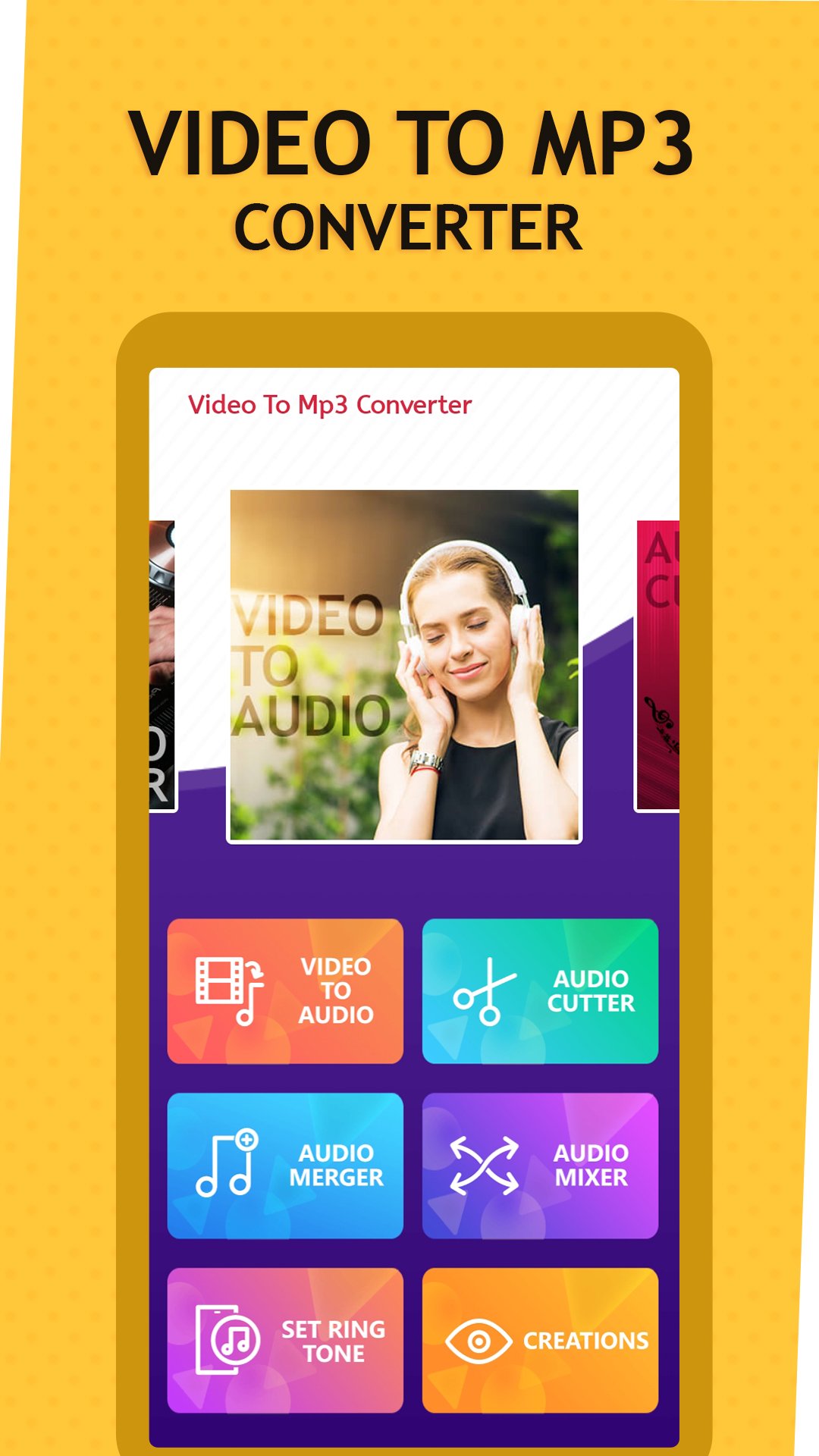
Transform your videos into high-quality audio files quickly and effortlessly with the Video to MP3 Converter app. This powerful and user-friendly tool allows you to extract audio, merge tracks, create ringtones, and edit sound files with ease. Whether you need to convert MP4 to MP3, cut audio for ringtones, or mix tracks, this app is your ultimate solution.
Key Features:
🎵 Video to MP3 Audio Converter
- Convert video files into high-quality MP3 audio files in seconds.
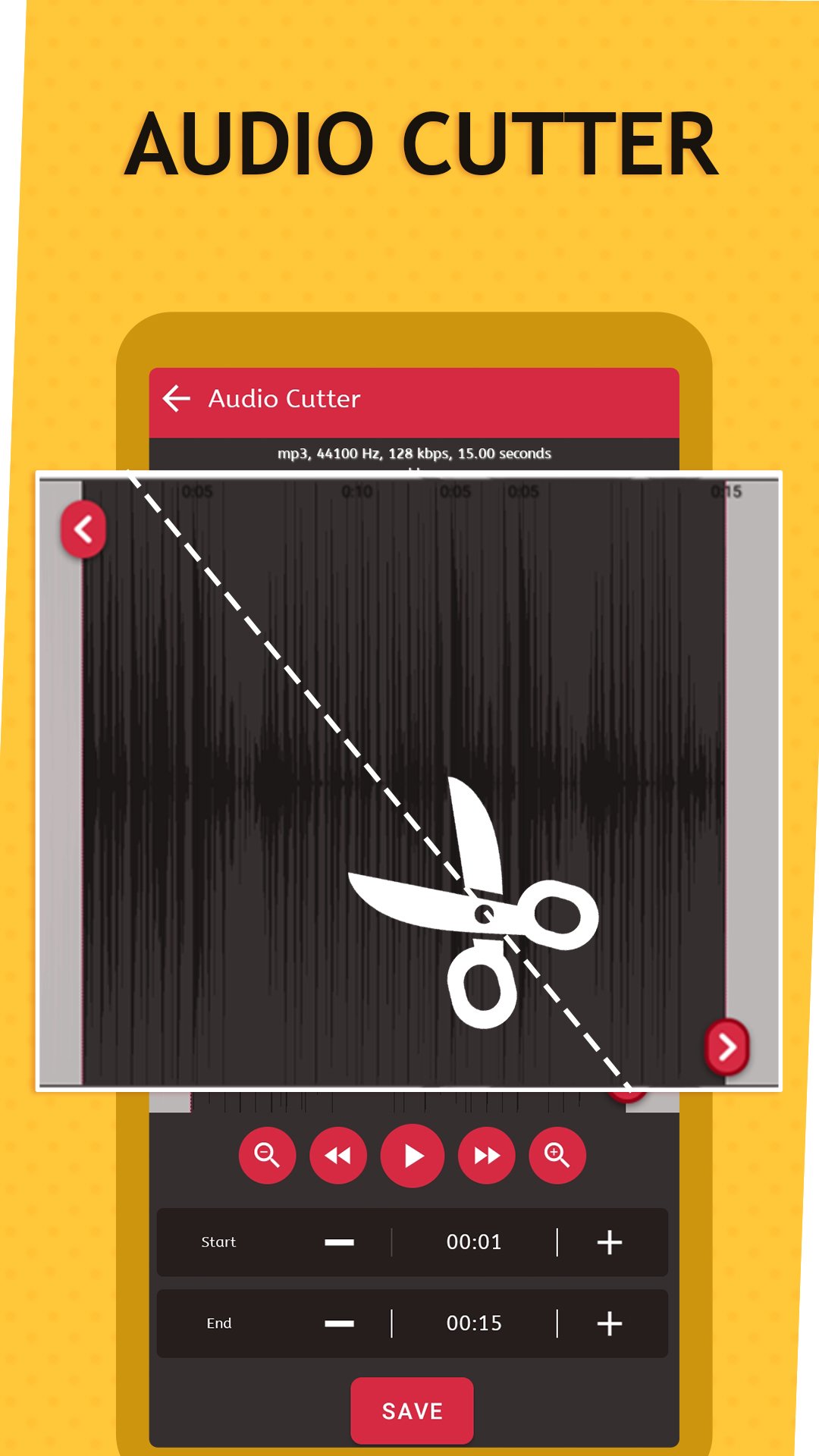
✂️ Audio Cutter and Ringtone Creator
- Trim and cut audio to create custom ringtones, alarms, or notifications.
🎶 Audio Merger and Mixer
- Merge multiple audio files into a single track or mix two files for unique sound effects.
📁 Supports Multiple File Formats
- Convert and edit videos in formats like MP4, 3GP, WEBM, WMV, and FLV.
⚡ Fast and Efficient Conversion
- Enjoy rapid video-to-audio conversion with advanced optimization.
🎛️ Simple and Advanced Editing Modes
- Switch between easy and detailed editing options to suit your needs.
🔔 Create Ringtones
- Personalize your device by creating ringtones and setting them for calls, notifications, or alarms.
Why Choose Video to MP3 Converter?
This app combines speed, simplicity, and versatility, making it the perfect choice for converting videos to audio, editing tracks, and managing audio files on the go. With its user-friendly design and powerful features, you can handle any audio task in just a few taps.
Download the Video to MP3 Converter app now and elevate your audio editing experience!
預覽
標籤
Video-Players訊息
開發商
Visu Entertainment
最新版本
1.10
更新時間
2025-12-04
類別
Video-players-editors
同時可用
Google Play
更多
如何在電腦上用 GameLoop 玩 Video To Mp3 Converter
1. 從官網下載GameLoop,然後運行exe文件安裝GameLoop
2. 打開GameLoop,搜索“Video To Mp3 Converter”,在搜索結果中找到Video To Mp3 Converter,點擊“安裝”
3. 享受在 GameLoop 上玩 Video To Mp3 Converter 的樂趣
Minimum requirements
OS
Windows 8.1 64-bit or Windows 10 64-bit
GPU
GTX 1050
CPU
i3-8300
Memory
8GB RAM
Storage
1GB available space
Recommended requirements
OS
Windows 8.1 64-bit or Windows 10 64-bit
GPU
GTX 1050
CPU
i3-9320
Memory
16GB RAM
Storage
1GB available space