
Screen Recorder & Video Editor 電腦版
All Star - Live Stream Studio
用GameLoop模拟器在電腦上玩Screen Recorder & Video Editor
Screen Recorder & Video Editor 電腦版
來自發行商 All Star - Live Stream Studio 的 Screen Recorder & Video Editor 能夠在安卓系統上運行。
現在,您可以在電腦上使用 GameLoop 模擬器流暢地玩 Screen Recorder & Video Editor。
在 GameLoop 遊戲庫或搜索結果中下載。 不需要再暢玩遊戲時盯著電池電量或被令人懊惱的來電打斷。
只需在電腦大屏幕上免費下載暢玩Screen Recorder & Video Editor 電腦版!
Screen Recorder & Video Editor 簡介
🎬 Screen Recorder & Video Editor — Record, Edit & Share in HD
AS Screen Recorder is a powerful screen recording and video editing app that lets you record your screen in high-quality HD with internal audio, facecam, and no watermark.
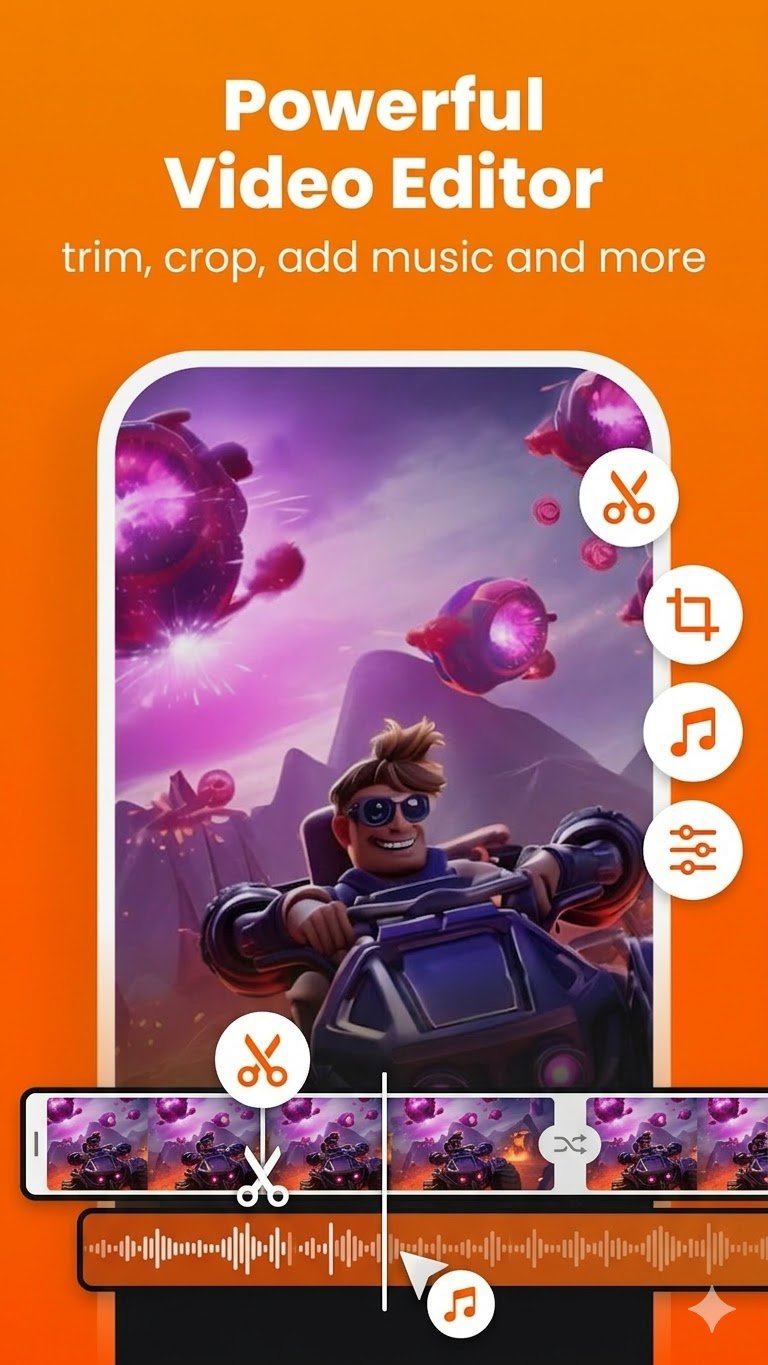
Record gameplay, tutorials, online classes, video calls, and presentations. After recording, you can instantly edit videos using the built-in video editor — trim, crop, add music, compress videos, and more.
Perfect for gamers, content creators, students, educators, and professionals who need an easy and powerful screen recorder.
📥 Download now and start recording and editing like a pro!
🔑 Why Choose AS Screen Recorder?
🌟 No Watermark Screen Recorder
Record clean and professional videos without logos or watermarks.
📽️ HD Screen Recording
Capture your screen in up to 1080p resolution with customizable bitrate and FPS.
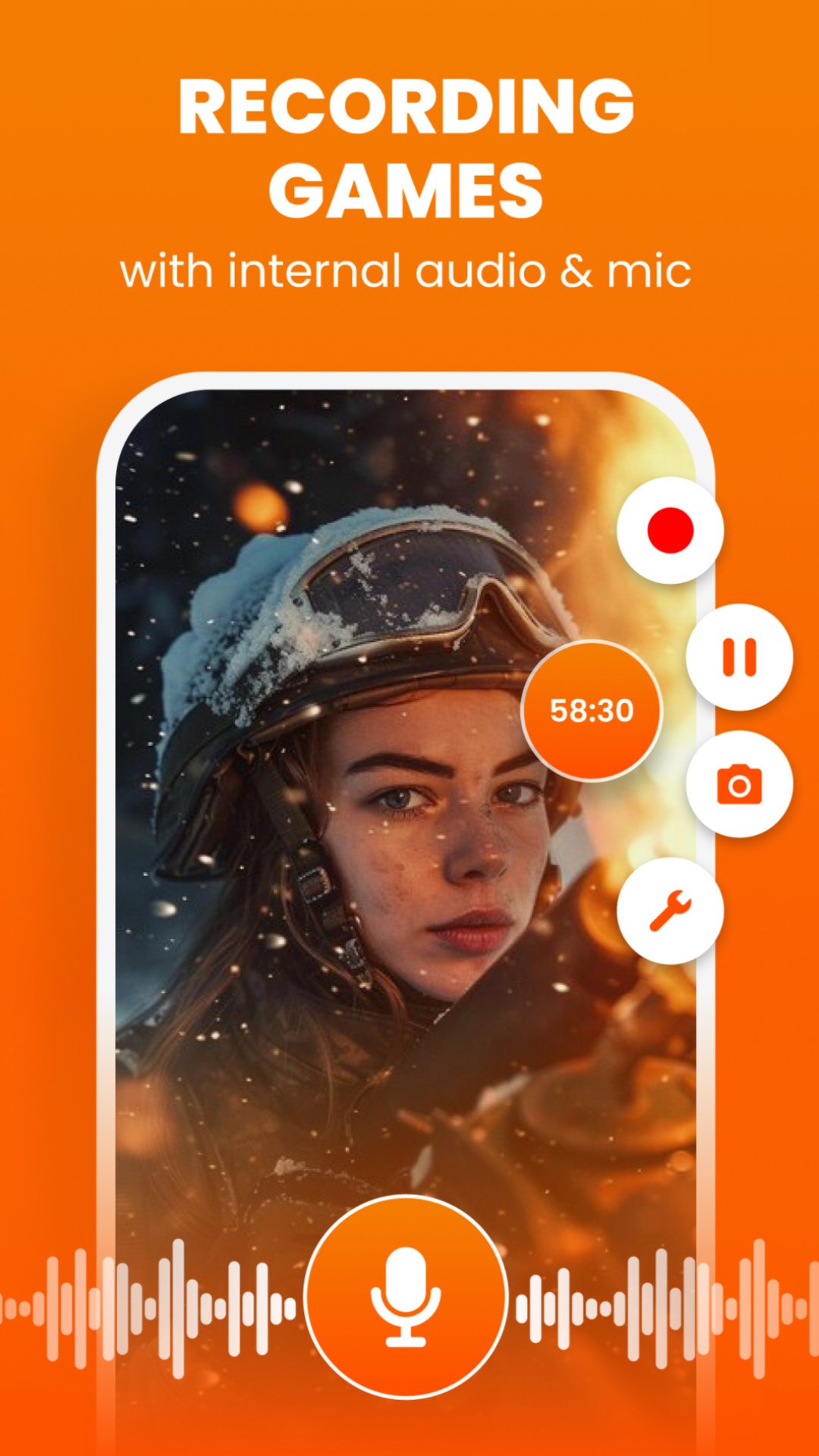
🔊 Internal Audio & Microphone Recording
Record system sound, gameplay audio, or voice commentary for tutorials and gameplay videos.
📸 Facecam Screen Recorder
Add a facecam overlay to record reactions, commentary, or explanations.
🎨 Drawing & Overlay Tools
Add text, logos, or drawings while recording.
📤 Instant Video Sharing
Share your recordings directly to YouTube, TikTok, Instagram, Facebook, and other platforms.
🎬 Powerful Built-in Video Editor
Edit your recordings easily with the all-in-one video editor.
✂️ Trim Video
Cut unwanted parts and keep the best moments.
⚡ Speed Control
Speed up or slow down your videos.
🔄 Rotate & Flip Video
Fix orientation or mirror your videos.
✂️ Crop Video
Crop your recording to highlight important areas.
🎨 Adjust Video Colors
Improve video quality with:
Brightness
Contrast
Saturation
🌫 Blur Video
Hide sensitive information or create stylish effects.
📝 Text Overlay
Add titles, subtitles, or captions to your videos.
🎵 Add Music to Video
Insert background music for engaging content.
🔇 Mute Video
Remove unwanted audio from recordings.
📦 Video Compressor
Reduce file size while keeping high quality.
✨ Features You'll Love
⏰ Unlimited screen recording time
🎮 Smooth gameplay recorder with lag-free performance
✂️ Video trimmer and video cutter built-in
📱 Easy-to-use interface
🚫 Hide recording controls for clean recordings
🔄 Portrait & landscape recording modes
🔒 Privacy-focused — no personal data collected
🎮 Perfect For Every Use Case
🎮 Gamers
Record gameplay, highlights, and walkthrough videos.
📚 Students & Educators
Create tutorials and record online classes.
💼 Professionals
Record presentations, demos, and meetings.
🎥 Content Creators
Create engaging videos with screen recording + video editing.
📞 Everyday Users
Record video calls, livestreams, and important moments.
📼 High-Quality Recording Settings
Customize your recording experience:
• Resolution up to 1080p HD
• Adjustable bitrate
• Smooth FPS for gameplay recording
• Internal audio recording support
🚀 Record, Edit & Share — All in One App
With AS Screen Recorder, you can record your screen, edit your videos, and share them instantly.
Whether you're creating gameplay videos, tutorials, online classes, or social media content, this powerful screen recorder and video editor gives you everything you need.
📥 Download AS Screen Recorder now and start creating amazing videos!
📩 Contact: admin@lilylive.app
預覽
標籤
Video-Players訊息
開發商
All Star - Live Stream Studio
最新版本
4.2.6
更新時間
2026-03-24
類別
Video-players-editors
同時可用
Google Play
更多
如何在電腦上用 GameLoop 玩 Screen Recorder & Video Editor
1. 從官網下載GameLoop,然後運行exe文件安裝GameLoop
2. 打開GameLoop,搜索“Screen Recorder & Video Editor”,在搜索結果中找到Screen Recorder & Video Editor,點擊“安裝”
3. 享受在 GameLoop 上玩 Screen Recorder & Video Editor 的樂趣
Minimum requirements
OS
Windows 8.1 64-bit or Windows 10 64-bit
GPU
GTX 1050
CPU
i3-8300
Memory
8GB RAM
Storage
1GB available space
Recommended requirements
OS
Windows 8.1 64-bit or Windows 10 64-bit
GPU
GTX 1050
CPU
i3-9320
Memory
16GB RAM
Storage
1GB available space