
alfacast screen mirror 電腦版
Roman Shpuntov
用GameLoop模拟器在電腦上玩alfacast screen mirror
alfacast screen mirror 電腦版
來自發行商 Roman Shpuntov 的 alfacast screen mirror 能夠在安卓系統上運行。
現在,您可以在電腦上使用 GameLoop 模擬器流暢地玩 alfacast screen mirror。
在 GameLoop 遊戲庫或搜索結果中下載。 不需要再暢玩遊戲時盯著電池電量或被令人懊惱的來電打斷。
只需在電腦大屏幕上免費下載暢玩alfacast screen mirror 電腦版!
alfacast screen mirror 簡介
Share and split your live video screen stream to many devices simultaneously. App allows you to broadcast and to watch any content from desktop. Stay secure with alfacast while watching live streaming, the app supports end-to-end encryption technology. Automatic discovery technology will allow you to enjoy using the app. Forget about logins, installation and the long process of setup video broadcast servers, for alfacast it is simply not necessary. Stream your content from a video camera apps, photo album apps, stream video from player apps, show presentations, slides, photos or pictures anywhere and anytime!
To stream video from apps, you need to open a third-party app. The alfacast will capture your screen with all the displayed content. You need to display content from a third-party app on the streamer device screen.
For example, if you want to stream video from a camera, follow these steps on the streamer device:
• Run alfacast app and follow the instructions to use the app as a streamer
• Open the camera app and display it on the device screen. The alfacast app does not use your camera or access it
After that please follow these steps on your viewer device:
• Run alfacast app and follow the instructions to use the app as a viewer
• Select your streamer with a camera from the list of users in the alfacast app and watch the screen cast from the camera
alfacast features:
• Network screen mirroring
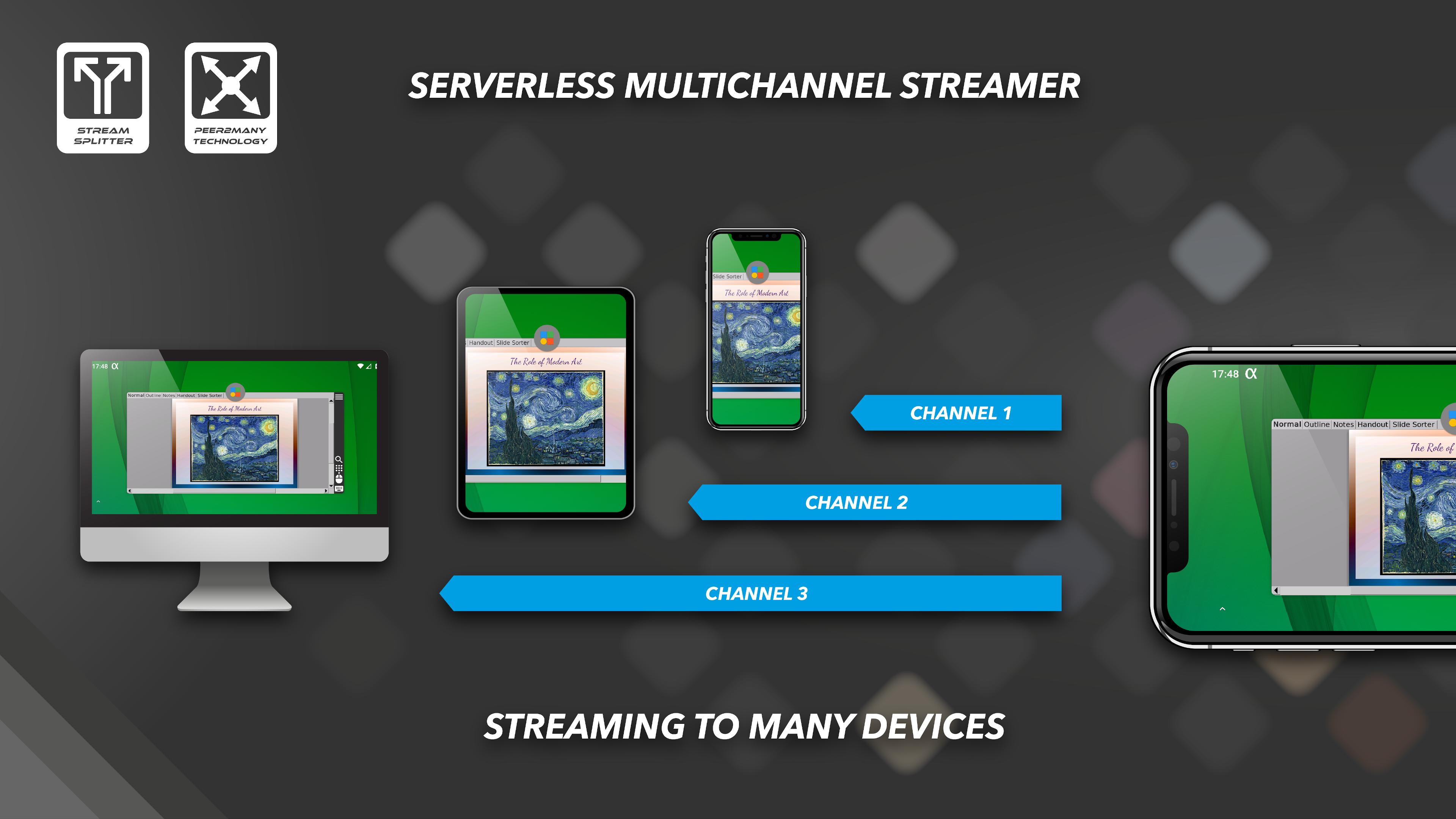
• Audio / video stream splitter
• Streaming through all network interface types: WiFi / Ethernet / Bluetooth
• Remote desktop audio / video streamer solution
• Remote desktop audio / video viewer or playback solution
• Serverless multichannel peer-to-many streaming technology
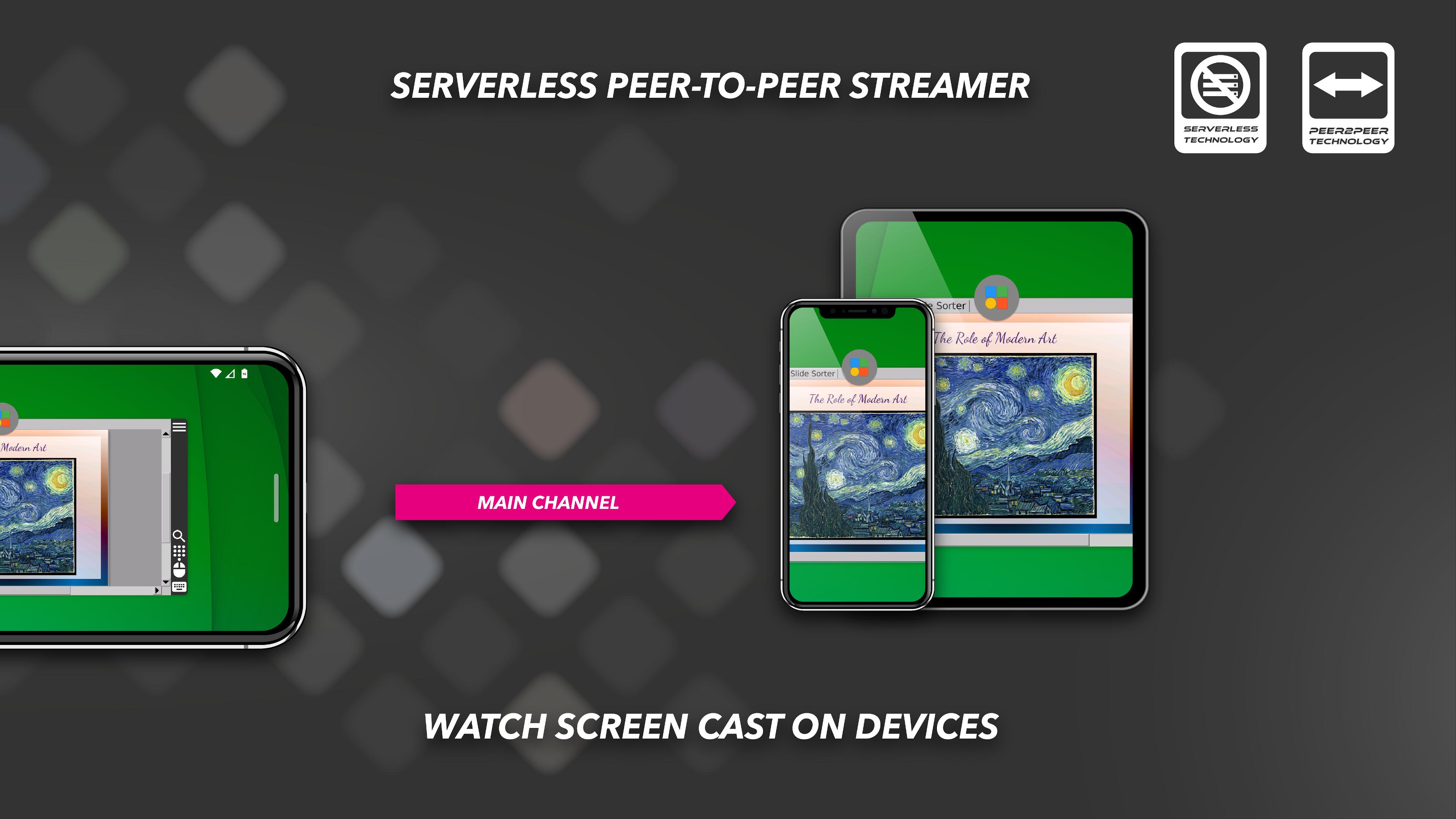
• Serverless single channel peer-to-peer streaming technology
• Capture audio from microphone or external USB sound card
• Full free. No ads
• Video streamer & viewer up to SD quality
• Universal client-server IPTV-like app
• Automatic discovery of users on the local network
• Secure connection with end-to-end AES-128 encryption technology
• Supported platforms: Android / Android TV / Wear OS / Fire OS / iOS / macOS / tvOS / Linux / Windows
• Supported device types: Mobile / Tablet / iPhone / iPad / Desktop / Laptop / Xbox / Set Top Box / Raspberry Pi
• Supported device brands: Apple / Amazon / ASUS / Google / Huawei / LG / Meizu / Microsoft / Motorola / Nokia / Nvidia / Philips / Samsung / Xiaomi / Sony / Others
預覽
標籤
Video-Players訊息
開發商
Roman Shpuntov
最新版本
5.4
更新時間
2023-12-12
類別
Video-players-editors
同時可用
Google Play
更多
如何在電腦上用 GameLoop 玩 alfacast screen mirror
1. 從官網下載GameLoop,然後運行exe文件安裝GameLoop
2. 打開GameLoop,搜索“alfacast screen mirror”,在搜索結果中找到alfacast screen mirror,點擊“安裝”
3. 享受在 GameLoop 上玩 alfacast screen mirror 的樂趣
Minimum requirements
OS
Windows 8.1 64-bit or Windows 10 64-bit
GPU
GTX 1050
CPU
i3-8300
Memory
8GB RAM
Storage
1GB available space
Recommended requirements
OS
Windows 8.1 64-bit or Windows 10 64-bit
GPU
GTX 1050
CPU
i3-9320
Memory
16GB RAM
Storage
1GB available space