PDF Editor & Document Viewer 電腦版
Arkay Apps
用GameLoop模拟器在電腦上玩PDF Editor & Document Viewer
PDF Editor & Document Viewer 電腦版
來自發行商 Arkay Apps 的 PDF Editor & Document Viewer 能夠在安卓系統上運行。
現在,您可以在電腦上使用 GameLoop 模擬器流暢地玩 PDF Editor & Document Viewer。
在 GameLoop 遊戲庫或搜索結果中下載。 不需要再暢玩遊戲時盯著電池電量或被令人懊惱的來電打斷。
只需在電腦大屏幕上免費下載暢玩PDF Editor & Document Viewer 電腦版!
PDF Editor & Document Viewer 簡介
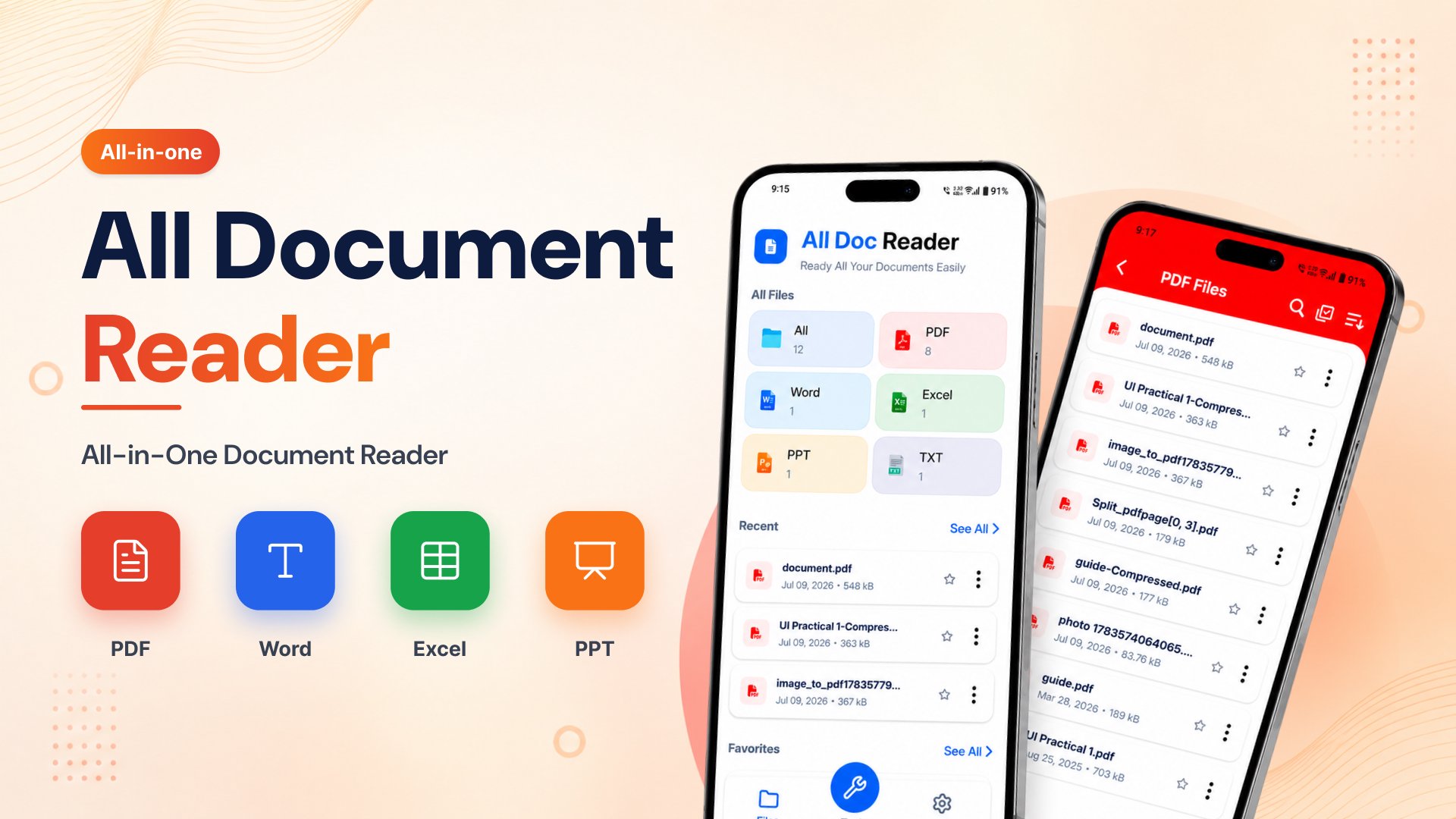
PDF Editor & Document Viewer is a fast, lightweight, and easy-to-use document reader that lets you open and manage all your files in one place. Whether you need a PDF Reader, Word Document Reader, DOCX Reader, XLS Reader, or an offline document reader, this app helps you view documents anytime without an internet connection.
No need to install multiple apps. This free document reader supports popular Office file formats including PDF, DOC, DOCX, XLS, XLSX, PPT, PPTX, and TXT. It automatically scans your device and organizes your files for quick access.
📄 Supported File Formats
PDF Reader
Word Document Reader (DOC, DOCX)
XLS Reader (XLS, XLSX)
PPT & PPTX Viewer
TXT File Reader
Read all your documents from a single, easy-to-use app.
⭐ Key Features
📑 PDF Reader
Open PDF files instantly
Smooth zoom in and zoom out
Jump directly to any page
Share PDF files easily
Fast and lightweight PDF reader
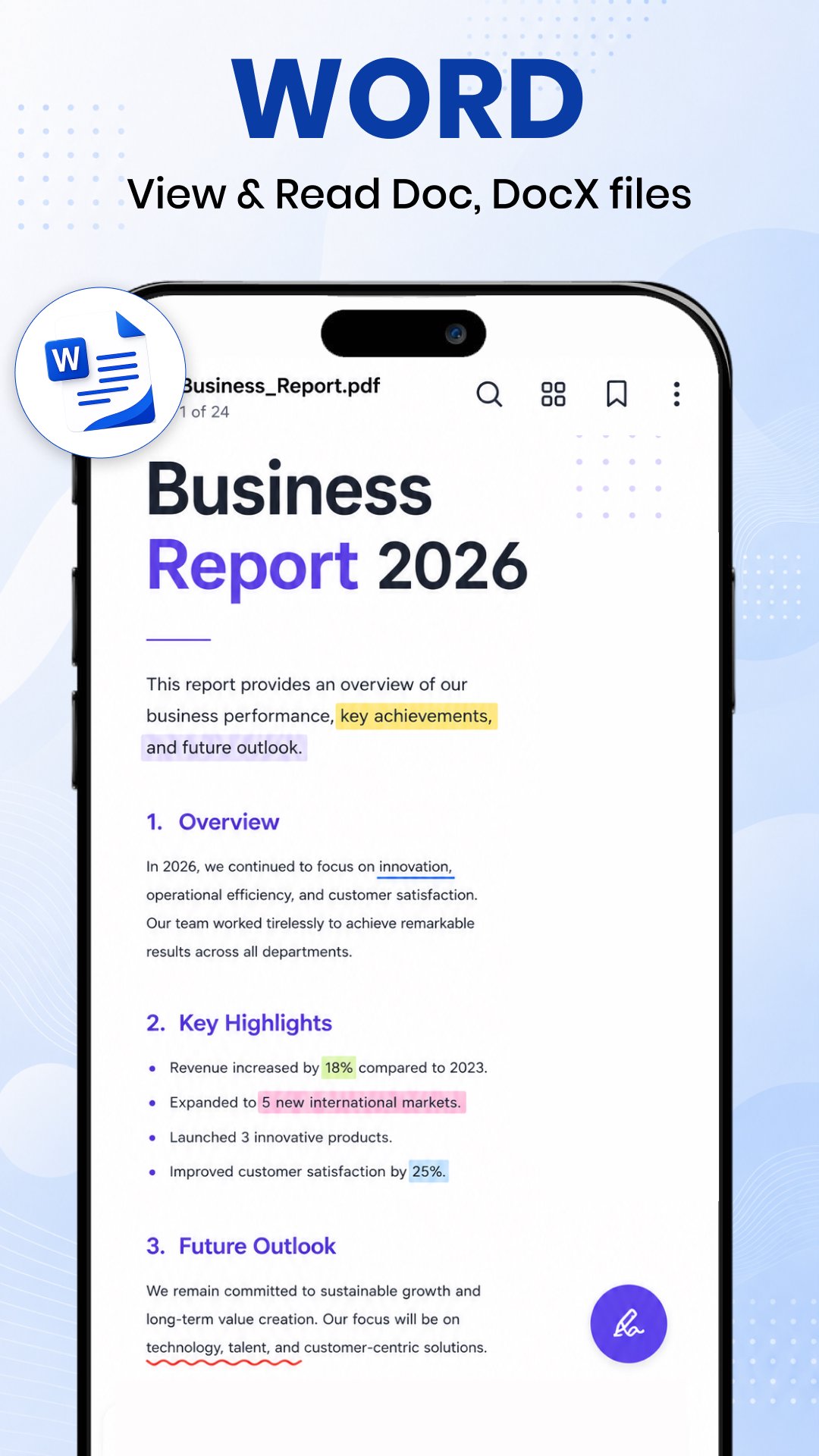
📝 Word Reader
Open DOC and DOCX files
Clean reading interface
Browse all Word documents automatically
Fast Word document viewer
📊 XLS Reader
View Excel spreadsheets
Supports XLS and XLSX files
Read reports, tables, and worksheets
Easy spreadsheet navigation
📽 PPT Viewer
Open PowerPoint presentations
Smooth slide viewing
High-quality presentation support
📂 Smart Document Manager
Automatically scans all documents
Organizes files by type
Search documents quickly
Sort by name, size, or modified date
Mark files as favorites
Share or delete documents easily
🚀 Why Choose Document Reader?
✔ All Document Reader in one app
✔ Fast PDF Reader
✔ Word Document Reader
✔ DOCX Reader
✔ XLS Reader
✔ Offline Document Reader
✔ Free Document Reader
✔ Lightweight and easy to use
✔ No internet required
✔ Dark Mode support
✔ Quick file search
✔ Simple and modern interface
📱 Perfect For
Students reading notes and assignments
Office professionals viewing reports
Teachers and business users
Anyone who needs a reliable Document Reader Offline
Whether you're looking for a PDF Reader, Word Reader, DOCX Reader, Docs Reader, XLS Reader, or a complete Office document viewer, this app gives you everything in one place.
Download Document Reader: Word, PDF, XLS today and enjoy a fast, secure, and free way to view all your documents anytime, anywhere.
預覽
標籤
益智教育訊息
開發商
Arkay Apps
最新版本
204.0
更新時間
2026-09-02
類別
益智
同時可用
Google Play
更多
如何在電腦上用 GameLoop 玩 PDF Editor & Document Viewer
1. 從官網下載GameLoop,然後運行exe文件安裝GameLoop
2. 打開GameLoop,搜索“PDF Editor & Document Viewer”,在搜索結果中找到PDF Editor & Document Viewer,點擊“安裝”
3. 享受在 GameLoop 上玩 PDF Editor & Document Viewer 的樂趣
Minimum requirements
OS
Windows 8.1 64-bit or Windows 10 64-bit
GPU
GTX 1050
CPU
i3-8300
Memory
8GB RAM
Storage
1GB available space
Recommended requirements
OS
Windows 8.1 64-bit or Windows 10 64-bit
GPU
GTX 1050
CPU
i3-9320
Memory
16GB RAM
Storage
1GB available space