
Hi Voice – AI Meeting Recorder 電腦版
Translasion team
用GameLoop模拟器在電腦上玩Hi Voice – AI Meeting Recorder
Hi Voice – AI Meeting Recorder 電腦版
來自發行商 Translasion team 的 Hi Voice – AI Meeting Recorder 能夠在安卓系統上運行。
現在,您可以在電腦上使用 GameLoop 模擬器流暢地玩 Hi Voice – AI Meeting Recorder。
在 GameLoop 遊戲庫或搜索結果中下載。 不需要再暢玩遊戲時盯著電池電量或被令人懊惱的來電打斷。
只需在電腦大屏幕上免費下載暢玩Hi Voice – AI Meeting Recorder 電腦版!
Hi Voice – AI Meeting Recorder 簡介
Hi Voice is developed by the Hi Translate team, a trusted name in AI-powered language and productivity tools. It is an AI meeting recorder built for real-time meeting transcription, voice-to-text conversion, live voice translation, and AI meeting notes.
As a professional meeting transcription app, Hi Voice helps you record meetings, transcribe conversations, convert voice to text, and generate AI-powered meeting summaries for meetings, lectures, interviews, and online calls.
Whether you are looking for an AI meeting recorder, a meeting notes app, a voice-to-text tool, or a real-time transcription and translation app, Hi Voice is designed to improve productivity, documentation, and communication efficiency.
🔑 CORE FEATURES – AI MEETING RECORDER & TRANSCRIPTION
🎙 AI Meeting Recorder
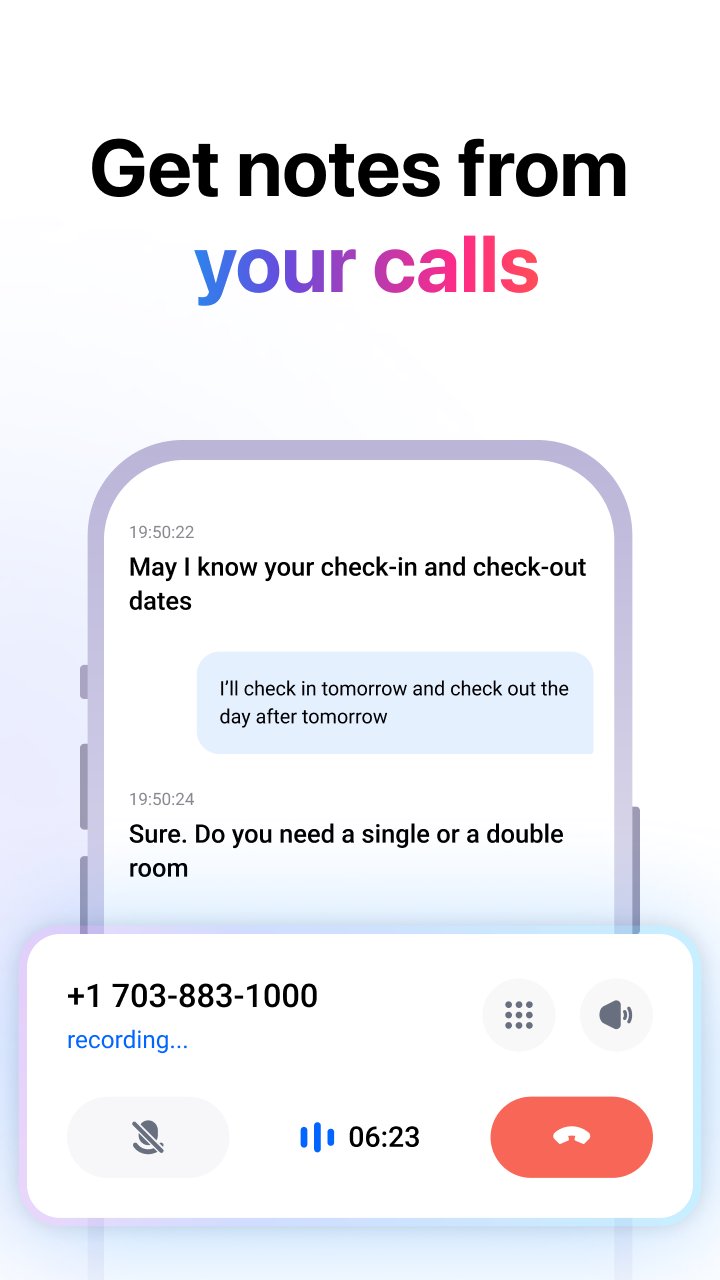
Record business meetings, online meetings, video calls, lectures, and interviews with high-quality audio. Hi Voice works as a reliable meeting recorder app for both in-person meetings and virtual meetings.
📝 Real-Time Transcription (Speech to Text)
Convert speech to text instantly using advanced AI transcription technology. Perfect for meeting transcription, lecture transcription, interview transcription, and voice-to-text notes.
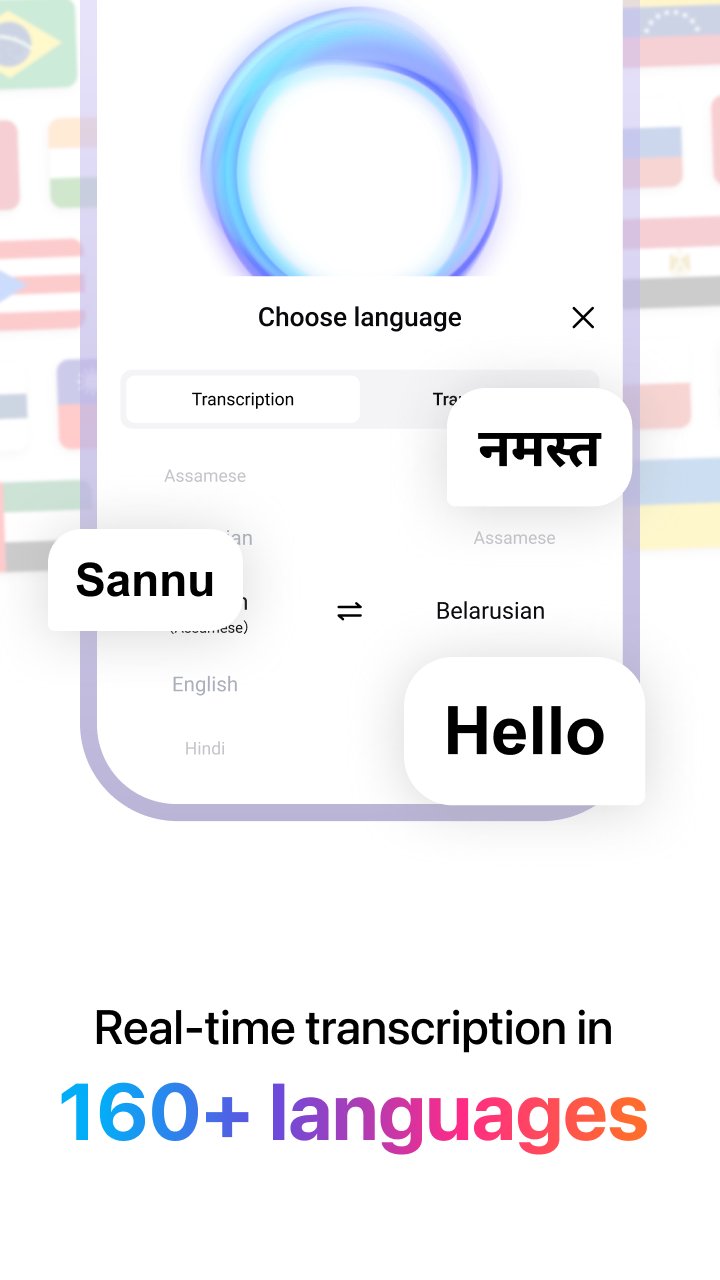
🌍 Live Voice Translation (160+ Languages)
Translate spoken language in real time across more than 160 languages. Designed for multilingual meetings, international interviews, remote work, and cross-language communication.
🧠 AI Meeting Notes & Summaries
Automatically generate structured AI meeting notes and meeting summaries. Quickly review key points, action items, and decisions without replaying the full meeting recording.
👥 Speaker Recognition for Meetings
Identify different speakers during meetings and conversations. Assign and edit speaker names to make meeting transcripts clearer and easier to manage.
📅 Calendar-Based Meeting Recording
Start meeting recording directly from your calendar. Hi Voice integrates with scheduled meetings to simplify meeting recording and meeting note-taking.
🔐 Secure Cloud Sync
All meeting recordings, transcripts, and AI meeting notes are securely stored and synced across devices for easy access anytime.
📌 USE CASES – MEETING, TRANSCRIPTION & VOICE TO TEXT
• AI meeting recorder for business meetings and team discussions
• Meeting transcription app for online meetings and offline meetings
• Voice-to-text app for lectures, classes, and academic notes
• AI transcription and translation for interviews and journalism
• Meeting notes app for remote teams and global collaboration
• Real-time voice translation for international communication
⭐ WHY CHOOSE HI VOICE
• Accurate AI meeting transcription and recording
• Fast and reliable voice-to-text conversion
• Smart AI meeting notes and summaries
• Supports real-time voice translation in multiple languages
• Designed for professionals, students, and remote teams
Hi Voice combines AI meeting recording, meeting transcription, voice-to-text conversion, live translation, and meeting notes into one powerful productivity tool. It allows you to stay focused during conversations while ensuring every important detail is captured and organized.
📬 Contact Us
Email: customer-support@hitranslate.ai
預覽
標籤
Travel-&效率提升訊息
開發商
Translasion team
最新版本
2.8.1.002.gp
更新時間
2026-02-06
類別
Travel-local
同時可用
Google Play
更多
如何在電腦上用 GameLoop 玩 Hi Voice – AI Meeting Recorder
1. 從官網下載GameLoop,然後運行exe文件安裝GameLoop
2. 打開GameLoop,搜索“Hi Voice – AI Meeting Recorder”,在搜索結果中找到Hi Voice – AI Meeting Recorder,點擊“安裝”
3. 享受在 GameLoop 上玩 Hi Voice – AI Meeting Recorder 的樂趣
Minimum requirements
OS
Windows 8.1 64-bit or Windows 10 64-bit
GPU
GTX 1050
CPU
i3-8300
Memory
8GB RAM
Storage
1GB available space
Recommended requirements
OS
Windows 8.1 64-bit or Windows 10 64-bit
GPU
GTX 1050
CPU
i3-9320
Memory
16GB RAM
Storage
1GB available space