
Ace Scanner (OCR) & Translator 電腦版
Impress Medium
用GameLoop模拟器在電腦上玩Ace Scanner (OCR) & Translator
Ace Scanner (OCR) & Translator 電腦版
來自發行商 Impress Medium 的 Ace Scanner (OCR) & Translator 能夠在安卓系統上運行。
現在,您可以在電腦上使用 GameLoop 模擬器流暢地玩 Ace Scanner (OCR) & Translator。
在 GameLoop 遊戲庫或搜索結果中下載。 不需要再暢玩遊戲時盯著電池電量或被令人懊惱的來電打斷。
只需在電腦大屏幕上免費下載暢玩Ace Scanner (OCR) & Translator 電腦版!
Ace Scanner (OCR) & Translator 簡介
This app has shut down. Please do not purchase new subscriptions. Subscriptions will remain active for existing customers till expiry.
------
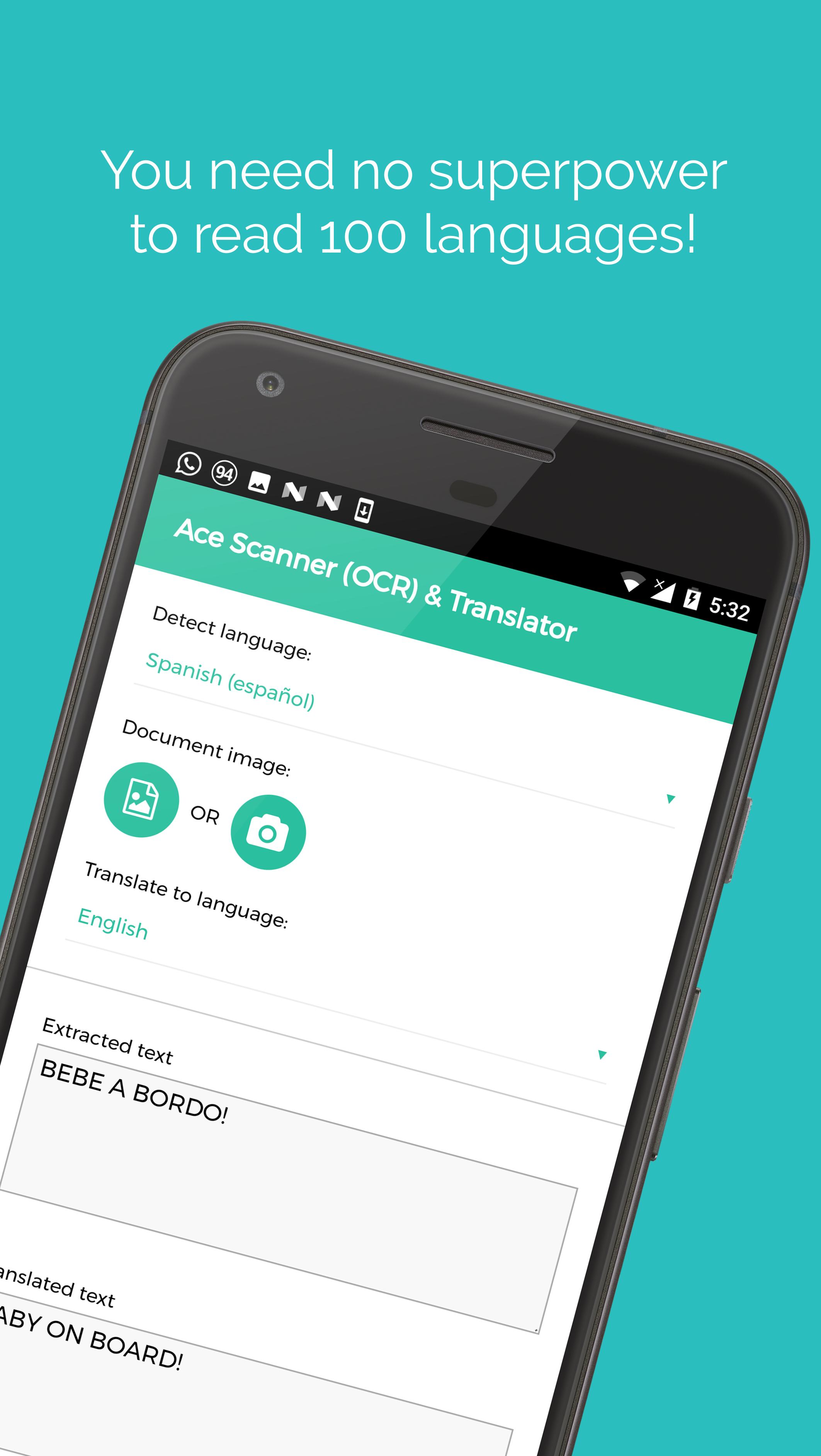
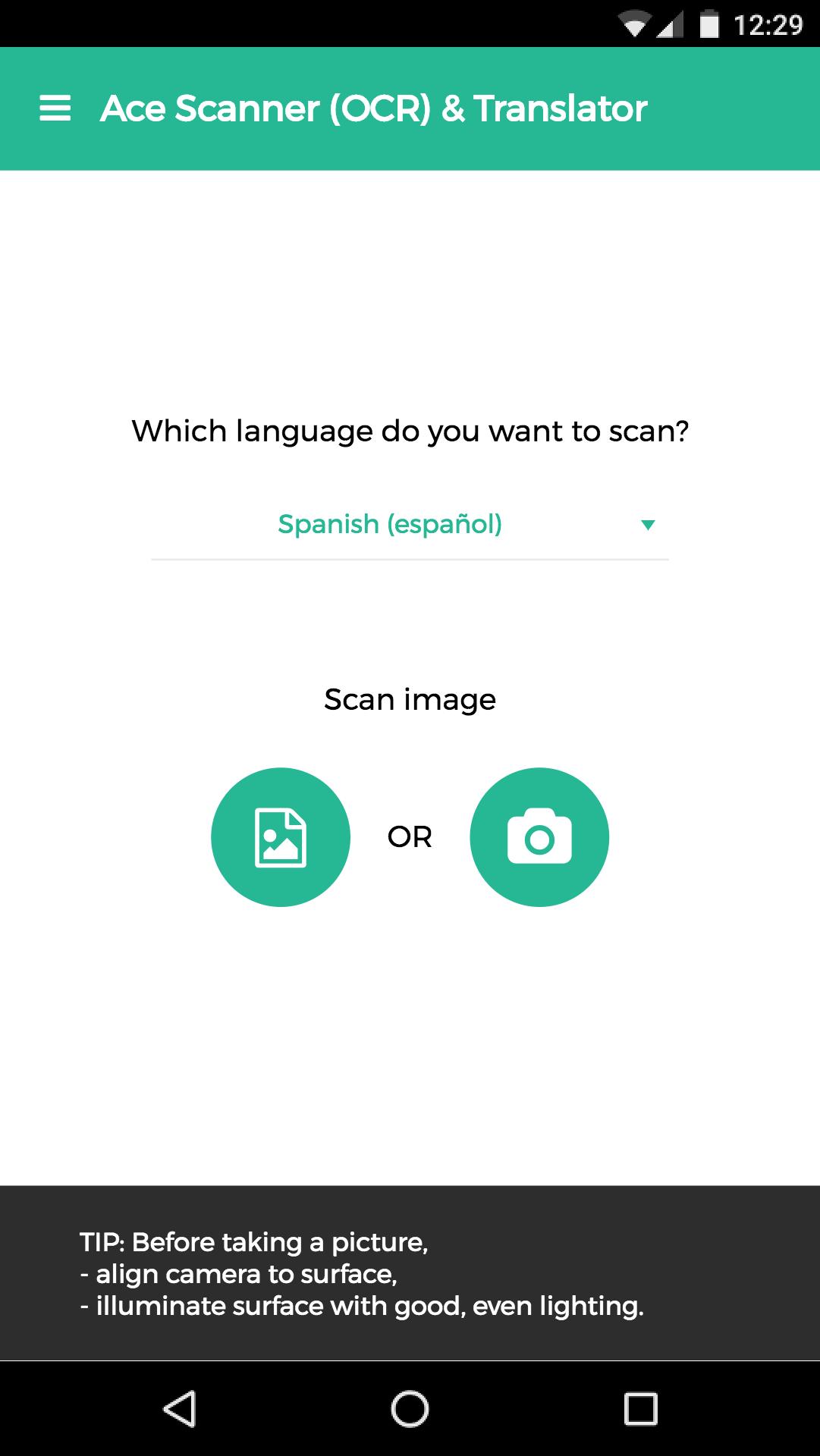
Take a photo of printed text, and this app extracts the text and translates it for you.
More than 100 languages supported.
*Free trail of 6 images and/or 12 translations.*
[Uses]
1. Travel: Translate sign boards, menus while traveling.
2. Work: Convert office/government documents to text and then share over email, or translate it to a language you understand.
3. Study: Convert documents to shareable text.
4. Learn: Image to text translation helps in learning languages.
Usage of deep learning OCR technology, makes this app more accurate than competitors - try it yourself ;)
Note: App needs internet connection. Handwriting recognition isn't supported.
Standard Google Play refund policies apply (that is, currently, refunds are accepted within 48 hours of purchase*).
* could be changed by Google in the future
預覽
標籤
Travel-&訊息
開發商
Impress Medium
最新版本
2.13.0
更新時間
2018-08-12
類別
Travel-local
同時可用
Google Play
更多
如何在電腦上用 GameLoop 玩 Ace Scanner (OCR) & Translator
1. 從官網下載GameLoop,然後運行exe文件安裝GameLoop
2. 打開GameLoop,搜索“Ace Scanner (OCR) & Translator”,在搜索結果中找到Ace Scanner (OCR) & Translator,點擊“安裝”
3. 享受在 GameLoop 上玩 Ace Scanner (OCR) & Translator 的樂趣
Minimum requirements
OS
Windows 8.1 64-bit or Windows 10 64-bit
GPU
GTX 1050
CPU
i3-8300
Memory
8GB RAM
Storage
1GB available space
Recommended requirements
OS
Windows 8.1 64-bit or Windows 10 64-bit
GPU
GTX 1050
CPU
i3-9320
Memory
16GB RAM
Storage
1GB available space