Zip Extractor - 7Zip & Unzip 電腦版
The Apps Addiction
用GameLoop模拟器在電腦上玩Zip Extractor - 7Zip & Unzip
Zip Extractor - 7Zip & Unzip 電腦版
來自發行商 The Apps Addiction 的 Zip Extractor - 7Zip & Unzip 能夠在安卓系統上運行。
現在,您可以在電腦上使用 GameLoop 模擬器流暢地玩 Zip Extractor - 7Zip & Unzip。
在 GameLoop 遊戲庫或搜索結果中下載。 不需要再暢玩遊戲時盯著電池電量或被令人懊惱的來電打斷。
只需在電腦大屏幕上免費下載暢玩Zip Extractor - 7Zip & Unzip 電腦版!
Zip Extractor - 7Zip & Unzip 簡介
Extract and open archive files, compress files and folders to zip files, and have access to an advanced file manager to view the content of internal and external storage quickly.
Zip Extractor is a free archive viewer and zip opener app that enables you to quickly unrar any compressed file and extract it to either the internal storage or external storage. The built-in file manager allows you to browse through your available files and folders with the option to compress any file into a zip or 7zip file. The advanced compressing algorithm comes with a high compression ratio in 7z format without having to worry about data loss.
Compress files with ease: To compress files and folders, you just need to find the file/folder via the file manager and select the compressing tool. You can choose to create a zip file or 7zip file based on the compression level you wish to have.
Extract files with ease: This free archive viewer app also enables you to extract and unzip any zip files. There is a separate folder for the extracted files that makes it a whole lot easier to find unrar files.
Supports all standard archive formats: This free file extractor app for Android supports most archive formats, including zip, 7zip, and rar. The advanced archive viewer makes it possible to view the content of the supported archive formats in no time.
Very-high compression ratio: The advanced compression algorithm enables you to compress large files to a small size in a pretty decent way. For an extra layer of file compressions, you can choose to compress your files to a 7z format.
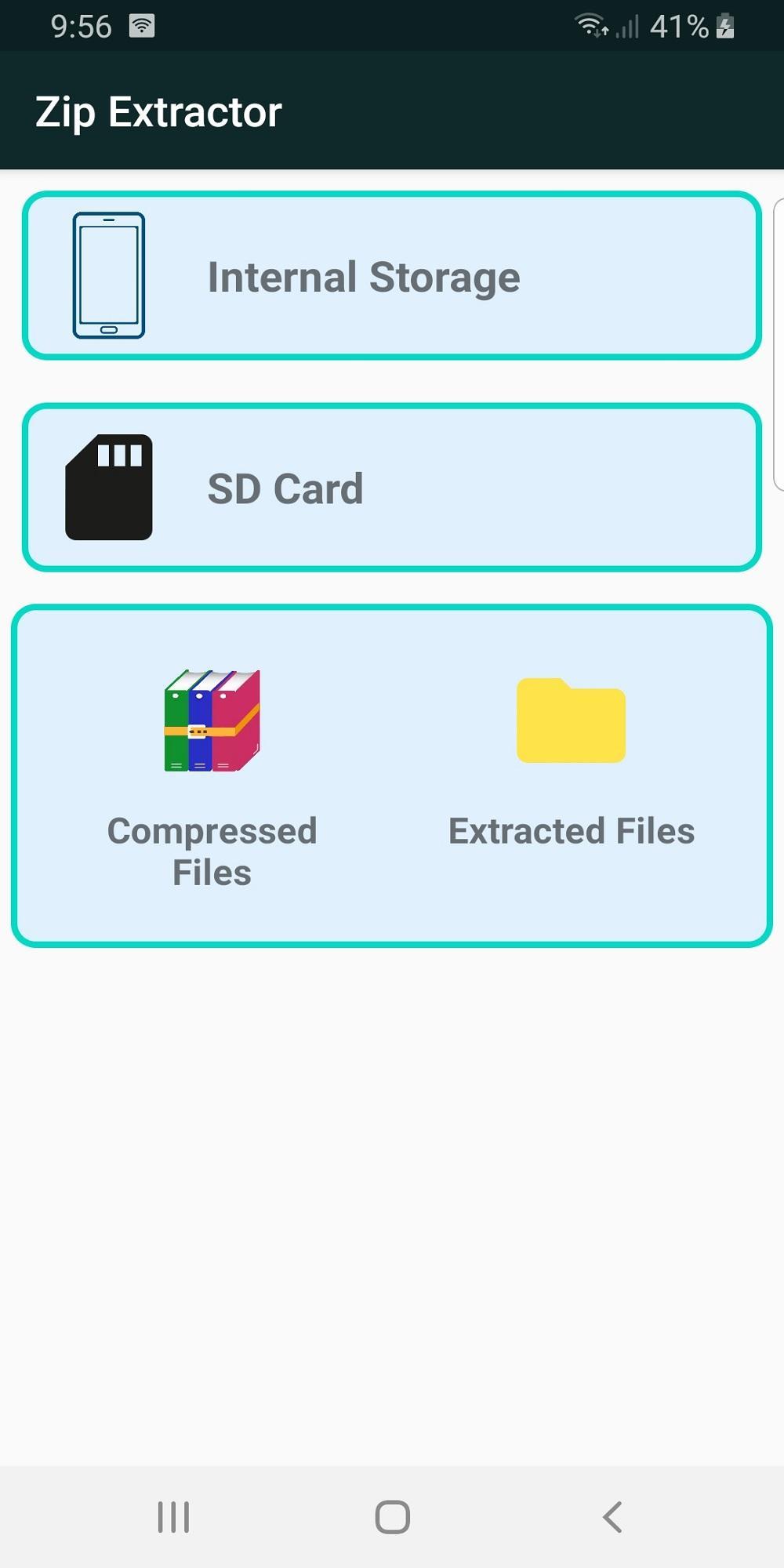
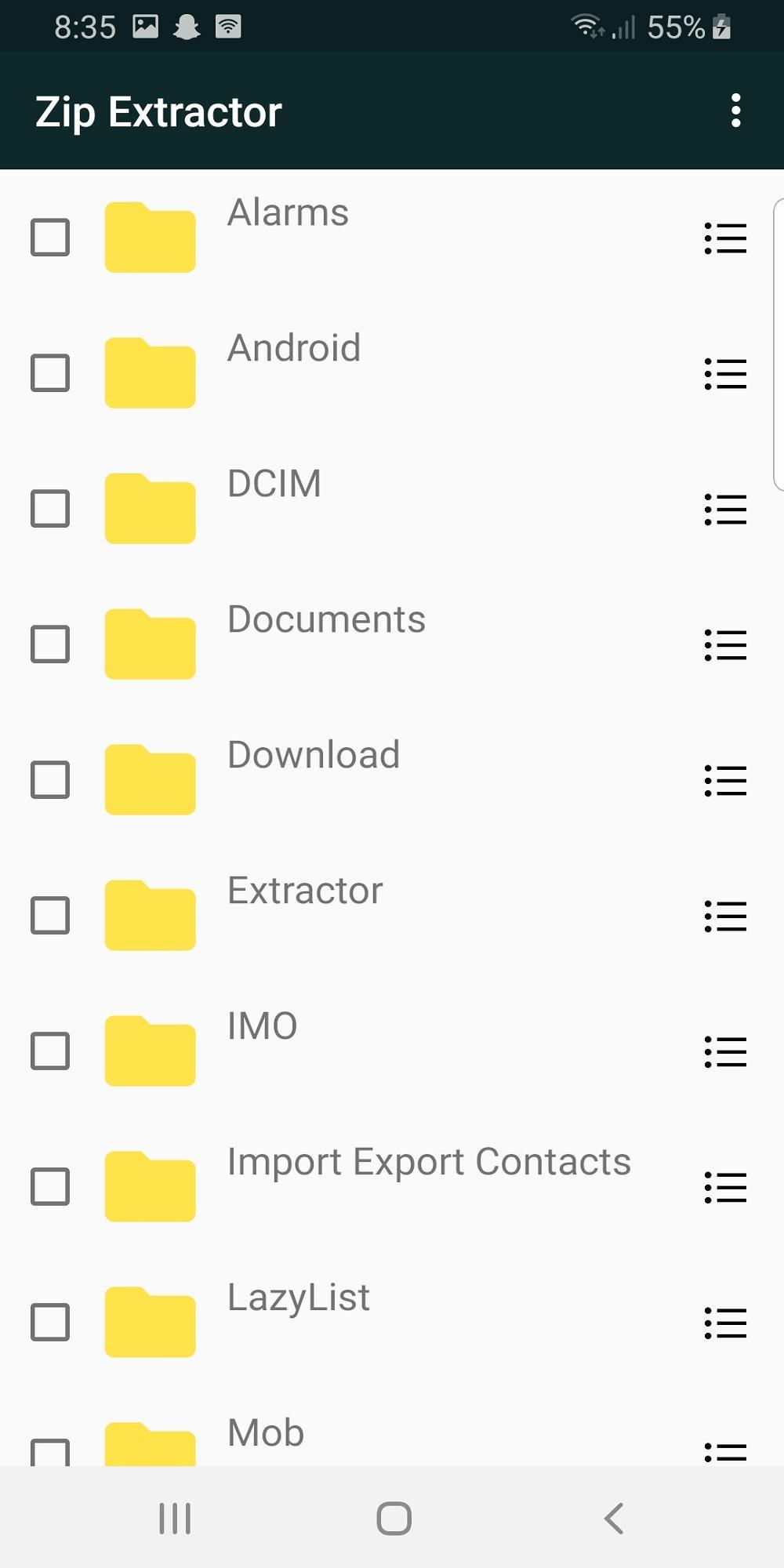
Powerful archive viewer and file management: This free zip extractor and rar opener app also offers versatile file management that helps you view all your files and folders with ease. It supports both internal storage and external storage with an option to have very quick access to compressed files and extracted files.
Why should I install and use this free zip extractor to unzip files on Android?
While there are so many other zip openers to extract and view archive files, why should I install Zip Extractor? Well, this is a fair question to ask and here are just a few reasons that make this rar opener app the best zip file extractor for Android:
One. It’s an all-in-one file compressor and extractor app that offers everything you should need from such archive viewer apps. You have access to a powerful file manager, you have the option to compress files to your desired formats, and you can extract all the common archive formats.
Two. It comes with an advanced compressing algorithm that not only reduces the compressed file size, but it reduces the total compression time too.
Three. It’s a very secure archive viewer app that respects your privacy and doesn’t require any unnecessary permission.
What else? Well, there is still a lot to discover, and since the entire features of this archive viewer app are available for free, there is no harm in giving it a try and explore the features for yourself.
Zip Extractor main features at a glance:
●Clean and neat design with a fresh and intuitive interface
●Secure archive viewer to compress and extract zip files
●Supports all common archive formats, including zip, rar, 7z (7zip)
●Advanced compressing algorithm to reduce the file size
●Powerful file manager that supports internal and external storage
●Free to use
So, download Zip Extractor for free on your Android phone or tablet and get the most out of available compressing and extracting tools. Based on the compression level you wish to use, you can choose to compress your files to a zip file or 7z file. To have quick access to your archive files, you can head to the Compressed Files section and browse through your zip and rar files. There is the option to view, rename, or delete your files and folders.
Zip and unzip files securely and efficiently with Zip Extractor.
預覽
標籤
工具訊息
開發商
The Apps Addiction
最新版本
1.7
更新時間
2021-12-24
類別
工具
同時可用
Google Play
更多
如何在電腦上用 GameLoop 玩 Zip Extractor - 7Zip & Unzip
1. 從官網下載GameLoop,然後運行exe文件安裝GameLoop
2. 打開GameLoop,搜索“Zip Extractor - 7Zip & Unzip”,在搜索結果中找到Zip Extractor - 7Zip & Unzip,點擊“安裝”
3. 享受在 GameLoop 上玩 Zip Extractor - 7Zip & Unzip 的樂趣
Minimum requirements
OS
Windows 8.1 64-bit or Windows 10 64-bit
GPU
GTX 1050
CPU
i3-8300
Memory
8GB RAM
Storage
1GB available space
Recommended requirements
OS
Windows 8.1 64-bit or Windows 10 64-bit
GPU
GTX 1050
CPU
i3-9320
Memory
16GB RAM
Storage
1GB available space