XPlaneCDU 電腦版
Wayne Piekarski
用GameLoop模拟器在電腦上玩XPlaneCDU
XPlaneCDU 電腦版
來自發行商 Wayne Piekarski 的 XPlaneCDU 能夠在安卓系統上運行。
現在,您可以在電腦上使用 GameLoop 模擬器流暢地玩 XPlaneCDU。
在 GameLoop 遊戲庫或搜索結果中下載。 不需要再暢玩遊戲時盯著電池電量或被令人懊惱的來電打斷。
只需在電腦大屏幕上免費下載暢玩XPlaneCDU 電腦版!
XPlaneCDU 簡介
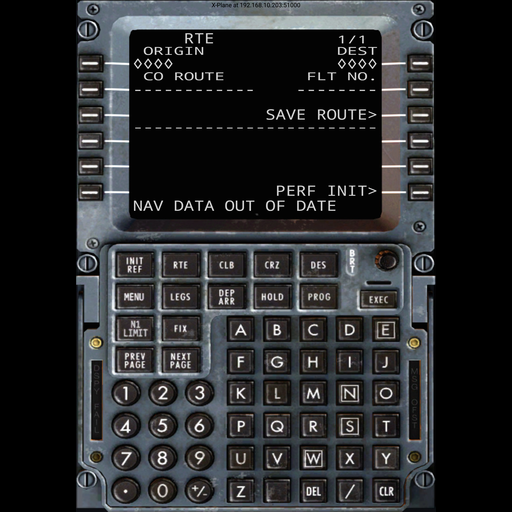
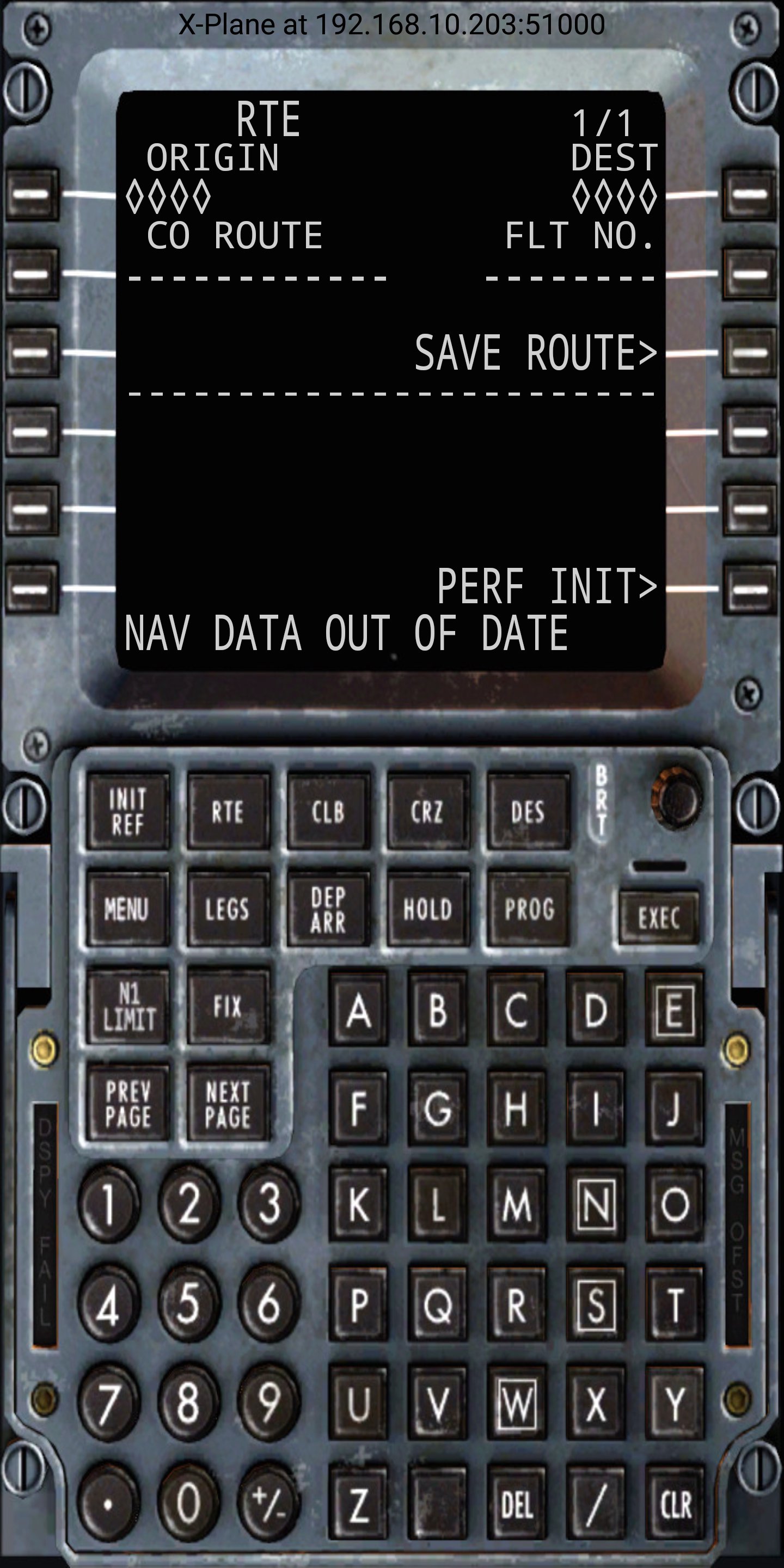
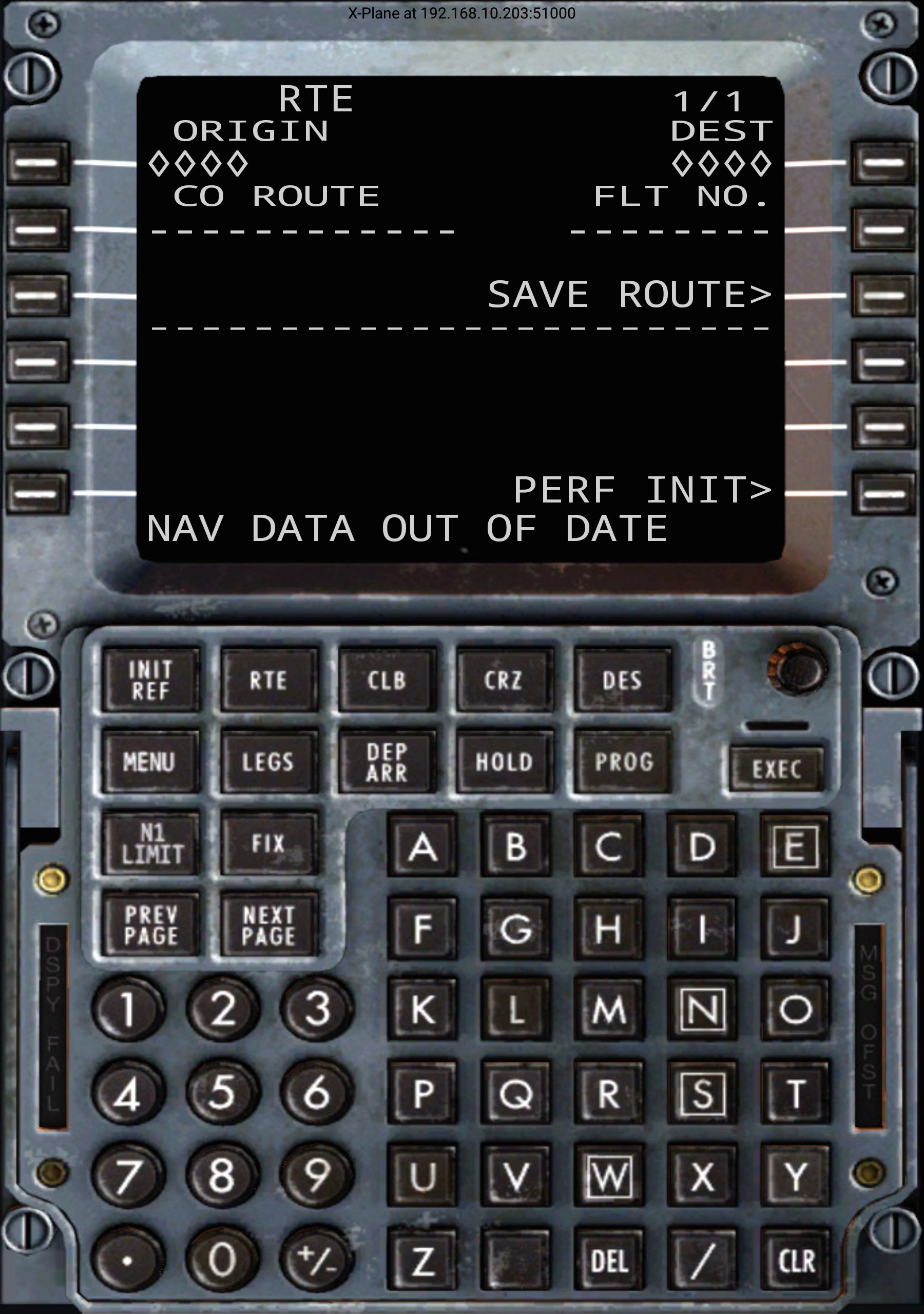
XPlaneCDU is a remote control interface for the Control Display Unit (CDU) present in X-Plane 11. This app does not provide an FMS, but simply a way to control the existing CDU from an Android tablet or phone. Currently it works with the Zibo Boeing 737 and SSG 747 aircraft.
Requirements:
- X-Plane 11
- Download the ExtPlane v2 plugin from http://waynepiekarski.net/extplane and unzip it, copy the extracted directory into the Resources/Plugins directory
- Zibo's Boeing 738 or SSG's Boeing 748
- Open TCP port 51000 in Windows firewall for ExtPlane
- Multicast support on your network for auto-detection
XPlaneCDU will auto-detect your X-Plane instance assuming that multicast is working. Many routers do not support multicast properly, and so you can tap on the connection text or the CDU screen to configure a manual X-Plane hostname or IP address.
You must have the ExtPlane v2 plugin installed in your X-Plane 11 Resources/plugins directory. This plugin uses port 51000 to provide external control capabilities, so you must make sure that Windows firewall is not blocking it. You must download the binaries for the plugin from http://waynepiekarski.net/extplane - you cannot use the original ExtPlane v1 plugin because it has bugs related to string datarefs.
This application is open source, released under the GNU Public License version 3 (GPLv3) and available from https://github.com/waynepiekarski/XPlaneCDU - it is written in Kotlin and shows how to implement the complex screen layout on any device size. The plugin source code is https://github.com/waynepiekarski/ExtPlane and is forked from the original code at https://github.com/vranki/ExtPlane (licensed under GPLv3).
It should be possible to extend XPlaneCDU to work with other aircraft, but it must provide datarefs for the CDU text strings. The default X-Plane 737 does not support this, and every other payware aircraft uses non-standard datarefs. It should be possible to support the Flight Factor 757/767, but they already provide a web-based CDU.
I look forward to feedback on any problems. Visit the GitHub page to file bugs https://github.com/waynepiekarski/XPlaneCDU
Remember: extract the plugin from http://waynepiekarski.net/extplane into your Resources/plugins directory, and make sure port 51000 is not blocked by the Windows firewall.
預覽
標籤
工具訊息
開發商
Wayne Piekarski
最新版本
1.4
更新時間
2022-10-04
類別
工具
同時可用
Google Play
更多
如何在電腦上用 GameLoop 玩 XPlaneCDU
1. 從官網下載GameLoop,然後運行exe文件安裝GameLoop
2. 打開GameLoop,搜索“XPlaneCDU”,在搜索結果中找到XPlaneCDU,點擊“安裝”
3. 享受在 GameLoop 上玩 XPlaneCDU 的樂趣
Minimum requirements
OS
Windows 8.1 64-bit or Windows 10 64-bit
GPU
GTX 1050
CPU
i3-8300
Memory
8GB RAM
Storage
1GB available space
Recommended requirements
OS
Windows 8.1 64-bit or Windows 10 64-bit
GPU
GTX 1050
CPU
i3-9320
Memory
16GB RAM
Storage
1GB available space