
Wisom - Cam & Mic Indicator 電腦版
Andatsoft
用GameLoop模拟器在電腦上玩Wisom - Cam & Mic Indicator
Wisom - Cam & Mic Indicator 電腦版
來自發行商 Andatsoft 的 Wisom - Cam & Mic Indicator 能夠在安卓系統上運行。
現在,您可以在電腦上使用 GameLoop 模擬器流暢地玩 Wisom - Cam & Mic Indicator。
在 GameLoop 遊戲庫或搜索結果中下載。 不需要再暢玩遊戲時盯著電池電量或被令人懊惱的來電打斷。
只需在電腦大屏幕上免費下載暢玩Wisom - Cam & Mic Indicator 電腦版!
Wisom - Cam & Mic Indicator 簡介
Most applications use your camera when needed but some apps might try to access it in the background or foreground without your consent.
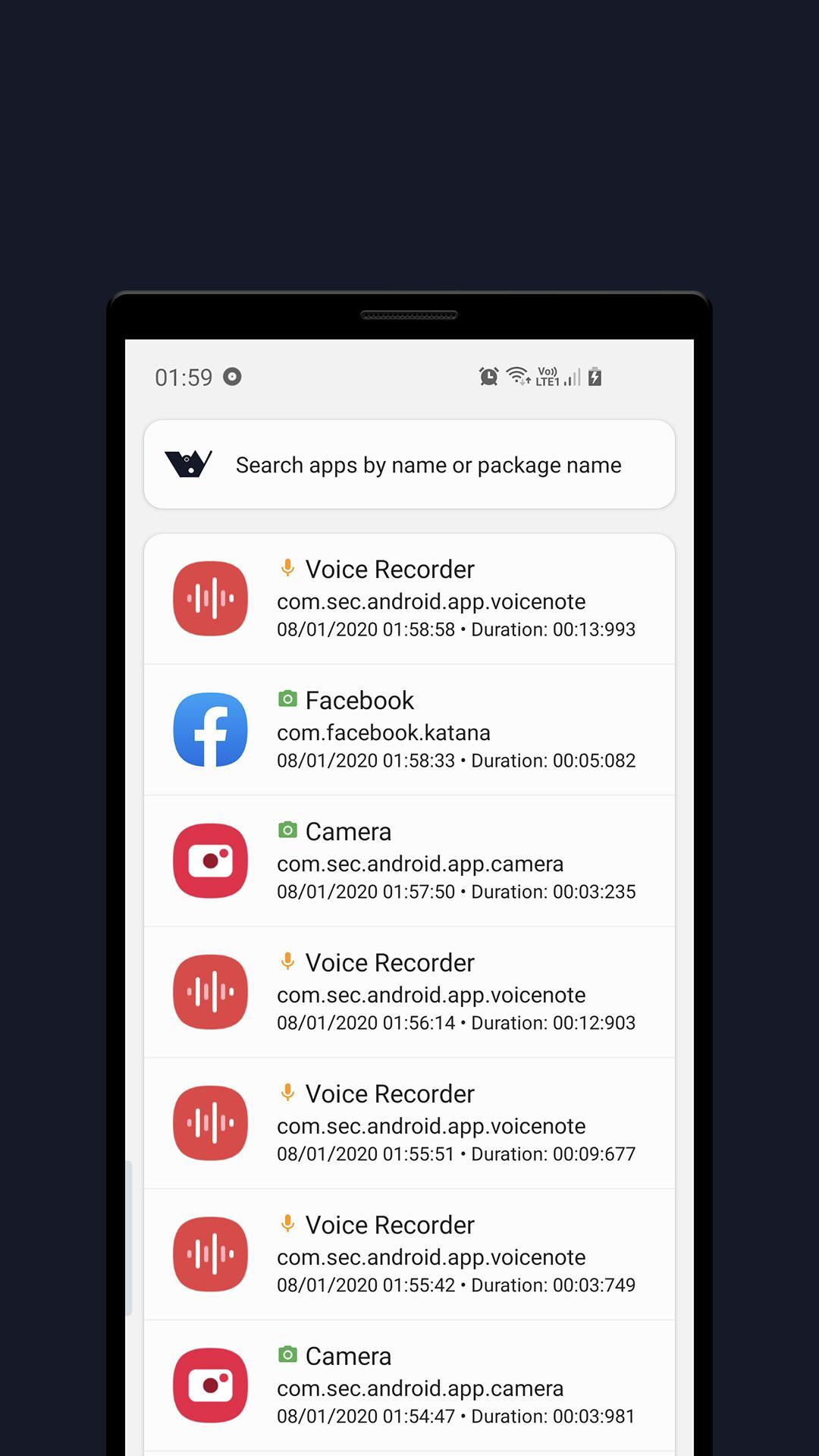
Wisom is a really simple tool that notify you with green and orange indicators when apps use Microphone or Camera.
To use Wisom, you need to grant USAGE_STATS permission by clicking the Start button at the app main page and grant the access (or go to Settings and search for Usage data access).
For the access dots indicator to work, you need to turn it on in the app setting (you have to allow Wisom to appear on top permission as well)
Features:
- Detect camera/microphone usage
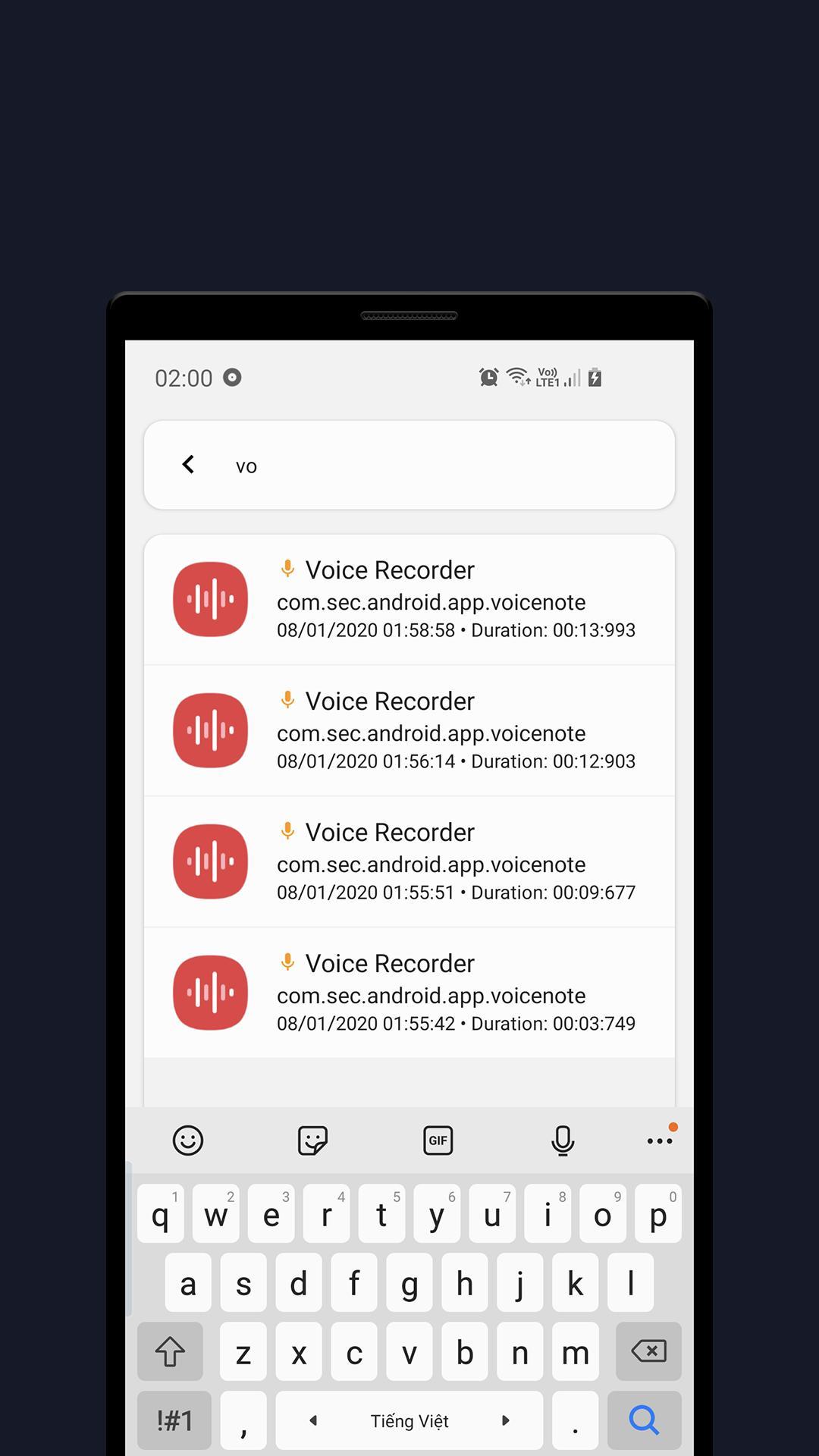
- Show app access history
- Show camera or microphone recording indicator when apps use them
- And some other useful features.
Wisom is inspired by new iOS 14 and Android 12 privacy feature that shows an indicator whenever camera or microphone is accessed.
Wisom is in beta phase!
Wisom means Who is spying on me!
Note: On Android 6, Microphone usage can not be detected due to system limitation.
This application uses these icon packs:
1. Abstract Elements, made by Alfredo Hernandez from www.flaticon.com
2. Shapes, made by Pixel perfect from www.flaticon.com
3. Emotions, made by Vitaly Gorbachev from www.flaticon.com
Contact us:
Website: https://www.andatsoft.com
Facebook: https://www.facebook.com/andatsoft/
Twitter: https://twitter.com/andatsoft
Pinterest: https://www.pinterest.com/andatsoft/
預覽
標籤
工具訊息
開發商
Andatsoft
最新版本
0.9.2
更新時間
2023-05-30
類別
工具
同時可用
Google Play
更多
如何在電腦上用 GameLoop 玩 Wisom - Cam & Mic Indicator
1. 從官網下載GameLoop,然後運行exe文件安裝GameLoop
2. 打開GameLoop,搜索“Wisom - Cam & Mic Indicator”,在搜索結果中找到Wisom - Cam & Mic Indicator,點擊“安裝”
3. 享受在 GameLoop 上玩 Wisom - Cam & Mic Indicator 的樂趣
Minimum requirements
OS
Windows 8.1 64-bit or Windows 10 64-bit
GPU
GTX 1050
CPU
i3-8300
Memory
8GB RAM
Storage
1GB available space
Recommended requirements
OS
Windows 8.1 64-bit or Windows 10 64-bit
GPU
GTX 1050
CPU
i3-9320
Memory
16GB RAM
Storage
1GB available space