
WifiNanScan App 電腦版
Developed with Google
用GameLoop模拟器在電腦上玩WifiNanScan App
WifiNanScan App 電腦版
來自發行商 Developed with Google 的 WifiNanScan App 能夠在安卓系統上運行。
現在,您可以在電腦上使用 GameLoop 模擬器流暢地玩 WifiNanScan App。
在 GameLoop 遊戲庫或搜索結果中下載。 不需要再暢玩遊戲時盯著電池電量或被令人懊惱的來電打斷。
只需在電腦大屏幕上免費下載暢玩WifiNanScan App 電腦版!
WifiNanScan App 簡介
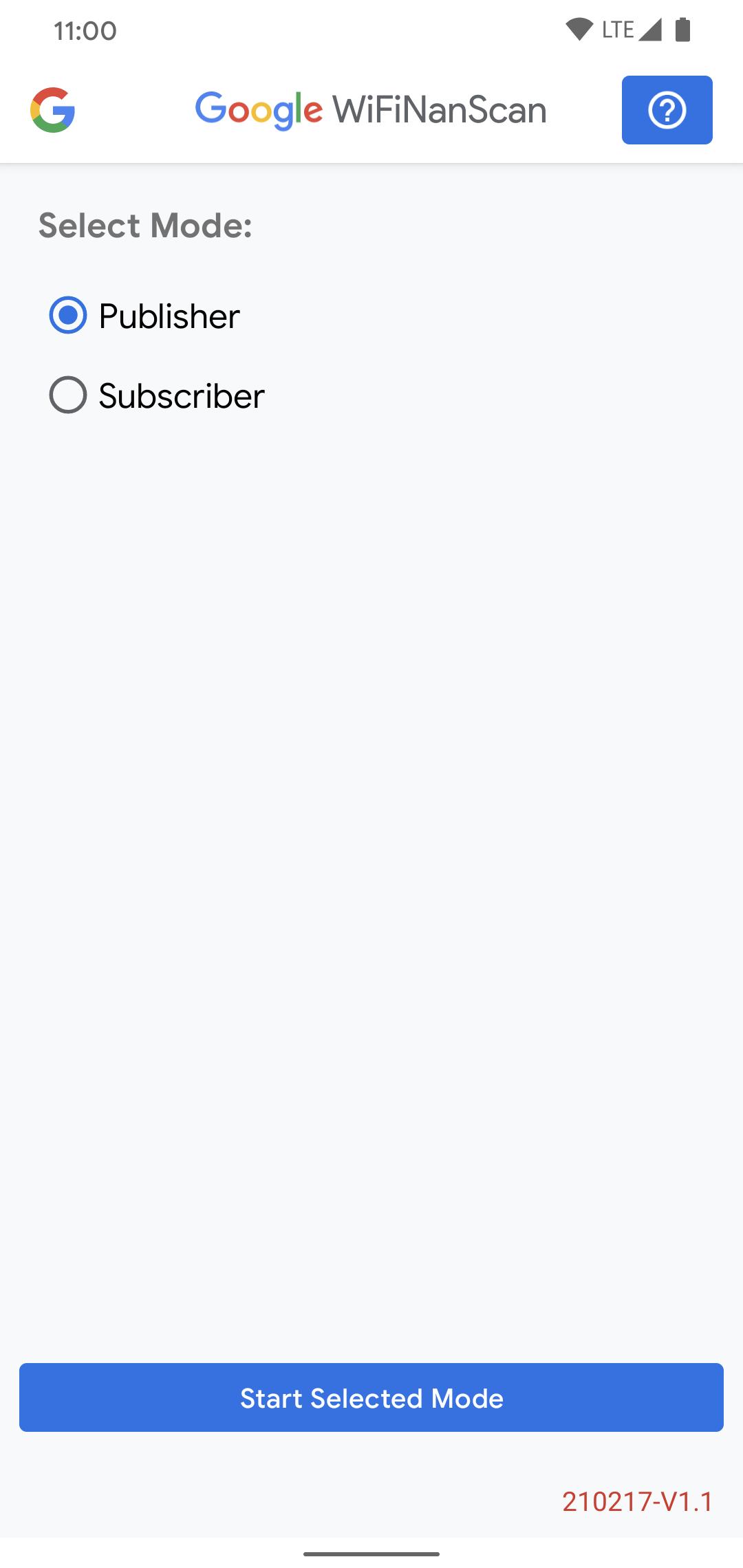
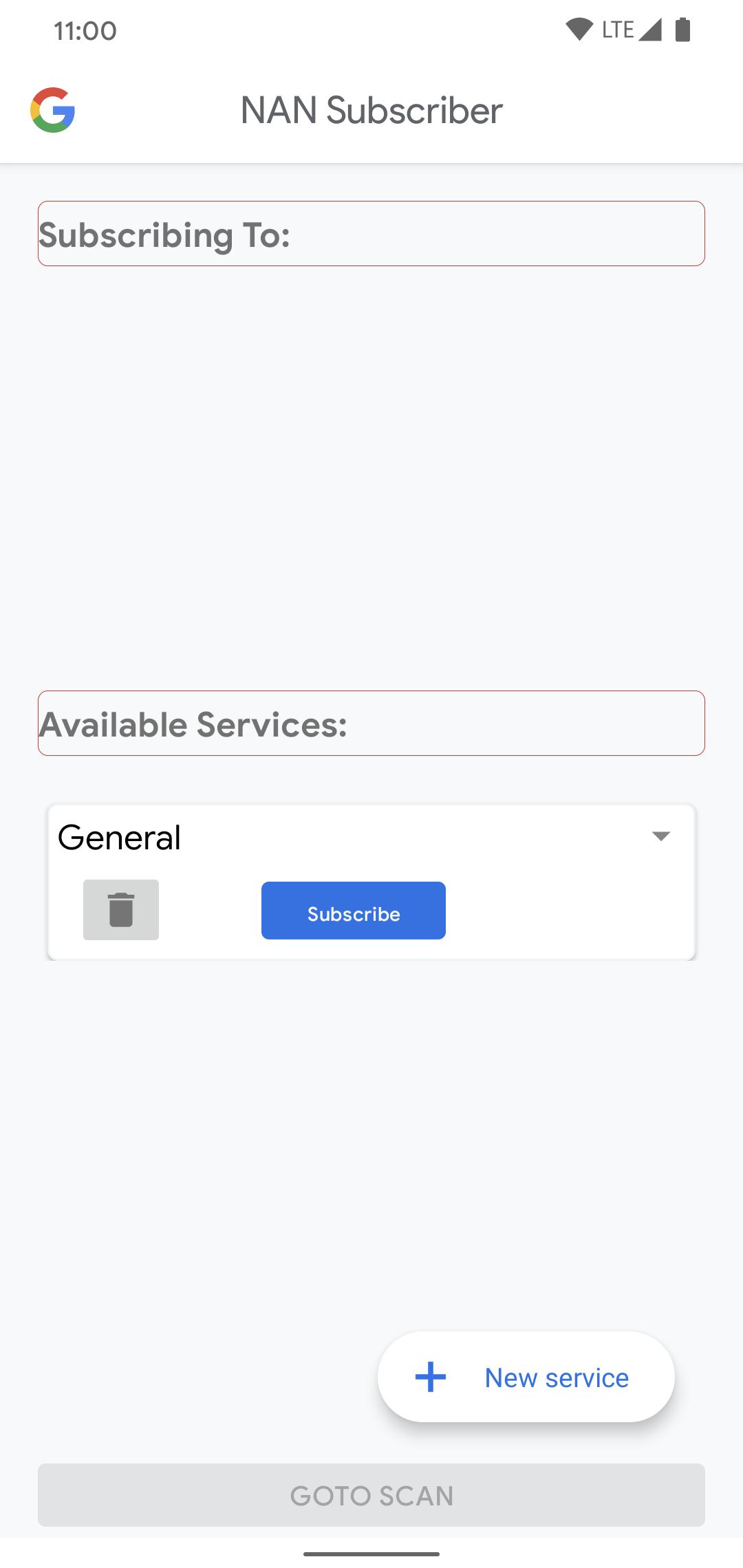
The WifiNanScan app measures the distance between two smartphones using the Wi-Fi Aware protocol (also called Neighborhood Aware Networking(NAN)). It’s designed as a research, demonstration, and testing tool for developers, vendors, universities, and more. With this app it is possible to obtain a distance measurement with a precision of about 1 meter with phones up to 15 meters apart. Developers, OEMs and researchers can use this tool to validate distance/range measurements enabling the development of peer-to-peer ranging and data transfer, find my phone and context-aware applications based on the WiFi Aware/NAN API. (See also WifiRttScan.) Your phone must be a model/OS that supports WiFi RTT for this app to function.
預覽
標籤
工具訊息
開發商
Developed with Google
最新版本
221026-V1.7
更新時間
2022-10-26
類別
工具
同時可用
Google Play
更多
如何在電腦上用 GameLoop 玩 WifiNanScan App
1. 從官網下載GameLoop,然後運行exe文件安裝GameLoop
2. 打開GameLoop,搜索“WifiNanScan App”,在搜索結果中找到WifiNanScan App,點擊“安裝”
3. 享受在 GameLoop 上玩 WifiNanScan App 的樂趣
Minimum requirements
OS
Windows 8.1 64-bit or Windows 10 64-bit
GPU
GTX 1050
CPU
i3-8300
Memory
8GB RAM
Storage
1GB available space
Recommended requirements
OS
Windows 8.1 64-bit or Windows 10 64-bit
GPU
GTX 1050
CPU
i3-9320
Memory
16GB RAM
Storage
1GB available space