WiFi Analyzer- Speed Test 電腦版
Ninelogix Studio
用GameLoop模拟器在電腦上玩WiFi Analyzer- Speed Test
WiFi Analyzer- Speed Test 電腦版
來自發行商 Ninelogix Studio 的 WiFi Analyzer- Speed Test 能夠在安卓系統上運行。
現在,您可以在電腦上使用 GameLoop 模擬器流暢地玩 WiFi Analyzer- Speed Test。
在 GameLoop 遊戲庫或搜索結果中下載。 不需要再暢玩遊戲時盯著電池電量或被令人懊惱的來電打斷。
只需在電腦大屏幕上免費下載暢玩WiFi Analyzer- Speed Test 電腦版!
WiFi Analyzer- Speed Test 簡介
Wifi Analyzer and Speed Test is the perfect application for you if you want to get information about your WiFi connection and check who is on your WiFi.
By analyzing signal strength and displaying less-crowded WiFi, WiFi Analyzer and Speed Test let you maximize WiFi speed. WiFi Analyzer helps you display nearby WiFi connections and analyze their strength. WiFi Analyzer increases performance by analyzing and monitoring your WiFi speed.
WiFi Analyzer & WiFi Tester helps you obtain the most useful WiFi information, increasing WiFi speed and stability. WiFi Analyzer recommends the best channels and places for WiFi. WiFi Analyzer also measures WiFi signal strength, WiFi speed, and WiFi channels, and helps estimate the distance of nearby Wifi.
WiFi Analyzer and WiFi Speed Test allow your smartphone to identify the nearest WiFi connections. Note: Location permission is required to scan nearby WiFi, as required by Android. Discover all the devices connected to your WiFi channel with WiFi Analyzer and monitor your wifi performance.
Main Features of WiFi Analyzer and WiFi Speed Tester:
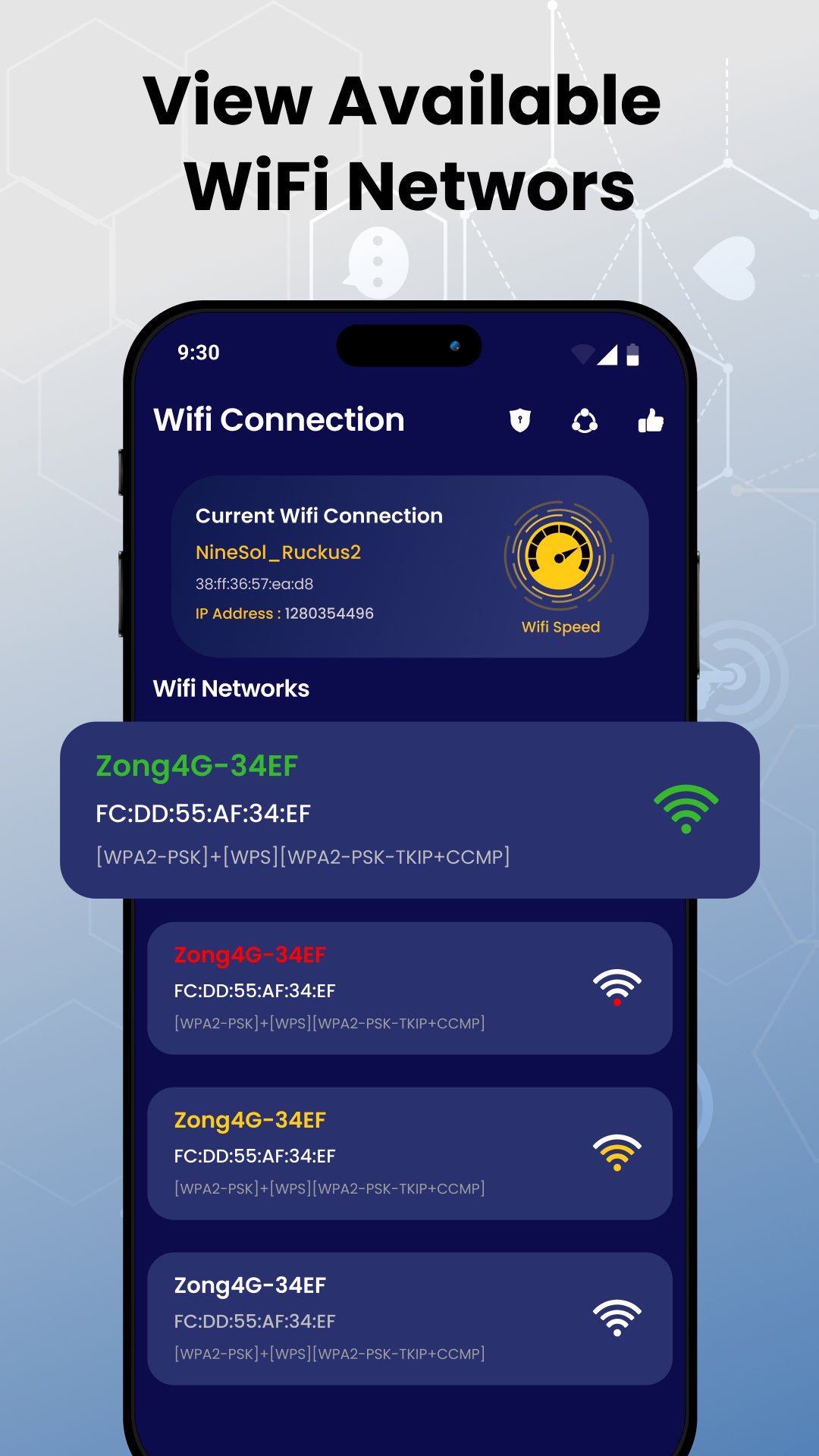
Identify nearby WiFi.
Analyze WiFi signal strength & WiFi connection.
Generate secure passwords for your WiFi.
WiFi map to identify local hotspots and dead zones.
Monitor devices connected to your WiFi.
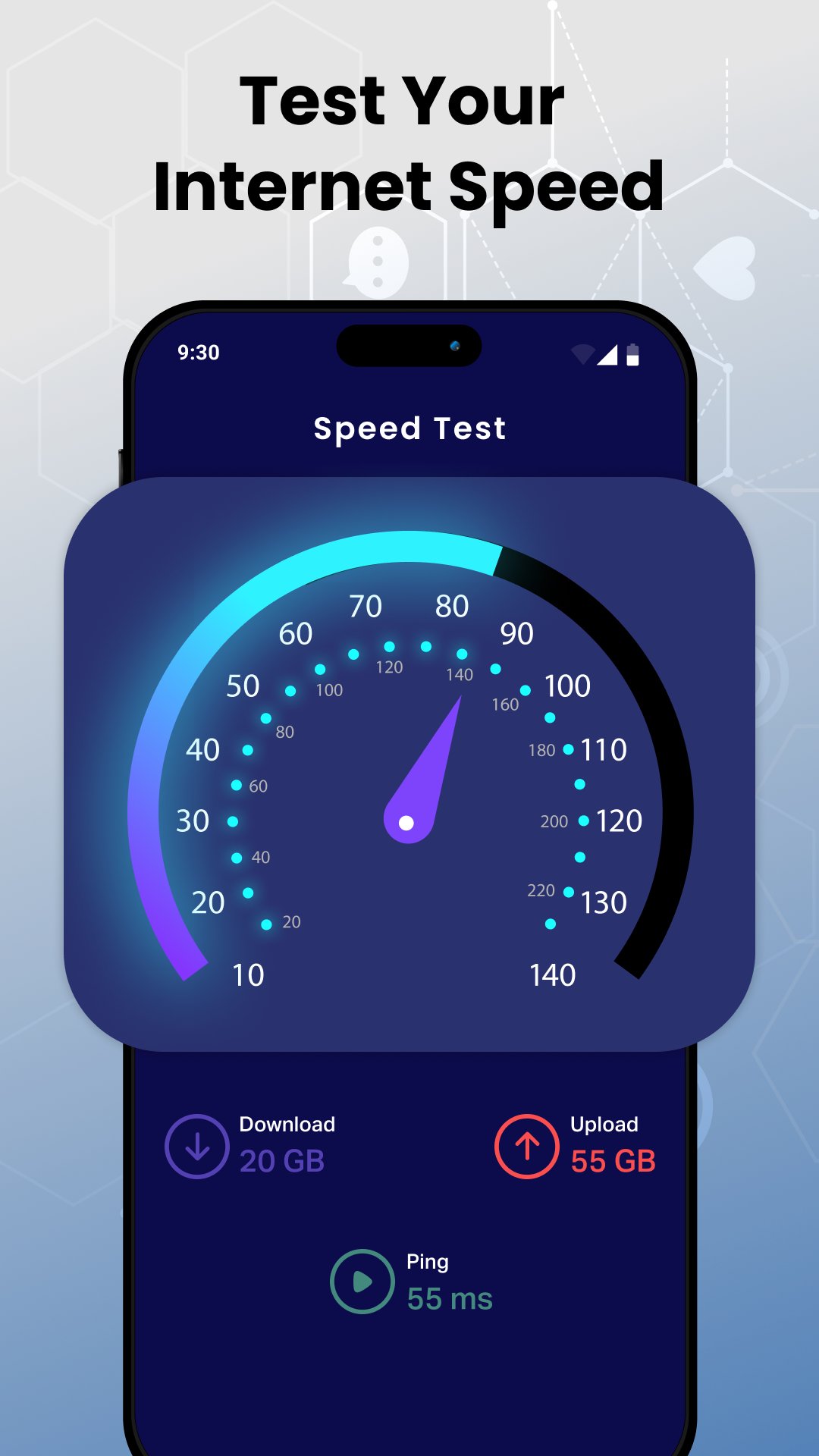
Ping measurement, upload/download speed, and real-time WiFi speed test
WiFi Analyzer helps you monitor your WiFi signal strength, making it easy to find the strongest signal in your home or office. The app also allows you to see who is using your WiFi, providing useful information about nearby wireless signals.
With WiFi Analyzer's map feature, you can create a dynamic map that illustrates signal strength in different areas, helping you identify and fix dead zones or areas with weak connectivity. With the WiFi Analyzer map feature, you can manage the performance and coverage of your wifi . Reach new levels with your wifi experience.
WiFi Analyzer lets you experience wireless management in the future. This app provides you with insights and tools to ensure your wifi operates at its peak performance.
Download WiFi Analyzer and check the Internet Speed Test now!
預覽
標籤
工具訊息
開發商
Ninelogix Studio
最新版本
1.21
更新時間
2024-06-07
類別
工具
同時可用
Google Play
更多
如何在電腦上用 GameLoop 玩 WiFi Analyzer- Speed Test
1. 從官網下載GameLoop,然後運行exe文件安裝GameLoop
2. 打開GameLoop,搜索“WiFi Analyzer- Speed Test”,在搜索結果中找到WiFi Analyzer- Speed Test,點擊“安裝”
3. 享受在 GameLoop 上玩 WiFi Analyzer- Speed Test 的樂趣
Minimum requirements
OS
Windows 8.1 64-bit or Windows 10 64-bit
GPU
GTX 1050
CPU
i3-8300
Memory
8GB RAM
Storage
1GB available space
Recommended requirements
OS
Windows 8.1 64-bit or Windows 10 64-bit
GPU
GTX 1050
CPU
i3-9320
Memory
16GB RAM
Storage
1GB available space