
Wi Fi Automatic - Network Tool 電腦版
DanielParkApp
用GameLoop模拟器在電腦上玩Wi Fi Automatic - Network Tool
Wi Fi Automatic - Network Tool 電腦版
來自發行商 DanielParkApp 的 Wi Fi Automatic - Network Tool 能夠在安卓系統上運行。
現在,您可以在電腦上使用 GameLoop 模擬器流暢地玩 Wi Fi Automatic - Network Tool。
在 GameLoop 遊戲庫或搜索結果中下載。 不需要再暢玩遊戲時盯著電池電量或被令人懊惱的來電打斷。
只需在電腦大屏幕上免費下載暢玩Wi Fi Automatic - Network Tool 電腦版!
Wi Fi Automatic - Network Tool 簡介
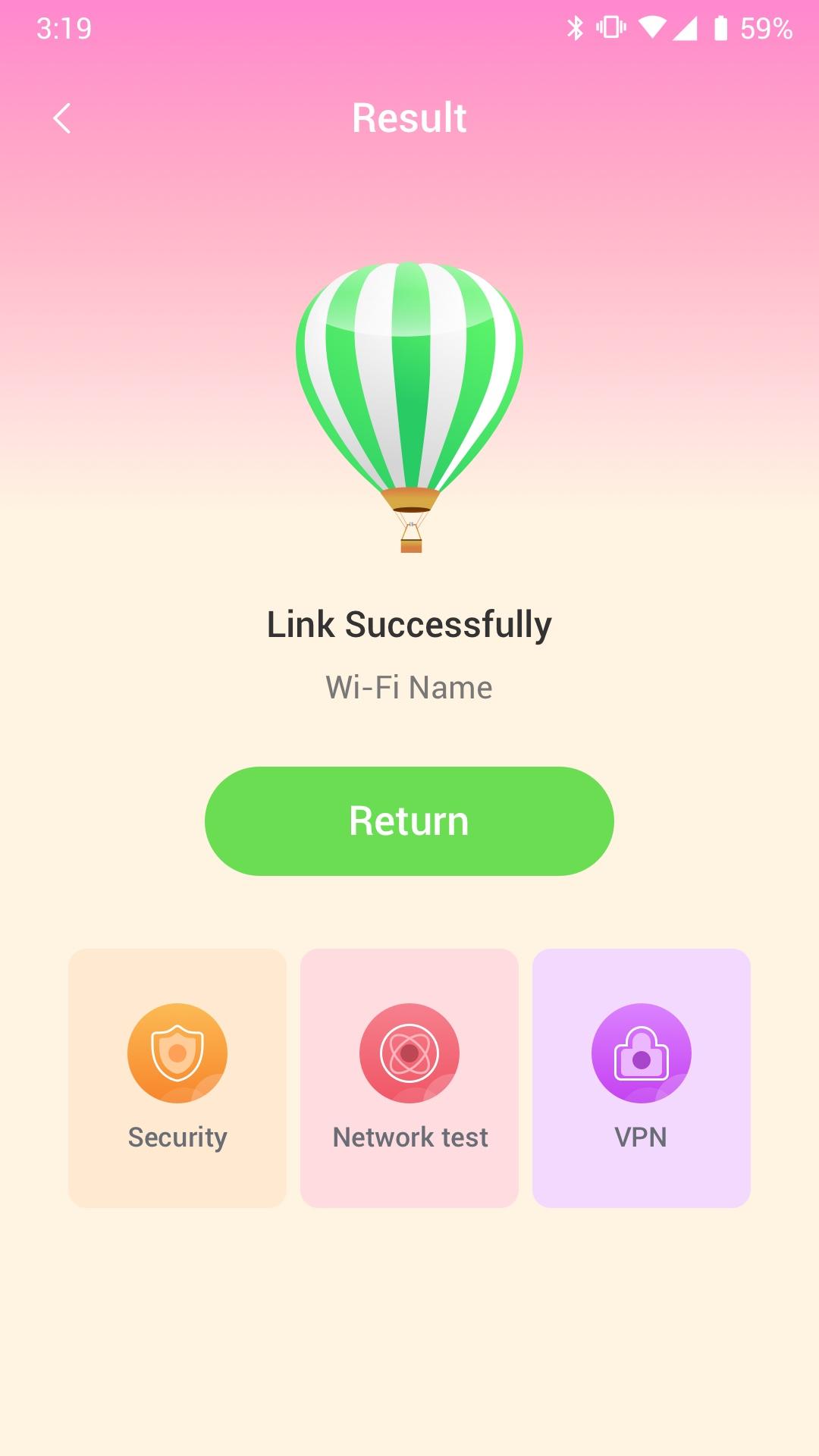
Wi Fi Automatic can efficiently query surrounding Wi-Fi hotspots and monitor the signal strength of all available WiFi networks
· Use WiFi Monitor to detect slow WiFi networks and identify poor signal strength.
· Use the Wi Fi Automatic app to scan all WiFi networks in your environment.
· Use the Wi Fi Automatic app to measure the signal strength of your WiFi network.
Wi Fi Automatic can help you diagnose various issues in your wifi network settings, internet connection, and also detect various issues on remote servers with the extensive tools it provides.
With Wi Fi Automatic's free tools and utilities, you can:
• Run WiFi and cellular speed tests, download and upload speed analysis and latency
• Use Wi Fi Automatic to scan the network and discover all devices connected to any network
Wifi signal display:
- Display text representation of signal strength
- Wifi network type (WEP, WPA, WPA2)
Wi-Fi Scanner:
- Fast and reliable detection of all network devices
- Vendor names, IP and MAC addresses of all discovered devices
預覽
標籤
工具訊息
開發商
DanielParkApp
最新版本
1.0.3
更新時間
2022-09-06
類別
工具
同時可用
Google Play
更多
如何在電腦上用 GameLoop 玩 Wi Fi Automatic - Network Tool
1. 從官網下載GameLoop,然後運行exe文件安裝GameLoop
2. 打開GameLoop,搜索“Wi Fi Automatic - Network Tool”,在搜索結果中找到Wi Fi Automatic - Network Tool,點擊“安裝”
3. 享受在 GameLoop 上玩 Wi Fi Automatic - Network Tool 的樂趣
Minimum requirements
OS
Windows 8.1 64-bit or Windows 10 64-bit
GPU
GTX 1050
CPU
i3-8300
Memory
8GB RAM
Storage
1GB available space
Recommended requirements
OS
Windows 8.1 64-bit or Windows 10 64-bit
GPU
GTX 1050
CPU
i3-9320
Memory
16GB RAM
Storage
1GB available space