
Video To Audio MP3 Converter 電腦版
AppsCaps
用GameLoop模拟器在電腦上玩Video To Audio MP3 Converter
Video To Audio MP3 Converter 電腦版
來自發行商 AppsCaps 的 Video To Audio MP3 Converter 能夠在安卓系統上運行。
現在,您可以在電腦上使用 GameLoop 模擬器流暢地玩 Video To Audio MP3 Converter。
在 GameLoop 遊戲庫或搜索結果中下載。 不需要再暢玩遊戲時盯著電池電量或被令人懊惱的來電打斷。
只需在電腦大屏幕上免費下載暢玩Video To Audio MP3 Converter 電腦版!
Video To Audio MP3 Converter 簡介
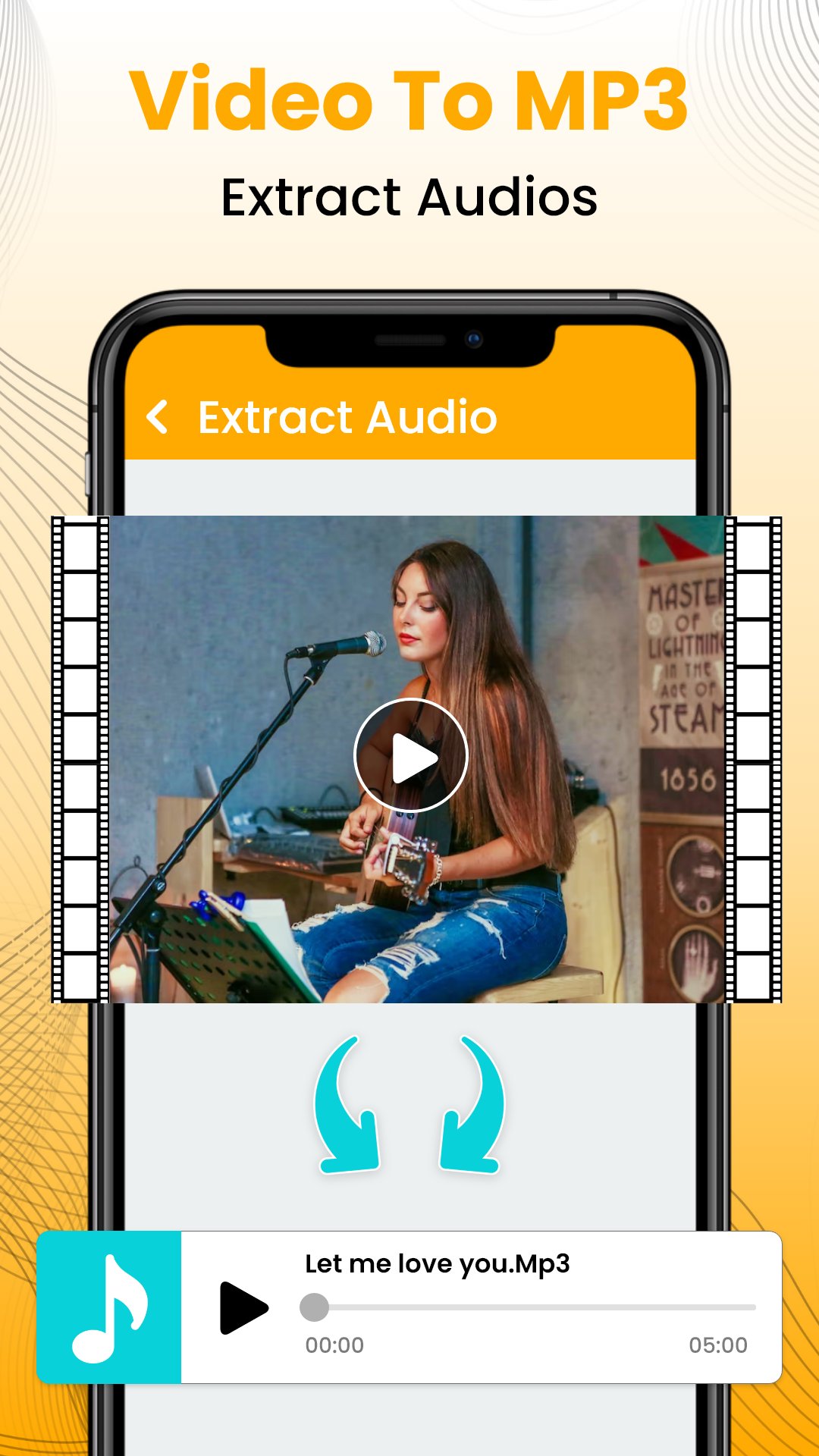
Video To Mp3 Converter App - Extract Your Favorite Soundtracks!
Managing bulky video files when you only care about the music can be quite a storage nightmare on a standard phone. It is actually quite interesting how a digital tool can take a massive set of visuals and turn them into a clear sound file in seconds. The Video To Mp3 Converter App is designed for those times when a clip contains a melody you just cannot find anywhere else.🎬 Video To Mp3 Converter App for quick audio fixes;
🎬 Media Converter: Mp3 Extractor Audio - Supports MKV and FLV formats;
🎬 Video To Audio Converter To Mp3 - Select bitrates up to 320kb/s;
🎬 Video Tu Music: Mp4 Audio Extractor - Merge multiple files together;
🎬 Mp4 To Mp3 Converter Audio - Edit tags like title and artist easily;
🎬 Batch Processing - Convert several items at the same time;
🎬 Audio Effects - Add professional fade in and fade out options;
🎬 Sleek Interface - Navigate through your library with a simple tap;
🎬 HD Quality - Keep every detail of the audio crisp and sharp.
Efficient Media Management with Video To Audio Converter To Mp3!
Video To Audio Converter To Mp3 is built for users who love to collect high-quality songs without wasting valuable space on their local storage drives. Whether dealing with live concerts or short clips, your music collection will always have that professional and organized look. I believe the Video To Audio Converter To Mp3 is essential for ringtone makers who want precise control.Extract Professional Tracks with Media Converter: Mp3 Extractor Audio: 🎸
Audio extraction becomes much simpler when the internal logic manages your conversion bitrates automatically for the best results. In just a few moments, the software makes the display much lighter for sharing the results with your classmates. Truthfully, the Media Converter: Mp3 Extractor Audio works best for background processing when you have a long list of files.
Simplify Your Music Library with Video Tu Music: Mp4 Audio Extractor: 🎼
Since Video Tu Music: Mp4 Audio Extractor acts as a constant musical companion, you never have to feel stuck with a heavy video file again. Most users realize the Video Tu Music: Mp4 Audio Extractor helps organize local folders for better accessibility.
Master Your Sound Design with Mp4 To Mp3 Converter Audio: 🔊
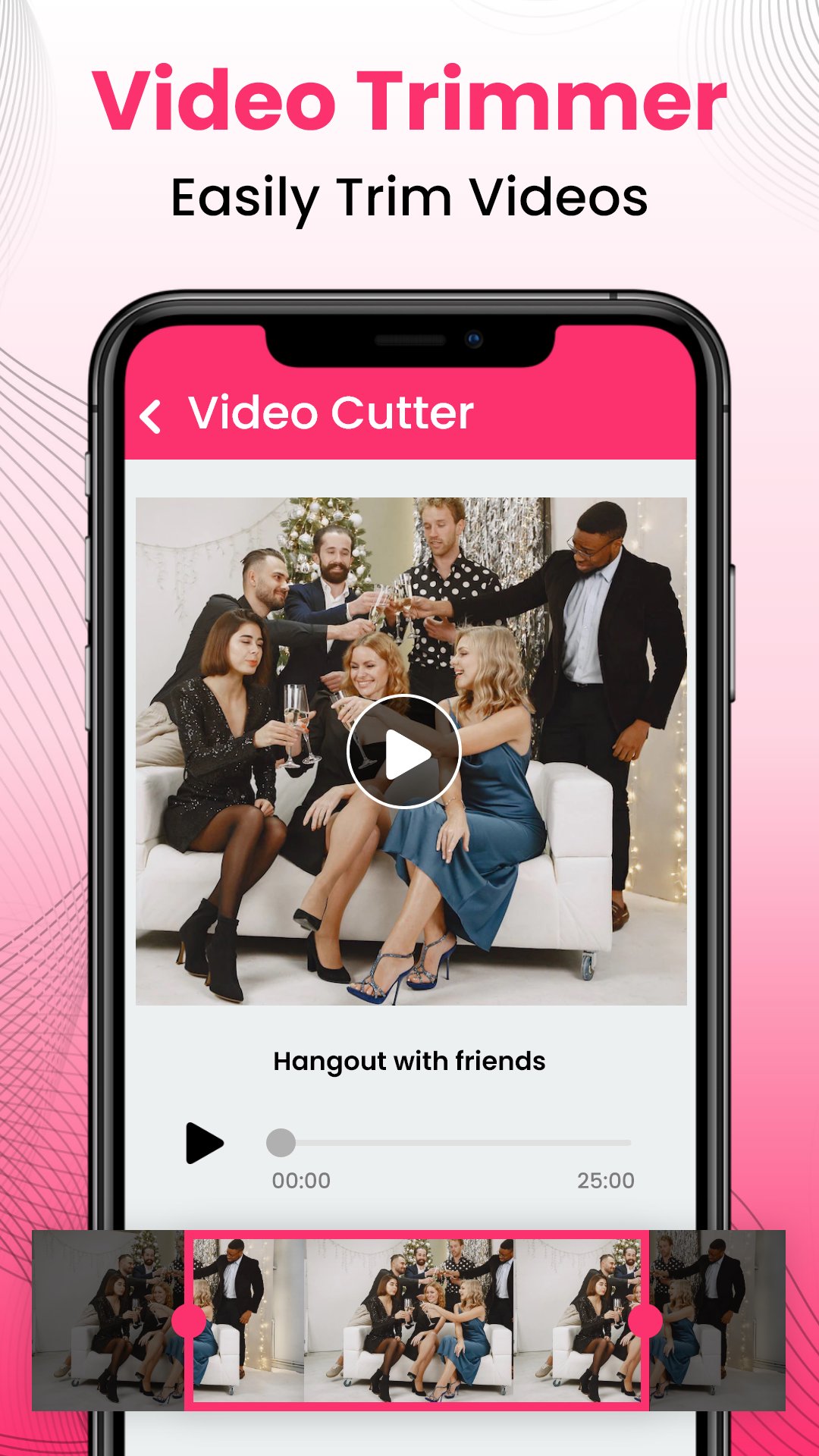
Every function, explanation, and step in the Mp4 To Mp3 Converter Audio is designed for those who want to edit effectively and effortlessly. Actually, the Mp4 To Mp3 Converter Audio makes the process feel very fast for the average user. Snap, cut, and save in just a few seconds to create the ultimate ringtone for your mobile device! It is really amusing to see how a simple piece of tech can make your device look so much more productive.
Your Collection Deserves the Video To Mp3 Converter App: 📲
Looking to transform stressful storage problems into productive listening memories? Video To Mp3 Converter App is here to help you cross the finish line with confidence and high-quality output. Using the Video To Mp3 Converter App ensures that you are ready for any situation where you might need a high-quality sound file. Take control of your sounds-create unforgettable playlists that stand out from the crowd without any extra effort.
Start Your Musical Journey with the Ultimate Technology Today!
Enhance your knowledge of sound design by using the Media Converter: Mp3 Extractor Audio during your next creative project. You can finally bring your video clips to life by selecting the Video To Audio Converter To Mp3 for your phone. I suggest using the Video Tu Music: Mp4 Audio Extractor to clean up your folders. Ready to listen? Your music journey begins right now with the Mp4 To Mp3 Converter Audio!預覽
標籤
工具訊息
開發商
AppsCaps
最新版本
4.1.0
更新時間
2026-04-02
類別
工具
同時可用
Google Play
更多
如何在電腦上用 GameLoop 玩 Video To Audio MP3 Converter
1. 從官網下載GameLoop,然後運行exe文件安裝GameLoop
2. 打開GameLoop,搜索“Video To Audio MP3 Converter”,在搜索結果中找到Video To Audio MP3 Converter,點擊“安裝”
3. 享受在 GameLoop 上玩 Video To Audio MP3 Converter 的樂趣
Minimum requirements
OS
Windows 8.1 64-bit or Windows 10 64-bit
GPU
GTX 1050
CPU
i3-8300
Memory
8GB RAM
Storage
1GB available space
Recommended requirements
OS
Windows 8.1 64-bit or Windows 10 64-bit
GPU
GTX 1050
CPU
i3-9320
Memory
16GB RAM
Storage
1GB available space