
VGamepad Lite 電腦版
PJSoftCo
用GameLoop模拟器在電腦上玩VGamepad Lite
VGamepad Lite 電腦版
來自發行商 PJSoftCo 的 VGamepad Lite 能夠在安卓系統上運行。
現在,您可以在電腦上使用 GameLoop 模擬器流暢地玩 VGamepad Lite。
在 GameLoop 遊戲庫或搜索結果中下載。 不需要再暢玩遊戲時盯著電池電量或被令人懊惱的來電打斷。
只需在電腦大屏幕上免費下載暢玩VGamepad Lite 電腦版!
VGamepad Lite 簡介
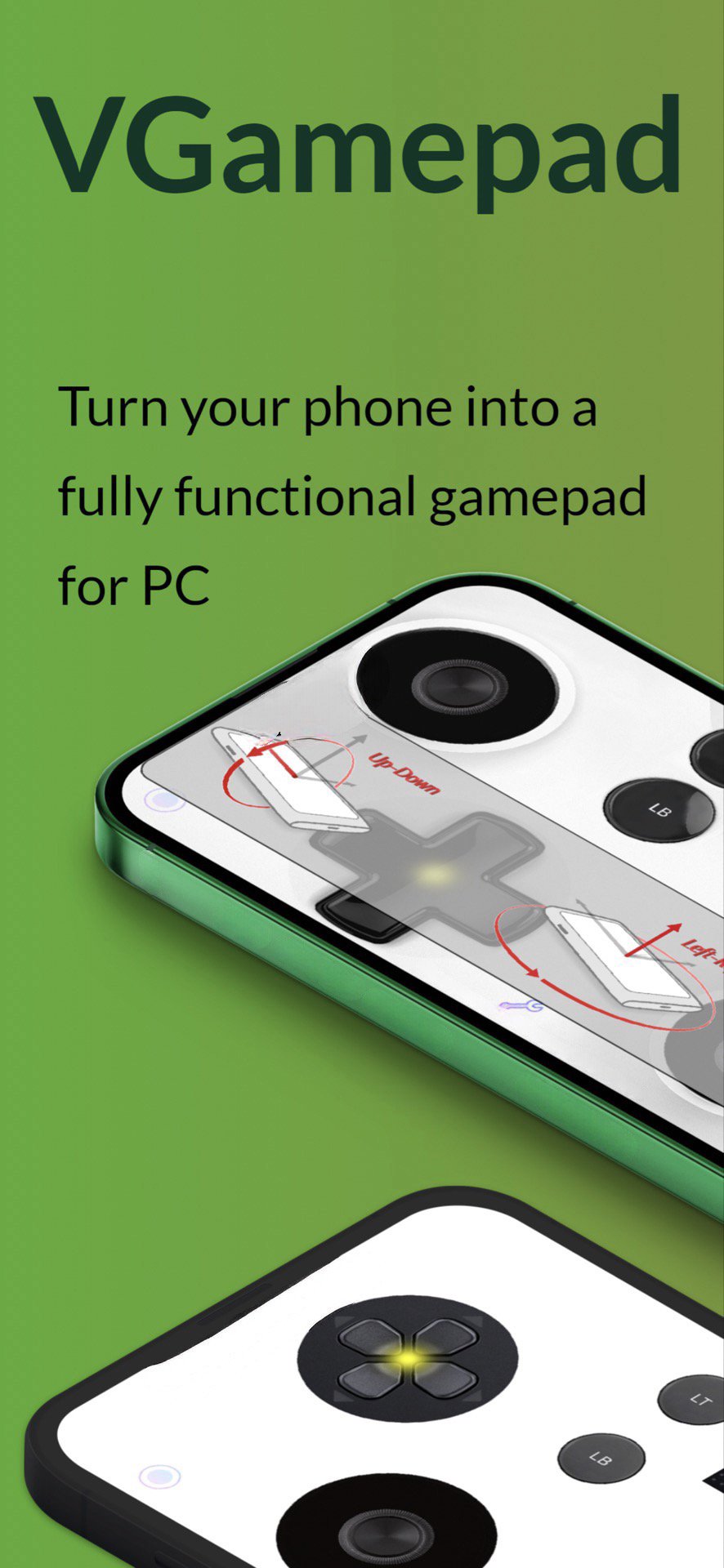
VGamepad gives you the full experience of a physical controller. Customizable buttons, haptic feedback, motion control, and more. Play on your PC using nothing but your phone.
Features:
- Emulates standard controllers (including Joy-Con).
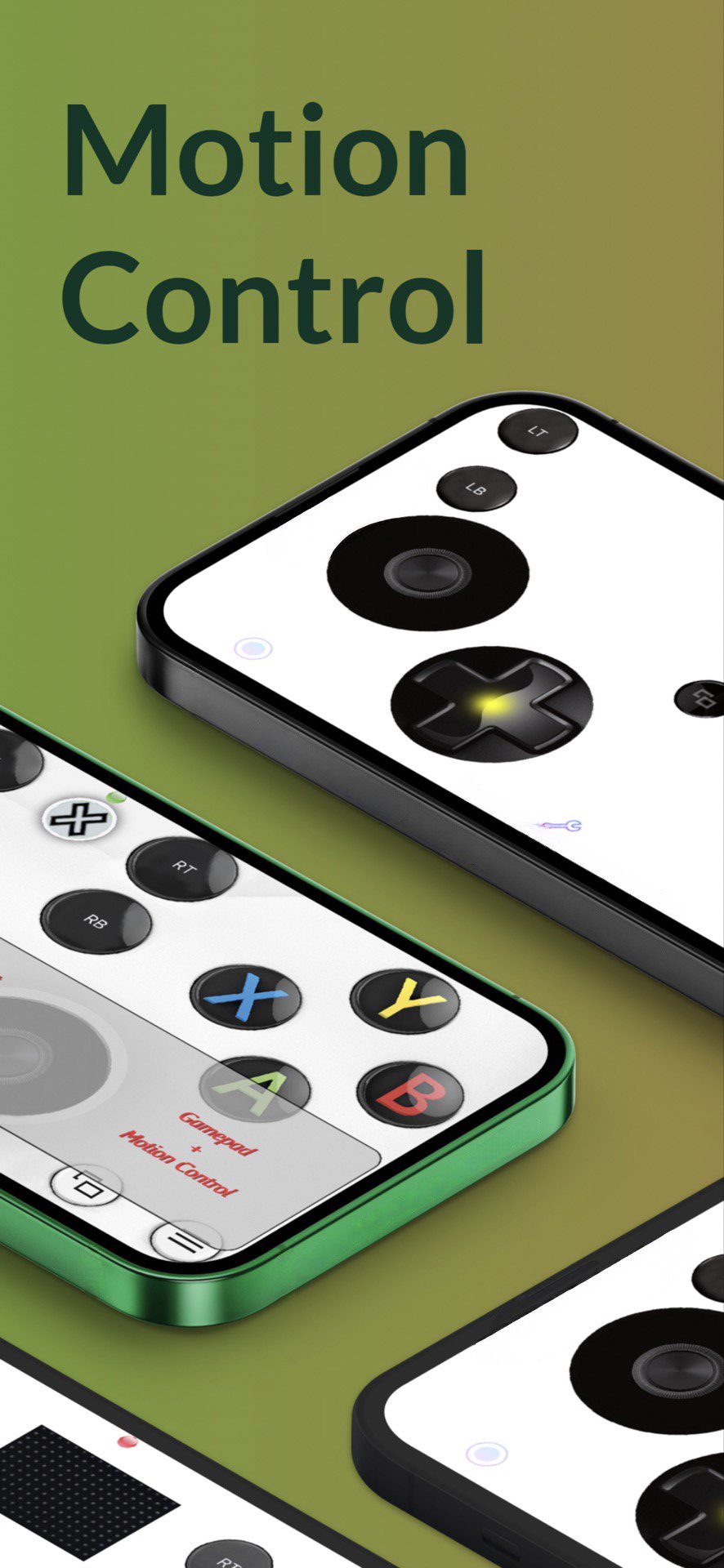
- Motion Control: steer, aim, and move using your phone’s sensors.
- Customizable layout: move and resize buttons to fit your hands.
- Game Capture button for quick recording.
- Haptic feedback that makes every press feel physical.
- Pressure-sensitive inputs with 3D Touch (supported devices).
- Optional sound feedback for buttons.
- Change joystick images from a large selection.
- Basic mouse & keyboard support (W/A/S/D buttons on keyboard).
Connectivity:
Use the simple Windows/Mac companion app for Wi-Fi/LAN pairing, or use PCGameConsole to turn your PC into a full gaming console compatible with VGamepad.
Full SETUP GUIDE:
https://github.com/PJSoftCo/VGamepad
ONLINE SUPPORT:
Please join our Discord channel: https://discord.gg/ZcAuAJp8py
預覽
標籤
工具訊息
開發商
PJSoftCo
最新版本
9.5
更新時間
2025-12-23
類別
工具
同時可用
Google Play
更多
如何在電腦上用 GameLoop 玩 VGamepad Lite
1. 從官網下載GameLoop,然後運行exe文件安裝GameLoop
2. 打開GameLoop,搜索“VGamepad Lite”,在搜索結果中找到VGamepad Lite,點擊“安裝”
3. 享受在 GameLoop 上玩 VGamepad Lite 的樂趣
Minimum requirements
OS
Windows 8.1 64-bit or Windows 10 64-bit
GPU
GTX 1050
CPU
i3-8300
Memory
8GB RAM
Storage
1GB available space
Recommended requirements
OS
Windows 8.1 64-bit or Windows 10 64-bit
GPU
GTX 1050
CPU
i3-9320
Memory
16GB RAM
Storage
1GB available space