
WhatLog | online last seen 電腦版
MihApps
用GameLoop模拟器在電腦上玩WhatLog | online last seen
WhatLog | online last seen 電腦版
來自發行商 MihApps 的 WhatLog | online last seen 能夠在安卓系統上運行。
現在,您可以在電腦上使用 GameLoop 模擬器流暢地玩 WhatLog | online last seen。
在 GameLoop 遊戲庫或搜索結果中下載。 不需要再暢玩遊戲時盯著電池電量或被令人懊惱的來電打斷。
只需在電腦大屏幕上免費下載暢玩WhatLog | online last seen 電腦版!
WhatLog | online last seen 簡介
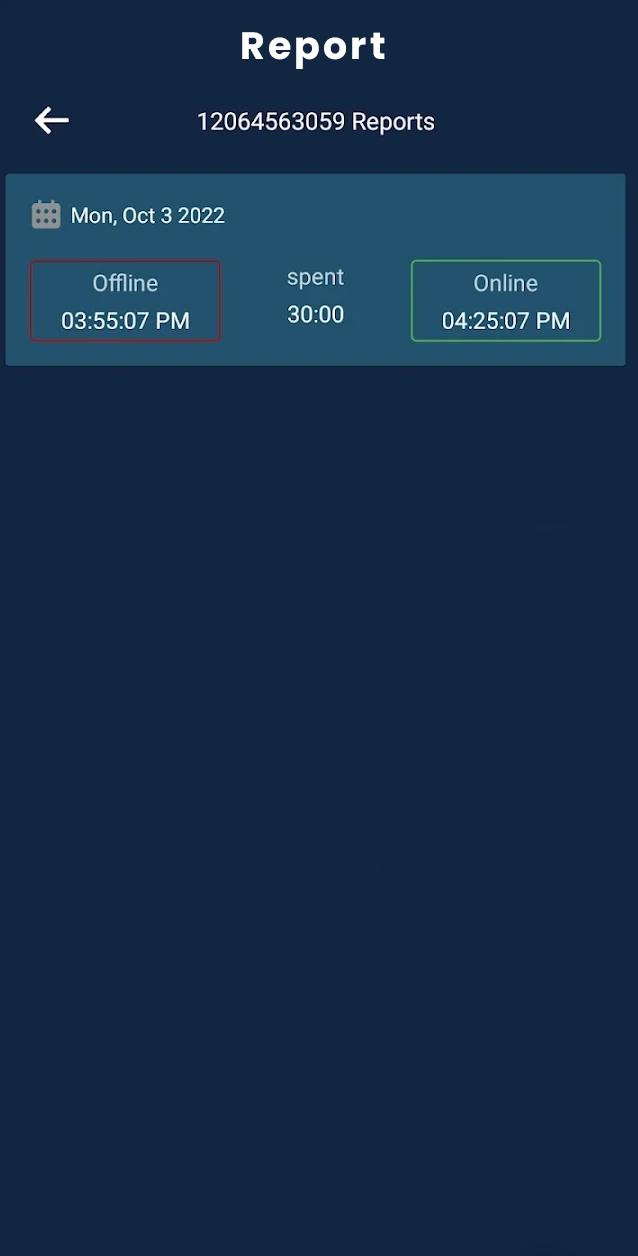
The Last Seen - Online Tracker is an app that lets you know when someone is online on WhatsApp. It sends notifications quickly while someone is online. On the clock view of this app, you can see all time durations. This is especially useful if you are looking forward to someone but he/she isn't always there.
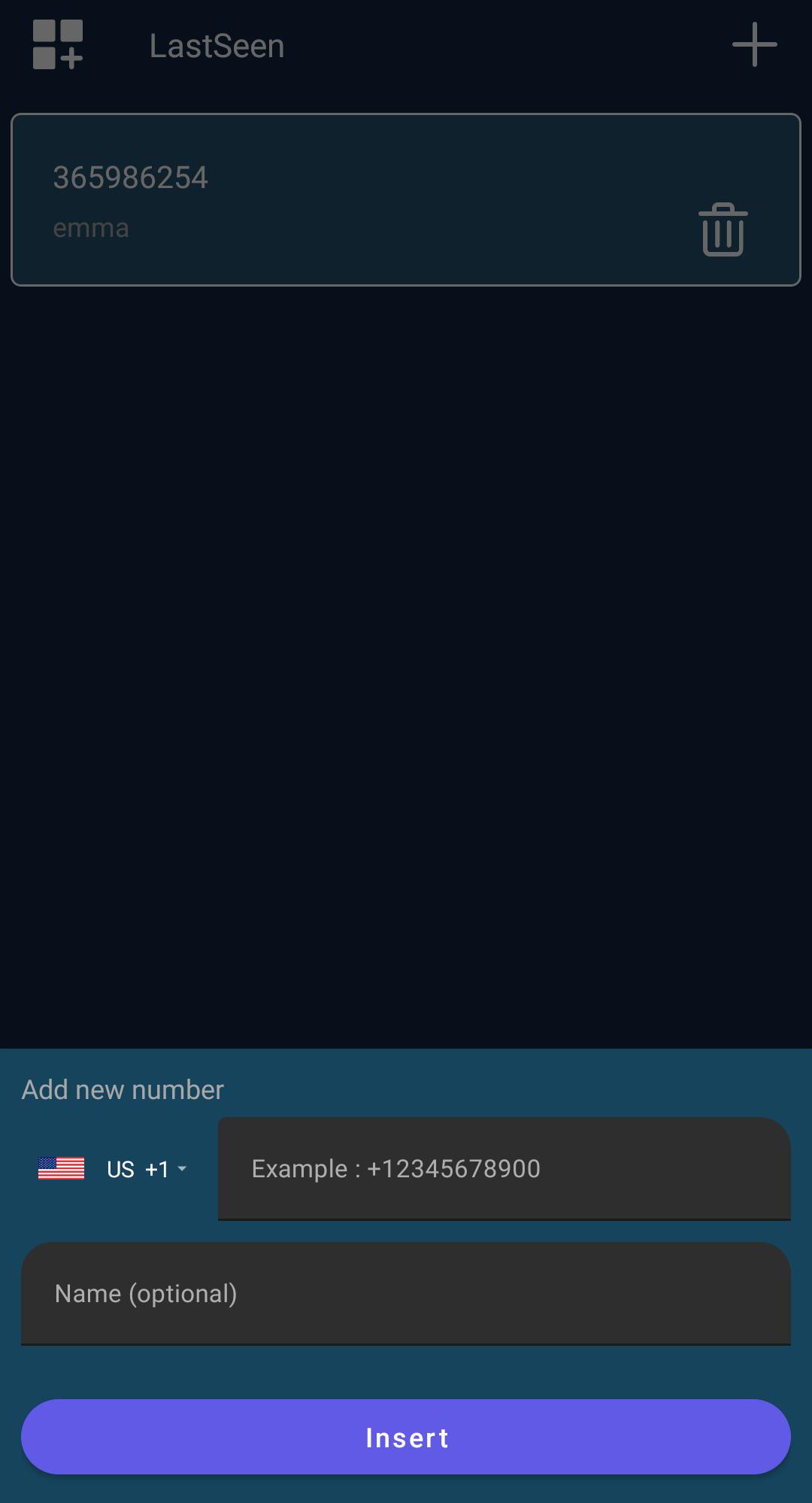
When you have added all of your contacts. Click on the three dots in the bottom right corner to install the tracking period.
Key features:
- Friendly UI & Easy to use
- Easy to turn on and off notification tone
- instant notifications
- Easy to view reports in colorful charts
- add up to 10 numbers
Second, it shows the last seen timings along with the calculated duration. Secondly, you will be informed about the exact timings every time your child or loved one goes offline or online.
Additionally, you can filter out positive days or hours. Further, you can display whether two numbers are talking to each other on a certain day/hour.
預覽
標籤
工具訊息
開發商
MihApps
最新版本
3.0.0
更新時間
2022-11-06
類別
工具
同時可用
Google Play
更多
如何在電腦上用 GameLoop 玩 WhatLog | online last seen
1. 從官網下載GameLoop,然後運行exe文件安裝GameLoop
2. 打開GameLoop,搜索“WhatLog | online last seen”,在搜索結果中找到WhatLog | online last seen,點擊“安裝”
3. 享受在 GameLoop 上玩 WhatLog | online last seen 的樂趣
Minimum requirements
OS
Windows 8.1 64-bit or Windows 10 64-bit
GPU
GTX 1050
CPU
i3-8300
Memory
8GB RAM
Storage
1GB available space
Recommended requirements
OS
Windows 8.1 64-bit or Windows 10 64-bit
GPU
GTX 1050
CPU
i3-9320
Memory
16GB RAM
Storage
1GB available space