
Touch - A Pc Controller 電腦版
62Bytes
用GameLoop模拟器在電腦上玩Touch - A Pc Controller
Touch - A Pc Controller 電腦版
來自發行商 62Bytes 的 Touch - A Pc Controller 能夠在安卓系統上運行。
現在,您可以在電腦上使用 GameLoop 模擬器流暢地玩 Touch - A Pc Controller。
在 GameLoop 遊戲庫或搜索結果中下載。 不需要再暢玩遊戲時盯著電池電量或被令人懊惱的來電打斷。
只需在電腦大屏幕上免費下載暢玩Touch - A Pc Controller 電腦版!
Touch - A Pc Controller 簡介
This Android application allows you to connect your mobile device to a PC using Wi-Fi or USB tethering.
Once connected, you can effortlessly control your Windows PC using your mobile device, enabling you to perform various tasks and enjoy gaming experiences.
Features of the app
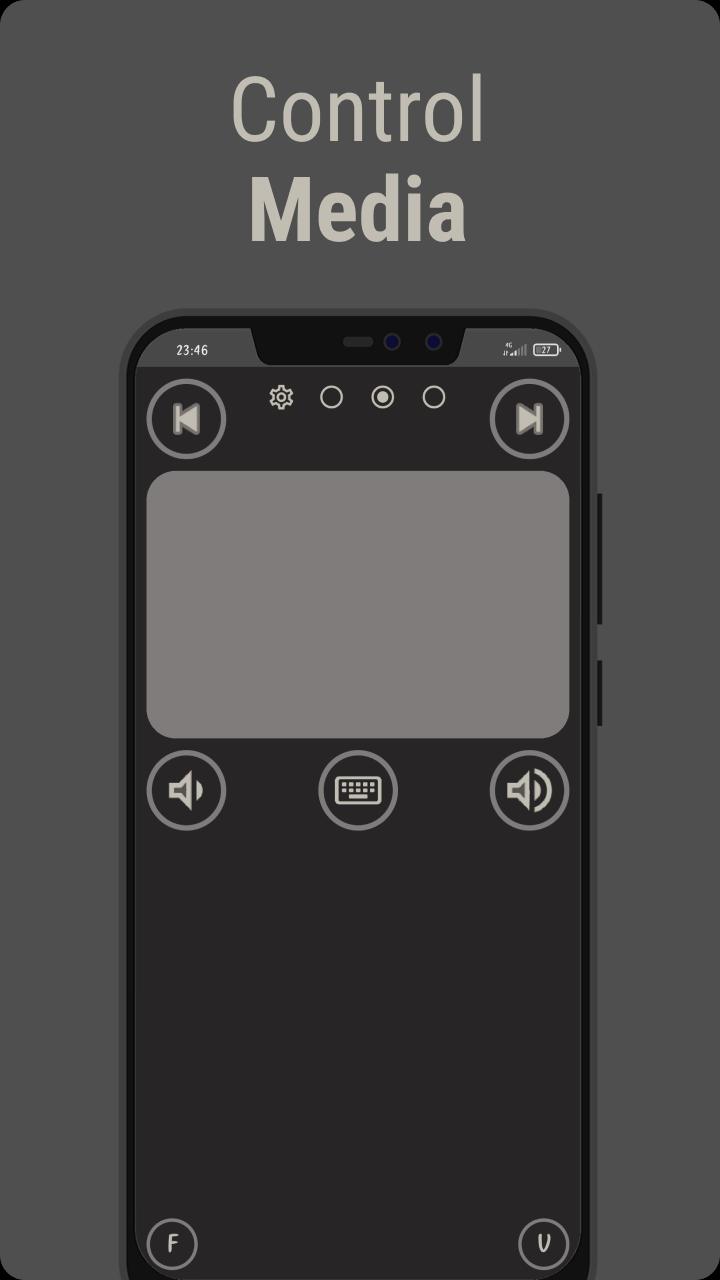
• Mouse Control: Easily perform basic tasks using the mouse control feature.
• Specialized Layouts: Enjoy tailored layouts for specific activities such as watching movies, browsing the internet, and controlling slide shows during presentations.
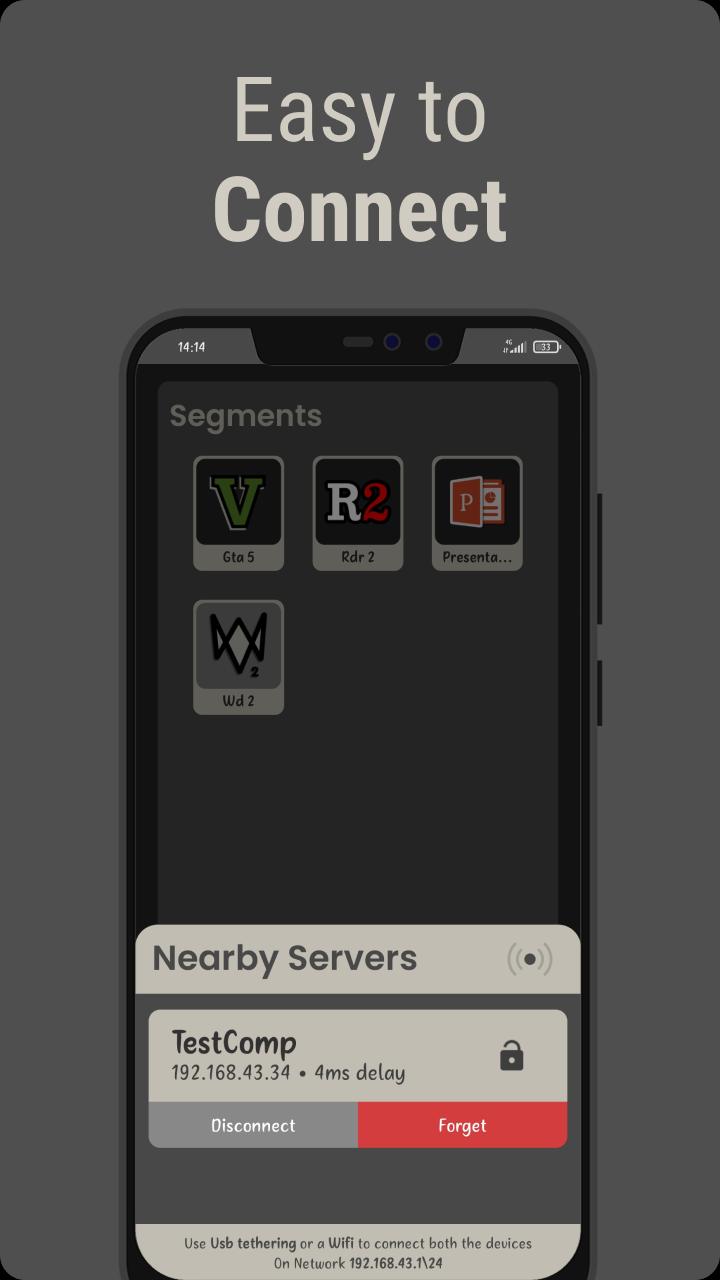
• Gaming Layouts: Access game-specific layouts for popular titles like Grand Theft Auto 5, Red Dead Redemption 2, and Watch Dogs 2.
• Customization Options: Customize sensitivity, behavior, and keymaps of the layouts to suit your preferences.
• Xbox360 Simulation: Simulate Xbox360 controllers, allowing multiple users to enjoy gaming together (additional setup required).
• Layout Guide: Benefit from a comprehensive guide that explains each layout in detail, ensuring you make the most of the app's features.
How to Connect
1. Download the Latest version of Server from https://github.com/62Bytes/Touch-Server/releases and unzip it to a suitable location.
2. Launch the Touch-Server.exe file on your PC by double-clicking it.
3. Start the server by pressing 'S' if it is not already running.
4. Ensure that both your PC and mobile device are connected to the same Wi-Fi network.
5. Open the Touch app on your mobile device and tap the scan button. By long-pressing the scan button, you can get an overview of the available servers.
6. Select your PC server from the list to establish the connection.
7. Congratulations! Your PC and mobile device are now successfully connected.
Watch this video(https://www.youtube.com/watch?v=rHt9pUe--MQ) to see how to install, connect and use the Server.
Warning: Please note that during the initial launch, Windows may flag the Touch-Server as a potential virus. We assure you that this is a false positive, and the server is completely safe to use.
However, we strongly recommend exercising caution and proceeding only if you have complete trust in our product and have obtained the server from our official, trusted channels.
預覽
標籤
工具訊息
開發商
62Bytes
最新版本
1.3.5
更新時間
2025-08-27
類別
工具
同時可用
Google Play
更多
如何在電腦上用 GameLoop 玩 Touch - A Pc Controller
1. 從官網下載GameLoop,然後運行exe文件安裝GameLoop
2. 打開GameLoop,搜索“Touch - A Pc Controller”,在搜索結果中找到Touch - A Pc Controller,點擊“安裝”
3. 享受在 GameLoop 上玩 Touch - A Pc Controller 的樂趣
Minimum requirements
OS
Windows 8.1 64-bit or Windows 10 64-bit
GPU
GTX 1050
CPU
i3-8300
Memory
8GB RAM
Storage
1GB available space
Recommended requirements
OS
Windows 8.1 64-bit or Windows 10 64-bit
GPU
GTX 1050
CPU
i3-9320
Memory
16GB RAM
Storage
1GB available space