
Surveyor Calculator 電腦版
B01 software
用GameLoop模拟器在電腦上玩Surveyor Calculator
Surveyor Calculator 電腦版
來自發行商 B01 software 的 Surveyor Calculator 能夠在安卓系統上運行。
現在,您可以在電腦上使用 GameLoop 模擬器流暢地玩 Surveyor Calculator。
在 GameLoop 遊戲庫或搜索結果中下載。 不需要再暢玩遊戲時盯著電池電量或被令人懊惱的來電打斷。
只需在電腦大屏幕上免費下載暢玩Surveyor Calculator 電腦版!
Surveyor Calculator 簡介
Surveyor Calculator is an application designed to perform the max speed and productivity in the field of survey.
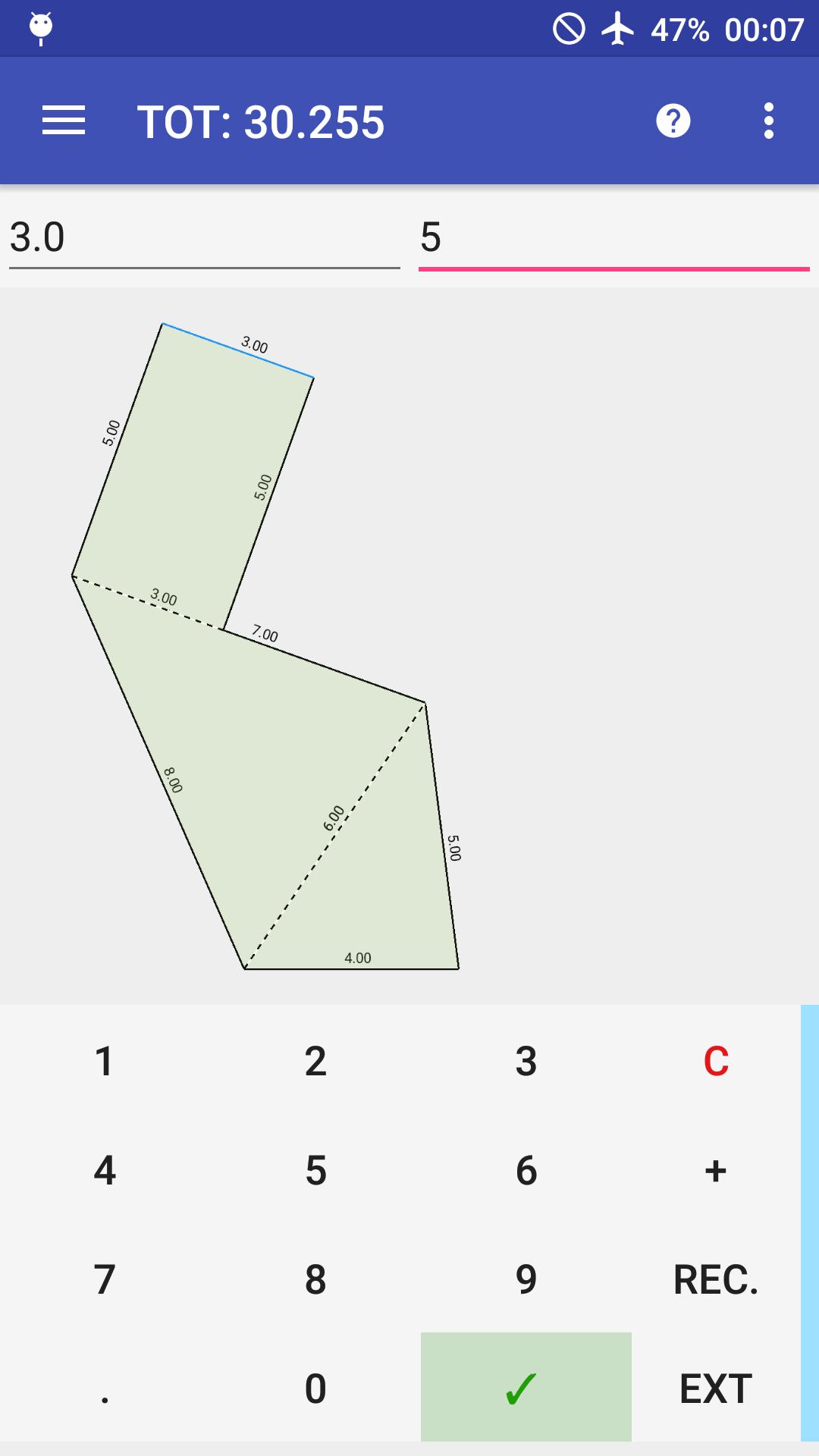
It allows to calculate areas of a survey but also to create automatically a digital figure of the survey to share or print in a PDF format.
Why this is a very useful app? This app is very useful because to do these things you need only a smartphone. You can:
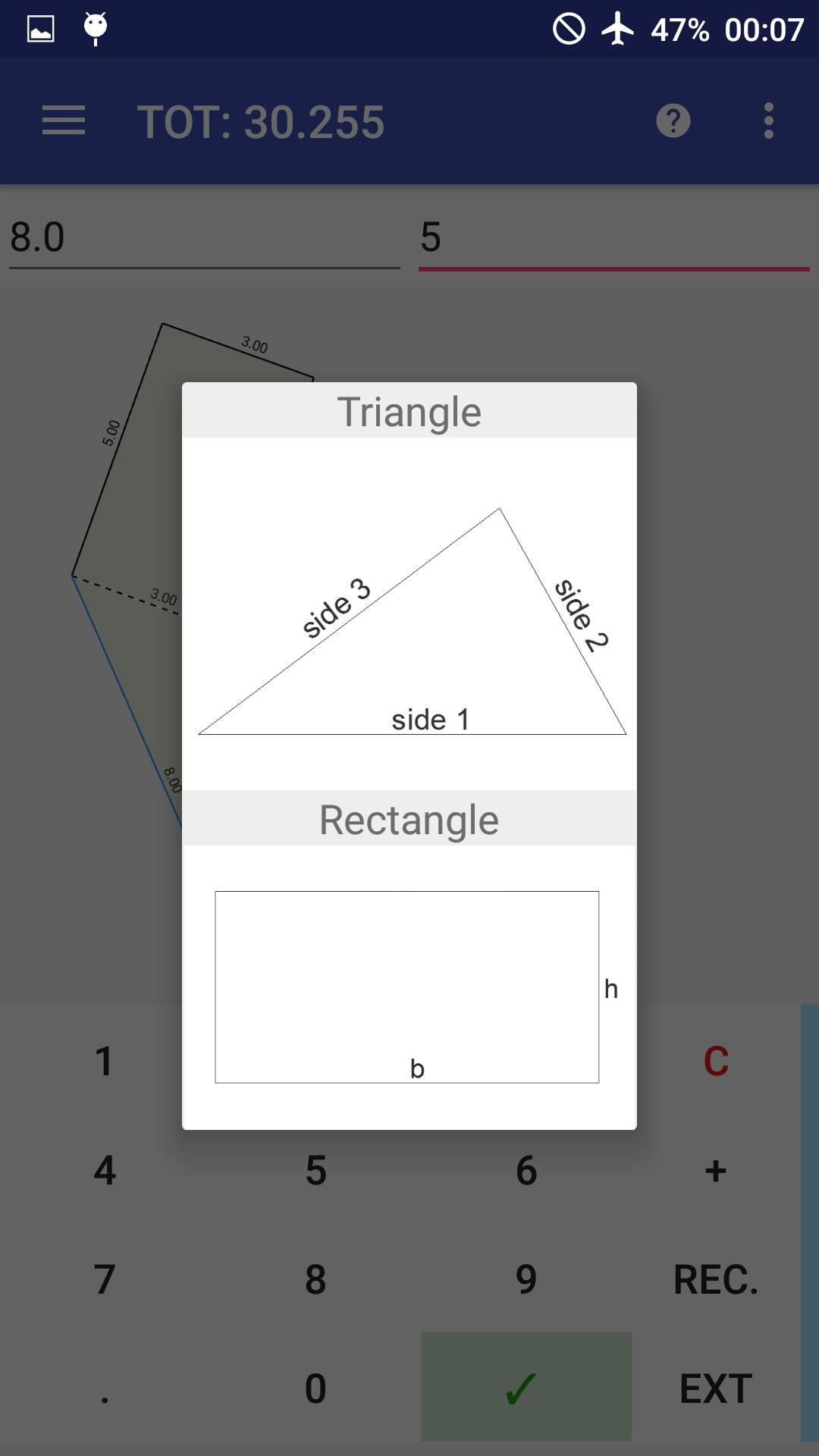
- Triangle, trapezoid, isoscele triangle, rectangle and rectum triangle supported
- Add figures just writing its sides and tapping a side to link with
- Calculate immediatly area
- Add figure where you want in the X,Y space or in a specified distance from a point
- Add positive or negative figure internally or externally to another
- Pinch to zoom, double tap to fill the space
- Manage sides, quotes, areas
- Export in PDF with table (if you want) that contains partial and total areas
Tutorial: https://drive.google.com/file/d/0B6WwmXidoHmqNXZuMnR2eWpDdjg/view?usp=sharing
How it works?
Surveyor calc works like a simple calculator.
You have only to write the sides of a figure measured in your survey.
“+” can be changed to “-“ if you want to add “negative” triangles and “C” is a “del button”.
There are only two things to remember:
- You have to write the triangles sides in the counterclockwise sense;
- When adding a new figure, remember to tap a side where you want to link the new figure.
Facebook page: https://www.facebook.com/SurveyorCalc
預覽
標籤
工具訊息
開發商
B01 software
最新版本
2.3.6
更新時間
2021-03-23
類別
工具
同時可用
Google Play
更多
如何在電腦上用 GameLoop 玩 Surveyor Calculator
1. 從官網下載GameLoop,然後運行exe文件安裝GameLoop
2. 打開GameLoop,搜索“Surveyor Calculator”,在搜索結果中找到Surveyor Calculator,點擊“安裝”
3. 享受在 GameLoop 上玩 Surveyor Calculator 的樂趣
Minimum requirements
OS
Windows 8.1 64-bit or Windows 10 64-bit
GPU
GTX 1050
CPU
i3-8300
Memory
8GB RAM
Storage
1GB available space
Recommended requirements
OS
Windows 8.1 64-bit or Windows 10 64-bit
GPU
GTX 1050
CPU
i3-9320
Memory
16GB RAM
Storage
1GB available space