
Super Clone Pro - Multiple Accounts & App Cloner 電腦版
Polestar Applab
用GameLoop模拟器在電腦上玩Super Clone Pro - Multiple Accounts & App Cloner
Super Clone Pro - Multiple Accounts & App Cloner 電腦版
來自發行商 Polestar Applab 的 Super Clone Pro - Multiple Accounts & App Cloner 能夠在安卓系統上運行。
現在,您可以在電腦上使用 GameLoop 模擬器流暢地玩 Super Clone Pro - Multiple Accounts & App Cloner。
在 GameLoop 遊戲庫或搜索結果中下載。 不需要再暢玩遊戲時盯著電池電量或被令人懊惱的來電打斷。
只需在電腦大屏幕上免費下載暢玩Super Clone Pro - Multiple Accounts & App Cloner 電腦版!
Super Clone Pro - Multiple Accounts & App Cloner 簡介
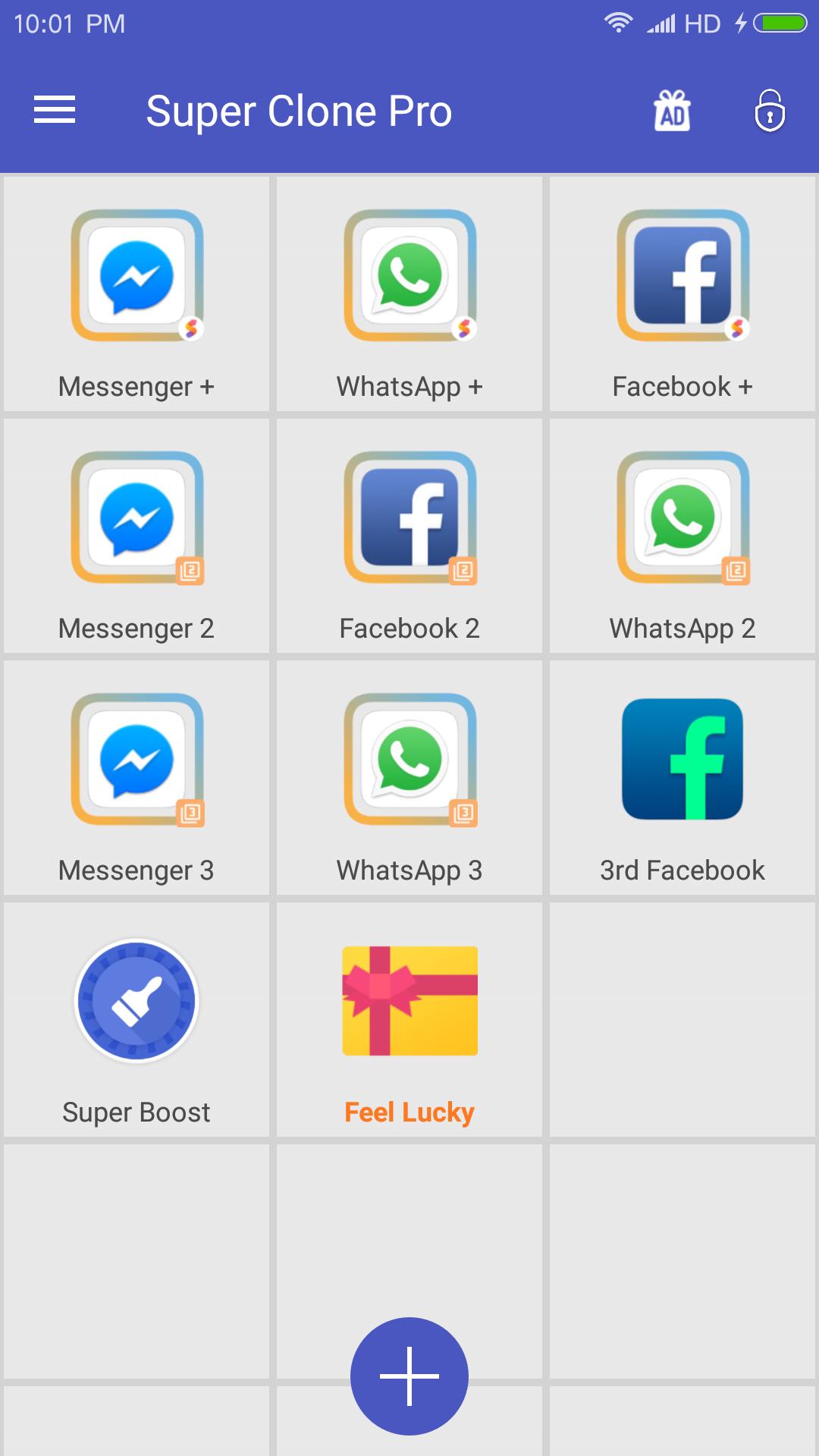
Super Clone Pro helps clone up to 9 multiple parallel account for social & game apps and keep online simultaneously on one phone to separate work and life.
As the top ranked multiple accounts tool, Super Clone have more than 1 million downloads wordwide, and now Super Clone Pro comes with a re-designed UI and optimized clone library.
Play games with multiple accounts, and keep them online simultaneously to get dual function and experiences! Enjoy multiple fun!
Easy to manage multiple social account, separate work and personal life.
Super Clone Pro is compatible with most instant message apps, game apps and social networking apps. Google Play Service are supported, and you can connect with your Google Play Games or other services in your clones.
❤️❤️❤️ Login into your multiple messaging, game and social apps
• Balance between your life and work easily with multiple account, login and online simultaneously.
• Double game accounts and double fun, play games with multiple account to get dual experiences and faster level-up.
🔒🔒🔒Privacy and Security.
• Privacy Locker to protect your cloned account
• Data of clones and original apps are separated
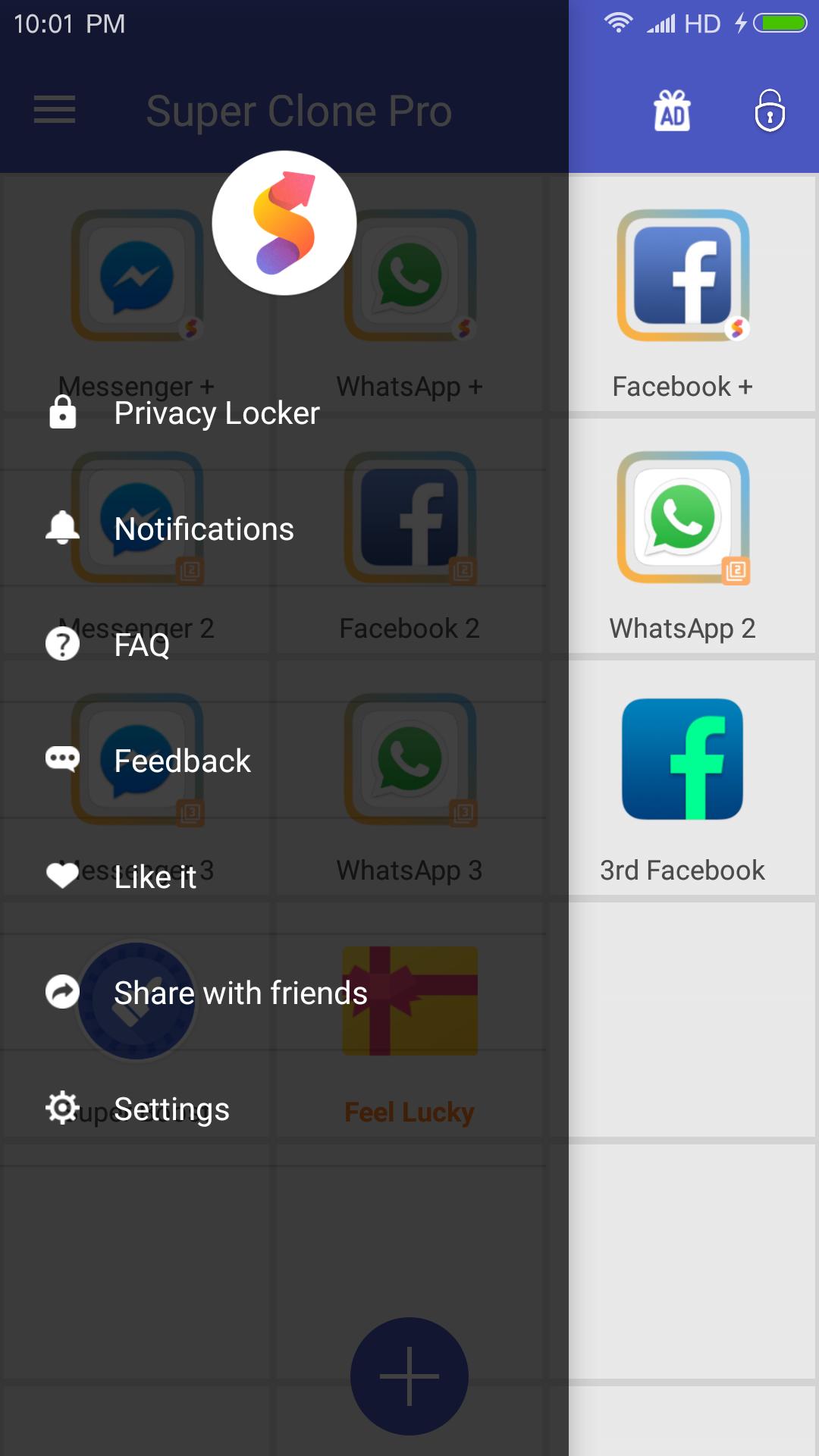
🔥🔥🔥Upgraded UI, clear notification to help you manage and switch accounts.
• Run multiple accounts simultaneously, and will create icons with clone tags.
• Notification setting to manage notification of clones
💪💪💪Lite Mode for best power and memory efficiency
😝😝😝Support to customize app icons and name
Notes:
• Permissions: Super Clone Pro app itself requires few permissions but Super Clone Pro needs to apply many permissions in advance for the clone apps. Please grant those permissions to Super Clone Pro to avoid mis-function or crash when running clones
• Consumptions: Super Clone Pro itself doesn't take up too much memory, battery and data by which are actually consumed by the apps running inside.
• Notifications: Please add Super Clone Pro to whitelist in your system notification settings.
• Shortcuts: Sometimes you may not see shortcut not show up even if you enabled for the clone. Please check whether you granted Super Clone Pro the permission to create shortcuts
For any problems, please feel free to contact us via the 'Feedback' feature inside Super Clone Pro or send us an email at: polestar.applab@gmail.com
Join us on Google+ Group:
https://plus.google.com/communities/104830818454731991305
預覽
訊息
開發商
Polestar Applab
最新版本
3.1.34.1224
更新時間
2018-12-29
類別
工具
同時可用
Google Play
更多
如何在電腦上用 GameLoop 玩 Super Clone Pro - Multiple Accounts & App Cloner
1. 從官網下載GameLoop,然後運行exe文件安裝GameLoop
2. 打開GameLoop,搜索“Super Clone Pro - Multiple Accounts & App Cloner”,在搜索結果中找到Super Clone Pro - Multiple Accounts & App Cloner,點擊“安裝”
3. 享受在 GameLoop 上玩 Super Clone Pro - Multiple Accounts & App Cloner 的樂趣
Minimum requirements
OS
Windows 8.1 64-bit or Windows 10 64-bit
GPU
GTX 1050
CPU
i3-8300
Memory
8GB RAM
Storage
1GB available space
Recommended requirements
OS
Windows 8.1 64-bit or Windows 10 64-bit
GPU
GTX 1050
CPU
i3-9320
Memory
16GB RAM
Storage
1GB available space