
SMS Auto Forwarder & Messaging 電腦版
TechInnate Solutions
用GameLoop模拟器在電腦上玩SMS Auto Forwarder & Messaging
SMS Auto Forwarder & Messaging 電腦版
來自發行商 TechInnate Solutions 的 SMS Auto Forwarder & Messaging 能夠在安卓系統上運行。
現在,您可以在電腦上使用 GameLoop 模擬器流暢地玩 SMS Auto Forwarder & Messaging。
在 GameLoop 遊戲庫或搜索結果中下載。 不需要再暢玩遊戲時盯著電池電量或被令人懊惱的來電打斷。
只需在電腦大屏幕上免費下載暢玩SMS Auto Forwarder & Messaging 電腦版!
SMS Auto Forwarder & Messaging 簡介
SMS Forwarder & Messaging – Smart SMS Forwarding, Dual SIM Control & Advanced Messaging
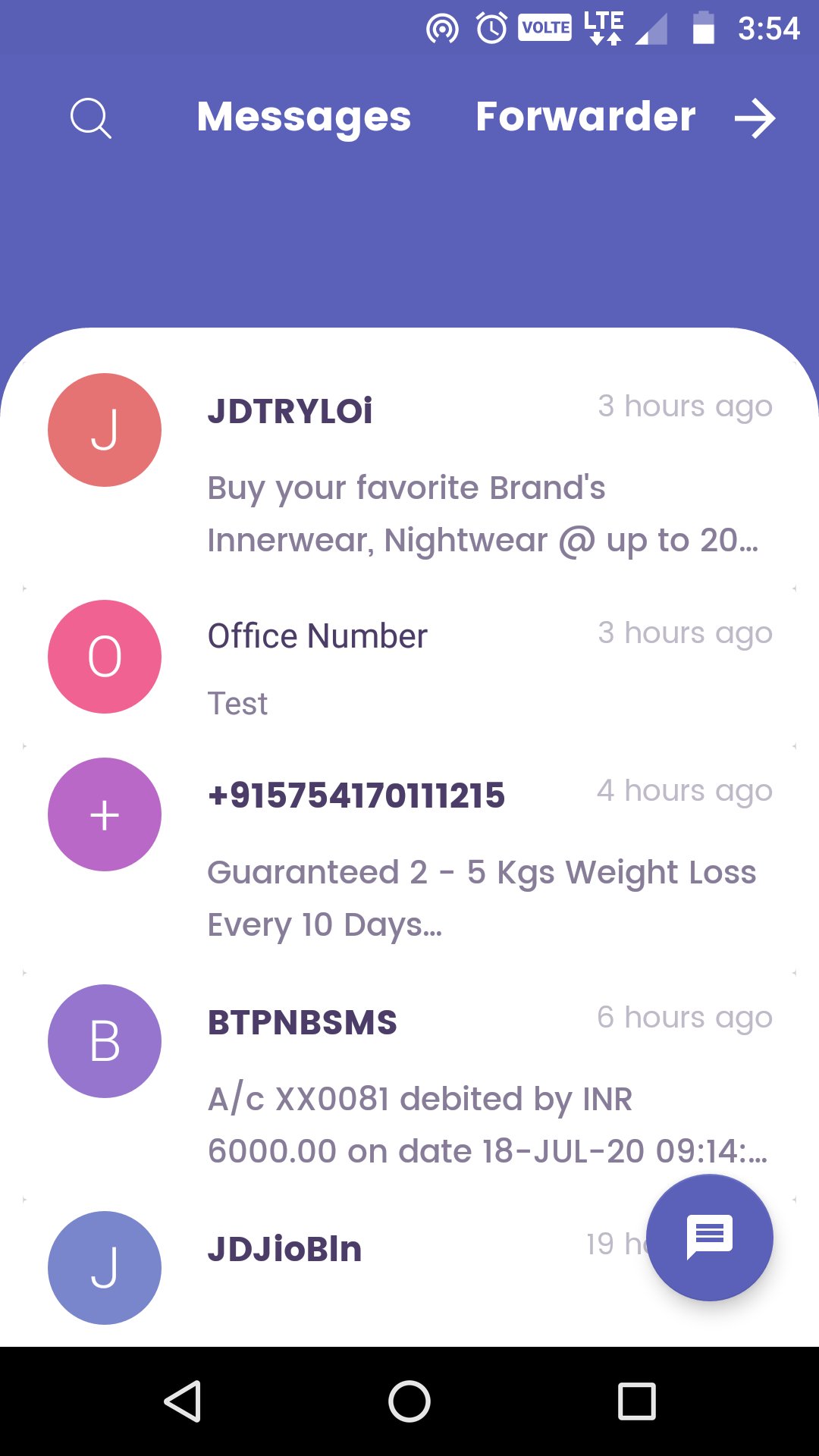
SMS Forwarder is a powerful and modern SMS/MMS app that replaces your default messaging app and adds advanced automation tools. Whether you’re managing multiple phone numbers, running a small business, or simply want more control over your text messages, SMS Forwarder provides everything you need — from auto-forwarding, SIM-specific routing, and scheduled messaging to SMS blocking and rich conversation management tools.
📱 All-in-One SMS & MMS Manager
Set SMS Forwarder as your default SMS/MMS app for a clean and smooth experience.
Includes all essential messaging features:
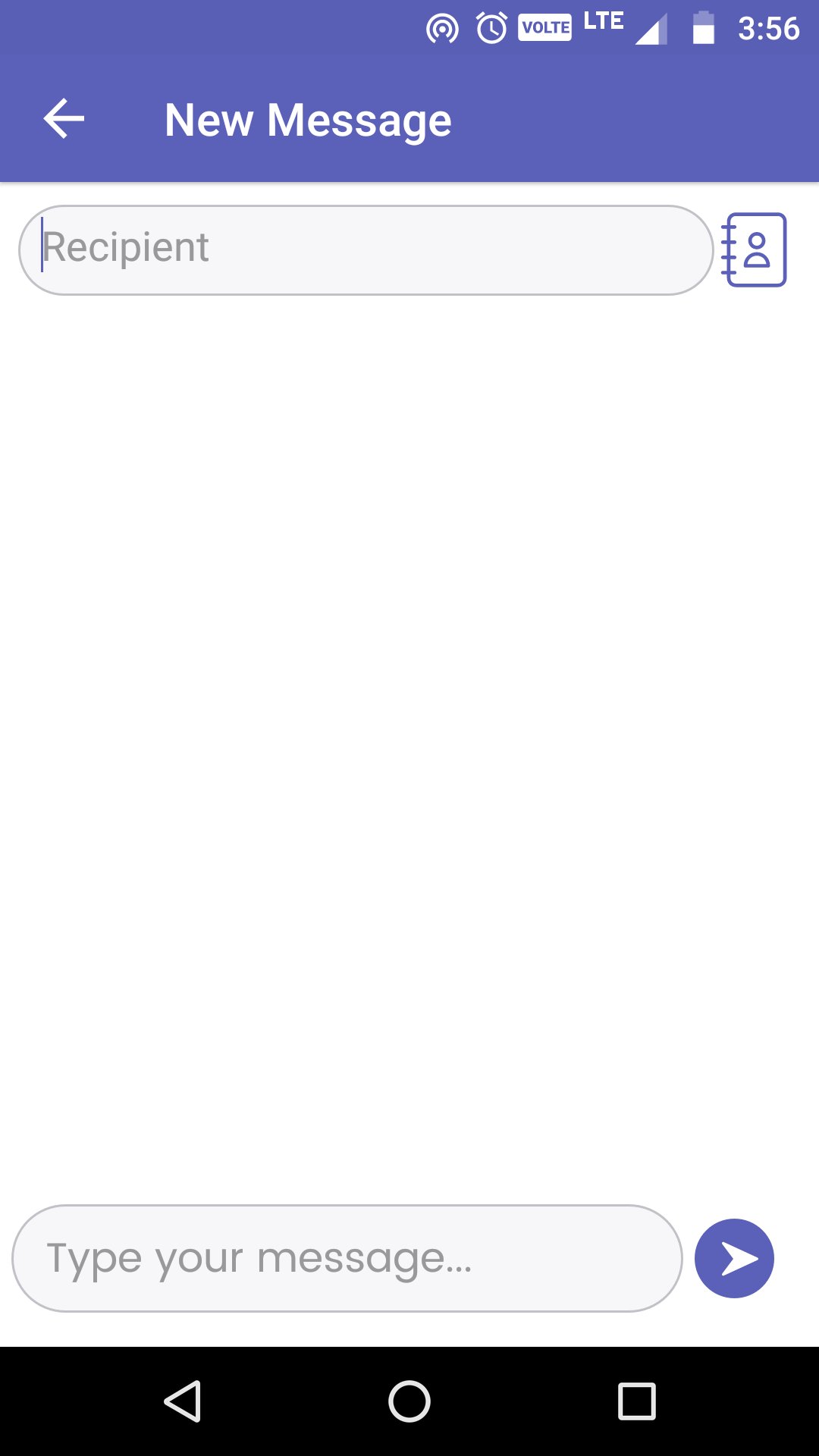
Send and receive SMS and MMS
Copy, paste, and delete individual messages
Pin important chats to the top
Mark messages as unread
Archive conversations
Block unwanted numbers
Support for group conversations
Select and delete all messages at once
Copy phone numbers to the clipboard
View detailed message thread info
🔄 SMS Forwarding – Powerful & Flexible
Automatically forward incoming SMS to any phone number.
Perfect for:
Business alerts
Team communication
Customize forwarding rules:
Filter by sender
Filter by keywords
Choose whether to match any or all keywords
Forward messages that match both sender and keyword filters
📅 Scheduled SMS Forwarding
Schedule SMS forwarding at a specific date and time.
Automate:
Reminders
Timed alerts
Periodic updates
📶 Dual SIM Selection & Routing
Choose which SIM card to:
Receive SMS
Use for forwarding SMS
Ideal for dual SIM users managing work/personal numbers.
🚫 SMS Blocking for Privacy & Productivity
Block spam or promotional messages.
Filter and block specific numbers or message patterns.
Maintain a clean and focused inbox.
🔐 Secure & Private
All messages processed locally on your device.
No cloud storage, no third-party servers.
Your privacy and data stay 100% safe.
⚡ Lightweight, Fast & Efficient
Optimized for performance on all devices.
Runs smoothly on entry-level Android phones.
Uses minimal battery and background resources.
📘 How to Use the SMS Forwarder Feature
Tap the Forwarder Button
Click the Forwarder button on the right side of the screen toolbar.
Start by clicking the plus (+) icon to add a new rule.
Create a Rule
Any sender: Enter a specific sender or leave blank to apply to all.
Keyword filter: Add words like "code", etc., to forward specific messages.
Match type: Choose all or any keywords.
Enter forward to: Provide the phone number to forward SMS to.
(Optional) Enable:
Show Sender Details
Receive Call
Reply Back
Set rule status as Active.
Save the Rule
Tap “FORWARD AS SMS” to save and activate the rule.
Auto-Forwarding
The app will now automatically forward incoming SMS that match your rule to the specified number.
🔍 Perfect for Users Searching For:
SMS Forwarding App
Auto Forward Text Messages
Scheduled SMS Forwarder
Dual SIM SMS App
Block Spam SMS
Smart Messaging App
Secure & Private SMS App
Business SMS Automation
Advanced Default SMS App
Caution!
If someone else has asked you to install this app, be careful since he/she may be a fraud.
Requested permissions
1.RECEIVE_SMS, RECEIVE_MMS, READ_SMS, SEND_SMS
This is required for reading and sending SMS.
2. READ_CONTACTS
This is required to read your Gmail account and read your contact's name.
3. READ_PHONE_STATE
For the correct formation of redirection filters
4. ACCESS_WIFI_STATE, ACCESS_NETWORK_STATE, INTERNET
Automatic redirect
Privacy
- This app requires permission to read or send SMS.
- This app does not save SMS or contacts on a server.
- When you delete this app, all data will be deleted unconditionally.
預覽
標籤
工具訊息
開發商
TechInnate Solutions
最新版本
10.51
更新時間
2026-04-27
類別
工具
同時可用
Google Play
更多
如何在電腦上用 GameLoop 玩 SMS Auto Forwarder & Messaging
1. 從官網下載GameLoop,然後運行exe文件安裝GameLoop
2. 打開GameLoop,搜索“SMS Auto Forwarder & Messaging”,在搜索結果中找到SMS Auto Forwarder & Messaging,點擊“安裝”
3. 享受在 GameLoop 上玩 SMS Auto Forwarder & Messaging 的樂趣
Minimum requirements
OS
Windows 8.1 64-bit or Windows 10 64-bit
GPU
GTX 1050
CPU
i3-8300
Memory
8GB RAM
Storage
1GB available space
Recommended requirements
OS
Windows 8.1 64-bit or Windows 10 64-bit
GPU
GTX 1050
CPU
i3-9320
Memory
16GB RAM
Storage
1GB available space