
Copy My Data: Phone Transfer 電腦版
Technoline Apps
用GameLoop模拟器在電腦上玩Copy My Data: Phone Transfer
Copy My Data: Phone Transfer 電腦版
來自發行商 Technoline Apps 的 Copy My Data: Phone Transfer 能夠在安卓系統上運行。
現在,您可以在電腦上使用 GameLoop 模擬器流暢地玩 Copy My Data: Phone Transfer。
在 GameLoop 遊戲庫或搜索結果中下載。 不需要再暢玩遊戲時盯著電池電量或被令人懊惱的來電打斷。
只需在電腦大屏幕上免費下載暢玩Copy My Data: Phone Transfer 電腦版!
Copy My Data: Phone Transfer 簡介
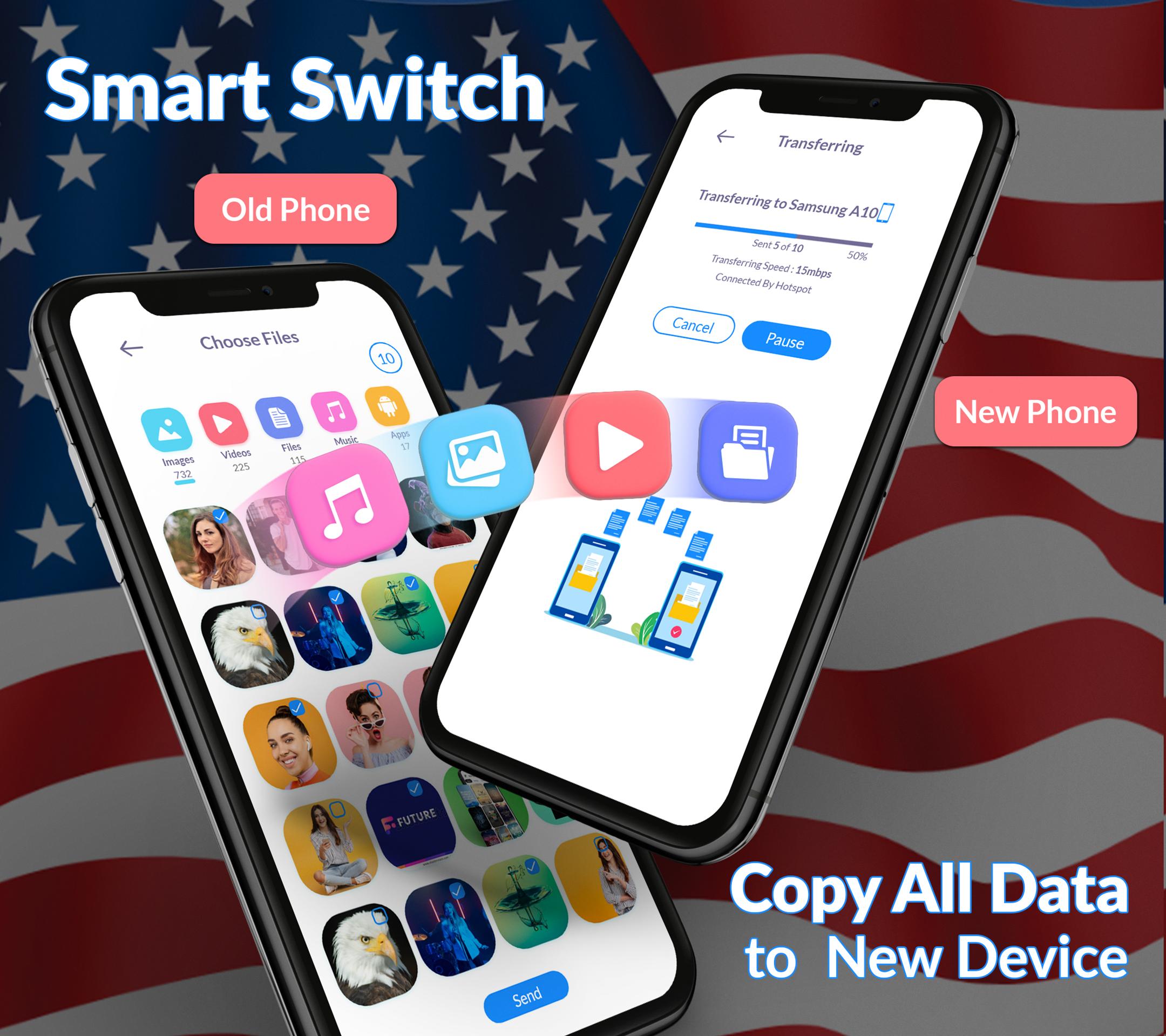
Discover the Smart Trasnfer: Copy my Data now and data transfer to a new device seamlessly. Now you don't have to worry about losing your valuable data; our smart clone app helps you data transfer without wasting time. Connect both phones to Wi-Fi and start transferring all your data with the smart transfer process.
Transfer large amounts of data without wasting your time and save important data, such as photos, videos, contacts, messages, data files, and audio files. Your data is precious, and we understand the importance of keeping it safe. Easily save your memories and important documents.
Benefits to choose Data Transfer : Copy my Data.
Data transfer without computer
Smart mobile transfer
Simple transfer
Quick share & Fully secure
Fast files sharing
Transfer all data
Send any single folder
Smart transfer process
Phone clone
Send anywhere
Content transfer is much easier and more efficient with the smart transfer app, which makes your data transfer act completely secure. We've created the smart data transfer app, where you can quickly data transfer to your new device eliminating the need for a trusted app for content transfer.
Transfer my data:
Easily transfer your data with smart share. Transfer your data and memories to a new phone easily and without losing them. Transfer my data allows you to transfer music, messages, contacts, photos, and more. Content transfer is no need to email yourself or deal with cables just select the content you want to transfer and watch it move seamlessly between your devices.
Data Transfer : Copy my data app unique features:
o Photo transfer
o Send files
o Receive files
o Phone clone
o Content transfer
o The process of file sharing is very fast
o View the used and available space on your phone.
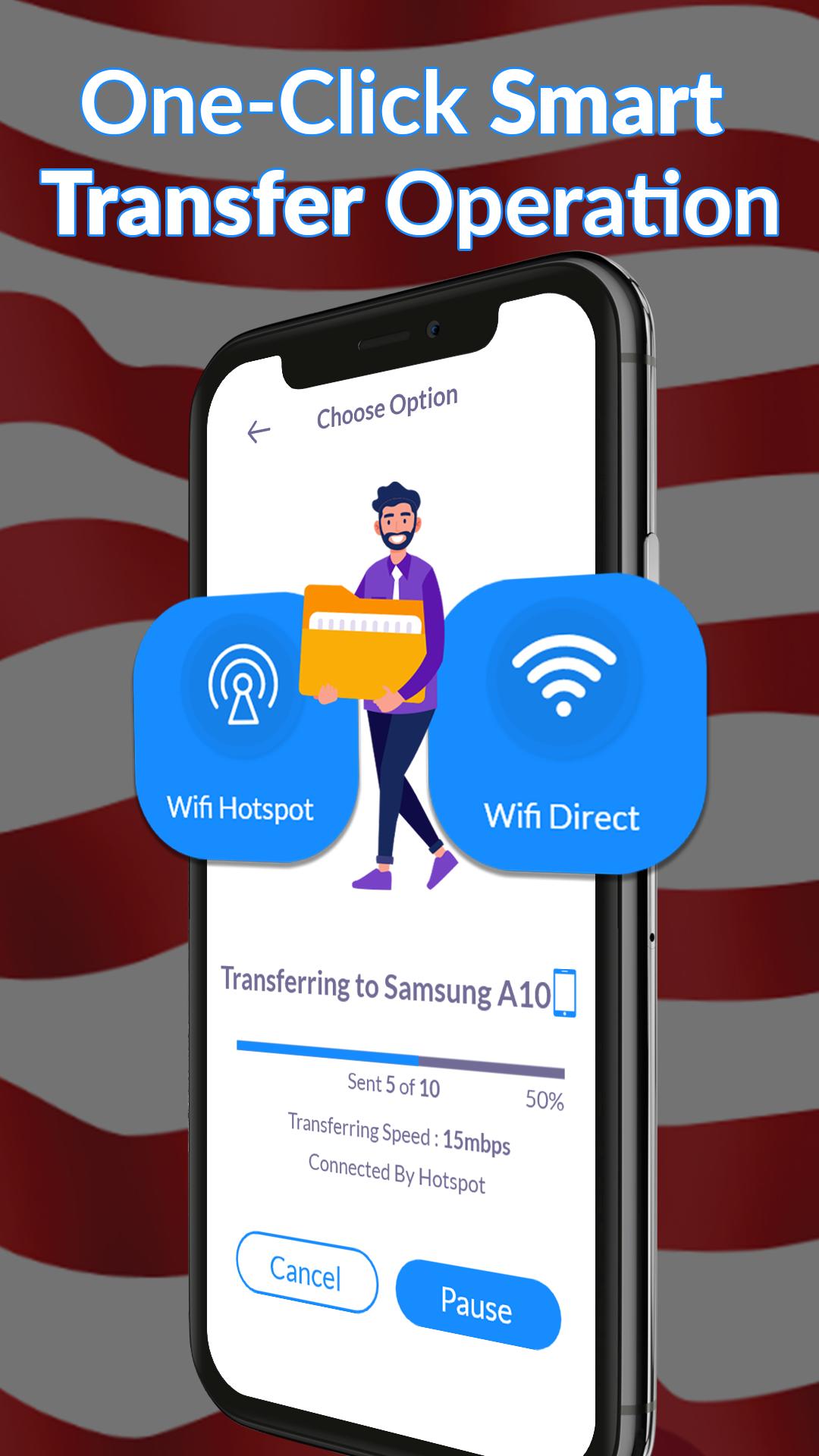
o At any time, you can pause and resume the data transfer operation
Smart switch data transfer:
Explore the smart switch now and use the smart transfer process to your contacts, photos, videos, and other content from one to another phone. With just a few simple steps, you can easily move your data and save valuable time and energy. The smart switch data transfer provides the history of your all data sent and received is completely secure.
Switch mobile transfer:
If your phone is damaged and you need to replace it and you are worried about losing your data, you can now choose smart switch mobile transfer all your old data to your new one. Transferring data with the switch mobile transfer app is very easy. Transfer all your valuable content and file transfer from one phone to another phone and make your mobile transfer process so easy.
Phone clone :
In a few taps, you can clone your entire phone, including contacts, photos, messages, and apps. Transfer all data wirelessly in just a few taps and enjoy a seamless simple transfer to your new device. Phone clone ensures a complete and safe transfer.
Content transfer:
Transfer file, contacts, videos, and media seamlessly across all your devices. Transferring data between phones is made effortless with phone clone. Smart switch data transfer easily your content from your old phone to your new one.
Download the smart switch : copy my data app now and transfer your content and memories to your new phone with ease.
預覽
標籤
工具訊息
開發商
Technoline Apps
最新版本
4.4.9
更新時間
2025-09-12
類別
工具
同時可用
Google Play
更多
如何在電腦上用 GameLoop 玩 Copy My Data: Phone Transfer
1. 從官網下載GameLoop,然後運行exe文件安裝GameLoop
2. 打開GameLoop,搜索“Copy My Data: Phone Transfer”,在搜索結果中找到Copy My Data: Phone Transfer,點擊“安裝”
3. 享受在 GameLoop 上玩 Copy My Data: Phone Transfer 的樂趣
Minimum requirements
OS
Windows 8.1 64-bit or Windows 10 64-bit
GPU
GTX 1050
CPU
i3-8300
Memory
8GB RAM
Storage
1GB available space
Recommended requirements
OS
Windows 8.1 64-bit or Windows 10 64-bit
GPU
GTX 1050
CPU
i3-9320
Memory
16GB RAM
Storage
1GB available space