
Sidus Link 電腦版
Sidus Link Ltd.
用GameLoop模拟器在電腦上玩Sidus Link
Sidus Link 電腦版
來自發行商 Sidus Link Ltd. 的 Sidus Link 能夠在安卓系統上運行。
現在,您可以在電腦上使用 GameLoop 模擬器流暢地玩 Sidus Link。
在 GameLoop 遊戲庫或搜索結果中下載。 不需要再暢玩遊戲時盯著電池電量或被令人懊惱的來電打斷。
只需在電腦大屏幕上免費下載暢玩Sidus Link 電腦版!
Sidus Link 簡介
Sidus Link provides a brand-new solution for film lighting control. Based on proprietary Sidus Mesh technology, it enables direct connection and control of over 100 film lighting fixtures using mobile devices like smartphones.
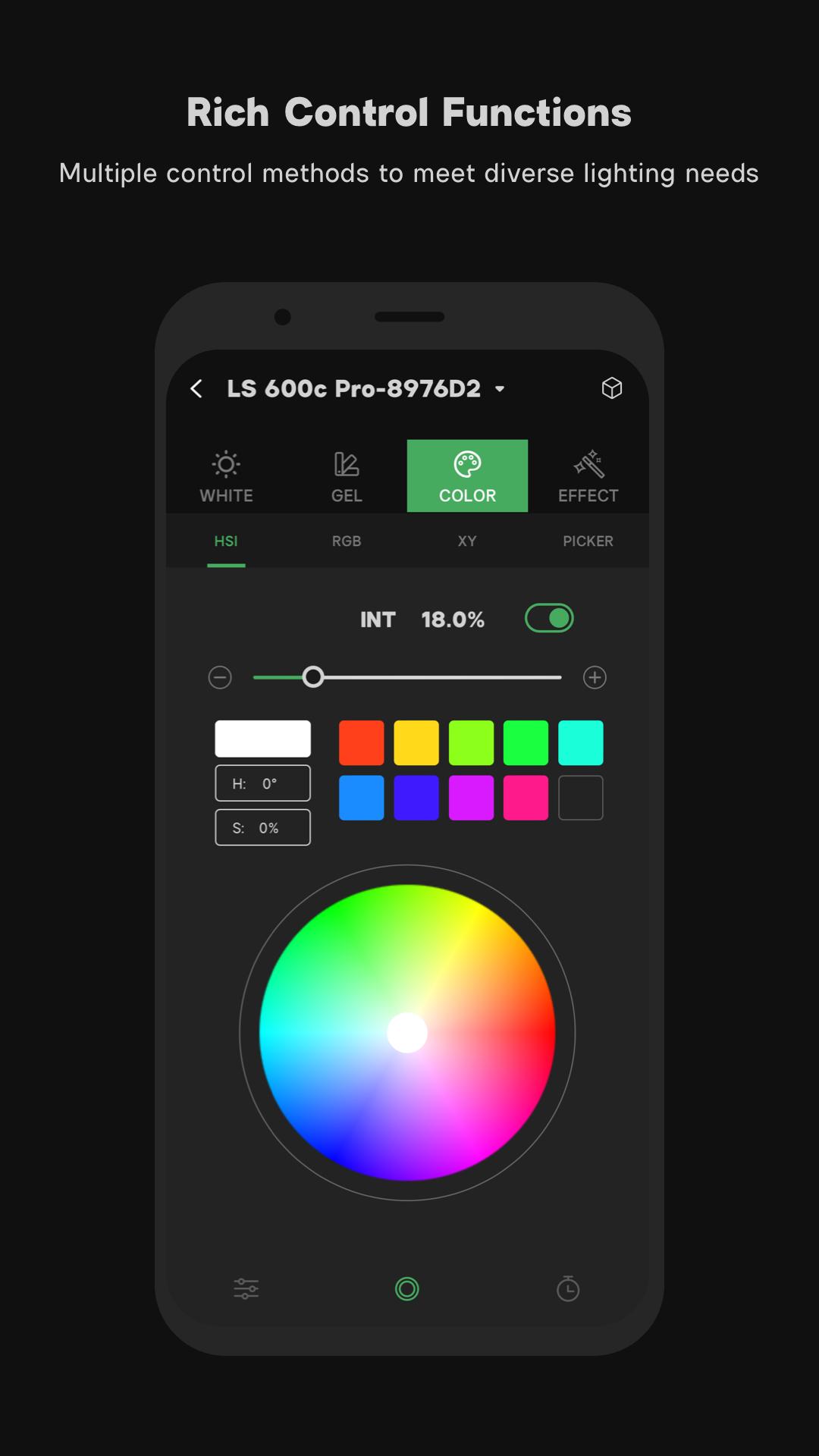
Sidus Link integrates the most widely used and professional control functions and modes in the lighting field, including White Light Mode, Gel Mode, Color Mode, Effect Mode, and unlimited preset functions. With built-in Sidus Cloud and Creative Collaboration Group features, it simplifies workflows to help gaffers, DPs, and filmmakers quickly complete scene and lighting setups.
Language Support:
English
Simplified Chinese
Traditional Chinese
Japanese
Portuguese
French
Russian
Vietnamese
German
1. Sidus Mesh Intelligent Lighting Network
1.Decentralized film lighting network – No additional network equipment (gateways or routers) required; connect and control lighting fixtures directly via smartphones or other smart devices.
2.Multi-layer encryption ensures a secure and reliable lighting network, preventing interference and misoperation.
3.Supports 100+ professional lighting fixtures.
4.Multiple control devices (smartphones or other smart devices) can simultaneously control the same lighting network.
2. Basic Functions
Supports four major control modes: White / Gel / Color / Effect.
2.1. White Light
1.CCT – Supports quick adjustment and touchpad-based control.
2.Source Type – Built-in common white light source library for fast selection.
3.Source Match – Quickly match any scene or cct
2.2. Gel Mode
1.Supports traditional CTO/CTB adjustments used in the film industry.
2.300+ Rosco® & Lee® lighting gels.Rosco® and Lee® trademarks and copyrights belong to their respective owners.
2.3. Color Mode
1.HSI & RGB modes for quick color adjustments.
2.XY Chromaticity Mode supports A Gamut (similar to BT.2020), DCI-P3, and BT.709 color spaces.
3.Color Picker – Instantly sample any visible color.
2.4. Effects
Supports fine-tuning and control of all built-in lighting effects in Aputure fixtures.
2.5. Presets & QuickShots
1.Unlimited local presets.
2.QuickShot Scene Snapshots – Save and recall lighting setups instantly.
3. Advanced Effects
Sidus Link App supports:
PICKER FX
MANUAL
MUSIC FX
Magic Program Pro/Go
Magic Infinity FX
4. Compatibility
1.Sidus Link App supports connection and control of all new Aputure film lights, such as LS 300d II, MC, etc.
2.Legacy Aputure lights will require additional accessories for app connectivity and control.*
3.Supports OTA management – Network firmware and lighting updates for continuous optimization.
5. Sidus On-Set Lighting Workflow
On-set workflow management – Create scenes, add devices, and quickly complete lighting setups.
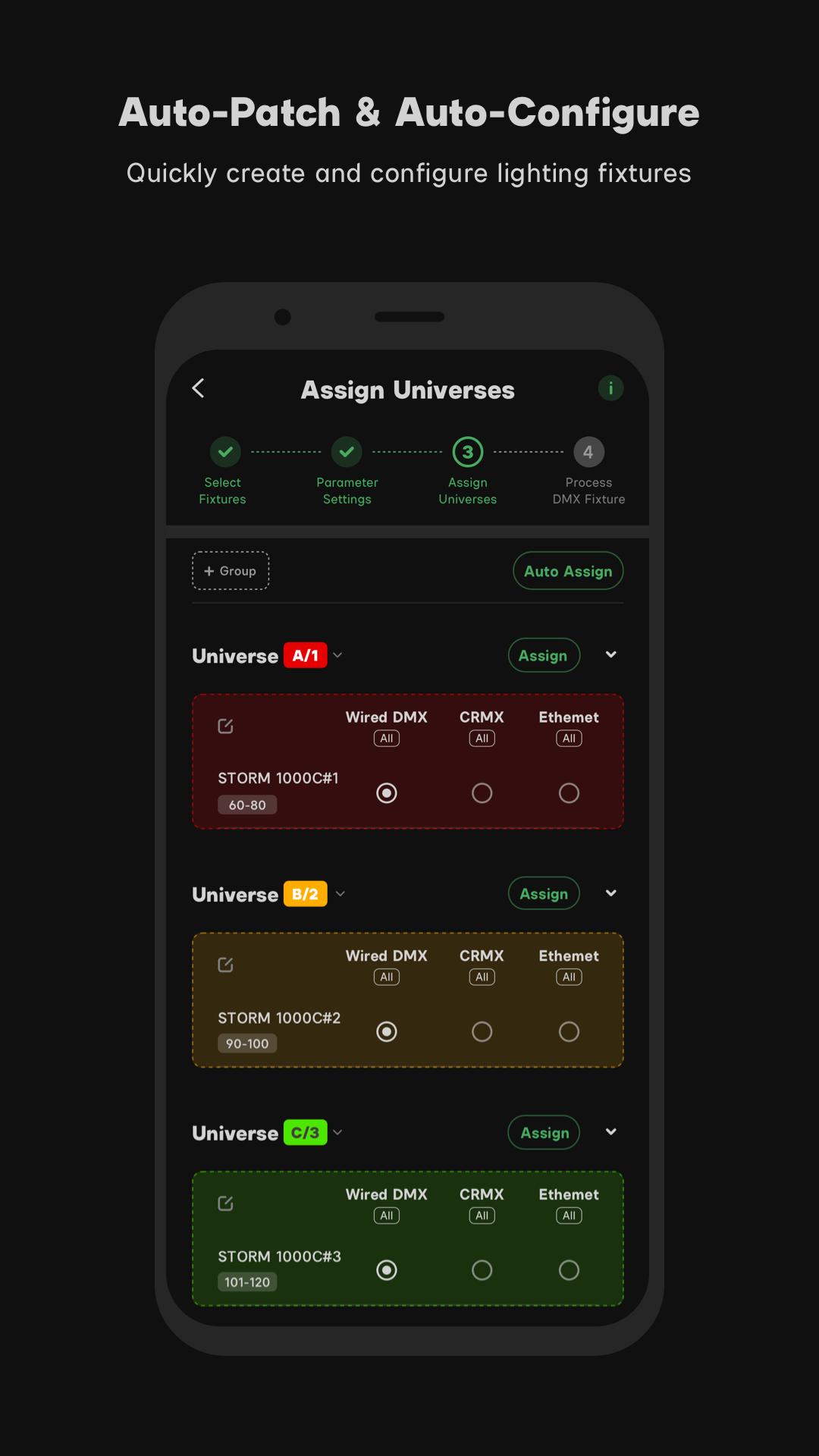
Console Workspace Mode – Quickly configure scenes and lighting.
Group Management – Fast grouping and control of multiple fixtures.
Power Management – Real-time monitoring of battery levels and remaining runtime.
Device-Controller Parameter Sync – Instantly retrieve detailed device status and settings.
QuickShot Scene Snapshots – Save and recall lighting setups.
CC Collaboration Group Workflow
Supports multi-user collaboration for controlling and adjusting lighting setups.
6. Sidus Cloud Services
Free cloud storage for presets, scenes, and effects (requires compatible hardware/software; existing devices will be supported via firmware updates).
CC Collaboration Group Workflow
Share lighting networks with group members.
Supports quick sharing via temporary verification codes.
7. UX Design
Dual UI modes – Precise parameter control & WYSIWYG
Fixture Locator Button – Added to device lists and group management for quick identification.
Onboarding guides – Clear instructions on adding/resetting devices.
預覽
標籤
工具訊息
開發商
Sidus Link Ltd.
最新版本
2.0.02
更新時間
2025-08-13
類別
工具
同時可用
Google Play
更多
如何在電腦上用 GameLoop 玩 Sidus Link
1. 從官網下載GameLoop,然後運行exe文件安裝GameLoop
2. 打開GameLoop,搜索“Sidus Link”,在搜索結果中找到Sidus Link,點擊“安裝”
3. 享受在 GameLoop 上玩 Sidus Link 的樂趣
Minimum requirements
OS
Windows 8.1 64-bit or Windows 10 64-bit
GPU
GTX 1050
CPU
i3-8300
Memory
8GB RAM
Storage
1GB available space
Recommended requirements
OS
Windows 8.1 64-bit or Windows 10 64-bit
GPU
GTX 1050
CPU
i3-9320
Memory
16GB RAM
Storage
1GB available space