
Secureye RMS (Gold Series) 電腦版
Secureye
用GameLoop模拟器在電腦上玩Secureye RMS (Gold Series)
Secureye RMS (Gold Series) 電腦版
來自發行商 Secureye 的 Secureye RMS (Gold Series) 能夠在安卓系統上運行。
現在,您可以在電腦上使用 GameLoop 模擬器流暢地玩 Secureye RMS (Gold Series)。
在 GameLoop 遊戲庫或搜索結果中下載。 不需要再暢玩遊戲時盯著電池電量或被令人懊惱的來電打斷。
只需在電腦大屏幕上免費下載暢玩Secureye RMS (Gold Series) 電腦版!
Secureye RMS (Gold Series) 簡介
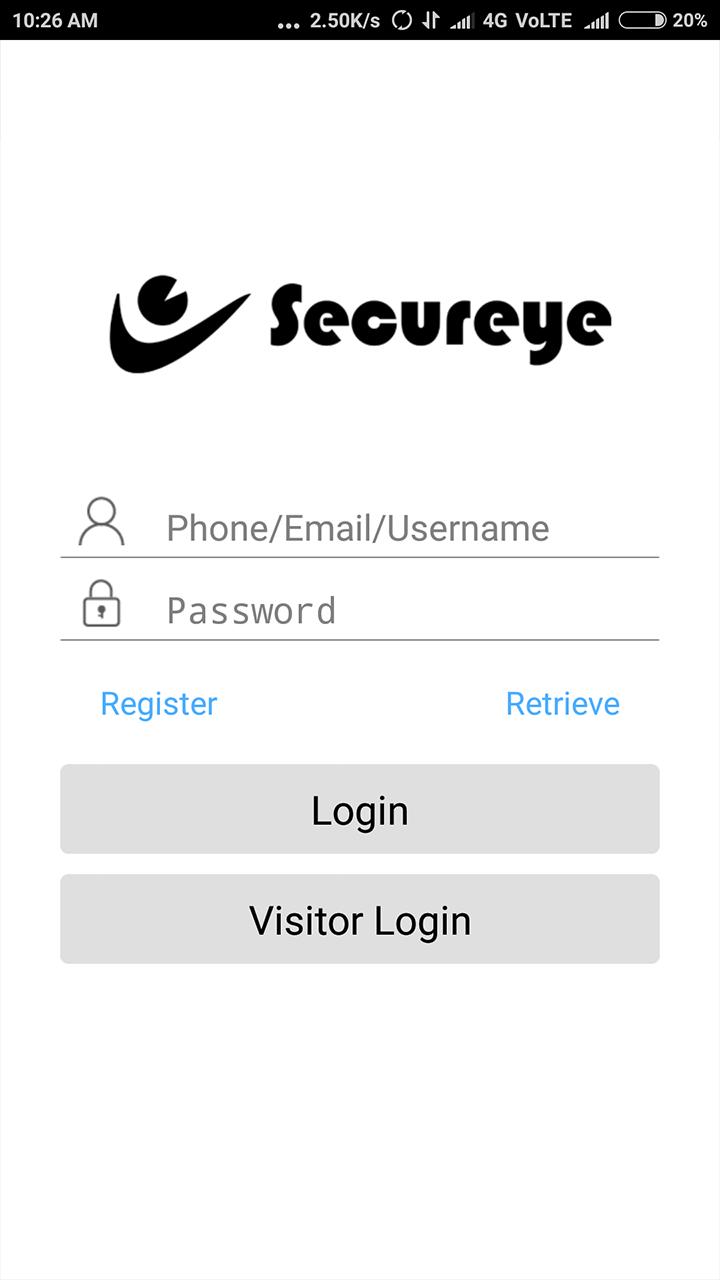
Secureye Remote monitoring system is ideal solution used to monitor your cameras through 3G/4G/wifi enabled mobile devices such as smart phone & tablets.Through this application all the gold series remotely SDVR/SNVR of Secureye brand can be monitored remotely.
Secureye improves the communication problem in the complex network environment. It solves dynamic IP and no public IP problems effectively under the environments of ADSL, PPPoE and LAN.
Comparing DDNS, Secureye do not need to apply for dynamic domain name, do port mapping and run DNS client. Remote view can be run based on a Secureye code, which can be gotten at host-end software. Secureye uses CDN (Content Delivery Network) technology in terms of servers, which is a leading technology used in many web portals. The servers of Secureye are located at the key nodes of network operators in order to get perfect bandwidth. The CDN technology is very useful in the application of Secureye.
預覽

標籤
工具訊息
開發商
Secureye
最新版本
V1.0.8
更新時間
2018-07-11
類別
工具
同時可用
Google Play
更多
如何在電腦上用 GameLoop 玩 Secureye RMS (Gold Series)
1. 從官網下載GameLoop,然後運行exe文件安裝GameLoop
2. 打開GameLoop,搜索“Secureye RMS (Gold Series)”,在搜索結果中找到Secureye RMS (Gold Series),點擊“安裝”
3. 享受在 GameLoop 上玩 Secureye RMS (Gold Series) 的樂趣
Minimum requirements
OS
Windows 8.1 64-bit or Windows 10 64-bit
GPU
GTX 1050
CPU
i3-8300
Memory
8GB RAM
Storage
1GB available space
Recommended requirements
OS
Windows 8.1 64-bit or Windows 10 64-bit
GPU
GTX 1050
CPU
i3-9320
Memory
16GB RAM
Storage
1GB available space