Sony Bravia Screen Mirroring 電腦版
XDeev Studio
用GameLoop模拟器在電腦上玩Sony Bravia Screen Mirroring
Sony Bravia Screen Mirroring 電腦版
來自發行商 XDeev Studio 的 Sony Bravia Screen Mirroring 能夠在安卓系統上運行。
現在,您可以在電腦上使用 GameLoop 模擬器流暢地玩 Sony Bravia Screen Mirroring。
在 GameLoop 遊戲庫或搜索結果中下載。 不需要再暢玩遊戲時盯著電池電量或被令人懊惱的來電打斷。
只需在電腦大屏幕上免費下載暢玩Sony Bravia Screen Mirroring 電腦版!
Sony Bravia Screen Mirroring 簡介
Upgrade your Sony Bravia TV to watch webvideos, online movies, livestreams and live-tv shows directly on your biggest screen with the no#1 web video caster. No additional streaming box required. Mp4, m3u8, hls livestreams, video over https and of course Full HD are supported.
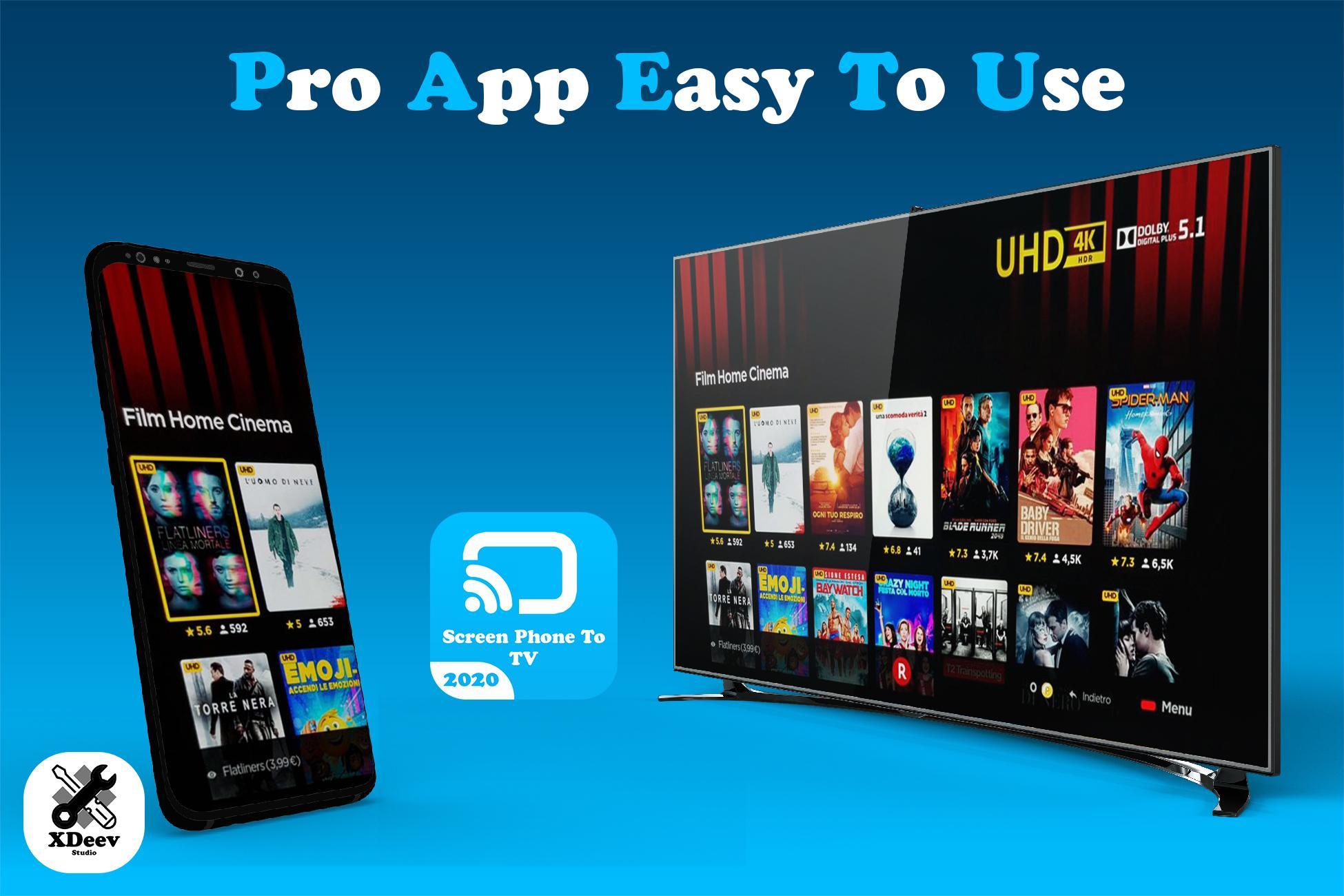
Screen Mirror 2020 - TV Screen Casting - Mirror your mobile screen to play games and videos. Screen Mirroring helps you for presentation of your work. screen mirroring is able to play videos, music, photos from your smartphone to your tv.
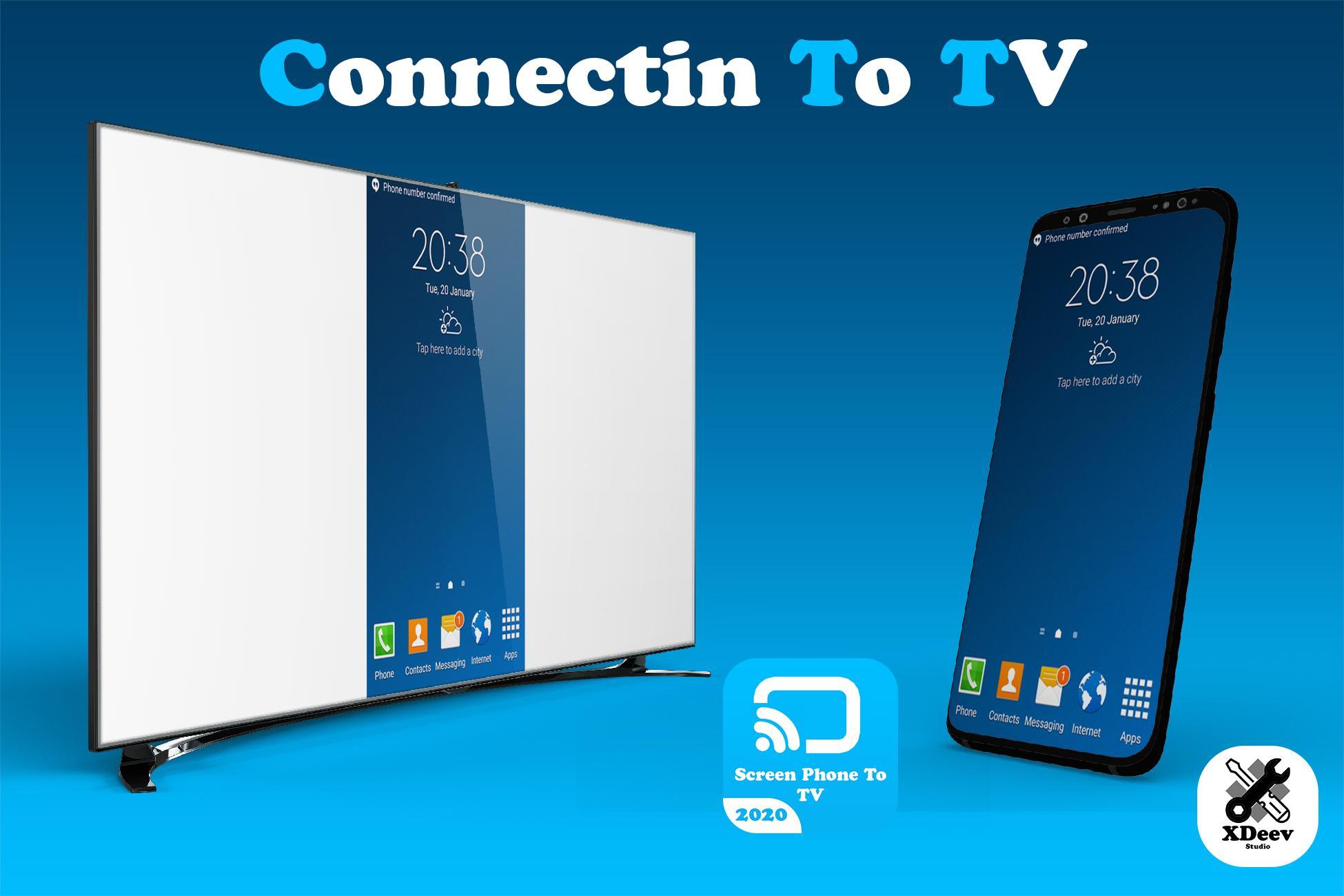
Screen Mirroring is a technique, which allows you to mirror your smartphone on the TV screen. You can easily access all of your games, photos, videos and other application on a big screen using this Screen Stream Mirroring (Castto) App.
If your eyes are drained from looking at your small cellular phone, you will get a great big screen phone experience by connecting your phone to a TV screen via This Cast To TV app!
*** This app only works with Sony TVs with built-in Video & TV Cast app. If you have a Sony TV with integrated Android TV please download 'Video & TV Cast | Google Cast' ***
>>> IMPORTANT NOTES, PLEASE READ
* Please open the built-in Video & TV Cast app on your Sony TV to start.
* Please enter the ip-address of your Android device by using the number pad and up/down/left/right keys on your Sony remote.
* NOT SUPPORTED Videos: Flash video, Google Play movies, Netflix, Amazon and HBO and other DRM protected videos web-videos, online-movies, livestreams and live-tv shows.
* Please test your websites and videos in the free edition! If casting fails, upgrading will NOT make it work magically.
* The app does NOT mirror your full Android device, it just pushes the video part of a website to your Sony TV.
* To play mp4, m3u8 or other videofiles directly on Sony TV just enter or paste the full video-url in the browser address bar.
* Sometimes it is necessary to play the video on your Android device before the link gets detected for casting.
* If the connection does not work, please try to restart your Android device, Sony TV and wifi router.
* If a specific web-video, online-movie, livestream or live-tv show does not cast, please check our FAQ or send the website and video link to info@video-tv-cast.com by using the report feature in the app. We will try to add support for your video as soon as possible. Leaving negative Play Store reviews without any information about your issue will not give us a chance to help you.
* Security Note: For your safety Video & TV cast only needs minimal Android permissions to work. Unlike others we do NOT access your identity data, accounts, device id, phone status, gps location or contacts. Please always check the required app permissions before you trust and install any Android app.
預覽
標籤
工具訊息
開發商
XDeev Studio
最新版本
4.0
更新時間
2022-07-14
類別
工具
同時可用
Google Play
更多
如何在電腦上用 GameLoop 玩 Sony Bravia Screen Mirroring
1. 從官網下載GameLoop,然後運行exe文件安裝GameLoop
2. 打開GameLoop,搜索“Sony Bravia Screen Mirroring”,在搜索結果中找到Sony Bravia Screen Mirroring,點擊“安裝”
3. 享受在 GameLoop 上玩 Sony Bravia Screen Mirroring 的樂趣
Minimum requirements
OS
Windows 8.1 64-bit or Windows 10 64-bit
GPU
GTX 1050
CPU
i3-8300
Memory
8GB RAM
Storage
1GB available space
Recommended requirements
OS
Windows 8.1 64-bit or Windows 10 64-bit
GPU
GTX 1050
CPU
i3-9320
Memory
16GB RAM
Storage
1GB available space