Screen Mirroring Samsung 電腦版
ImsaTools LTD
用GameLoop模拟器在電腦上玩Screen Mirroring Samsung
Screen Mirroring Samsung 電腦版
來自發行商 ImsaTools LTD 的 Screen Mirroring Samsung 能夠在安卓系統上運行。
現在,您可以在電腦上使用 GameLoop 模擬器流暢地玩 Screen Mirroring Samsung。
在 GameLoop 遊戲庫或搜索結果中下載。 不需要再暢玩遊戲時盯著電池電量或被令人懊惱的來電打斷。
只需在電腦大屏幕上免費下載暢玩Screen Mirroring Samsung 電腦版!
Screen Mirroring Samsung 簡介
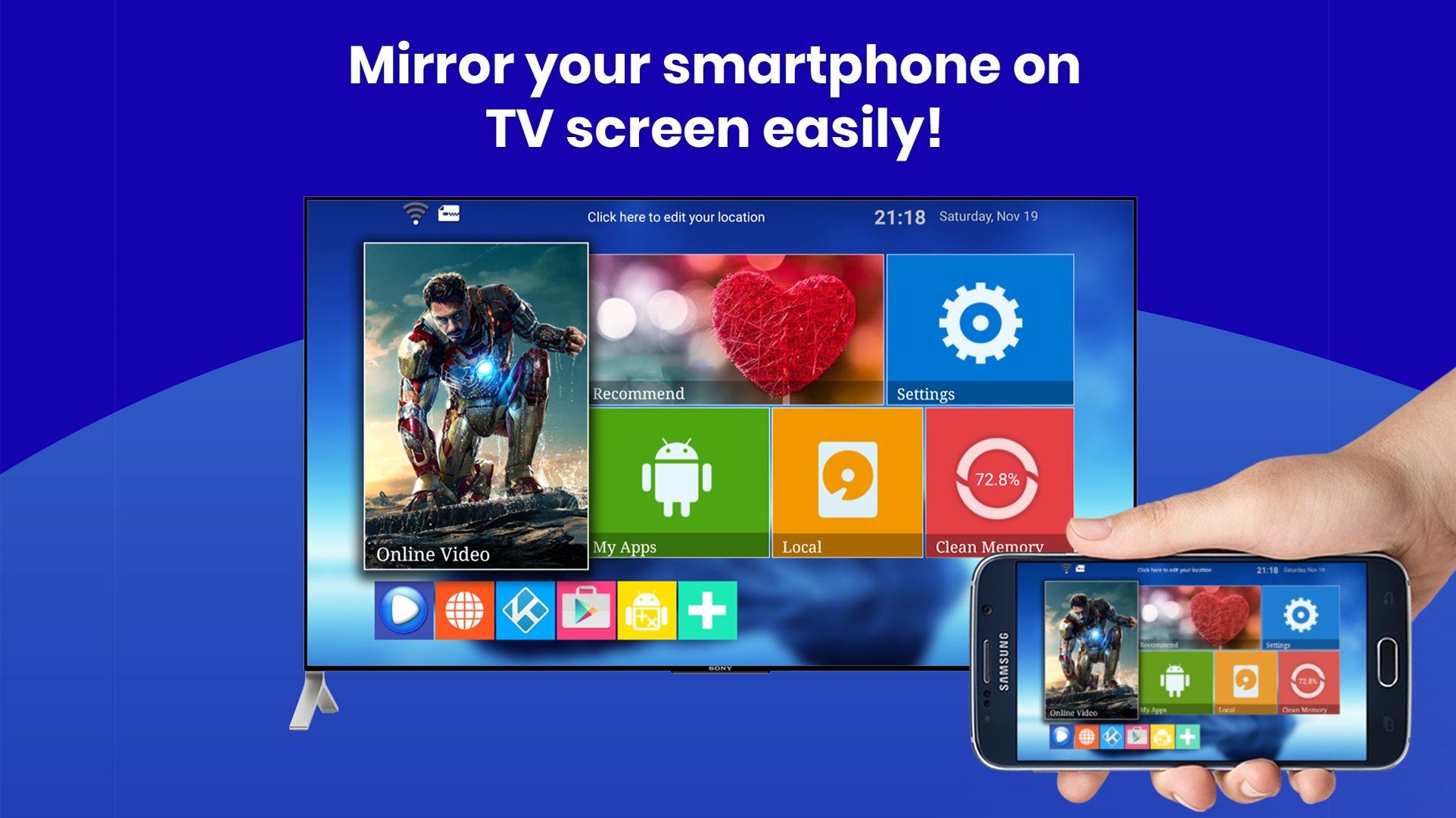
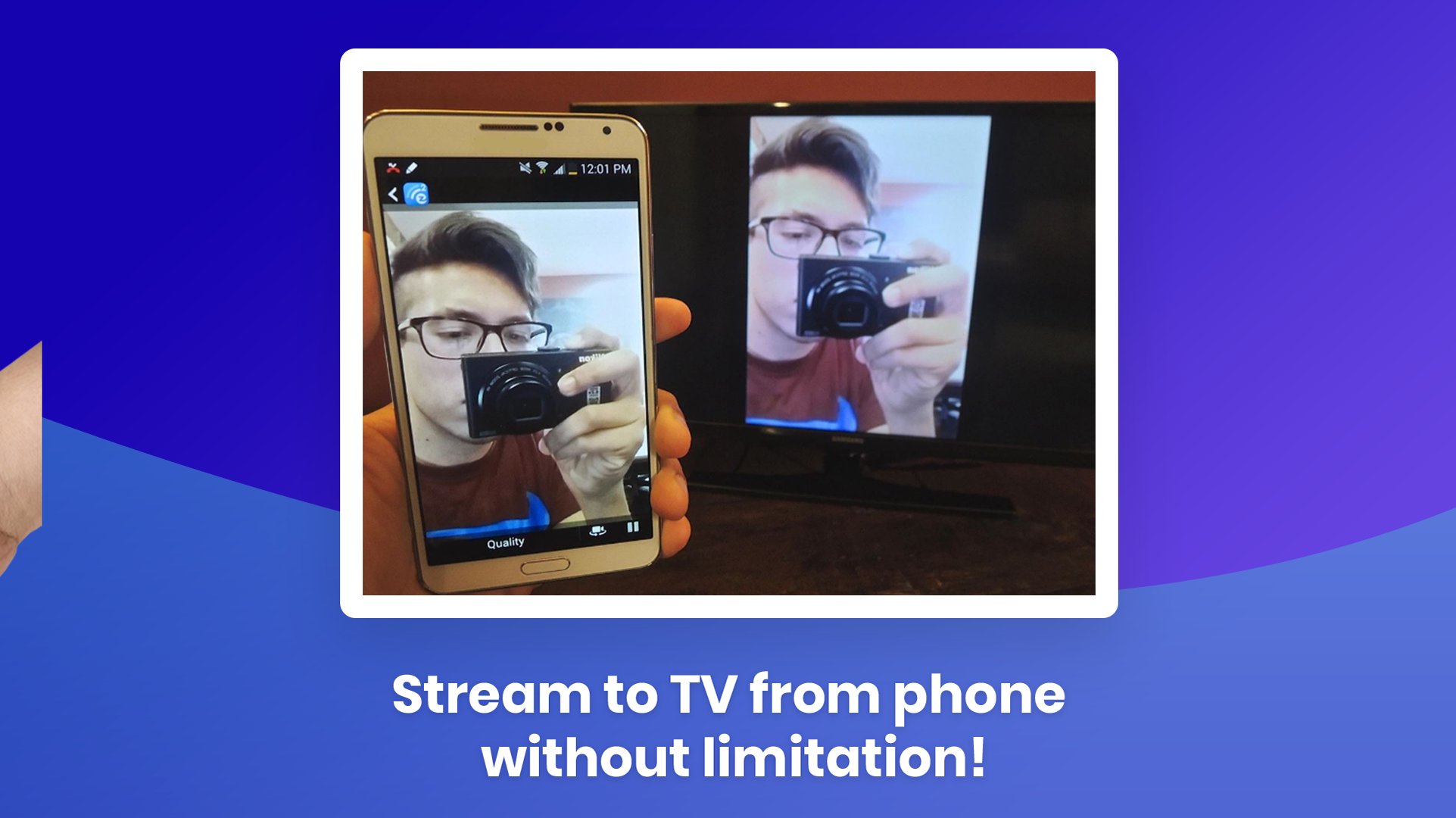
Turn any living‑room TV into a bigger, brighter Android display. Mirror your screen, stream 4 K video, or share a gaming session in seconds—no HDMI needed. “Screen Mirroring & Cast • Samsung TV” connects Samsung, LG, Sony Bravia, Roku, Fire TV, Chromecast, Miracast, and AirPlay with rock‑solid latency & HD audio.
🔑 Why users love it
• Instant pairing—auto‑detects devices on the same Wi‑Fi ✔️
• Zero‑lag gaming mode (≤40 ms)
• Full‑HD & 4 K playback for Netflix™, YouTube™, IPTV
• Flexible layouts—portrait / landscape / DeX desktop
• Private cast—stream local files without uploading to cloud
• Works with Bluetooth speakers for synced sound
• Totally free. No cables. No signup.
🛠️ How to start
1. Connect TV & phone to the same Wi‑Fi.
2. Launch the app → select your TV.
3. Tap Start Mirroring. That’s it!
🎮 Perfect for
• Watching live sports on the big screen
• Presenting slides at work or school
• Mobile gaming with a wireless controller
• Sharing holiday photos with family
• Using your phone as a touchpad on DeX
📱 Compatibility
• Phones/Tablets: Android 5.0+
• TVs & Dongles: Samsung Smart TV (2013‑2025), LG webOS, Sony Bravia, Hisense, TCL, Roku, Fire TV, Chromecast, Xiaomi TV Stick, any Miracast/UPnP receiver
• Protocols: Miracast, Google Cast, DLNA, AirPlay, Samsung DeX
❓ FAQ
• “No device found?” → Make sure VPN is off & both devices share the same 2.4 GHz or 5 GHz band.
• “Audio delay?” → Toggle ‘Sync Audio’ in Settings.
• Still stuck? Chat with us—24 h reply guaranteed.
Stop squinting at a 6‑inch screen. Download now and enjoy cinema‑size mirroring in one tap!
Keywords: screen mirroring, screen mirroring app, screen mirroring Samsung, screen mirroring for Samsung Smart TV, cast to TV, Miracast Android, AirPlay to TV, Samsung DeX, mirror screen to TV
預覽
標籤
工具訊息
開發商
ImsaTools LTD
最新版本
38.0
更新時間
2025-11-12
類別
工具
同時可用
Google Play
更多
如何在電腦上用 GameLoop 玩 Screen Mirroring Samsung
1. 從官網下載GameLoop,然後運行exe文件安裝GameLoop
2. 打開GameLoop,搜索“Screen Mirroring Samsung”,在搜索結果中找到Screen Mirroring Samsung,點擊“安裝”
3. 享受在 GameLoop 上玩 Screen Mirroring Samsung 的樂趣
Minimum requirements
OS
Windows 8.1 64-bit or Windows 10 64-bit
GPU
GTX 1050
CPU
i3-8300
Memory
8GB RAM
Storage
1GB available space
Recommended requirements
OS
Windows 8.1 64-bit or Windows 10 64-bit
GPU
GTX 1050
CPU
i3-9320
Memory
16GB RAM
Storage
1GB available space